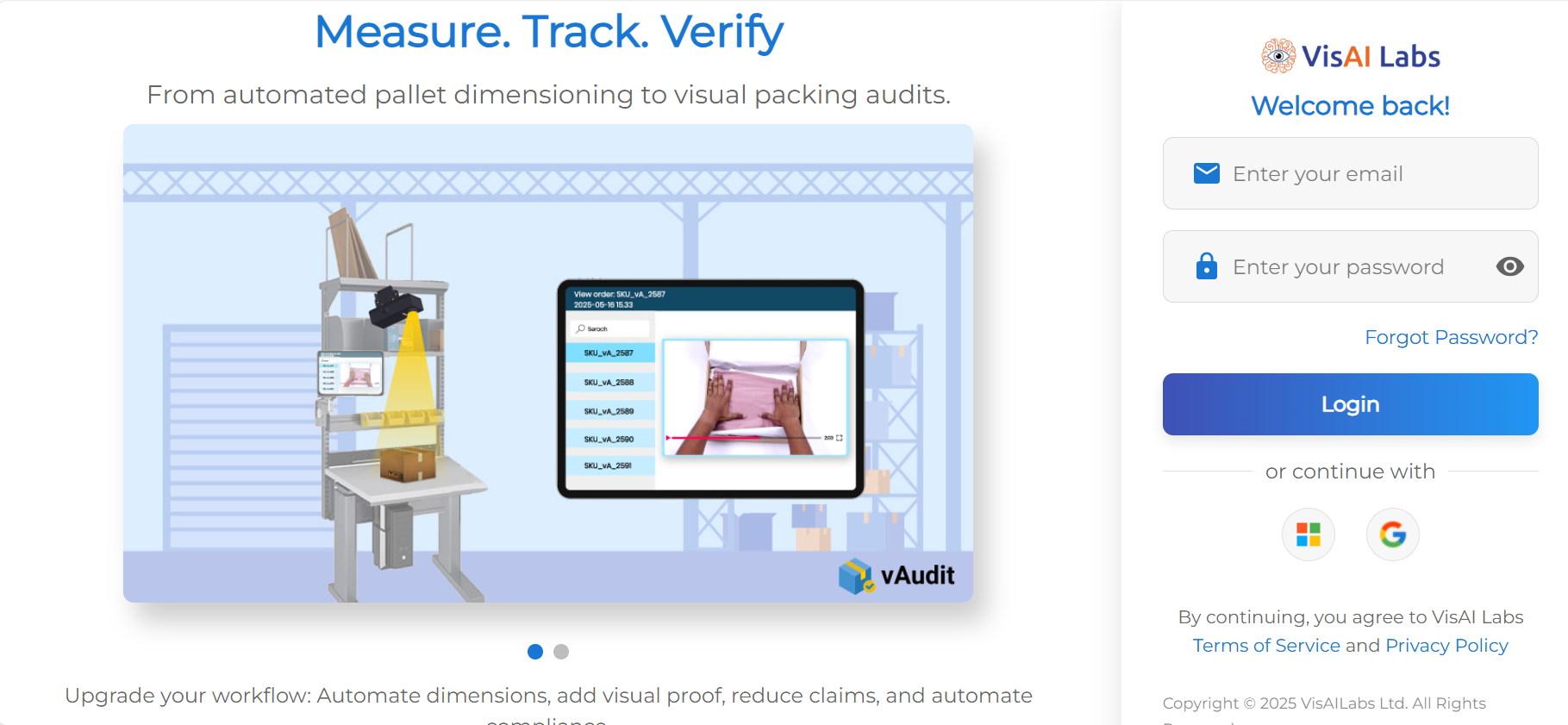
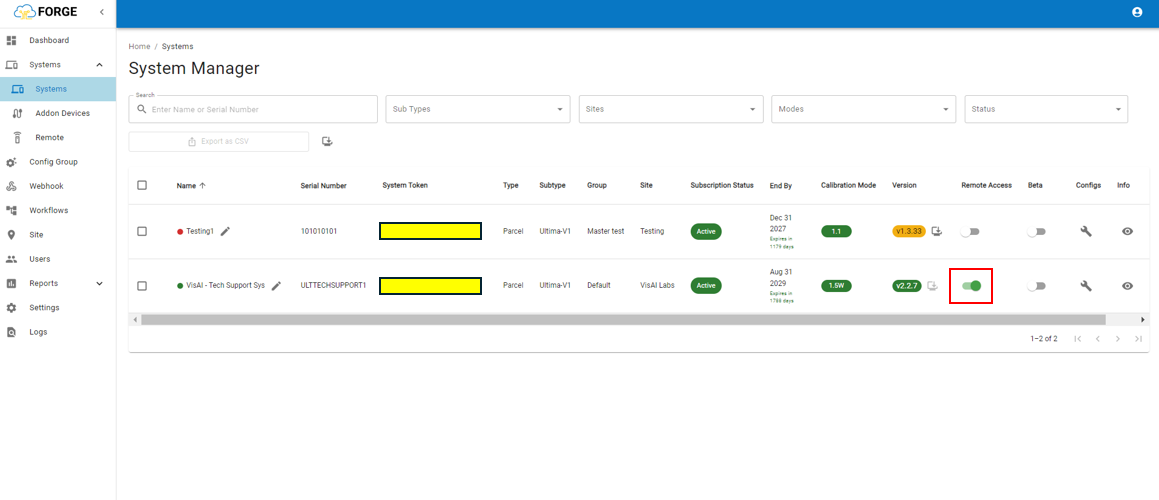
Step 2: Click on "System" and Navigate to "Systems"
Step 3: Locate the desired device in the Systems section and enable remote access. This will allow our backend team to diagnose the issue effectively. Please refer to the attached media for clear instructions.
If you need any support , please drop a mail to vmeasure@visailabs.com
Was this article helpful?
That’s Great!
Thank you for your feedback
Sorry! We couldn't be helpful
Thank you for your feedback
Feedback sent
We appreciate your effort and will try to fix the article