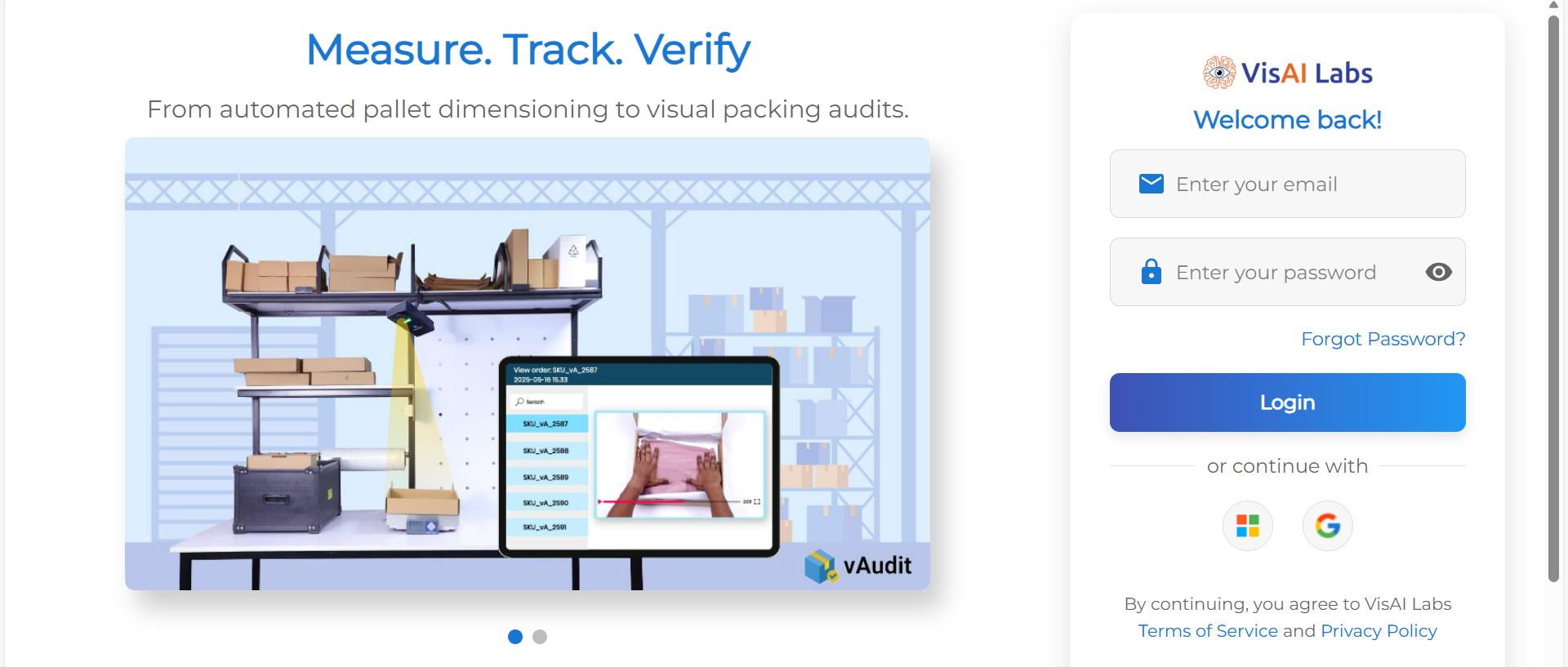
1.Log in through your Forge account. Click here to Login to Forge
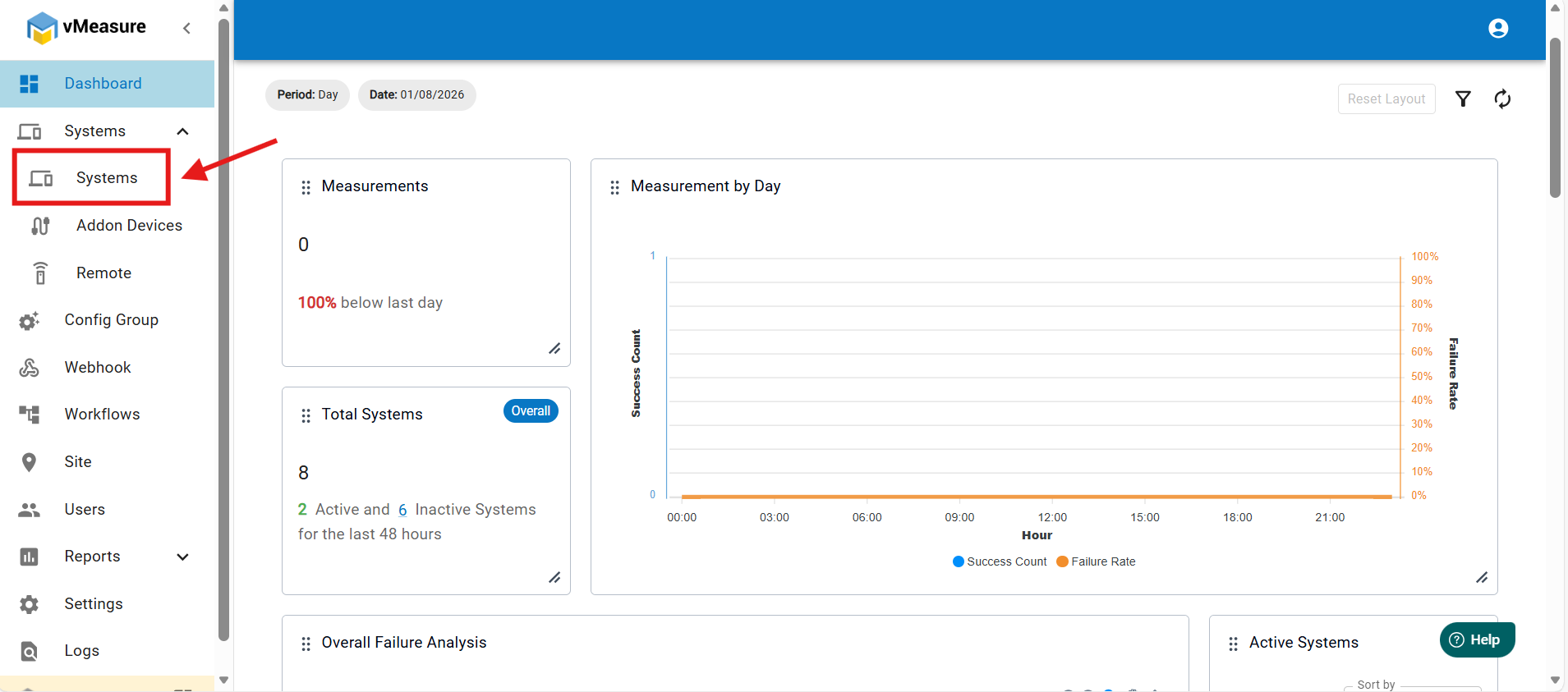
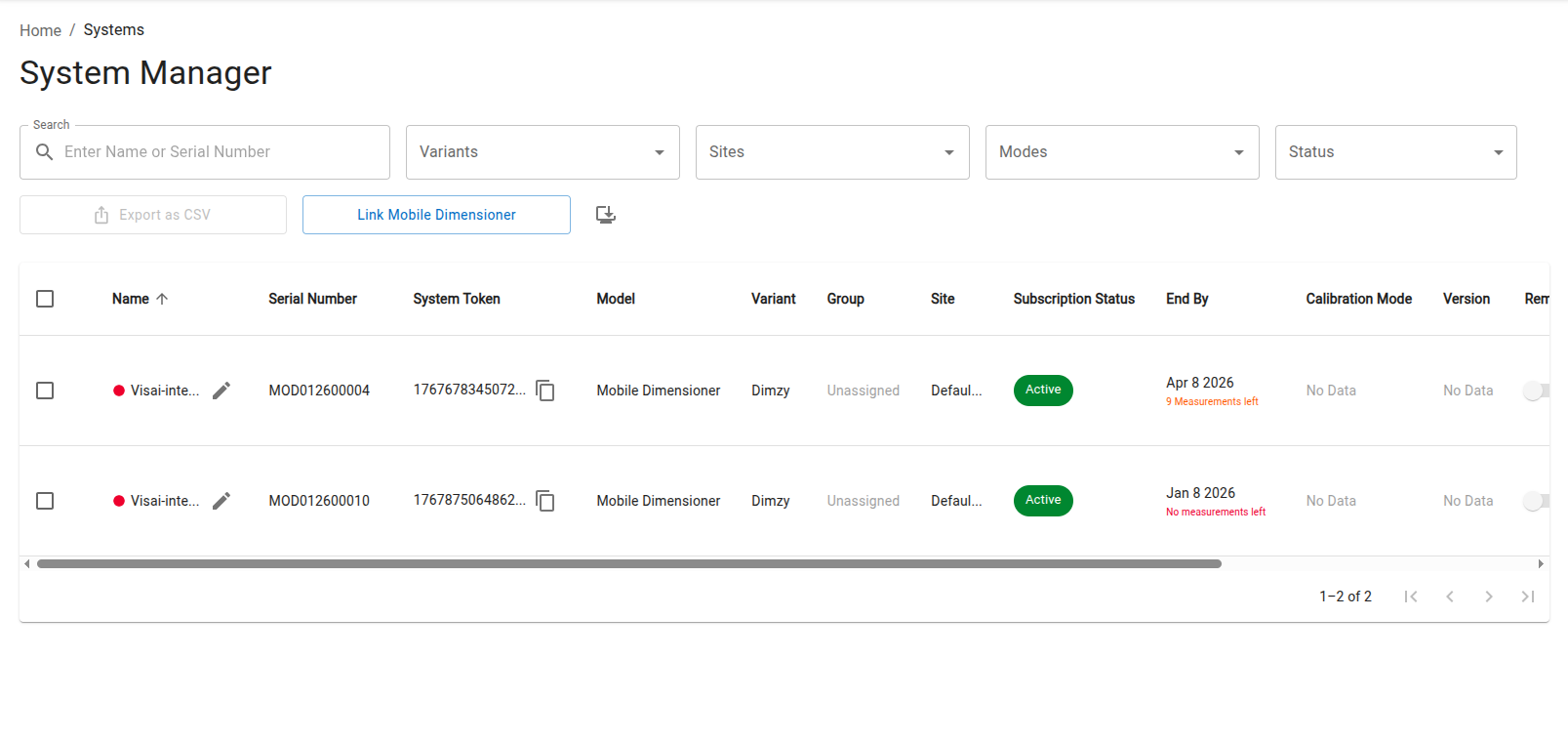
2. Once you’re logged in to Forge, go to Systems.
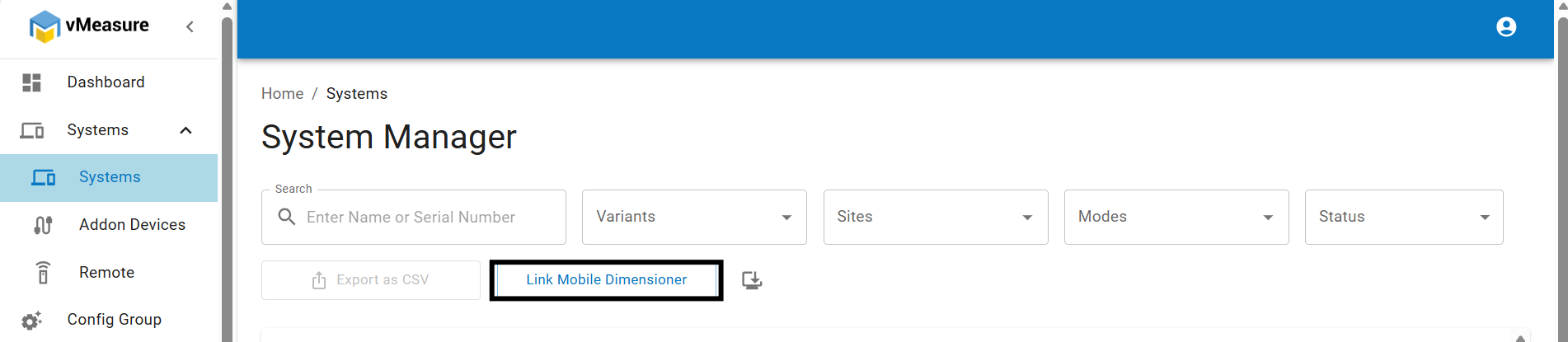
3.Go to Systems → Link Mobile Dimensioner.
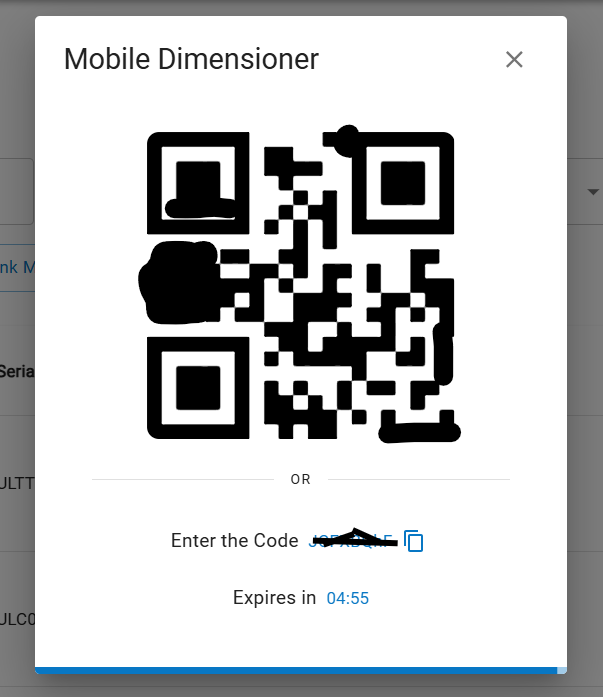
4. Link Forge with Mobile Dimensioner by scanning the QR or entering your remote code.
5. On Your Mobile Application, Navigate to Link Account to proceed.
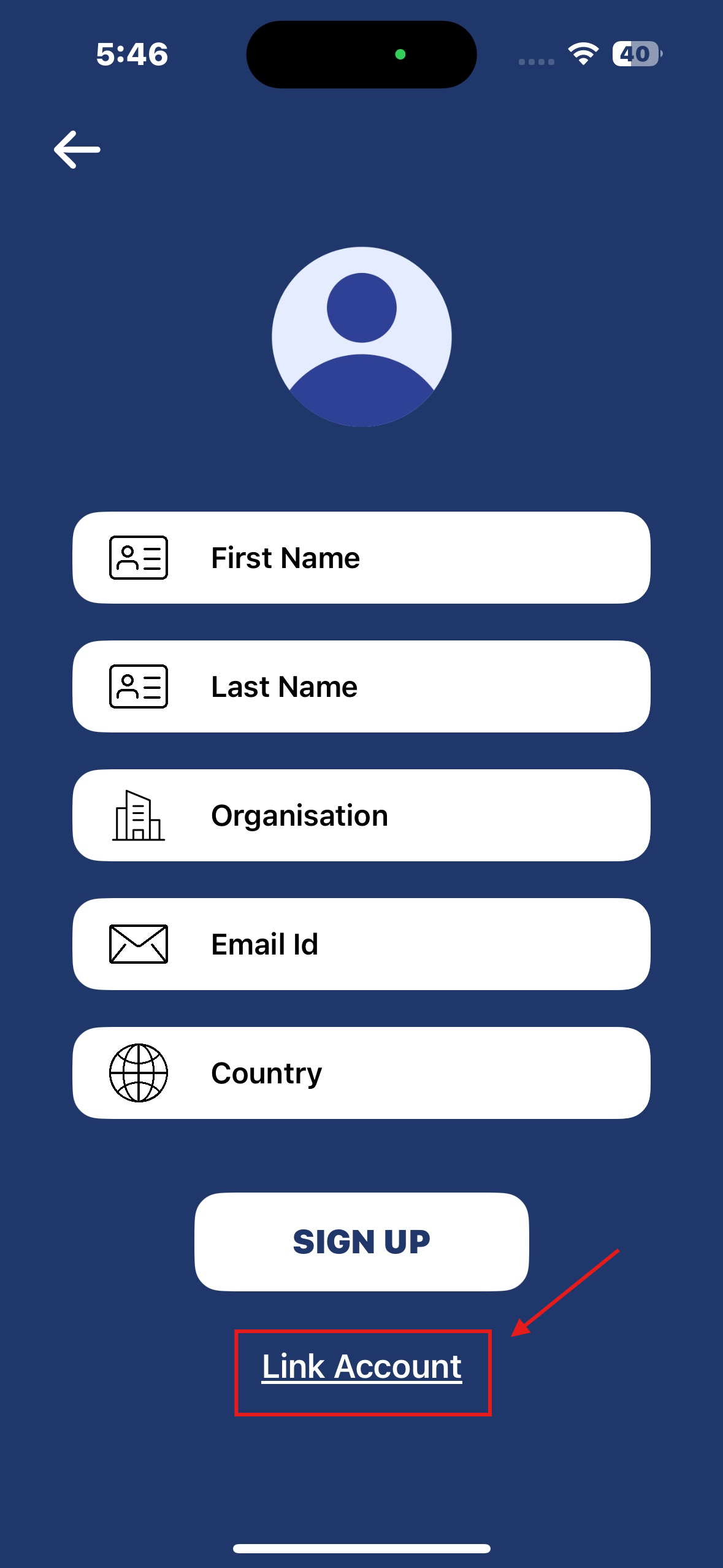
6. Either scan the QR or input the remote code manually.
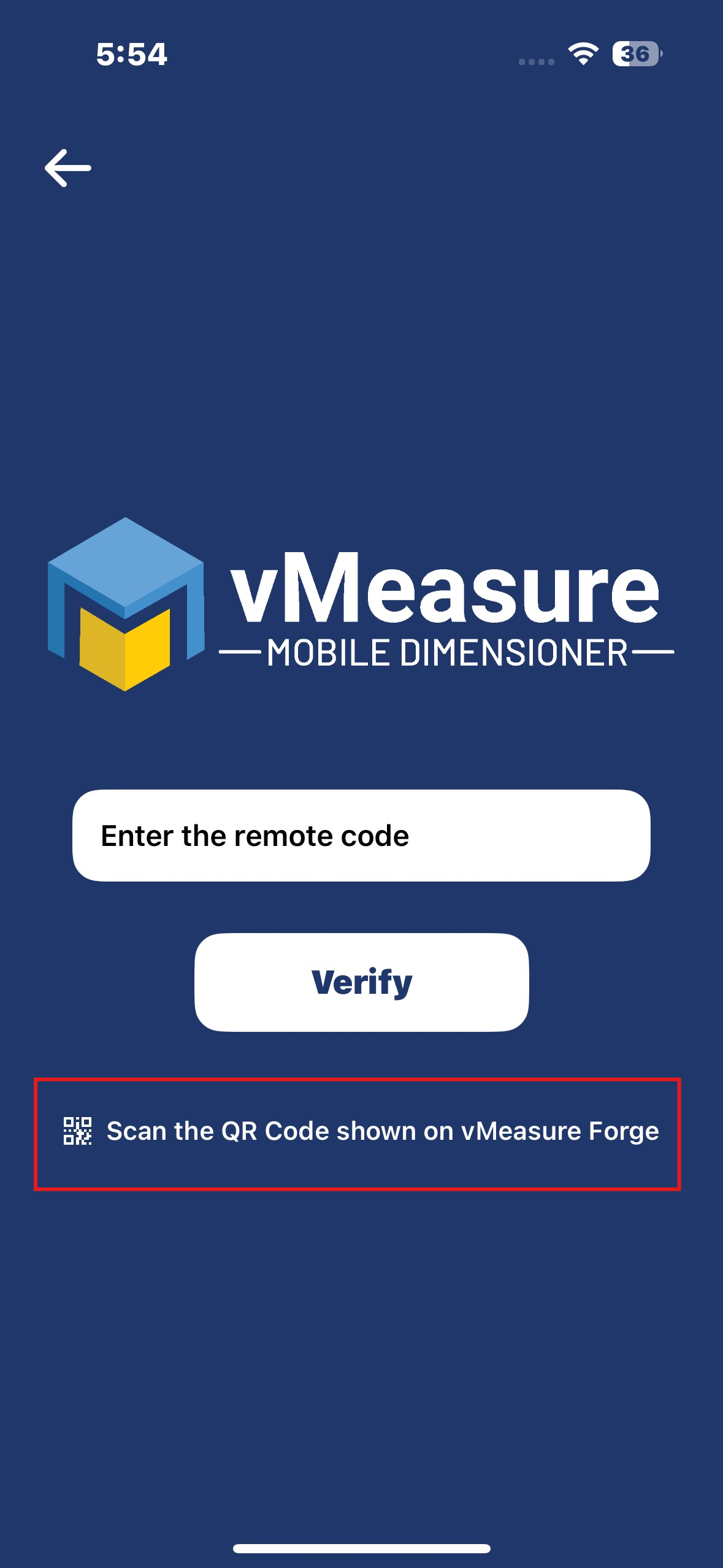
7. Click Verify to Continue.
8. Once your Mobile Dimensioner is linked, it’ll show up in your Forge account.
Was this article helpful?
That’s Great!
Thank you for your feedback
Sorry! We couldn't be helpful
Thank you for your feedback
Feedback sent
We appreciate your effort and will try to fix the article