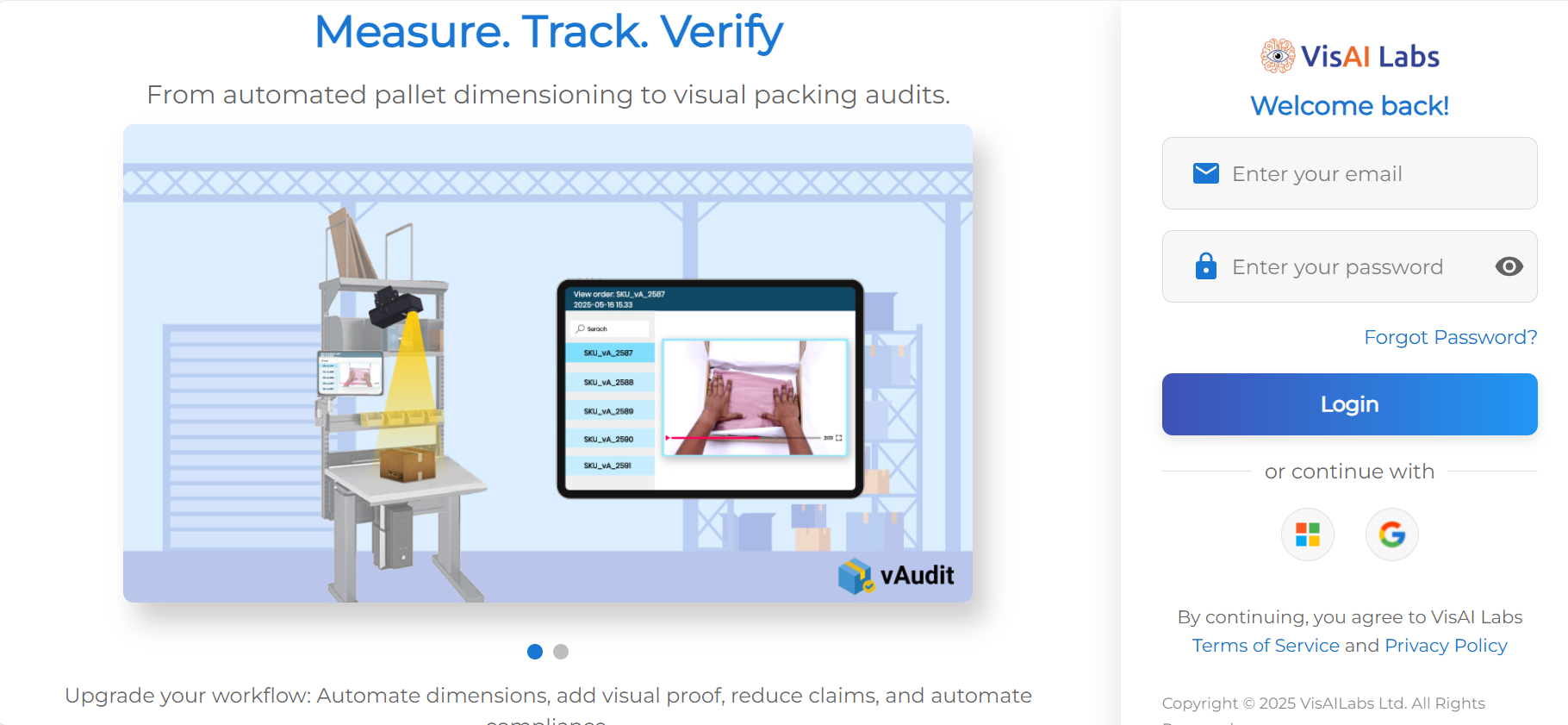
Step 1: Login to https://forge.vmeasure.ai/login
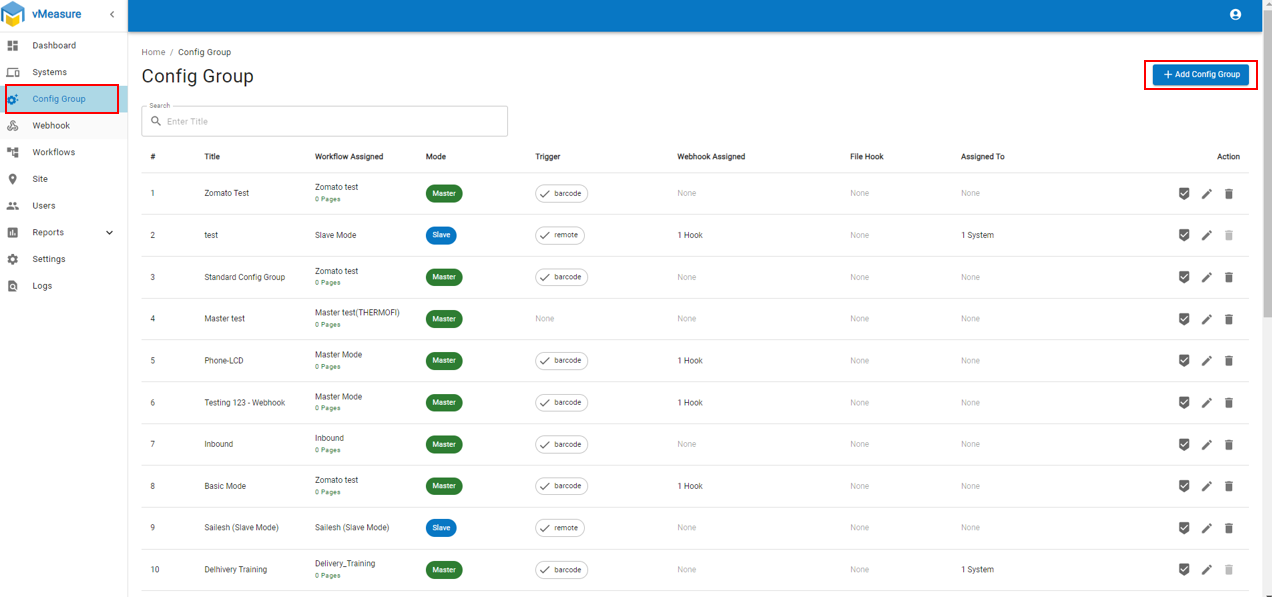
Step 2: Navigate to "Config Group" and Click on "+Add Config Group"
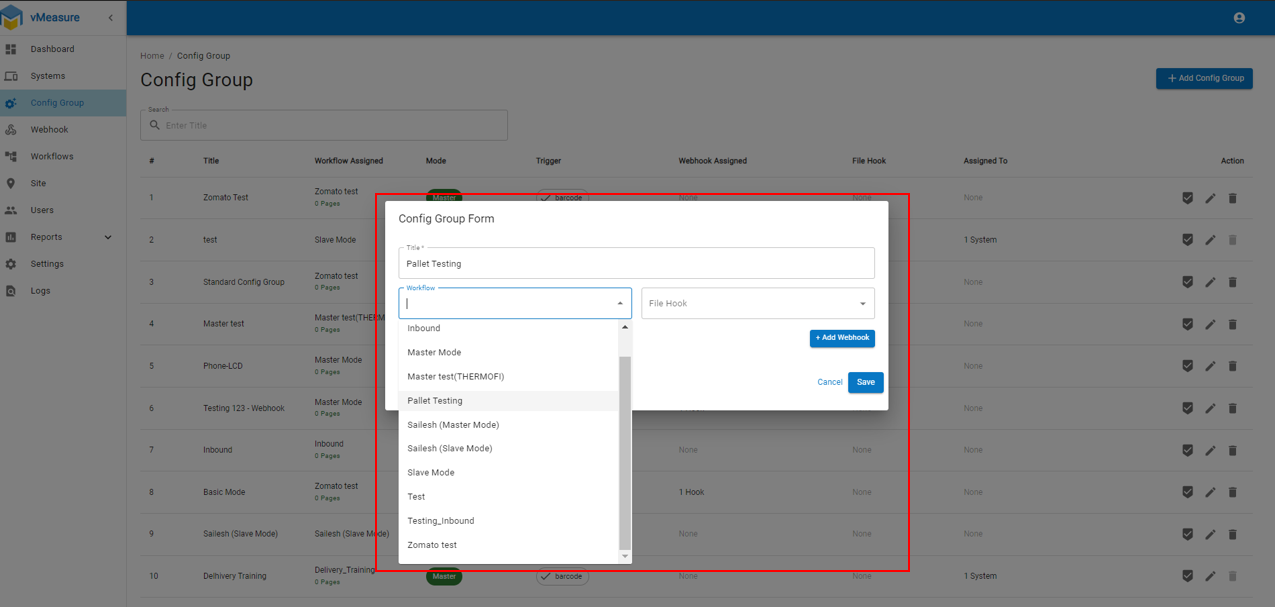
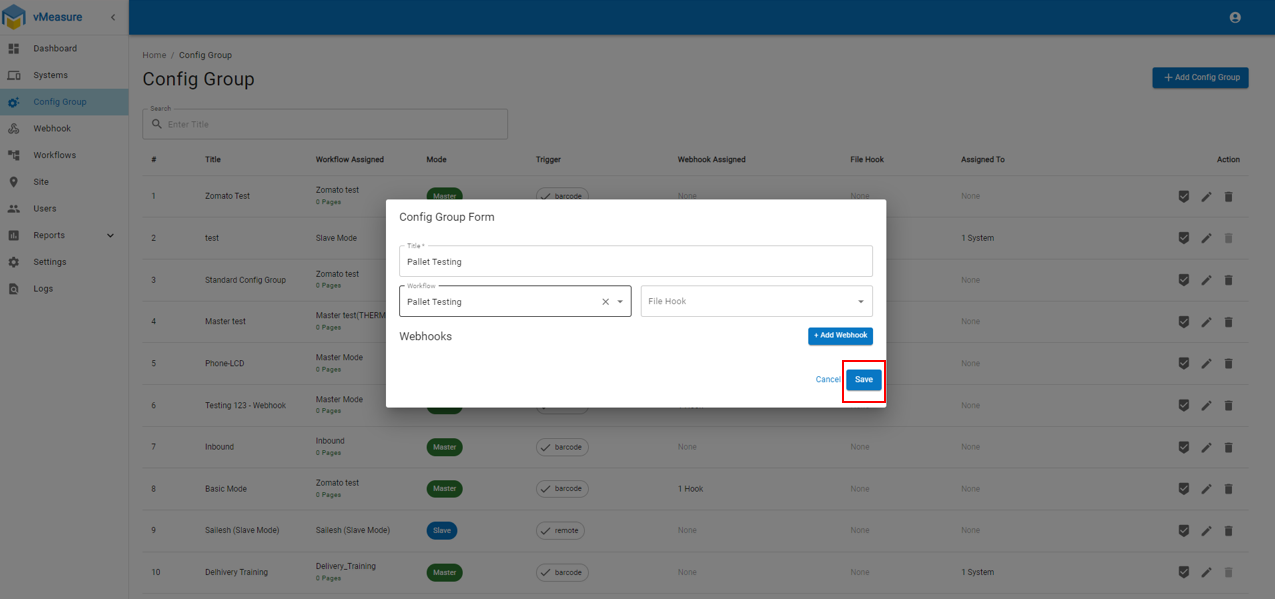
Step 3: Fill the Config Group Form by filling Title, Select the desired workflow from drop-down and click on "Save"
Once you created "Config Group" need to assign to system.
How to assign "Config Group" to system : Steps to assign "Config Group" to system.
If you need any support , please drop a mail to vmeasure@visailabs.com
Was this article helpful?
That’s Great!
Thank you for your feedback
Sorry! We couldn't be helpful
Thank you for your feedback
Feedback sent
We appreciate your effort and will try to fix the article