Kindly follow below steps to reset your Forge login password:
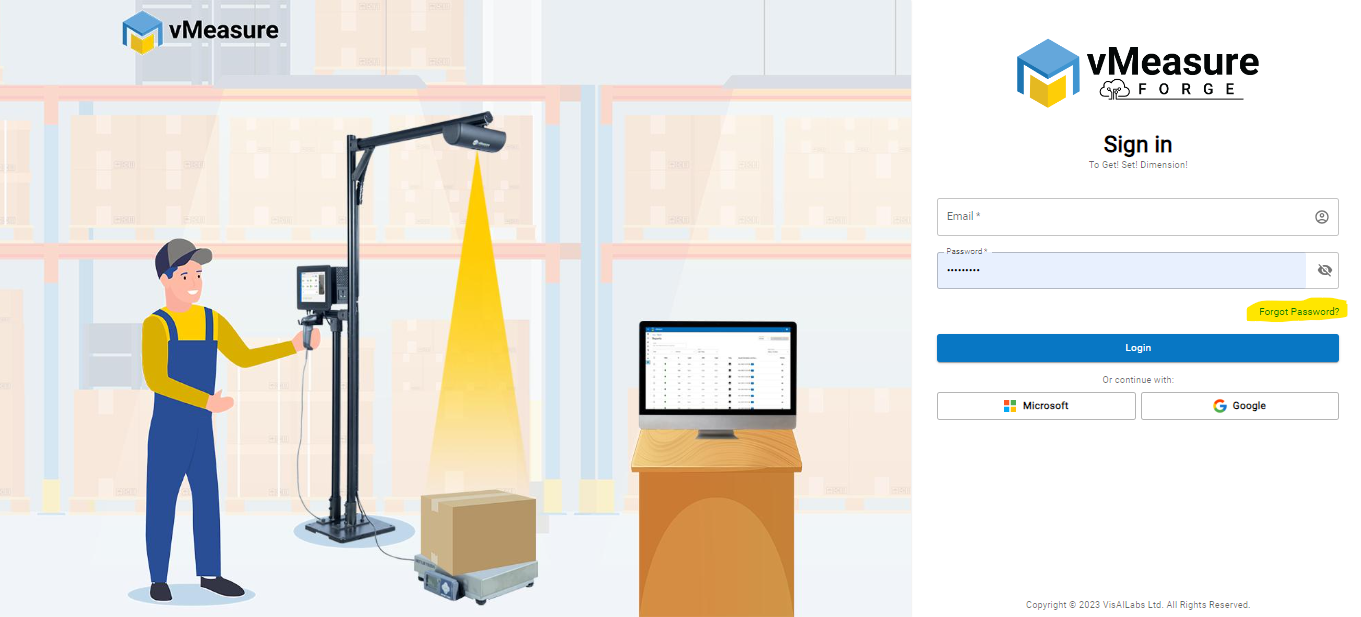
- Use the link https://forge.vmeasure.ai/ for Forge login page.
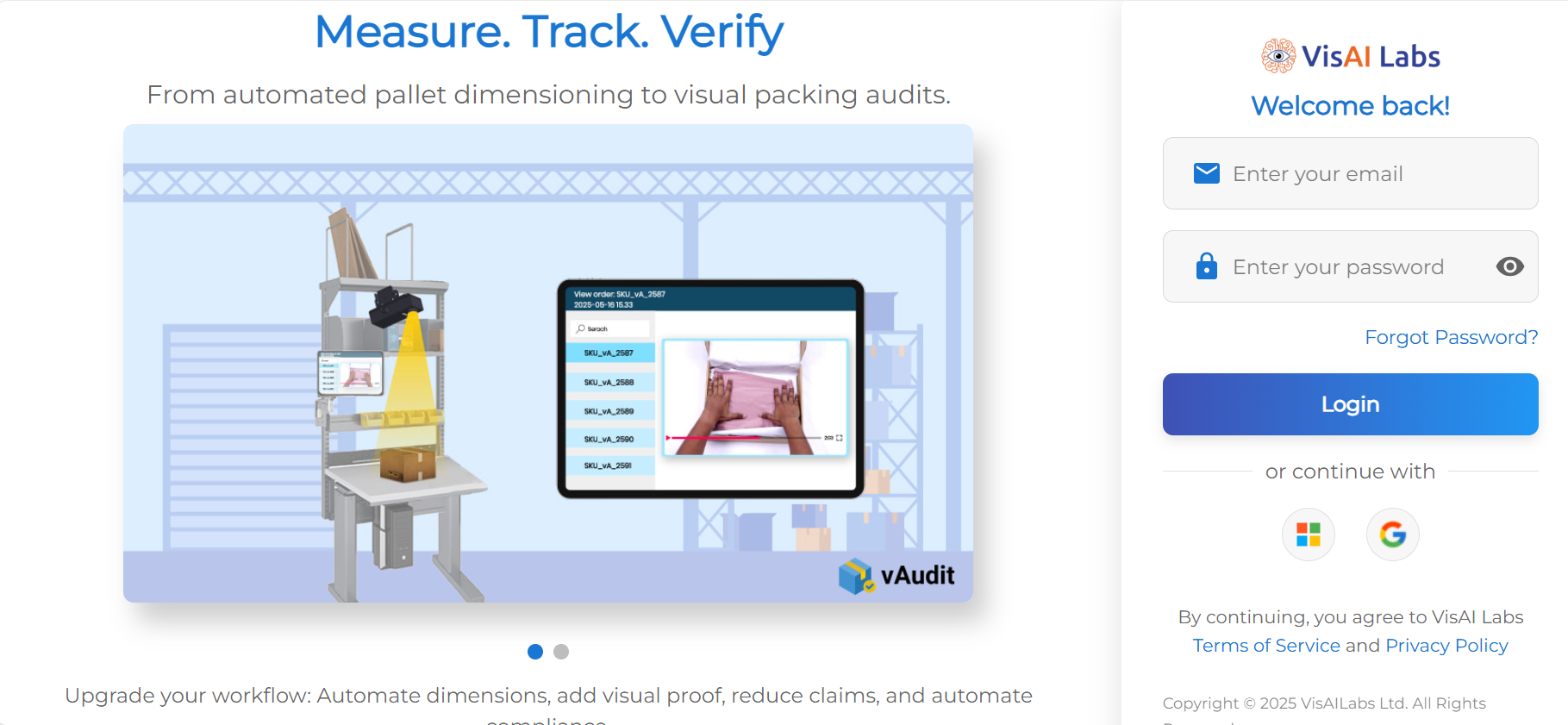
- Under the Credentials Row you can find, "Forget Password". ->Click on it
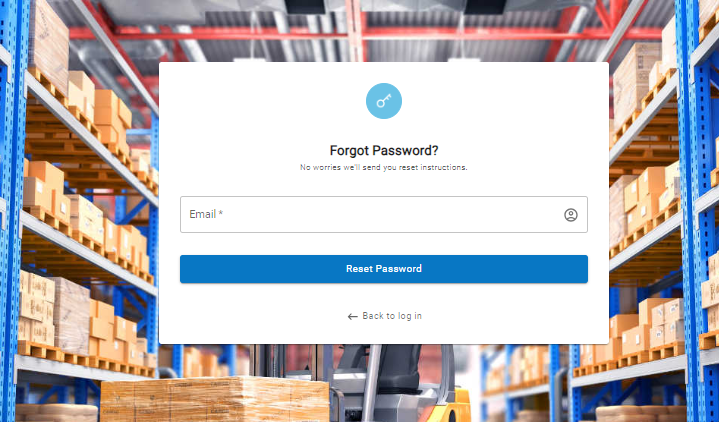
- Once you have redirected, Enter the registered mail and click "Reset Password".
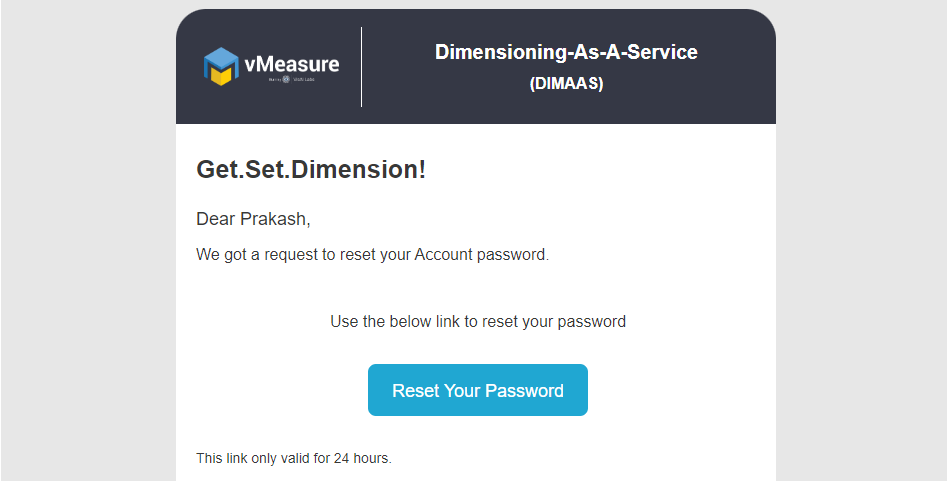
- You will be receiving a Reset Password link from us. Via mail.
- The link is valid for only 24 hours. Click on the "Reset Password".
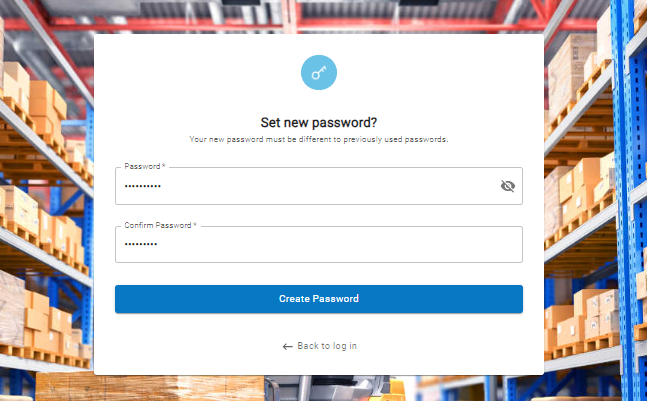
Once a new password is created, you should be able to login into your account.
If you need any support , please drop a mail to vmeasure@visailabs.com
Was this article helpful?
That’s Great!
Thank you for your feedback
Sorry! We couldn't be helpful
Thank you for your feedback
Feedback sent
We appreciate your effort and will try to fix the article