Kindly follow the steps below to reset the password for the offline website.
Step -1: Open the URL "http://192.168.xx.xxx:6601/app/login" (Replace with the vMeasure device's IP address.).
Note: Username will be "admin" by default.
Step -2: Click on "Forget password".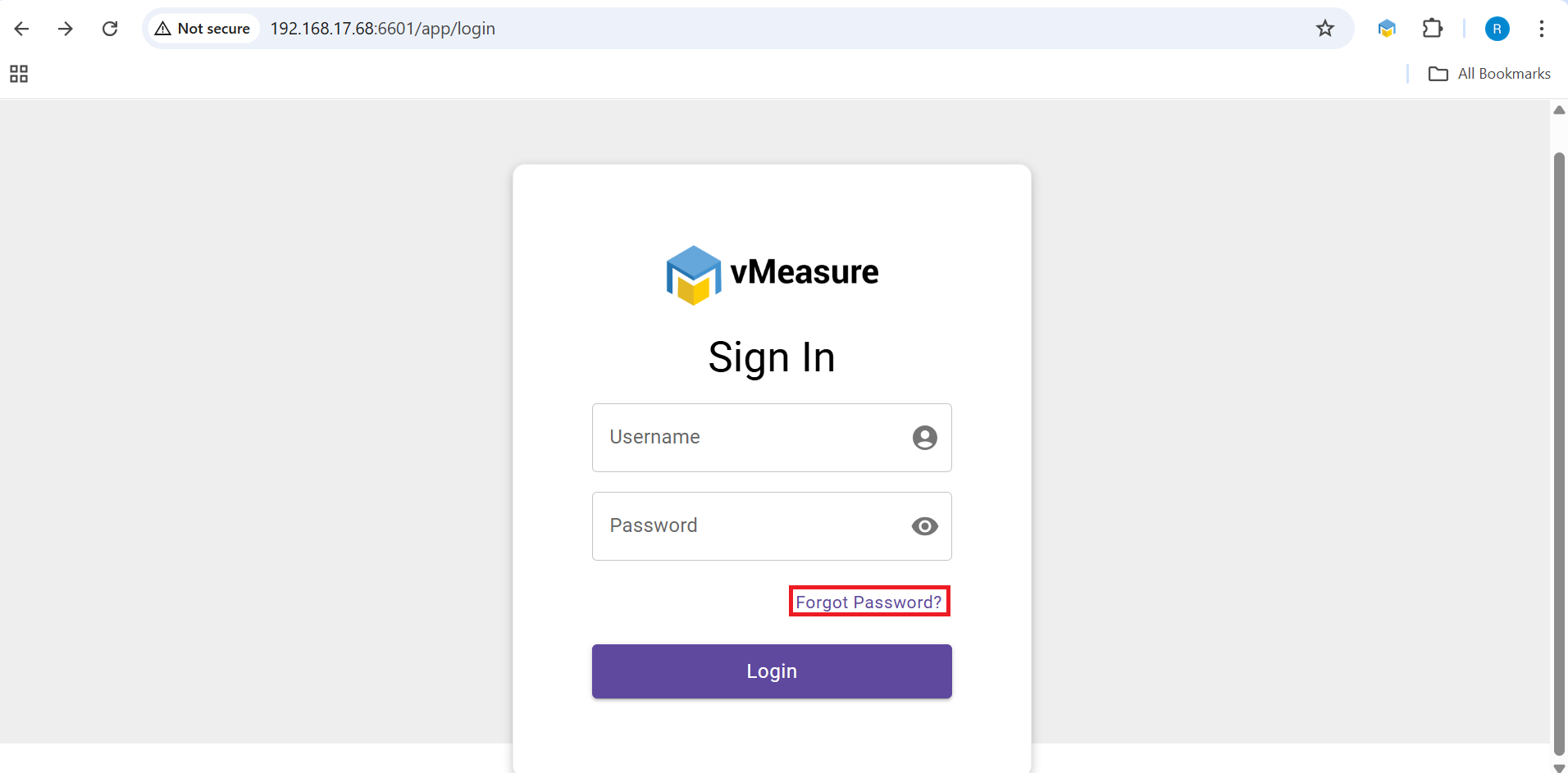
Step -3: You will be prompted to enter an OTP. Please contact the VisAI customer support team to obtain the OTP. Once you receive it, enter the OTP and click Submit to proceed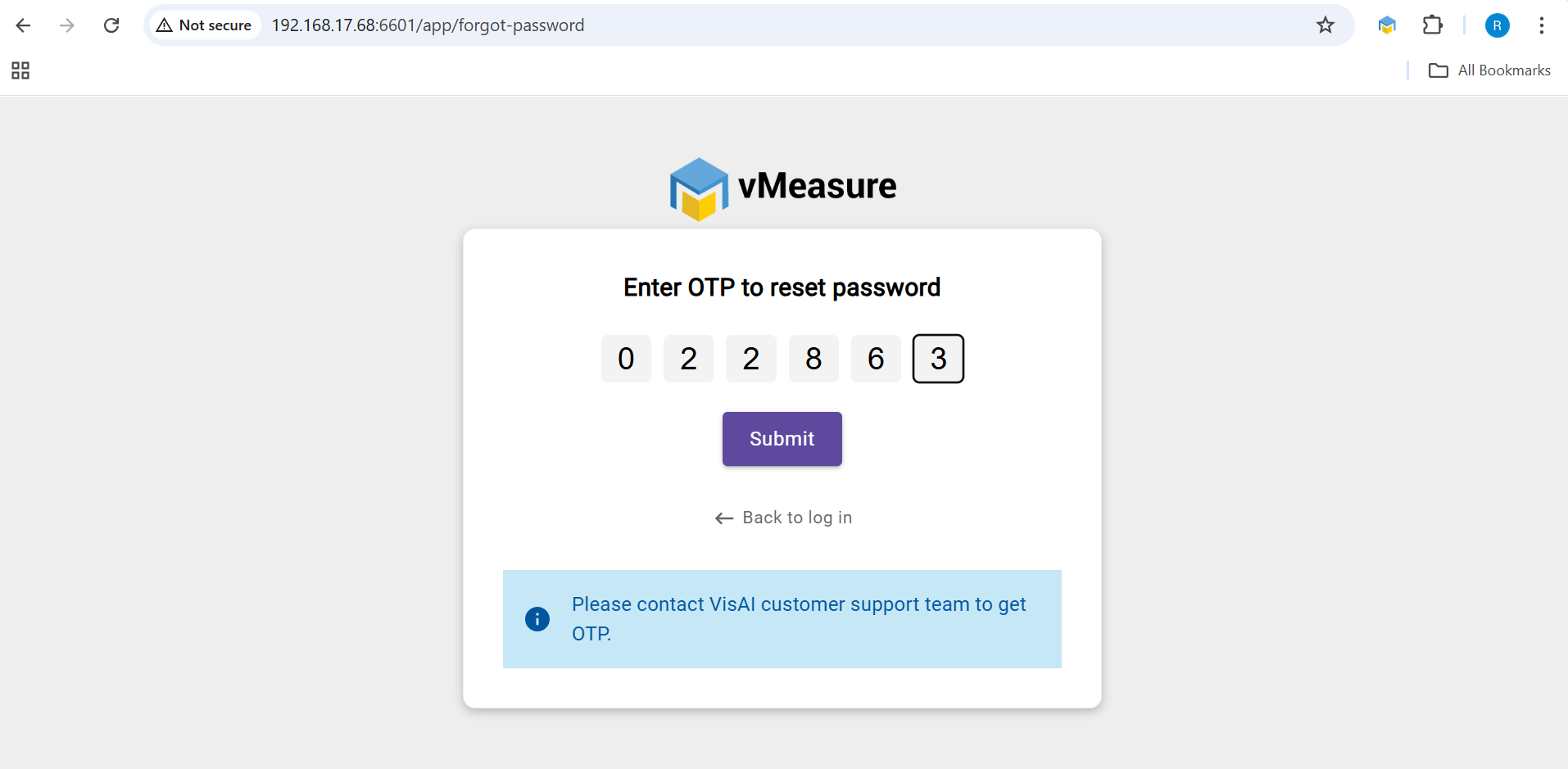
Step -4: Once the OTP is verified, you will be prompted to enter a new password. Enter the new password and click "Change Password" to complete the process.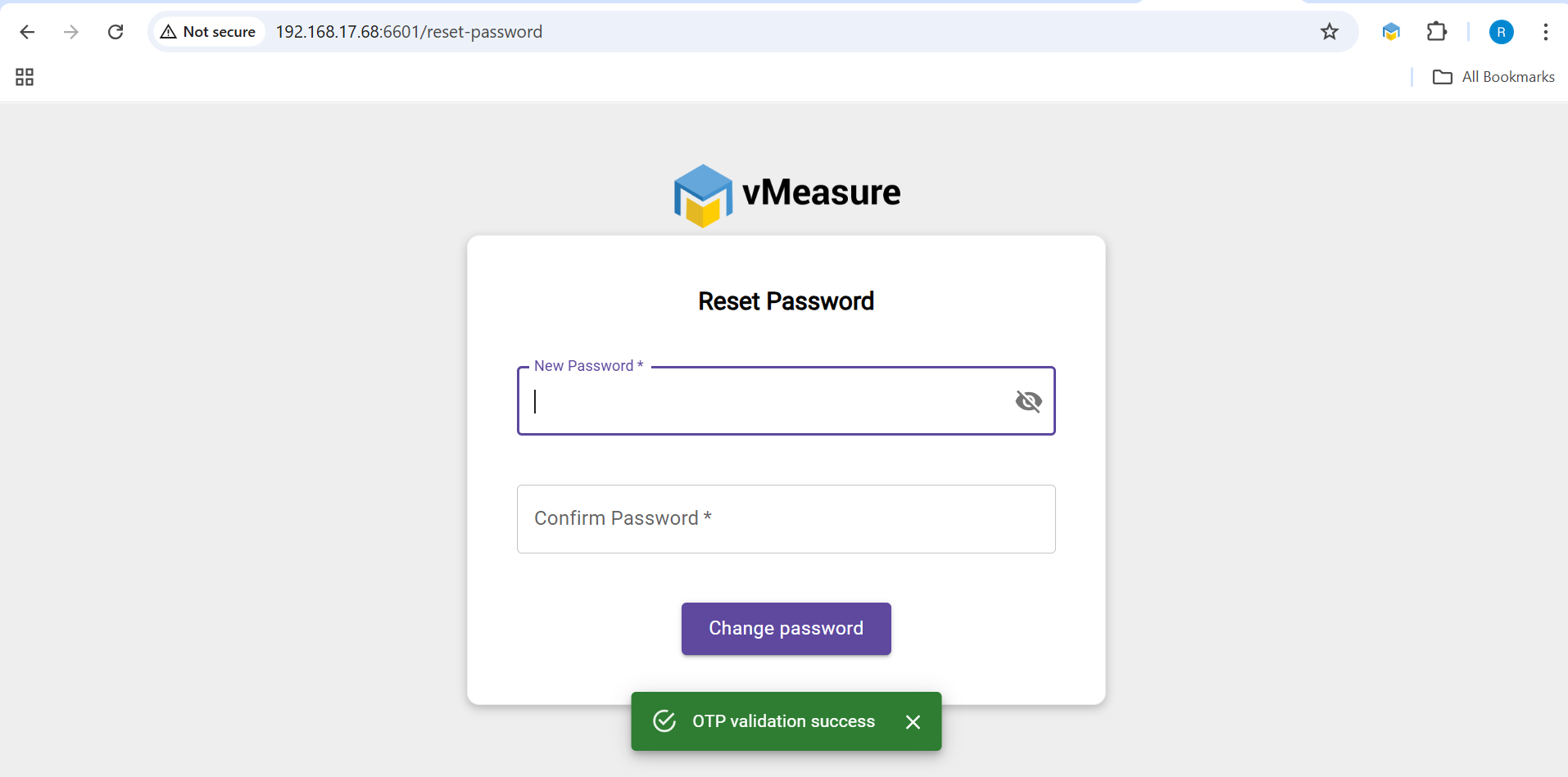
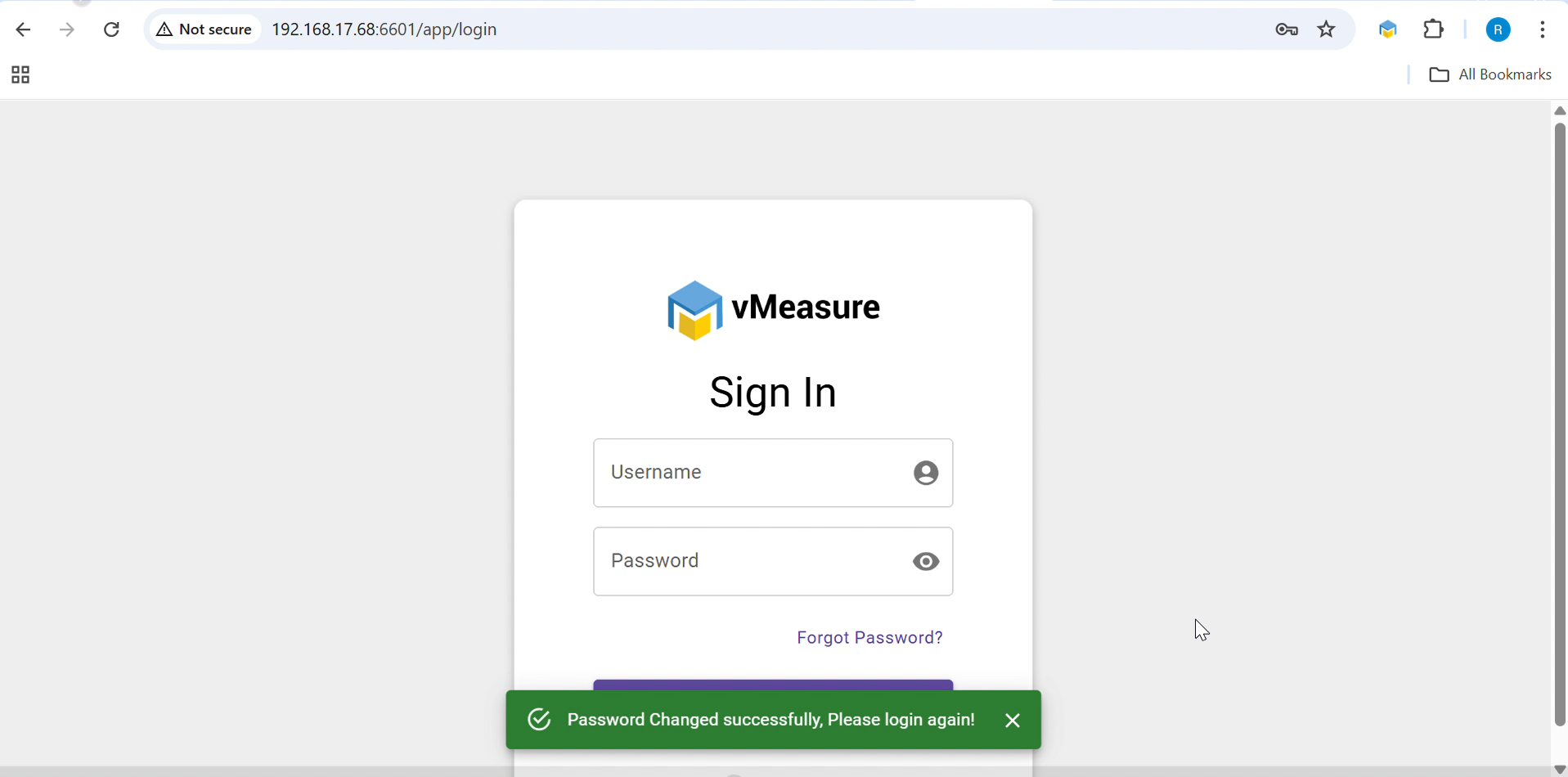
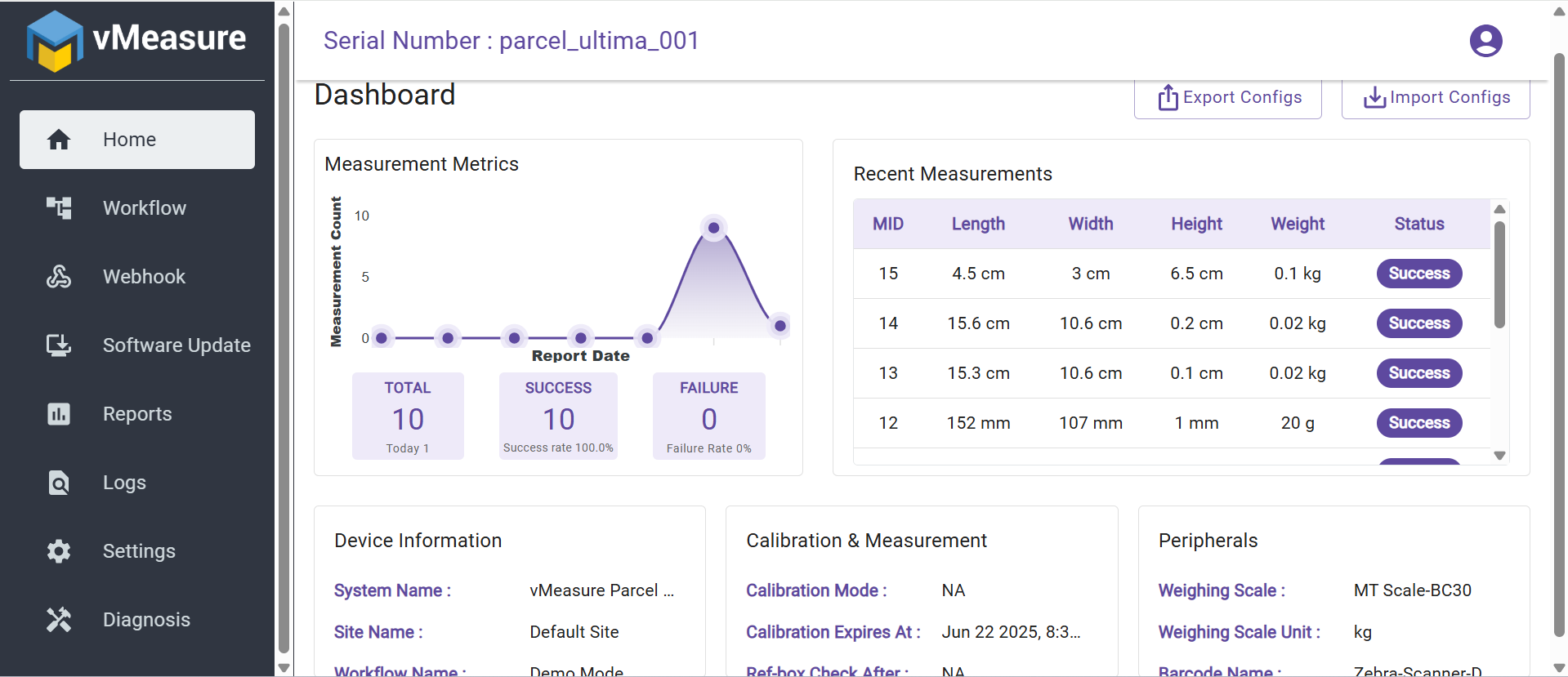
Step -5: Password has been successfully changed. Please log in using your new password.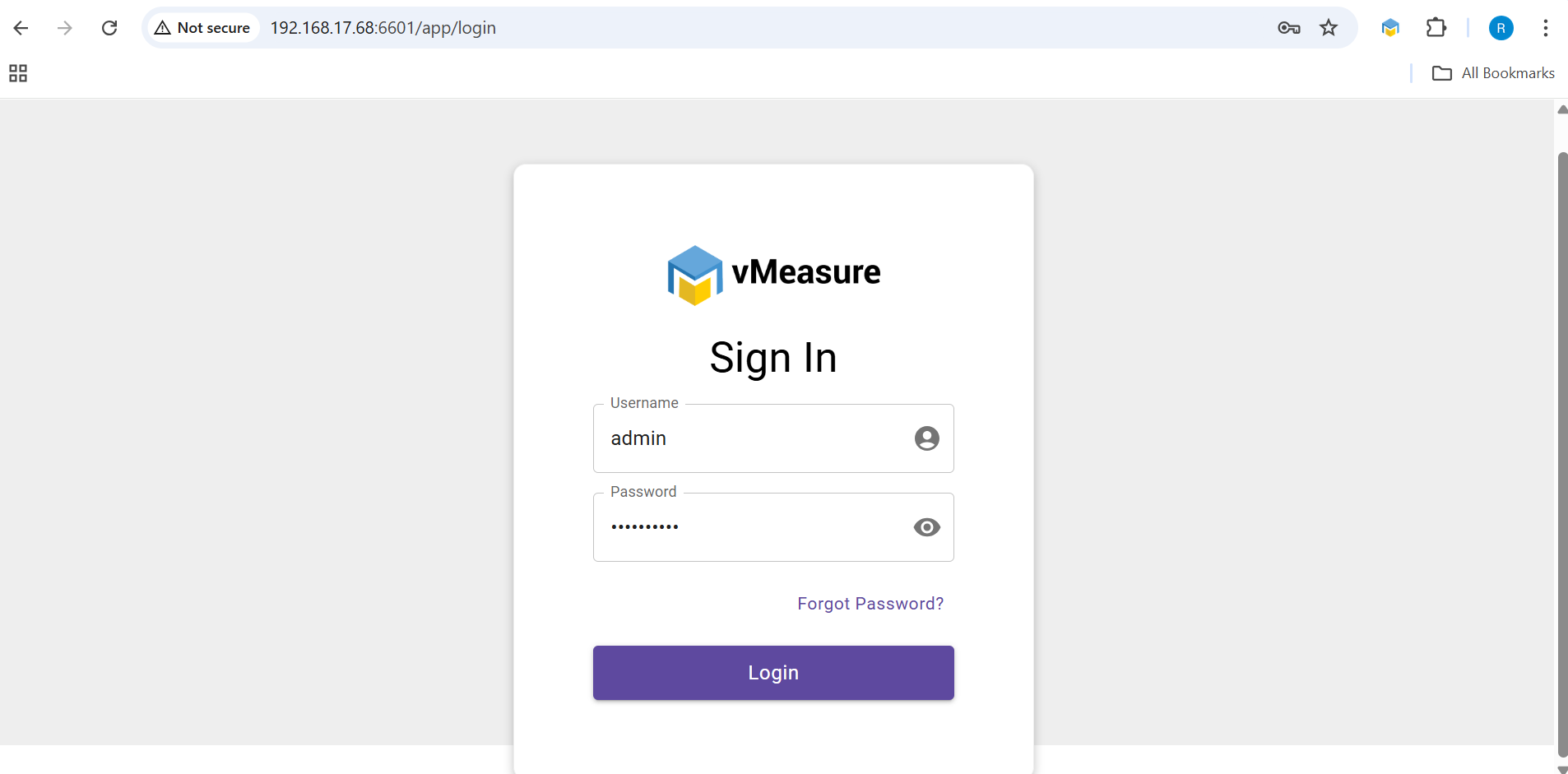
If you need any support , please drop a mail to vmeasure@visailabs.com or Click here to Submit a Ticket.
Was this article helpful?
That’s Great!
Thank you for your feedback
Sorry! We couldn't be helpful
Thank you for your feedback
Feedback sent
We appreciate your effort and will try to fix the article