Kindly follow the steps below to update the vMeasure device software using the offline website:
Step 1: Navigate to the Software Update page on the offline website.
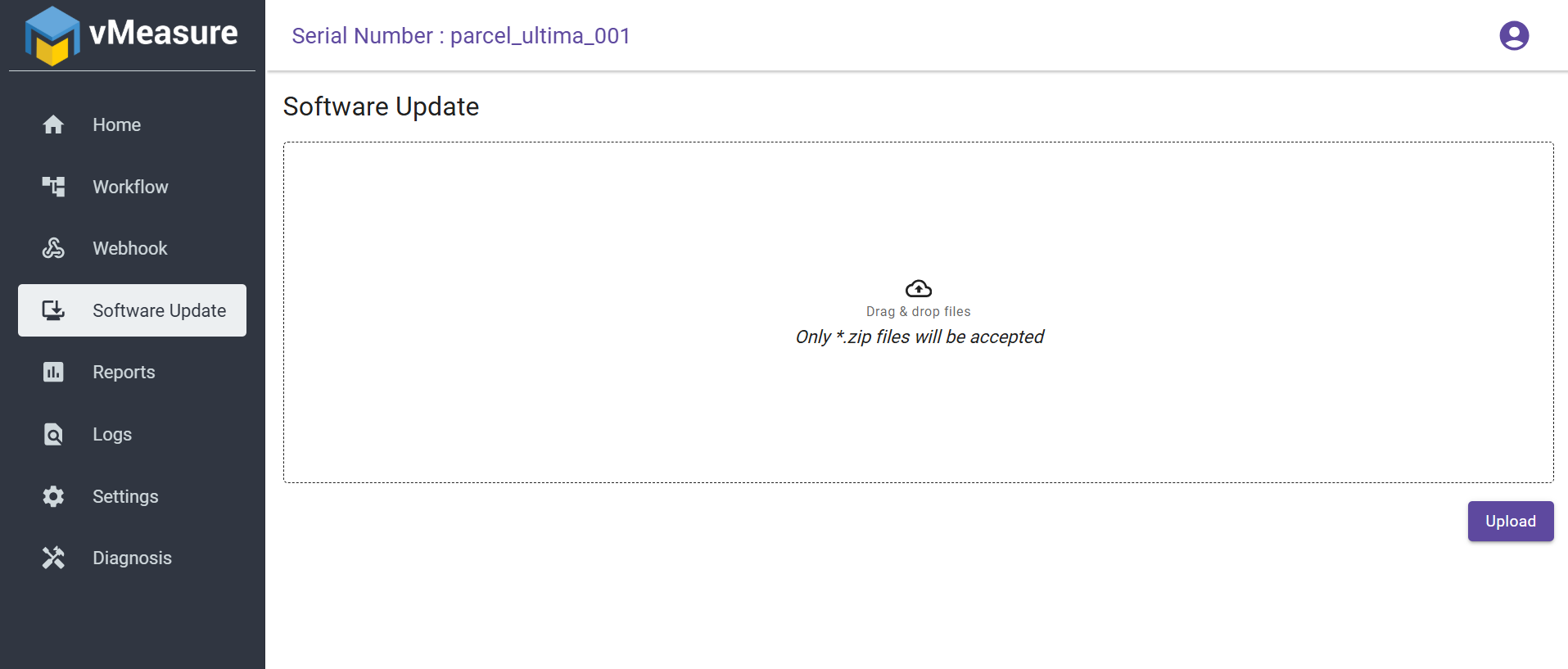
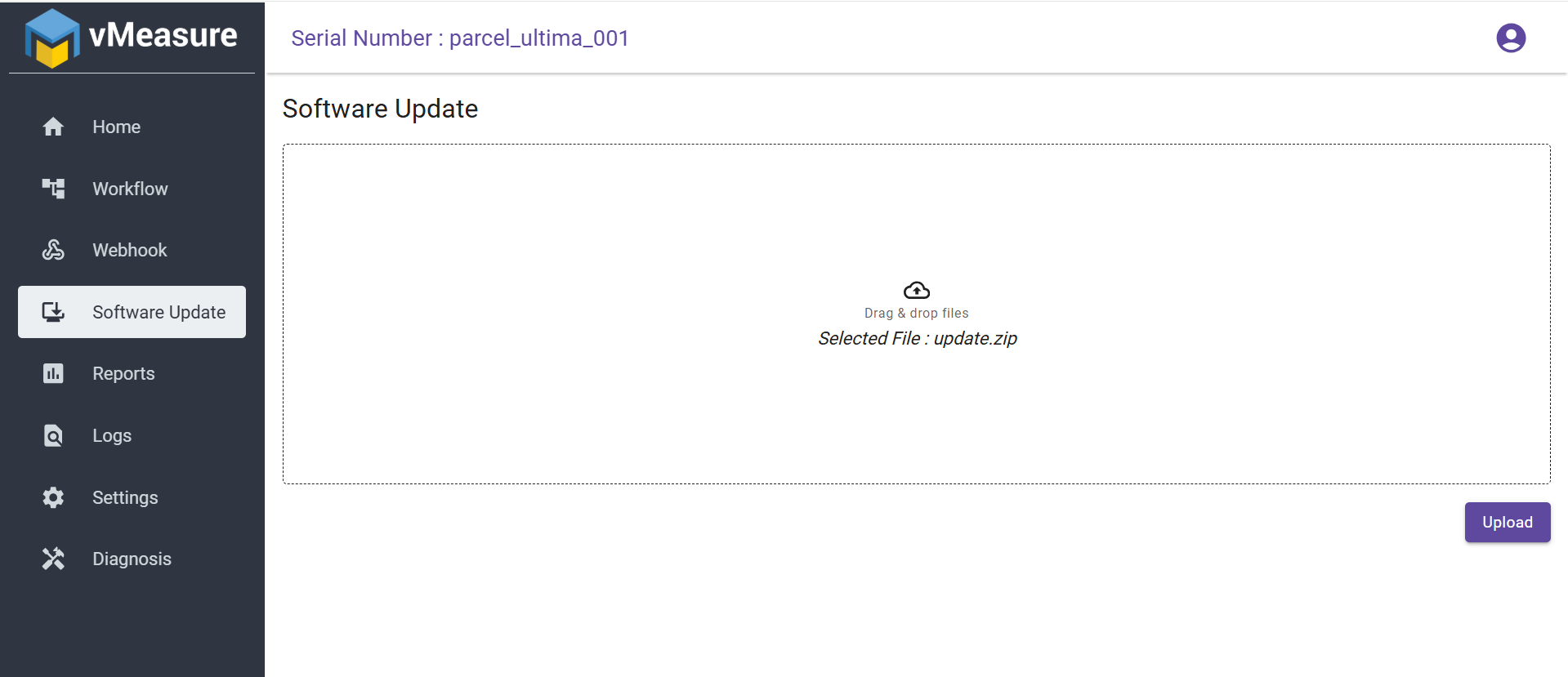
Step 2: Drag and drop the update.zip file onto the Software Update page, then click Upload.
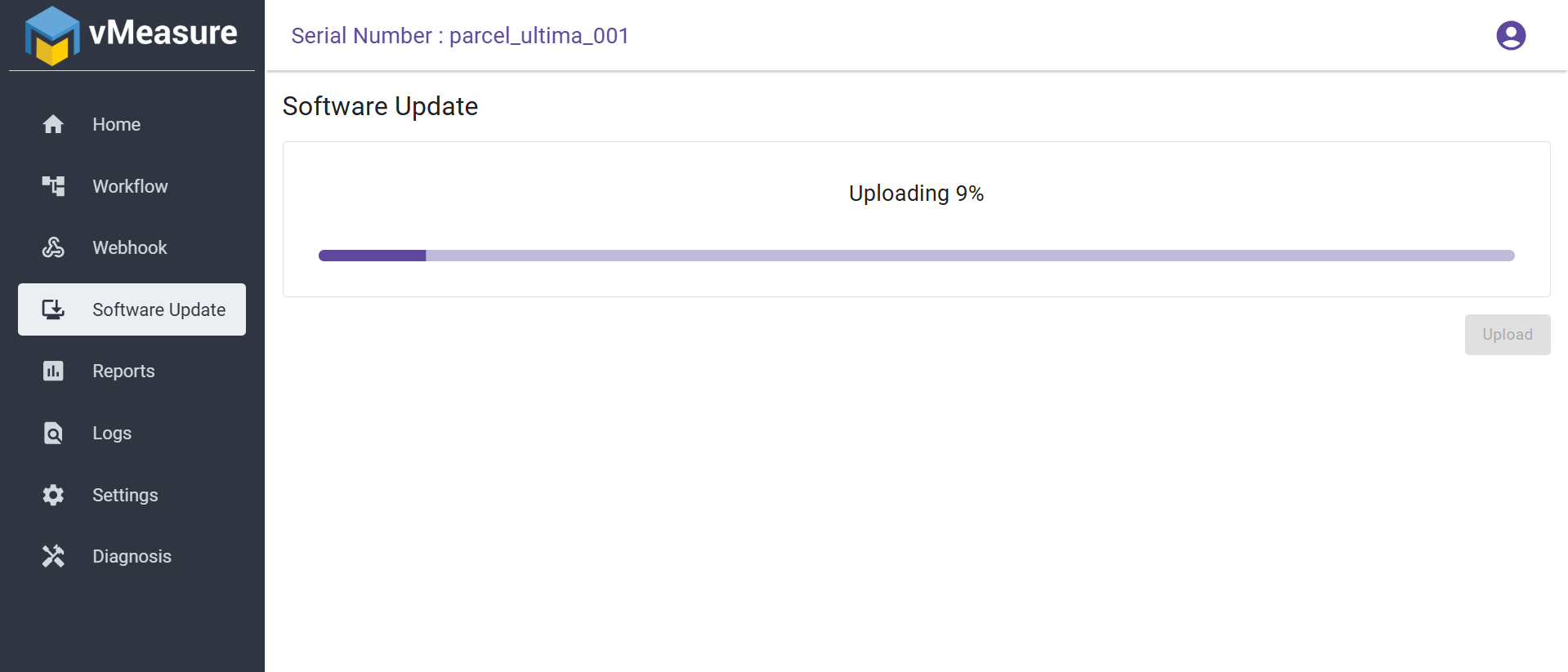
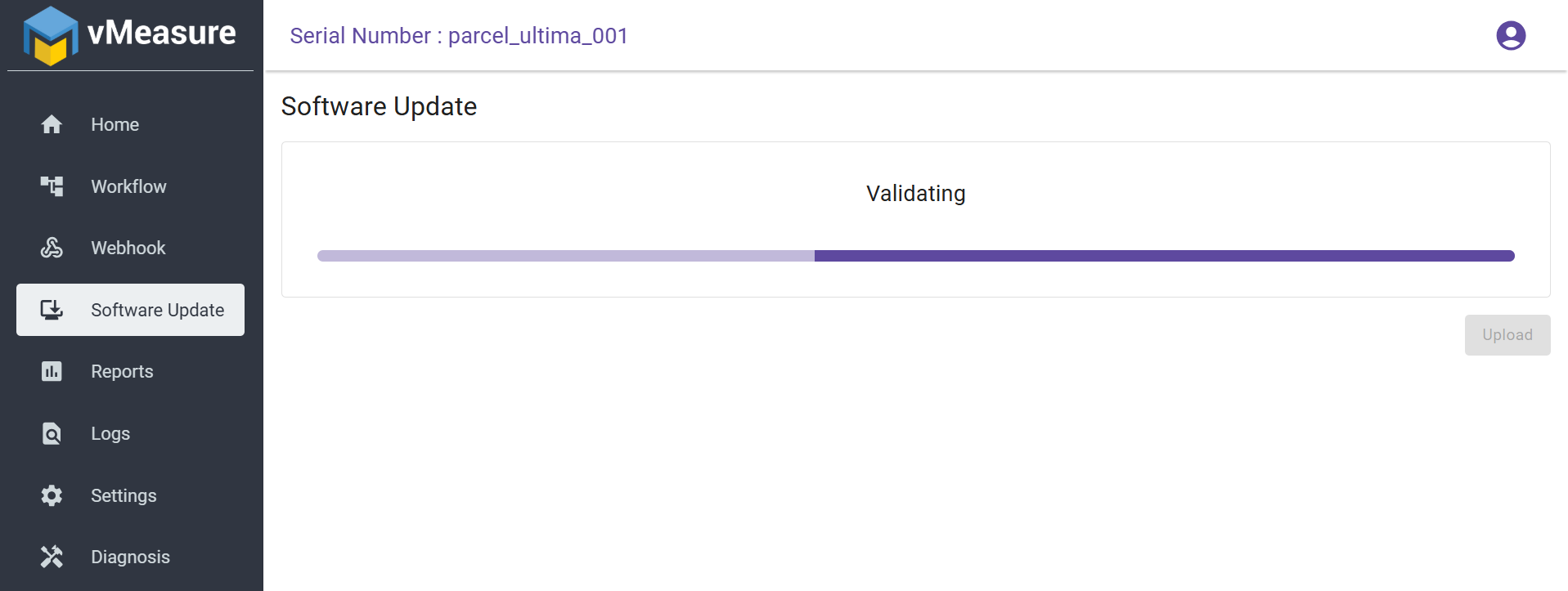
Step 3: The system will validate the uploaded file. Once validated, the upload will complete successfully.
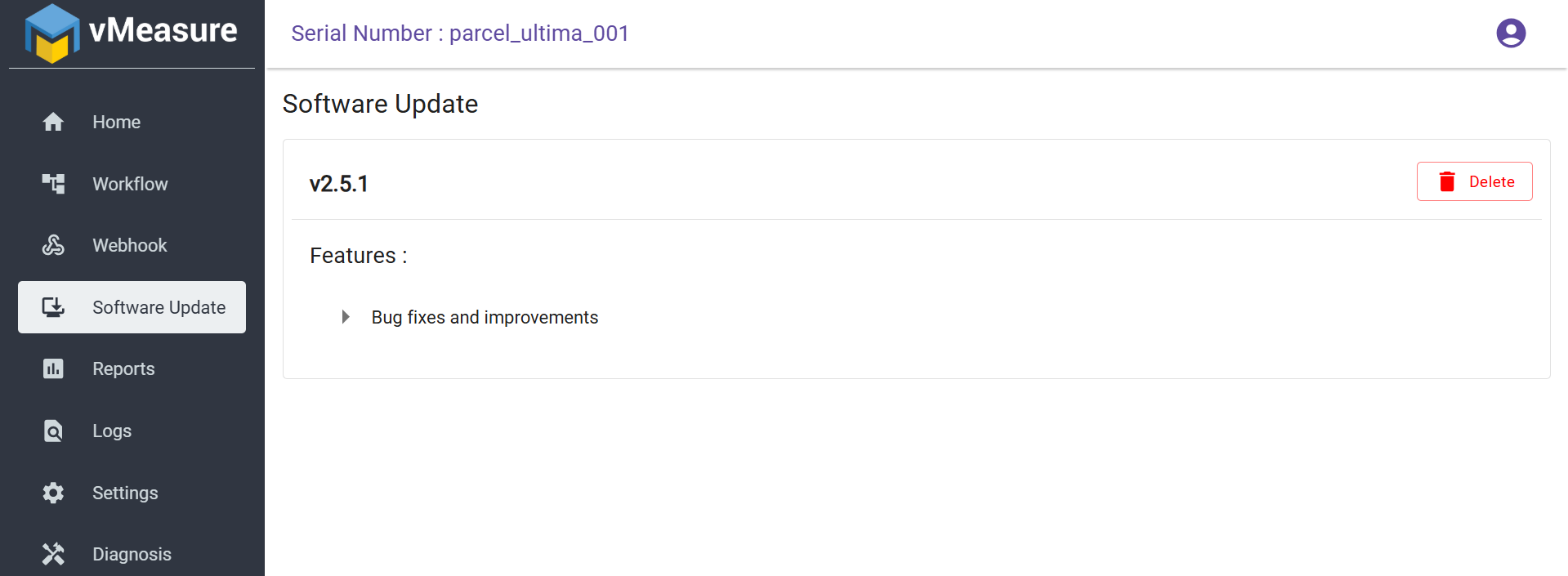
Step 4: On the vMeasure device, the new software version will be listed under the Updates section.
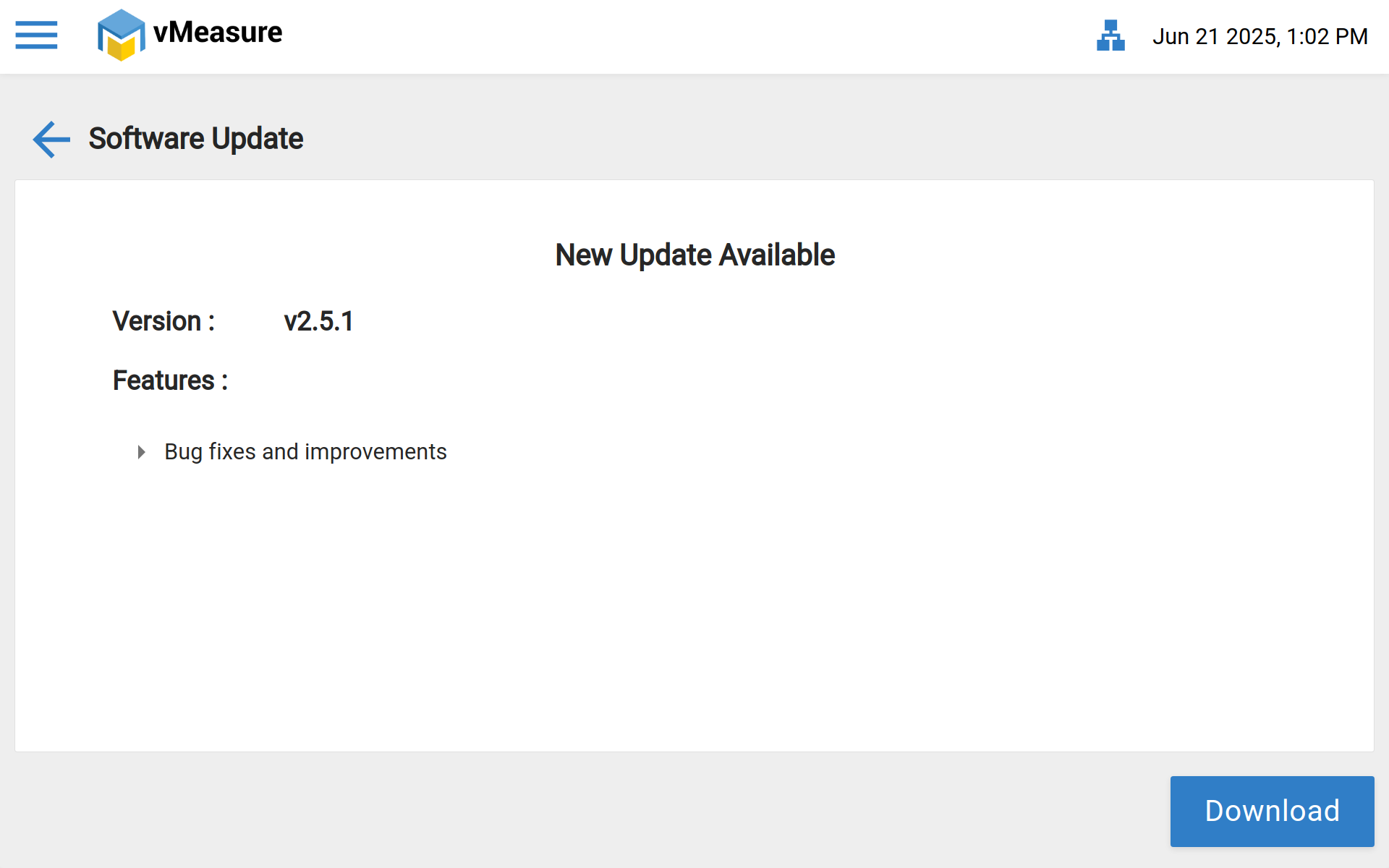
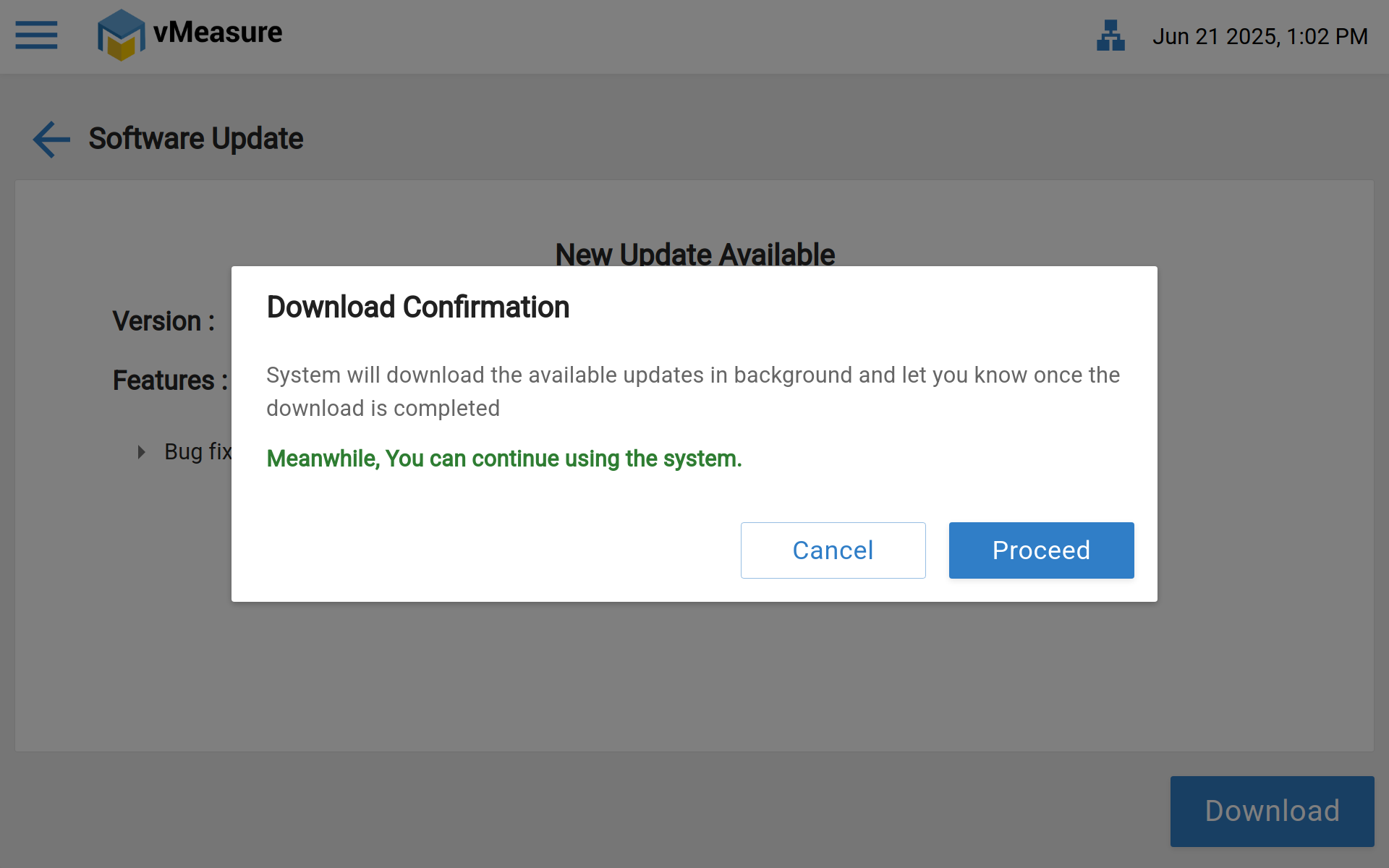
Step 5: Click Download & Proceed to begin the update process, the system will verify the downloaded files and prepare them for installation
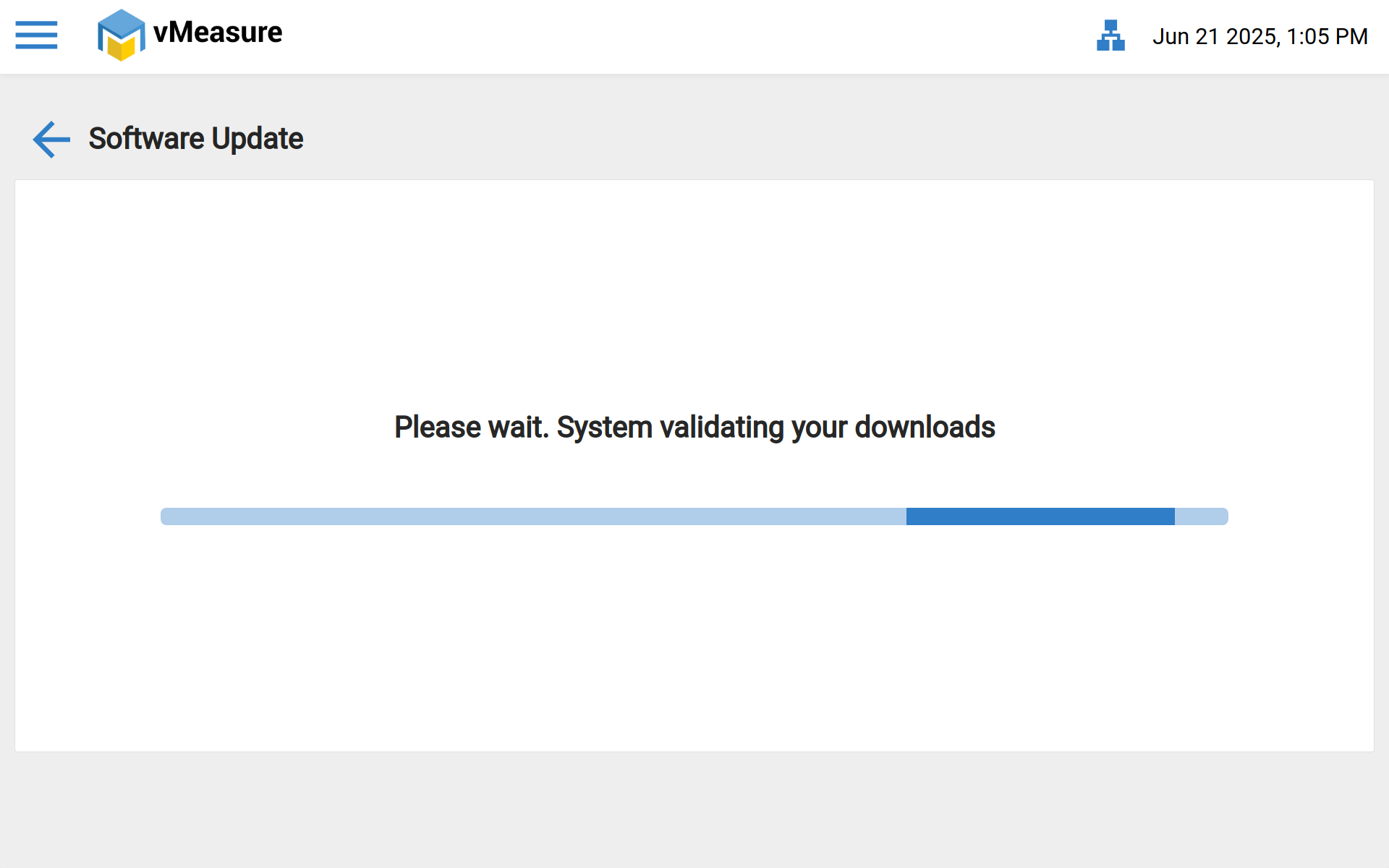
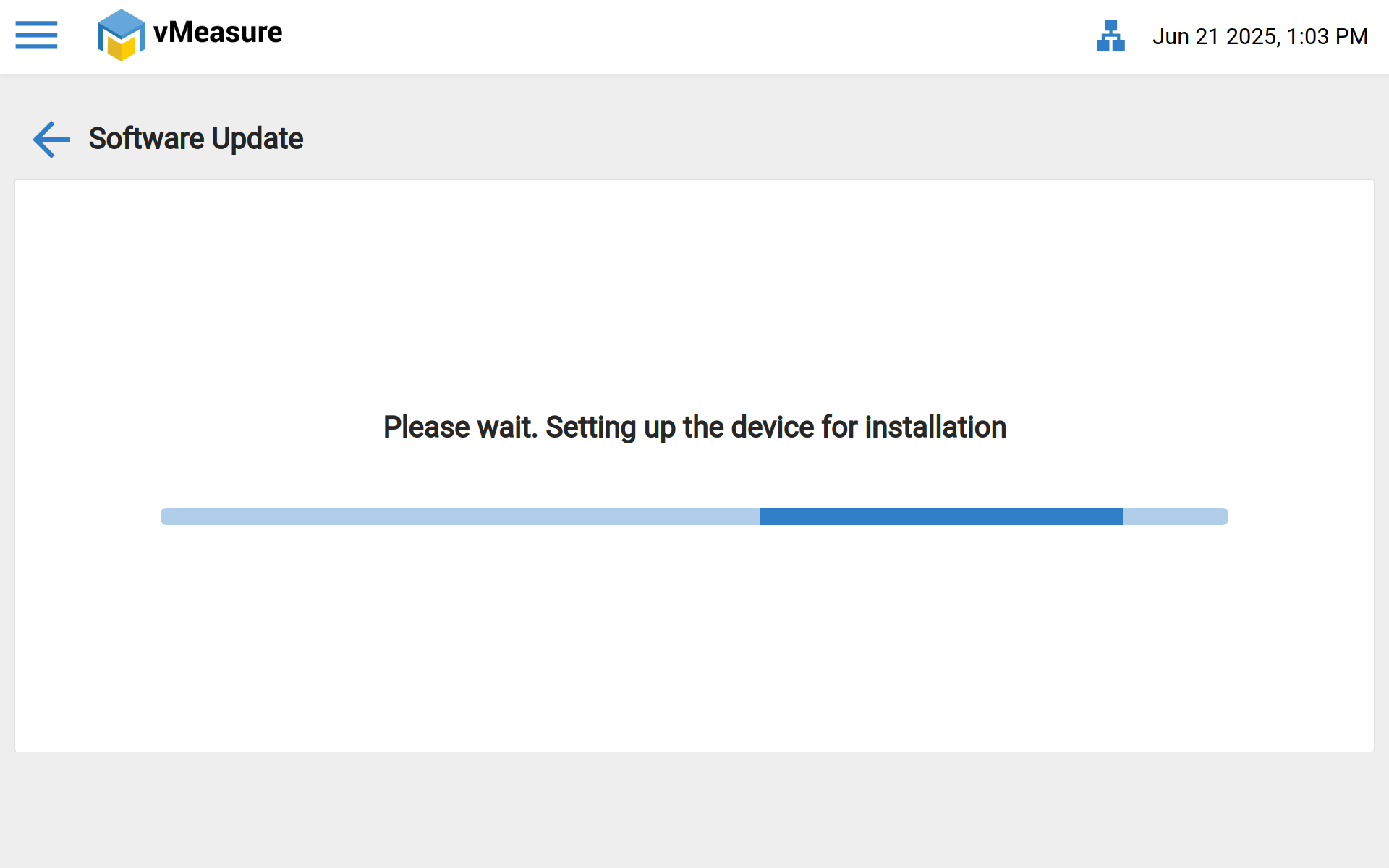
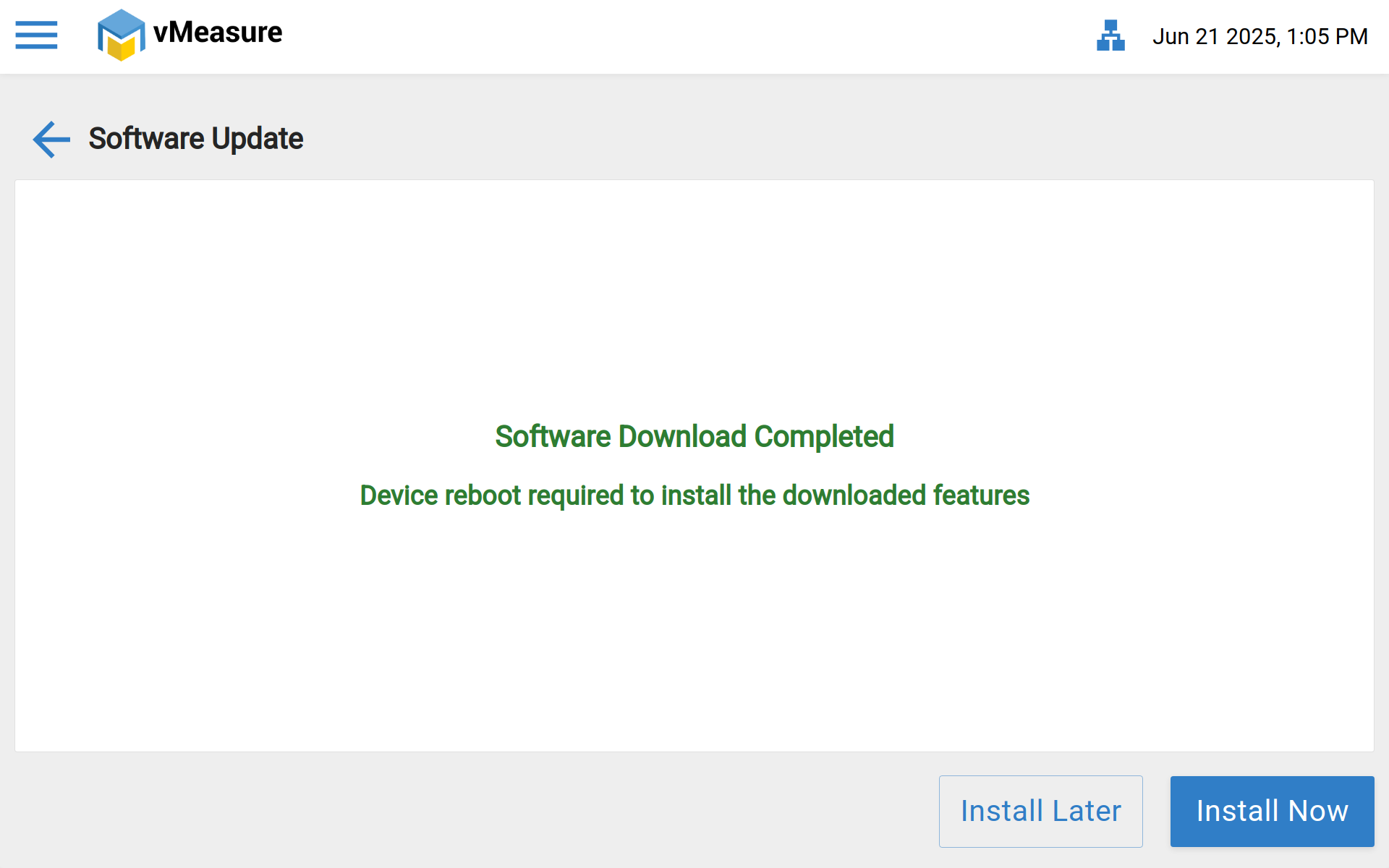
Step 6: After the download completes, the device will prompt for a reboot to apply the update.
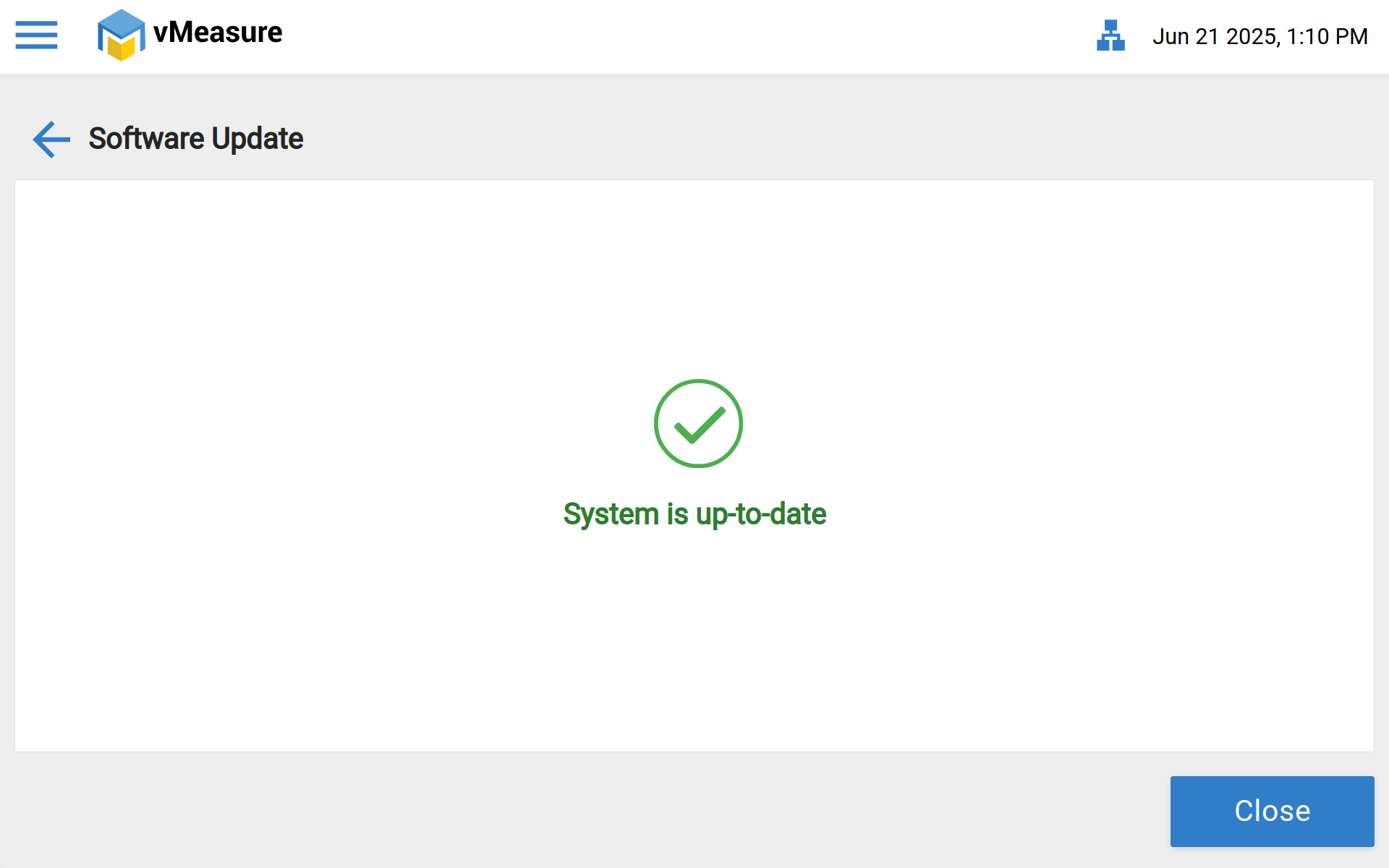
Step 7: Once rebooted, the vMeasure device will be running the updated software.
If you need any support , please drop a mail to vmeasure@visailabs.com
Was this article helpful?
That’s Great!
Thank you for your feedback
Sorry! We couldn't be helpful
Thank you for your feedback
Feedback sent
We appreciate your effort and will try to fix the article