How to Update device from Forge
Online Forge update will be applicable on device software version v2.2.4 and above. Once the download is successful device will get a pop-up to reboot the device manually.
Note: Each system update is to be done individually, the bulk update option is not available.
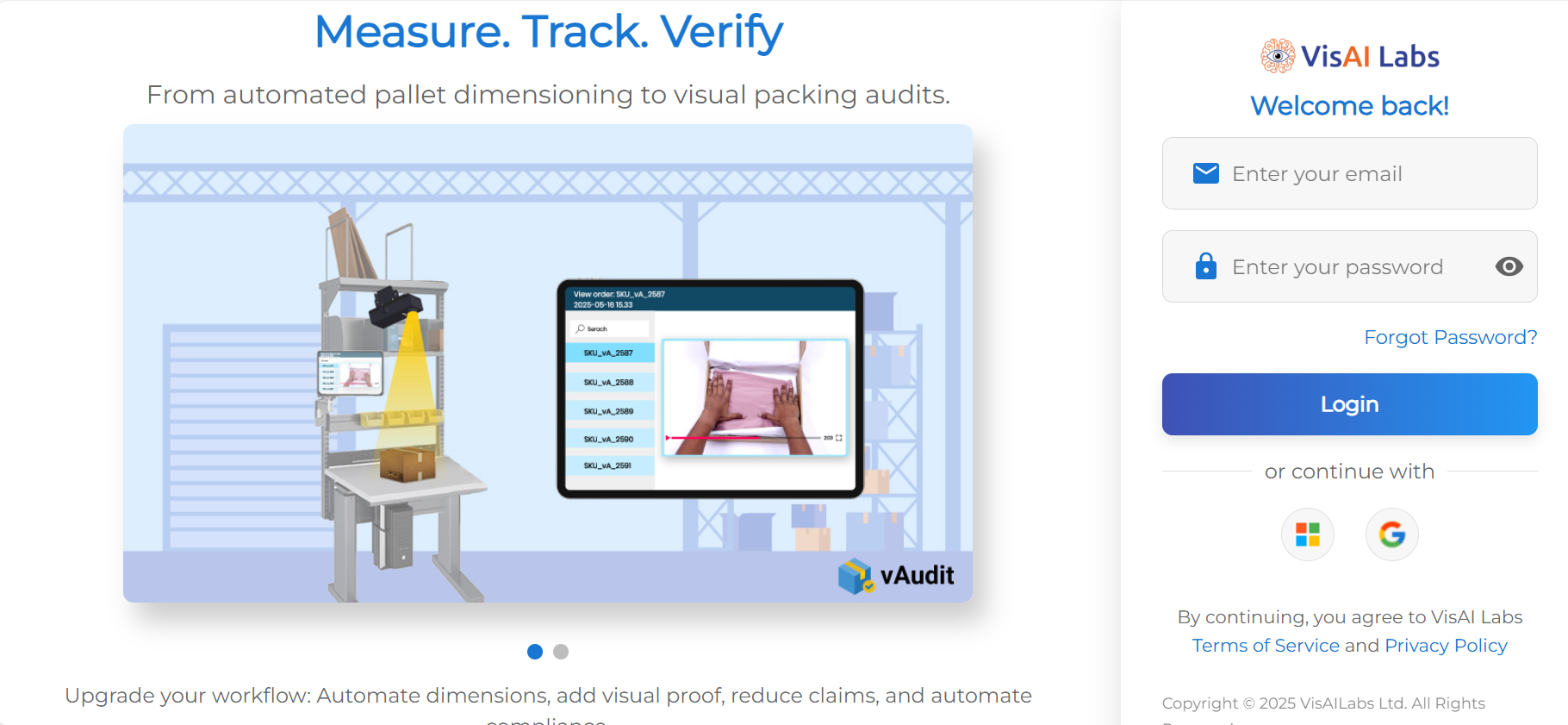
Step 1: Log in to vMeasure Forge using your forge login credentials.
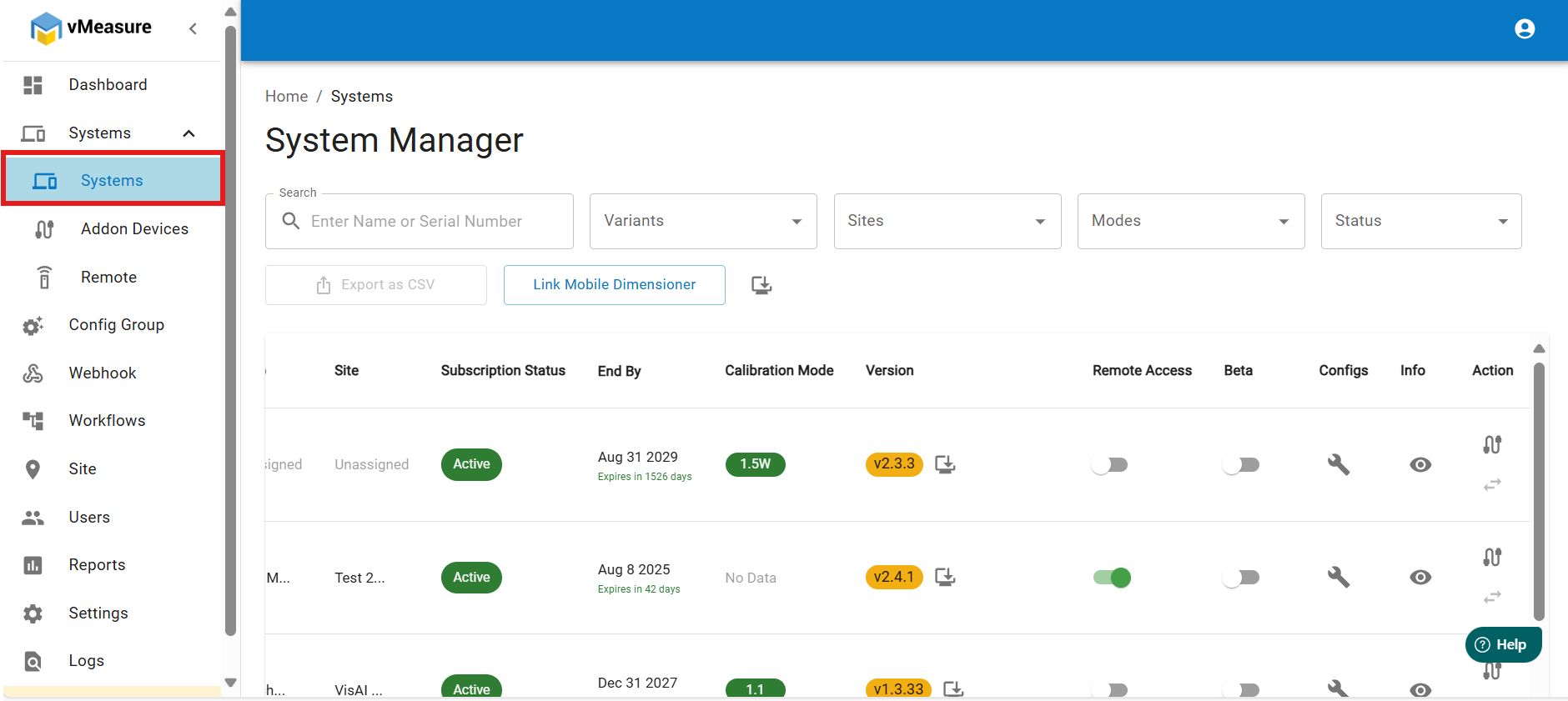
Step 2: Navigate to Systems.
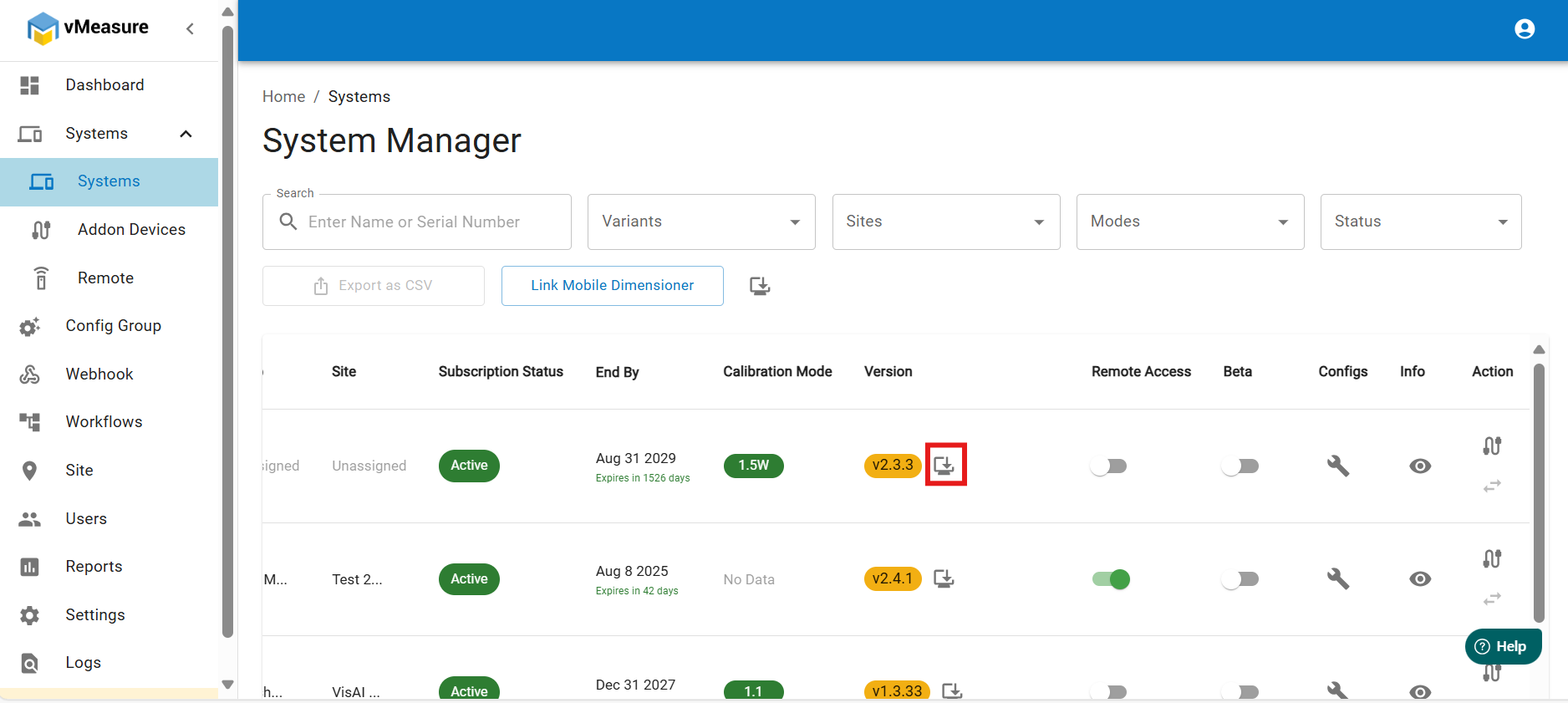
Step 3: Click on “Trigger Software Update”.
Step 4: Click on “Yes” to download the latest version on the Device.
Step 5: It will download automatically on the device and it will validate the download.
Step 6: In Device click on “Setting” and navigate to “Update”.
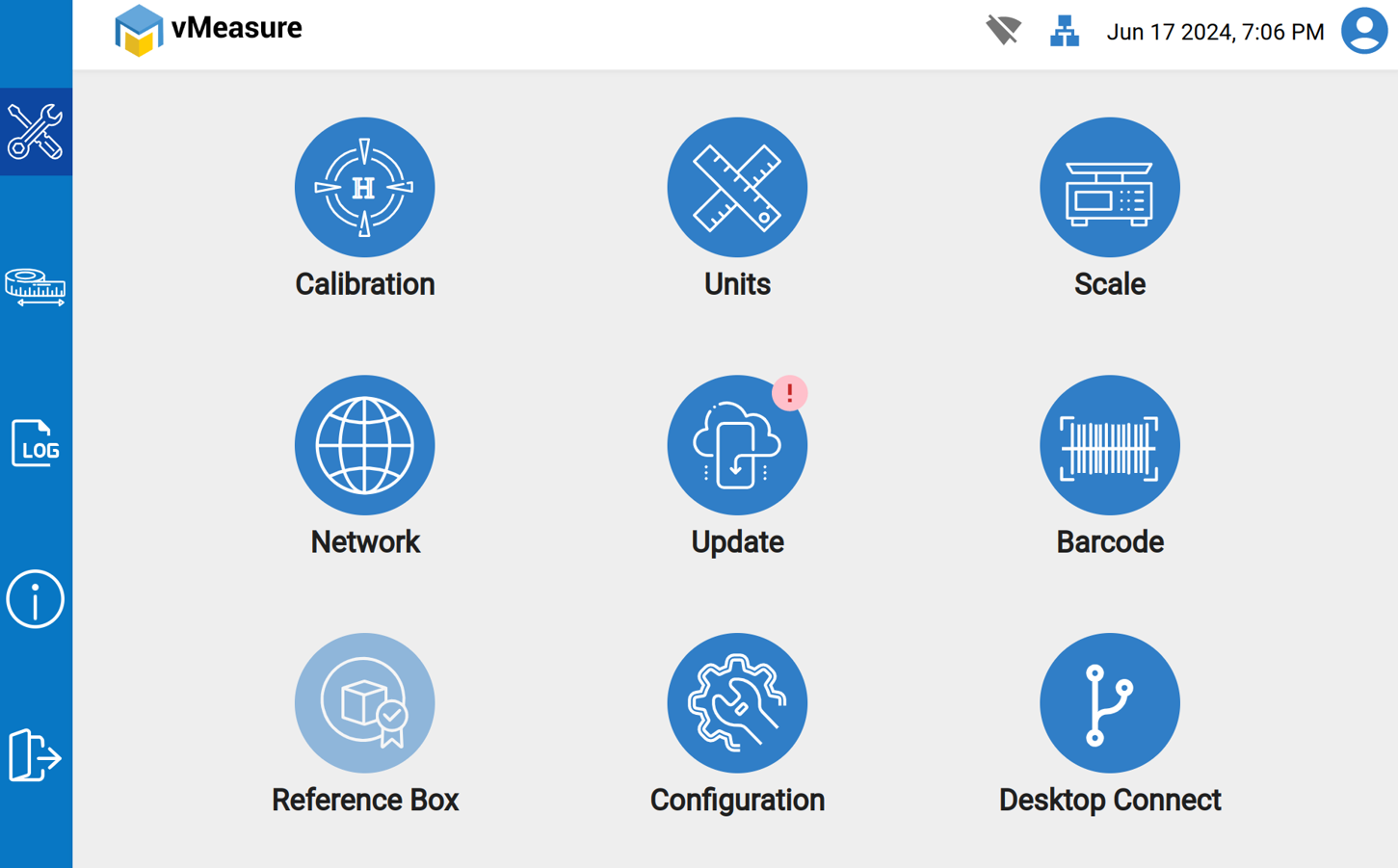
Step 7: Click on “Install Now” in vMeasure Device. So, the device will reboot automatically.
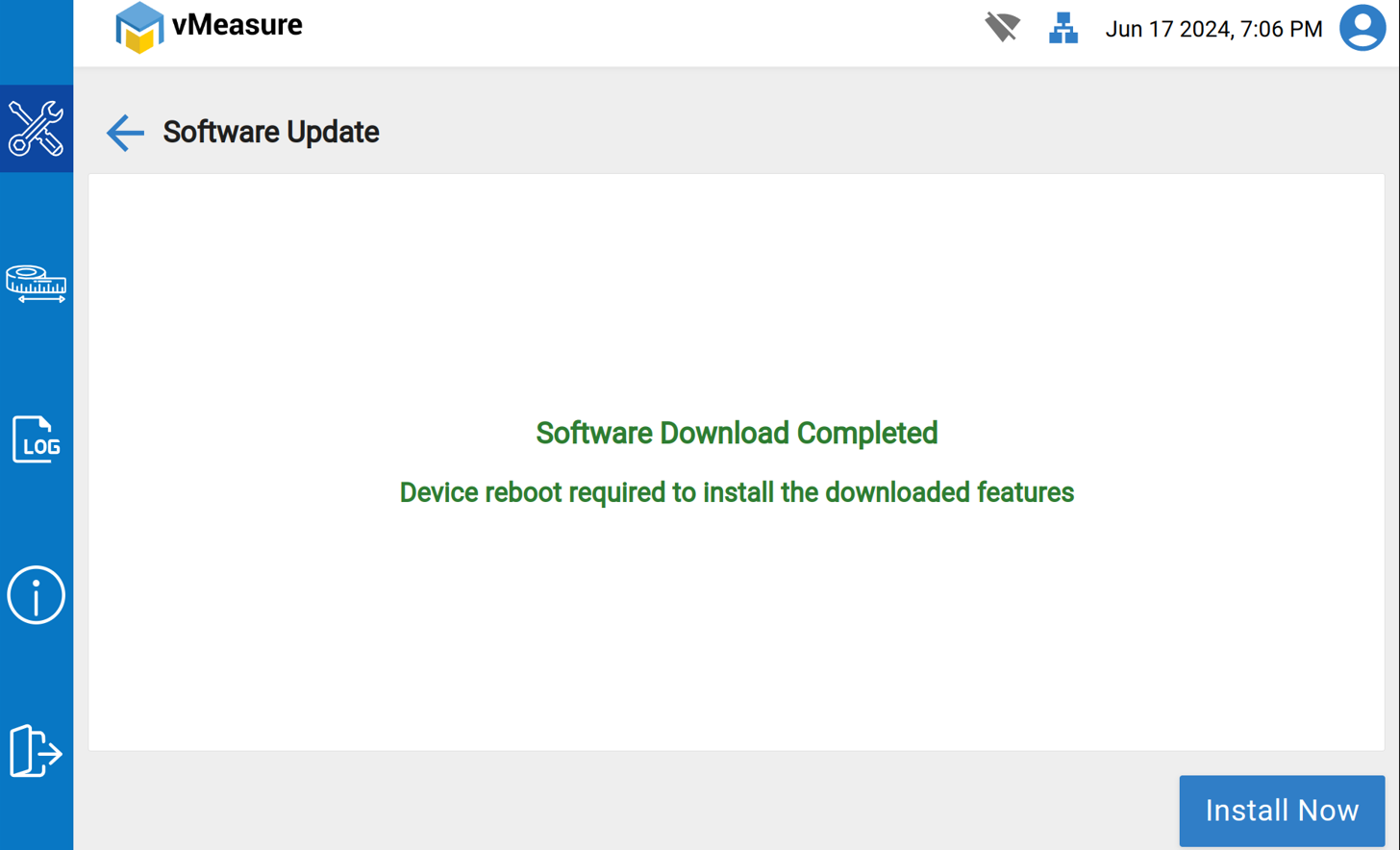
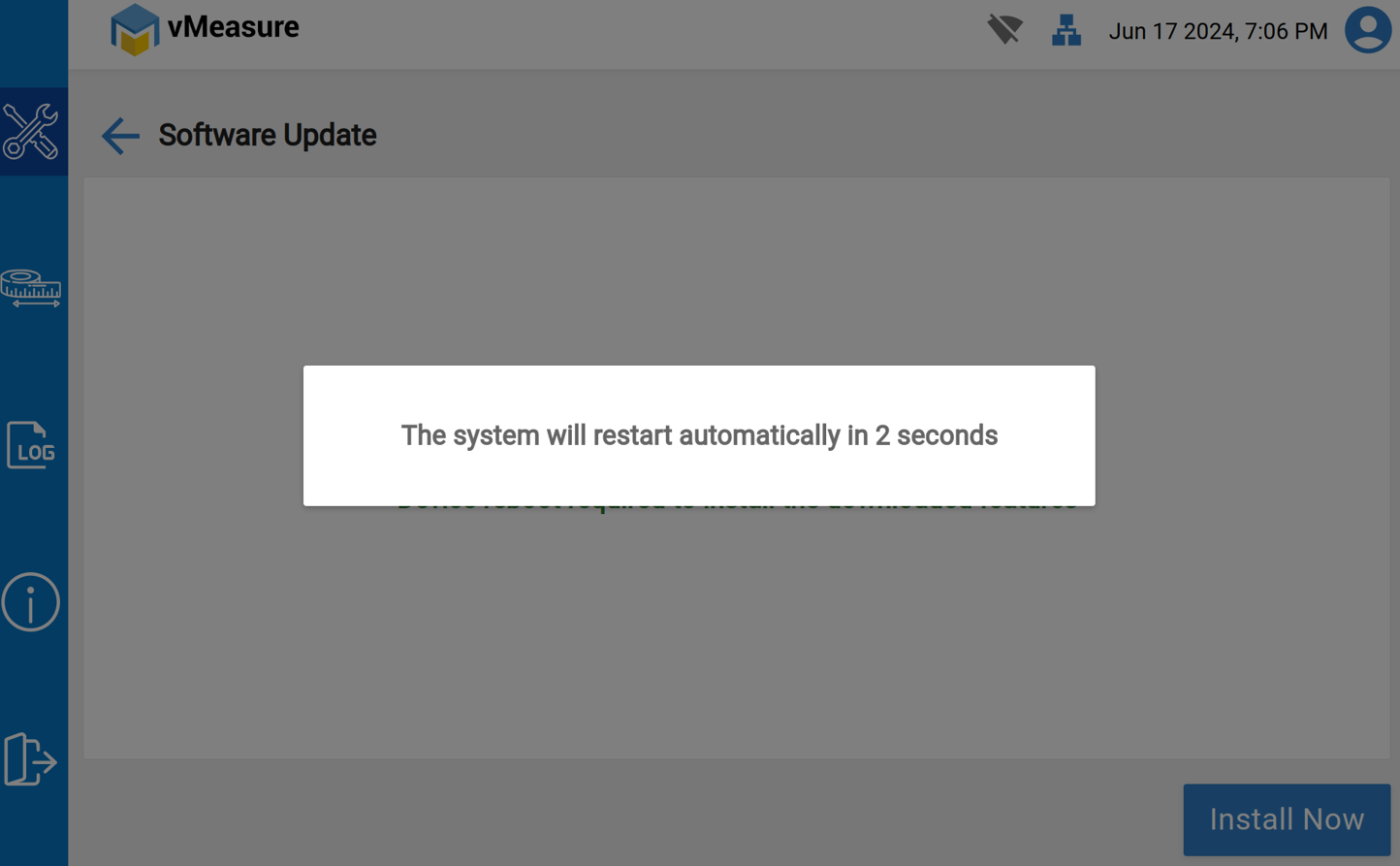
Step 8: The device will reboot and appear on the Log-in page.
If you need any support , please drop a mail to vmeasure@visailabs.com or Click here to Submit a Ticket.
Was this article helpful?
That’s Great!
Thank you for your feedback
Sorry! We couldn't be helpful
Thank you for your feedback
Feedback sent
We appreciate your effort and will try to fix the article