Follow the below steps to login in to Offline Forge:
Step-1: Open the URL "http://192.168.xx.xxx:6601/app/" (Replace with the vMeasure device's IP address.).
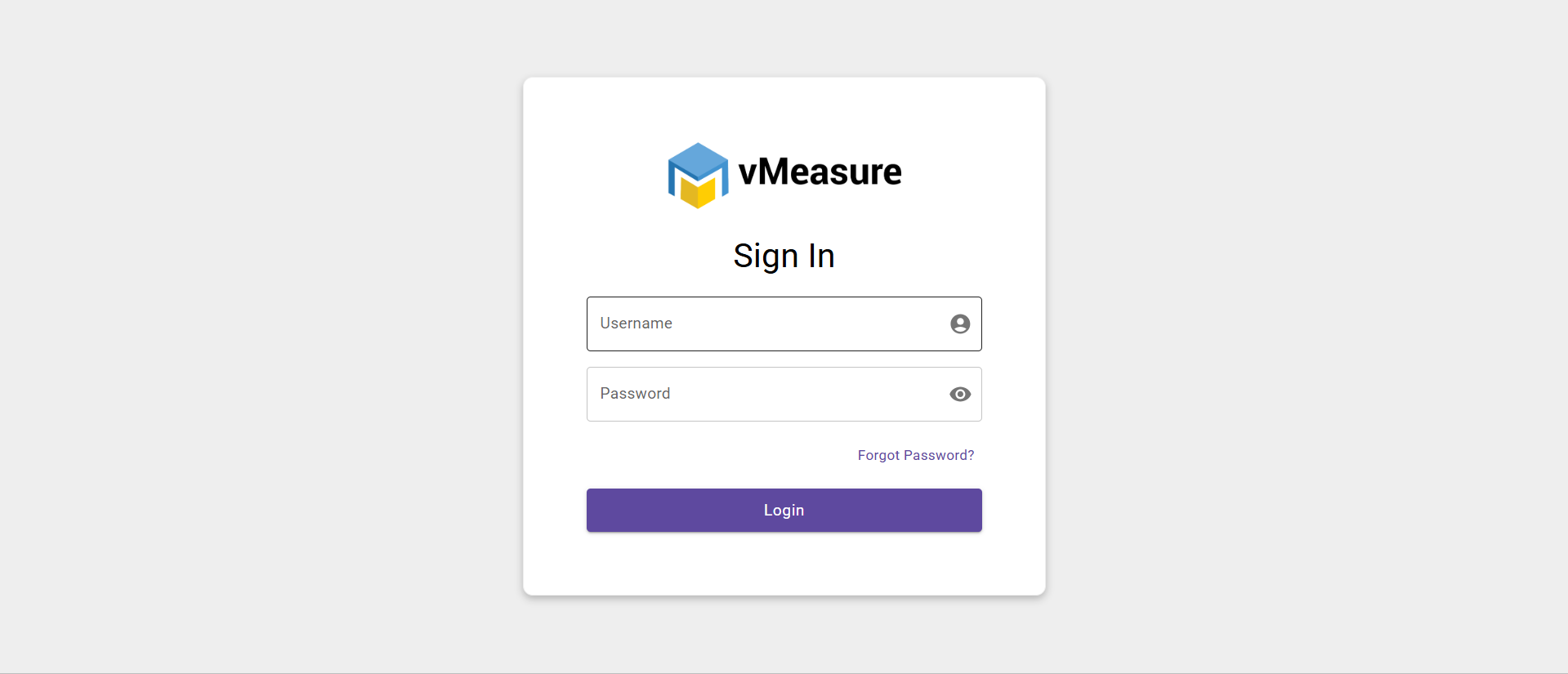
Step-2: On the login page, enter the credentials.
Note: Username will be "admin" by default.
Password - ultt001 (or) vMeasure serial number in lower case {ulcxxxxxxxx}.
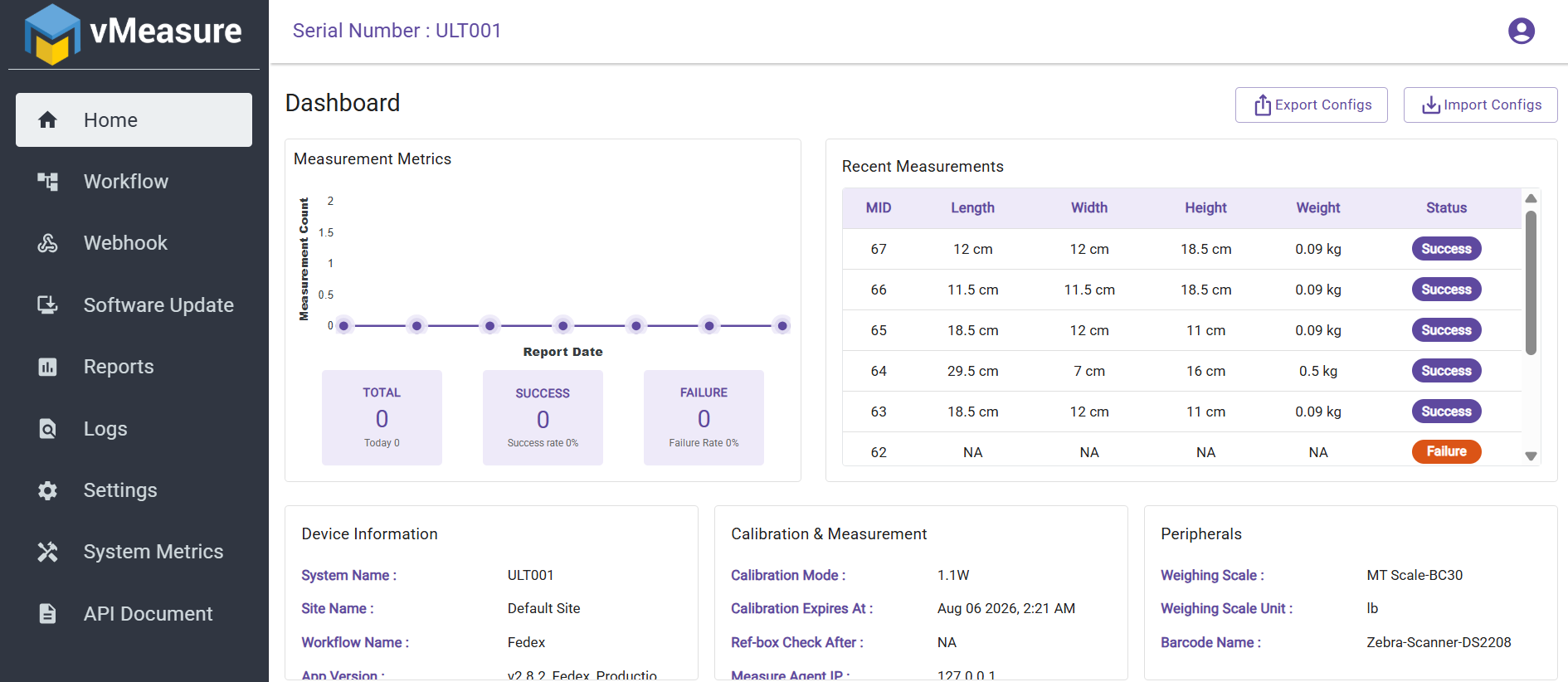
Step-3: You are successfully logged in to Offline Forge.
Reference Articles:
If you are unable to Login please reset the password - KB Article - How to Reset the password
To raise a support ticket - https://support.visailabs.com/
Was this article helpful?
That’s Great!
Thank you for your feedback
Sorry! We couldn't be helpful
Thank you for your feedback
Feedback sent
We appreciate your effort and will try to fix the article