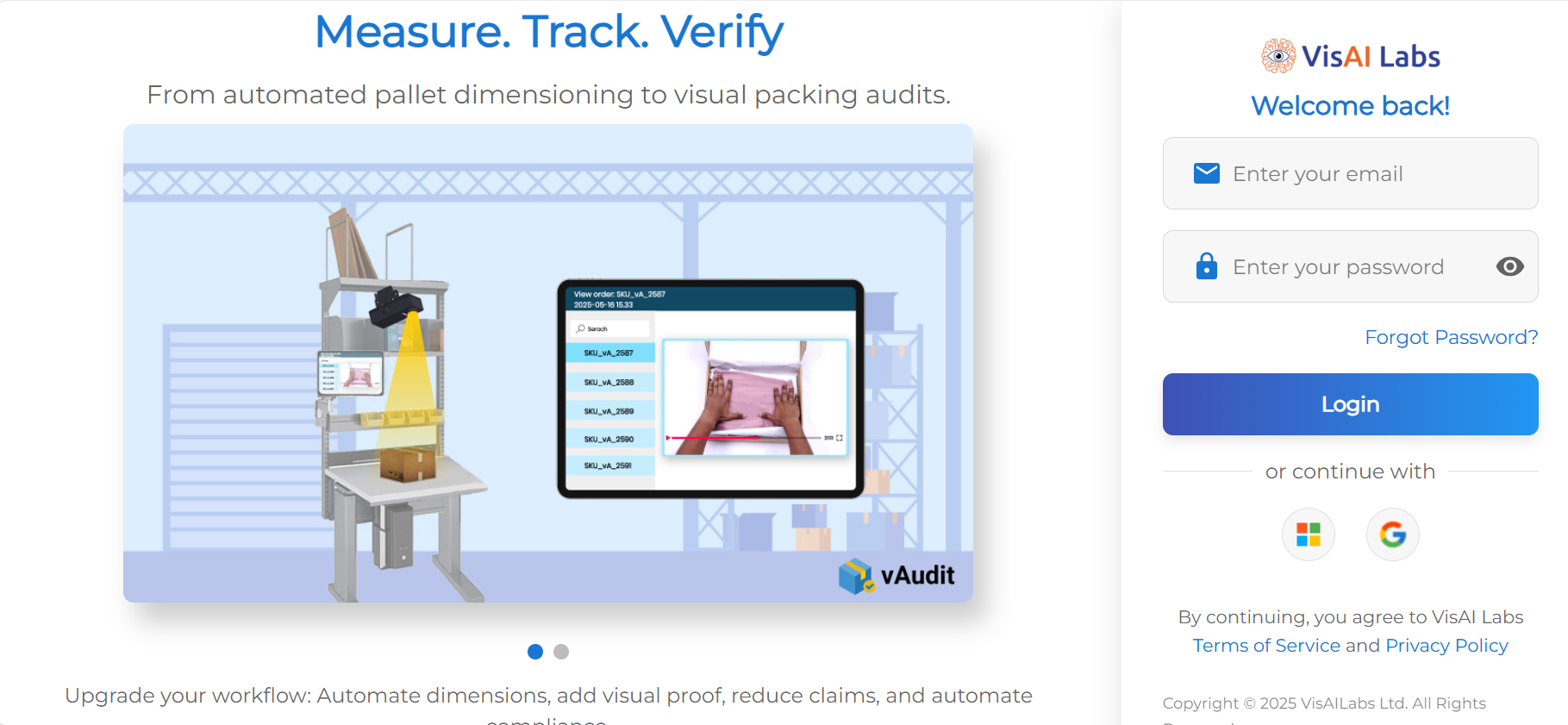
Step 1: Login to vMeasure
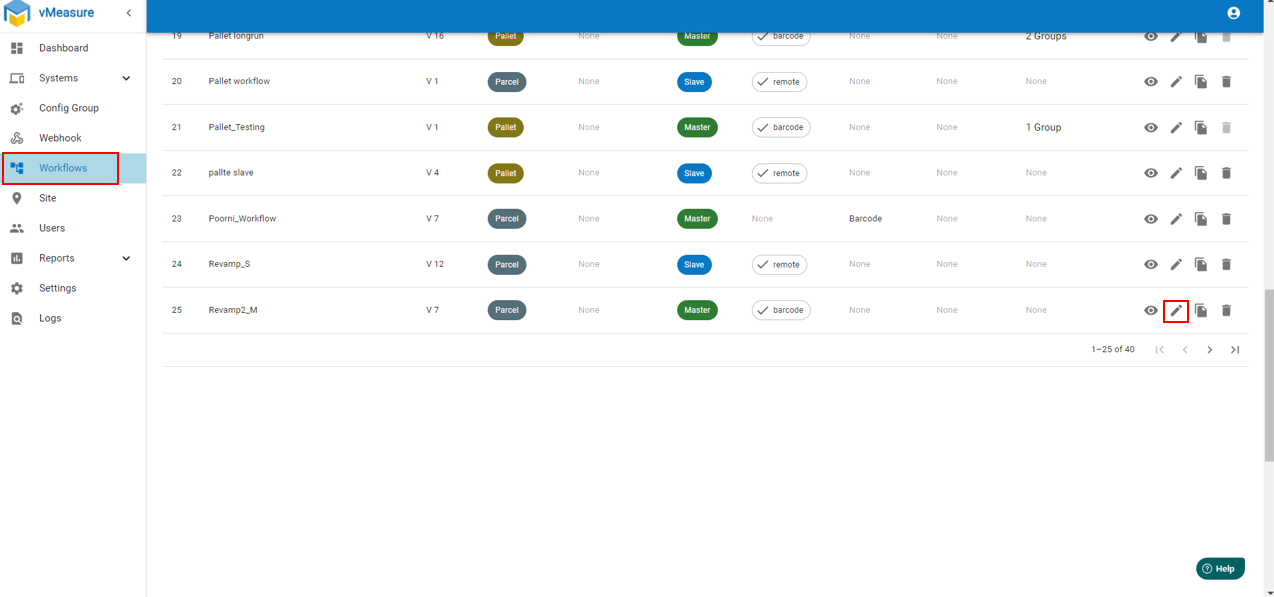
Step 2: Navigate to "Workflow" and click on "Edit" icon.
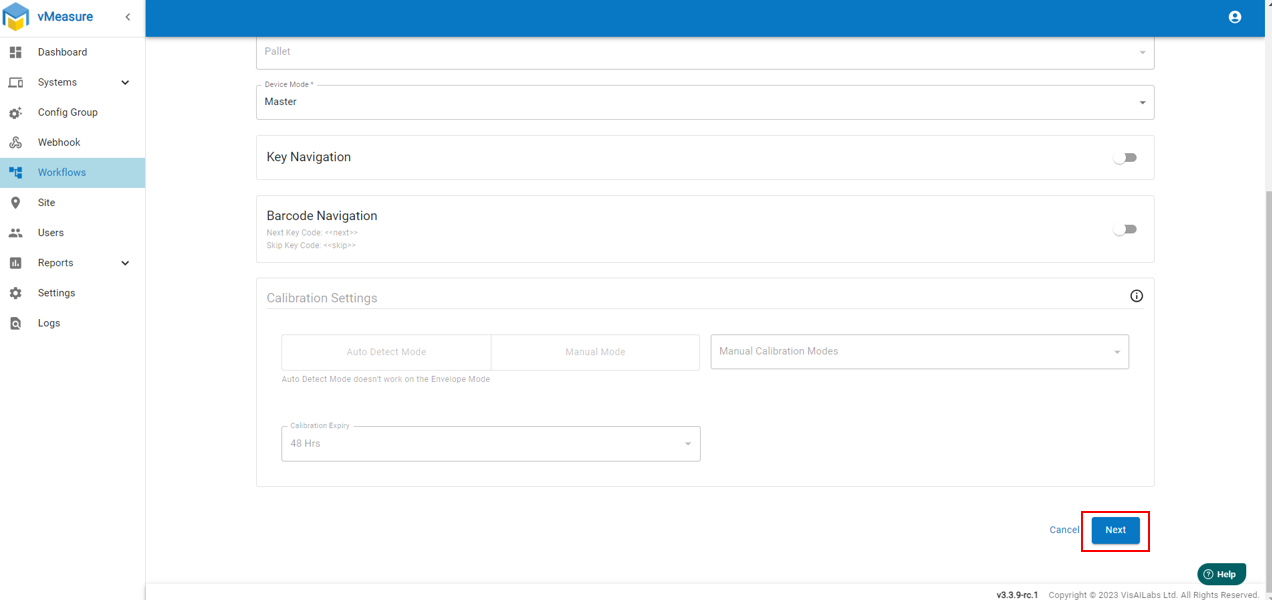
Step 3: Click on " Next" and Navigate to " Volumetric Weight"
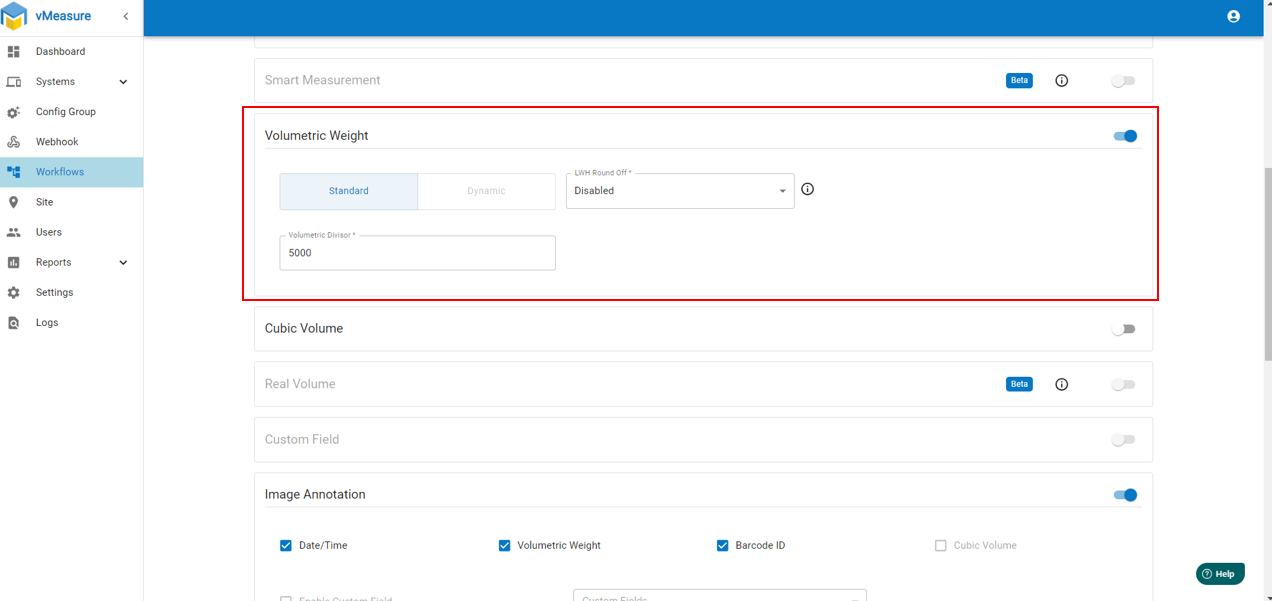
Step 4: Enable " Volumetric Weight" and enter the volumetric divisor.
Step 5: Click on "Next" and "Save" the workflow.
Note :
1. When you save changes or edits to a workflow in Forge, the vMeasure device will automatically fetch the updated data and apply the new workflow. However, the new or edited workflow will not affect any previous measurements that were taken before the update.
2. You can enable the "LWH Round off" feature to round off the value as per your requirement.
If you need any support , please drop a mail to vmeasure@visailabs.com
Was this article helpful?
That’s Great!
Thank you for your feedback
Sorry! We couldn't be helpful
Thank you for your feedback
Feedback sent
We appreciate your effort and will try to fix the article