- Kindly login to the forge portal using your credentials.
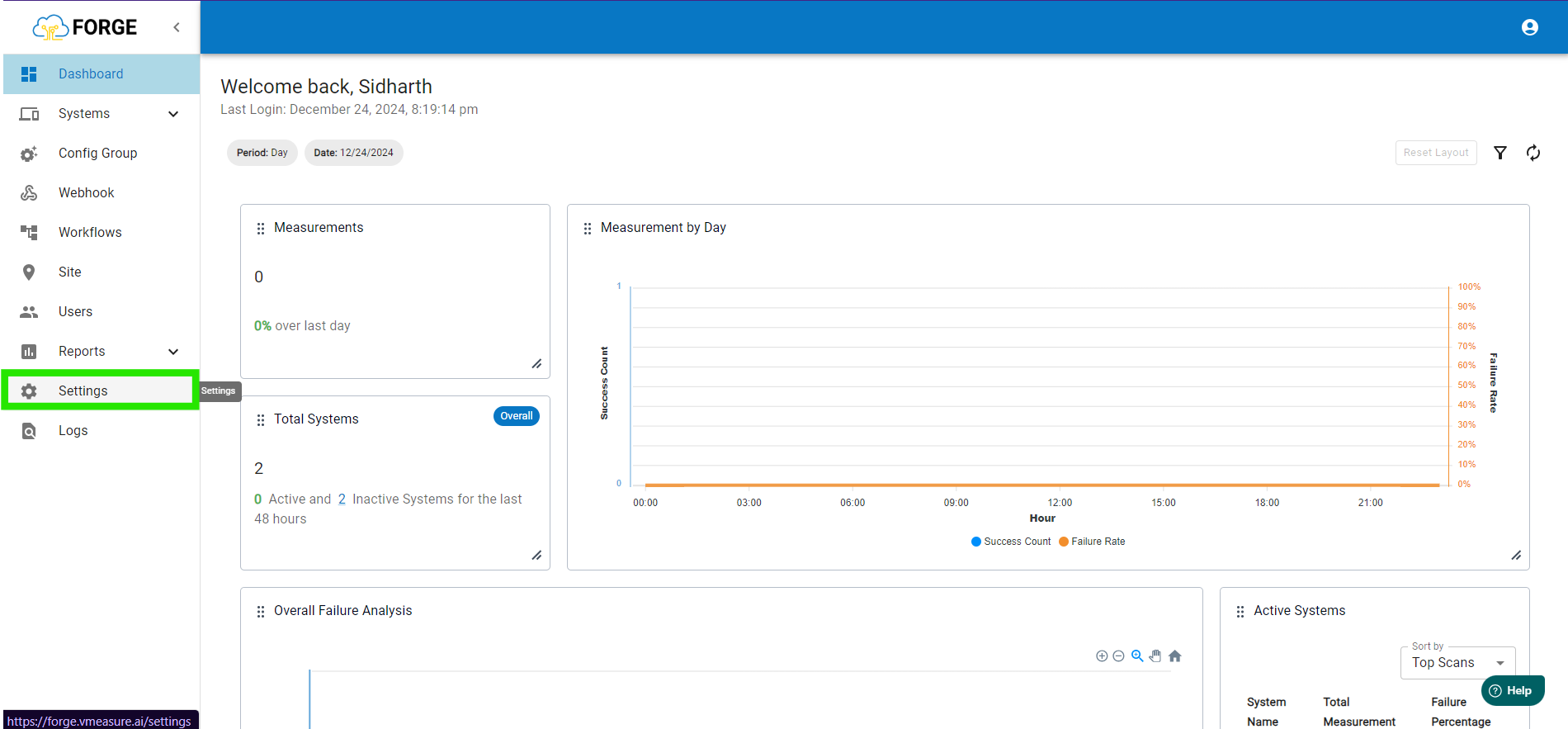
- Once logged in, navigate to the 'Settings' tab.
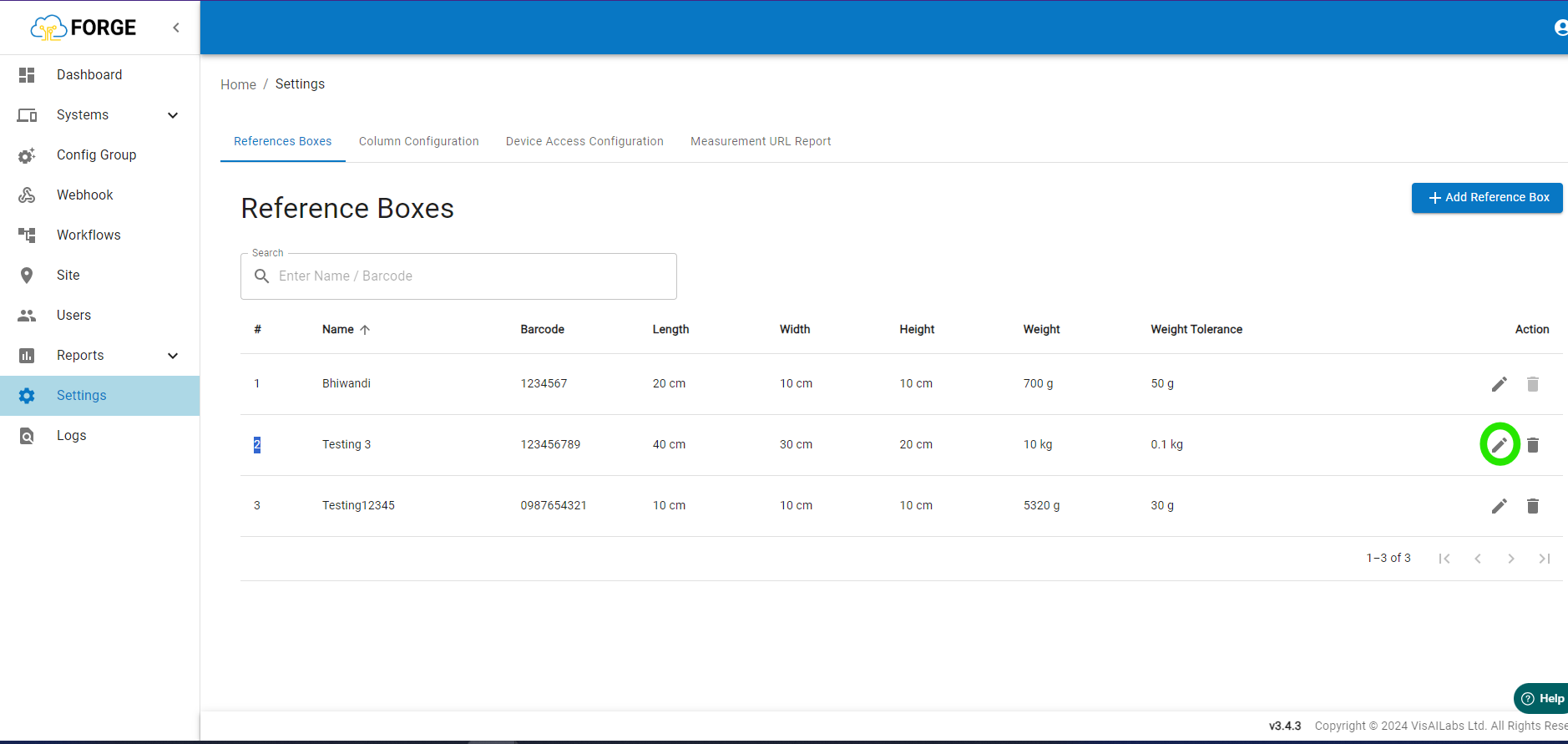
- In the 'Settings' page, press the edit icon for which you need to change the weight of.
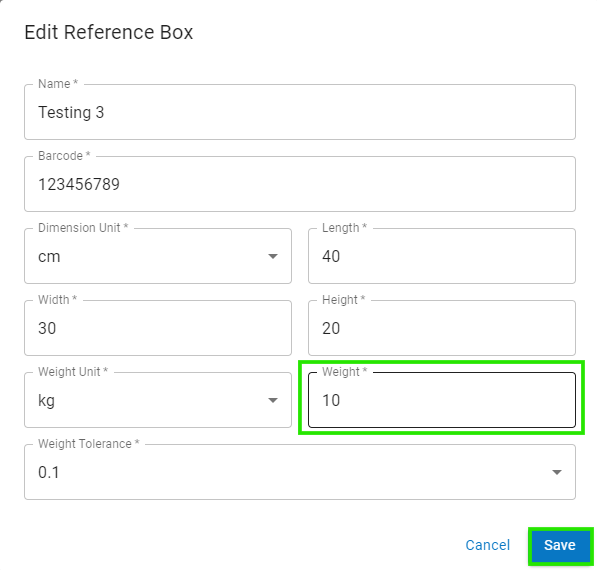
For example here we will be editing the reference box name 'Testing 3'. - Once the "Edit Reference Box" page opens, go to the 'Weight' and change it to the desired value. Once the changes are done press the 'Save' icon.
NOTE: Once the weight has been changed for a device the device needs to be logged out and logged back in to fetch the new reference box weight data.
Was this article helpful?
That’s Great!
Thank you for your feedback
Sorry! We couldn't be helpful
Thank you for your feedback
Feedback sent
We appreciate your effort and will try to fix the article