Question: How this "MeasurementReportURL" Feature is useful?
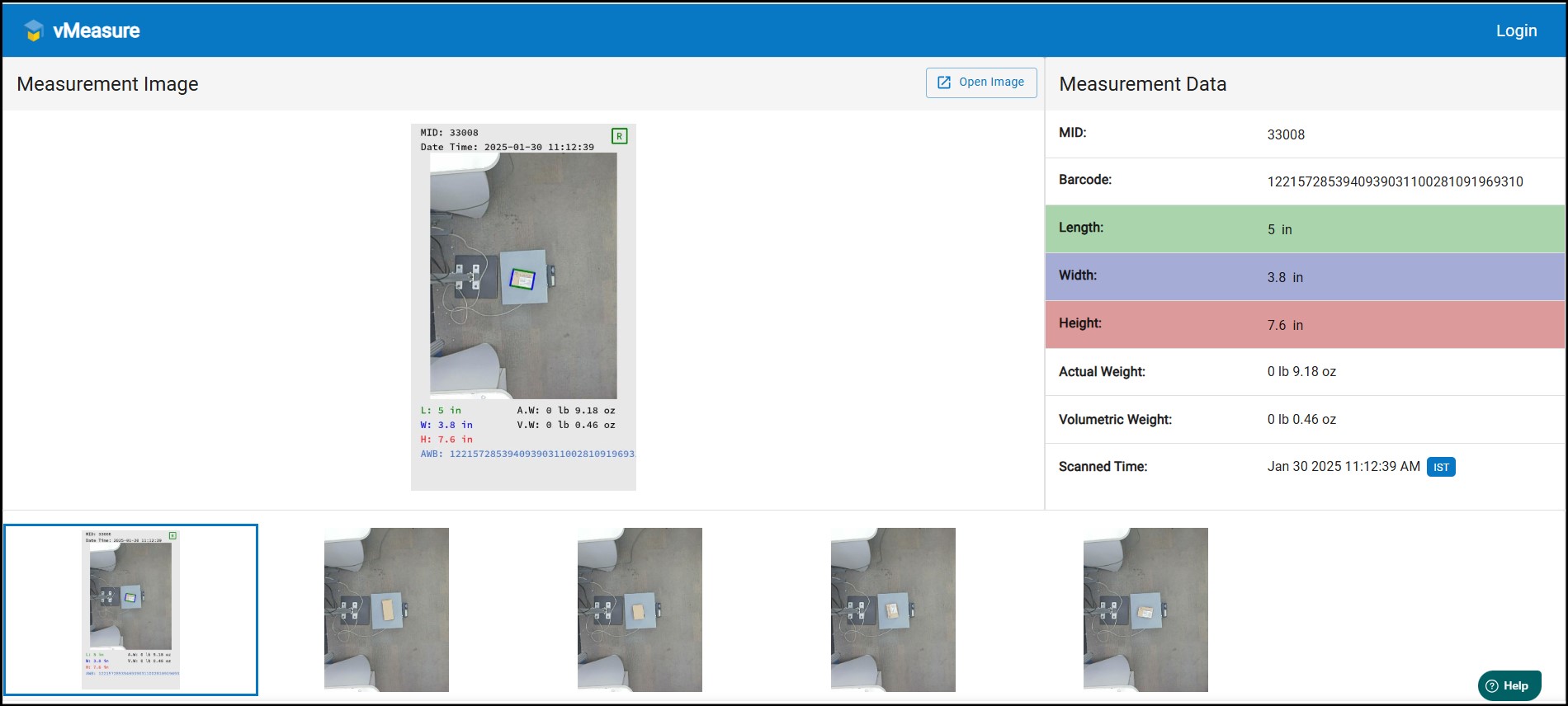
Answer: By enabling this feature user can view the annotation image, additional images & dimensions data in a single page.
How to enable "MeasurementReportURL"?
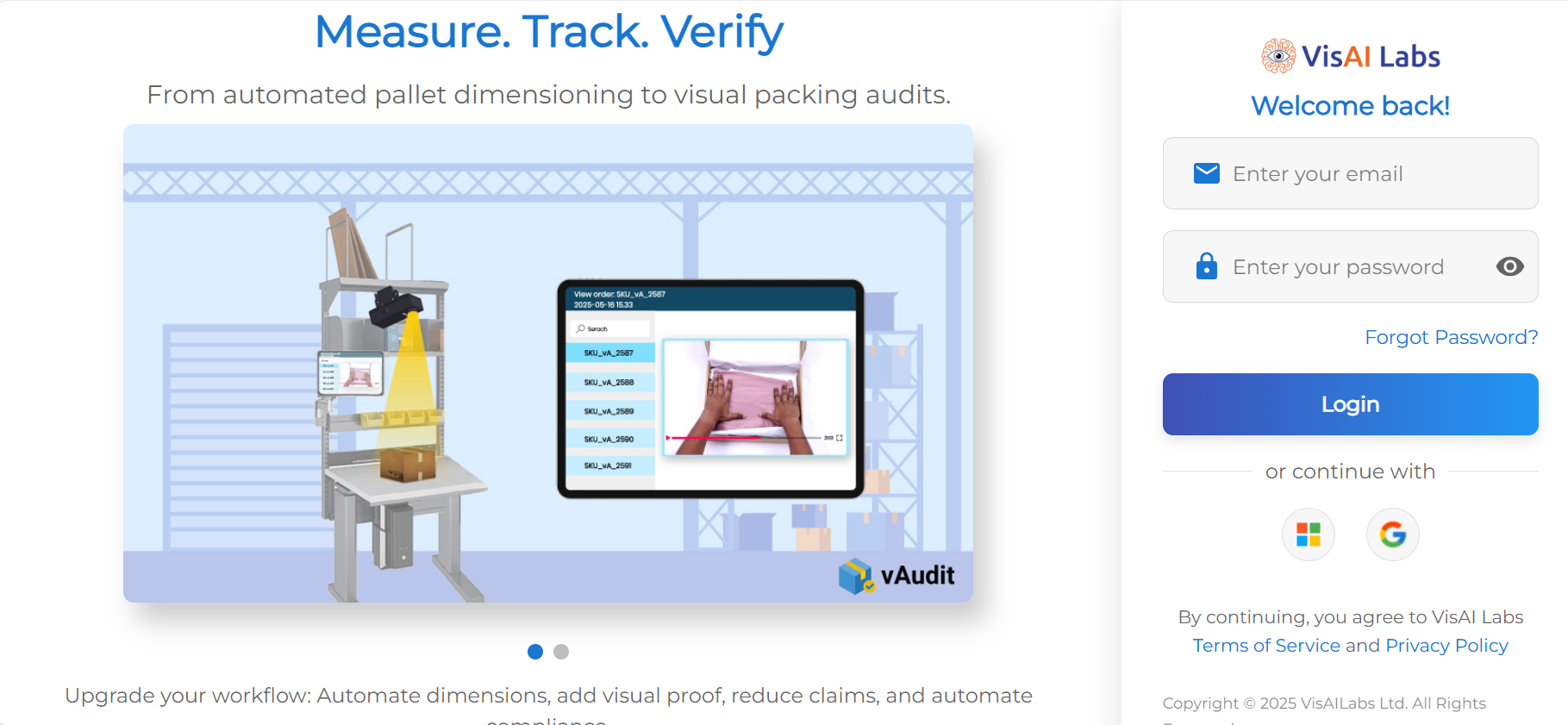
Step-1: Login to vMeasure Forge, using your forge credentials.
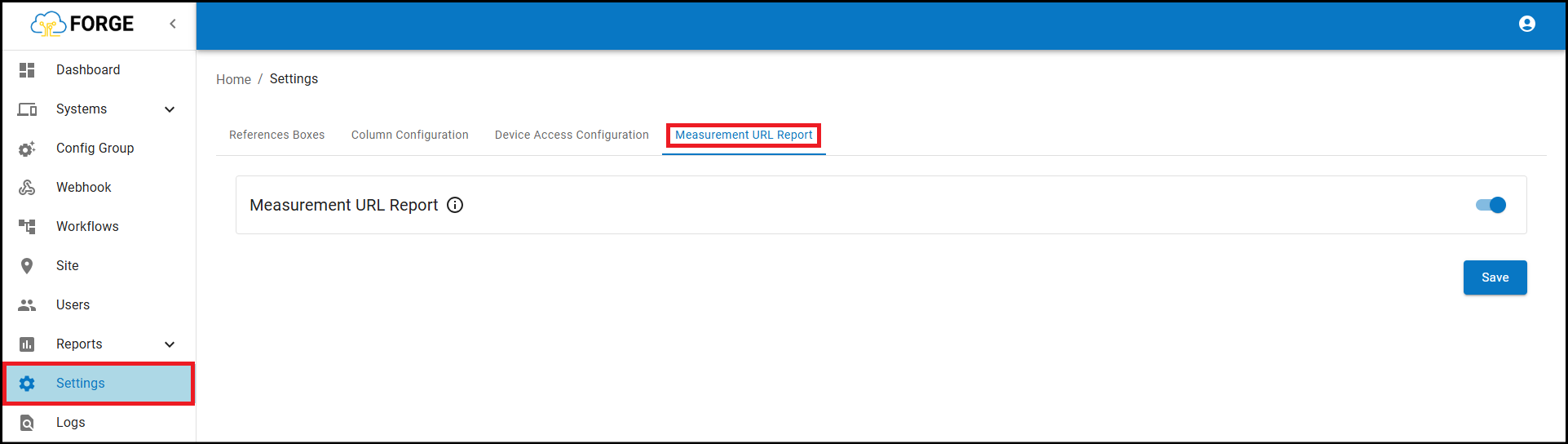
Step-2: Navigate to "Settings" then navigate to "Measurement Report URL".
Step-3: Enable the toggle On/Off button & click on Save. Measurement Report URL feature is enabled now.
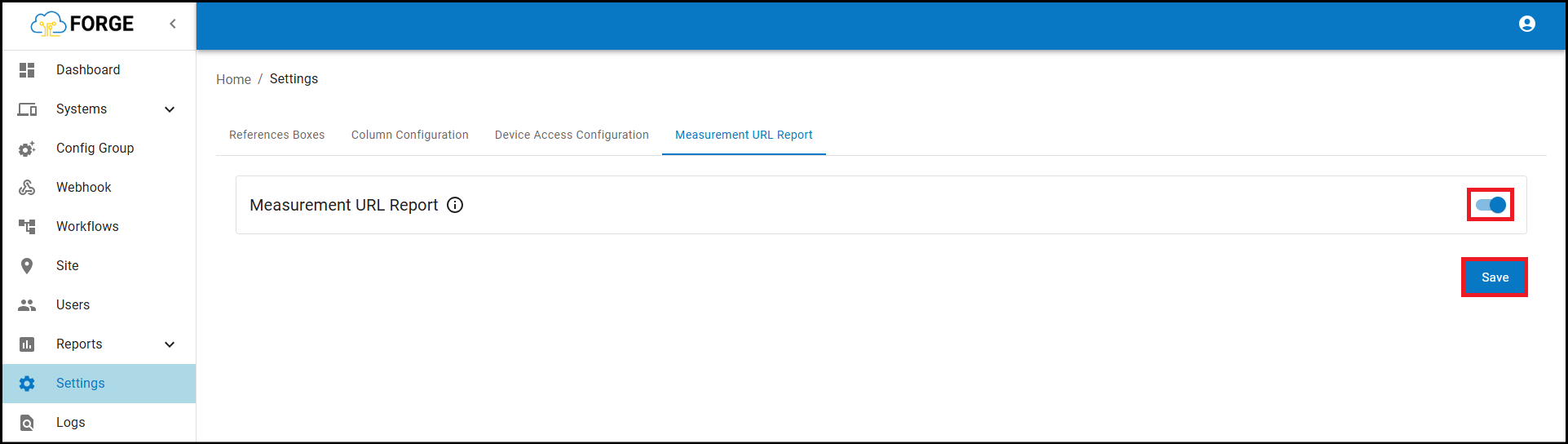
Note: Only the next measurements after enabling the "Measurement Report URL", will have this option.
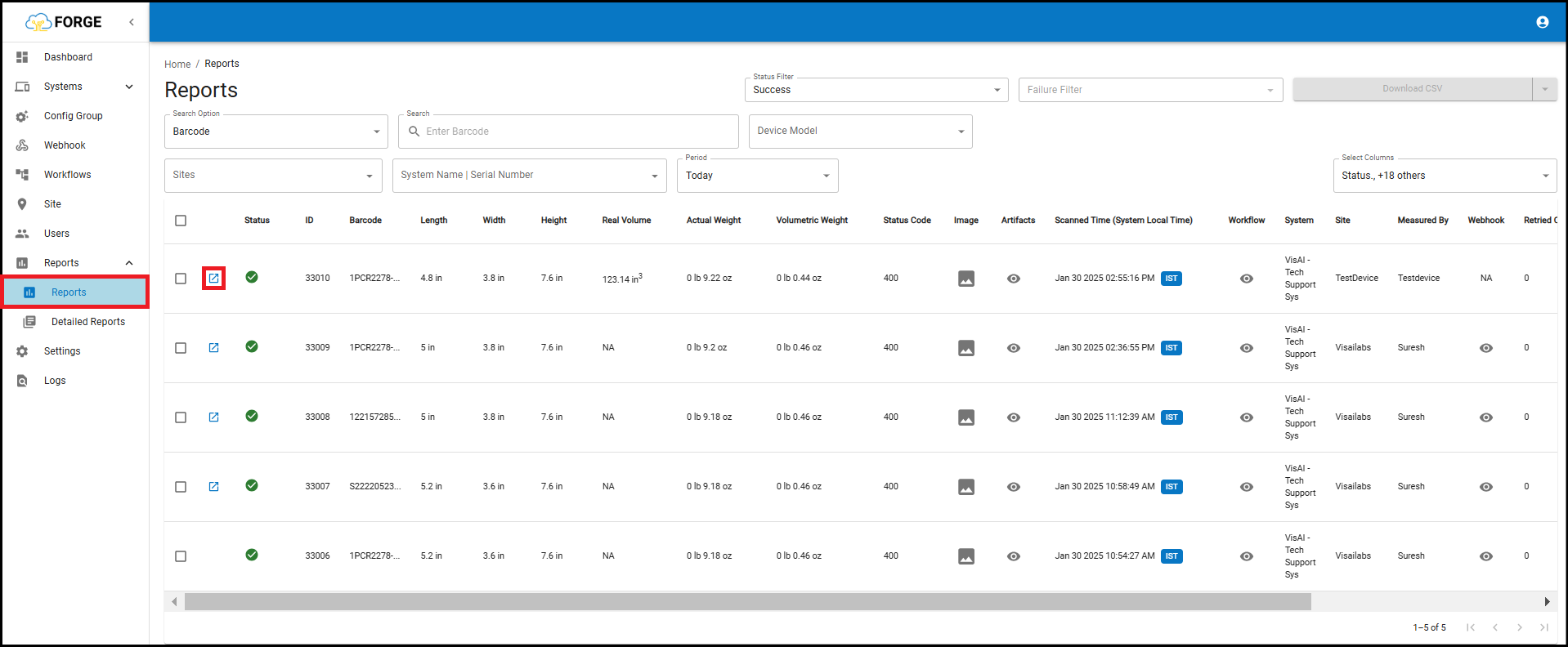
Step-4: Navigate to "Reports" page, click on the preview icon highlighted below.
If you need any support , please drop a mail to vmeasure@visailabs.com
Was this article helpful?
That’s Great!
Thank you for your feedback
Sorry! We couldn't be helpful
Thank you for your feedback
Feedback sent
We appreciate your effort and will try to fix the article