How to change the buzzer volume of vAudit,
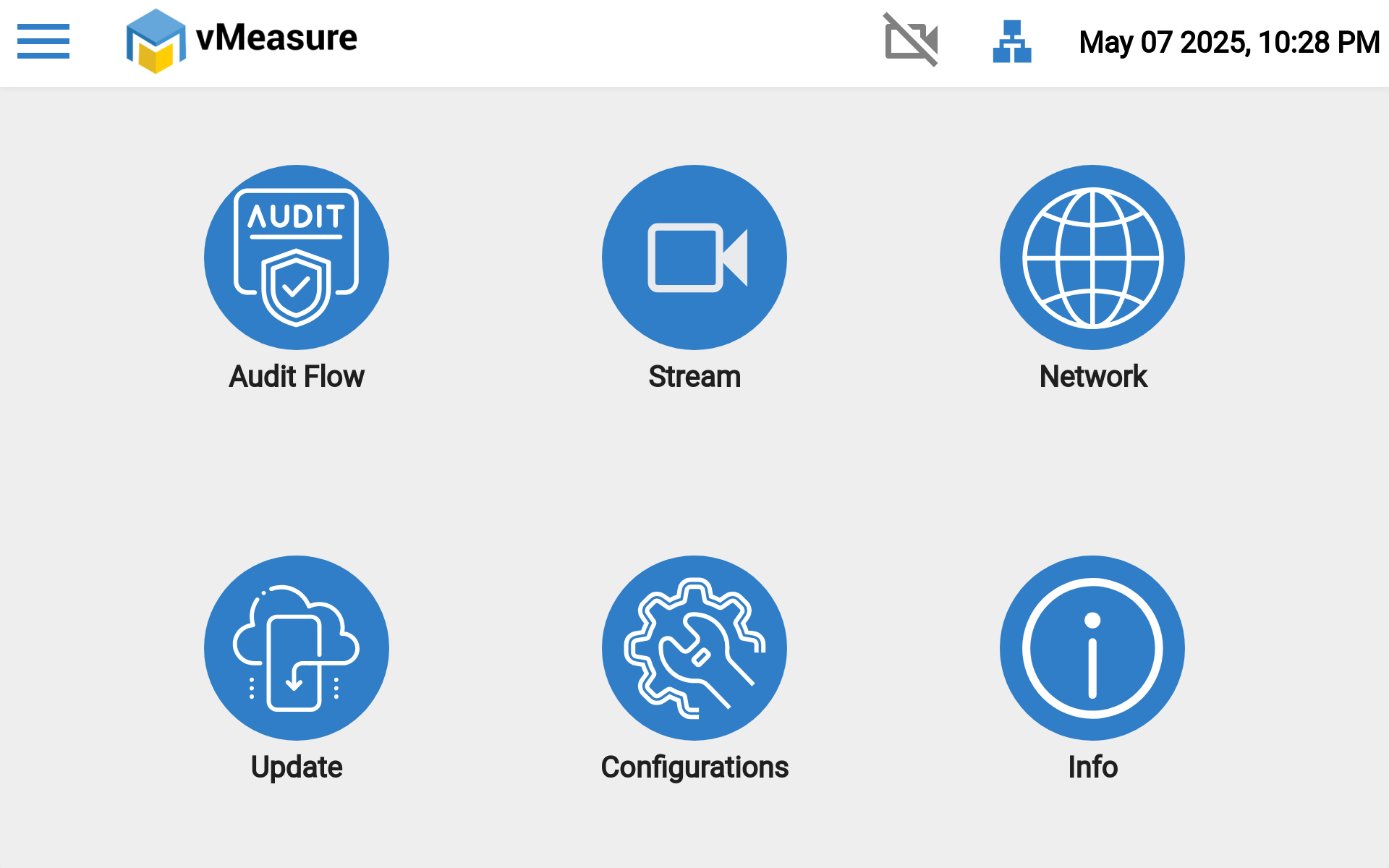
Step 1: Navigate to "Main Menu", Then Navigate to "Configurations".
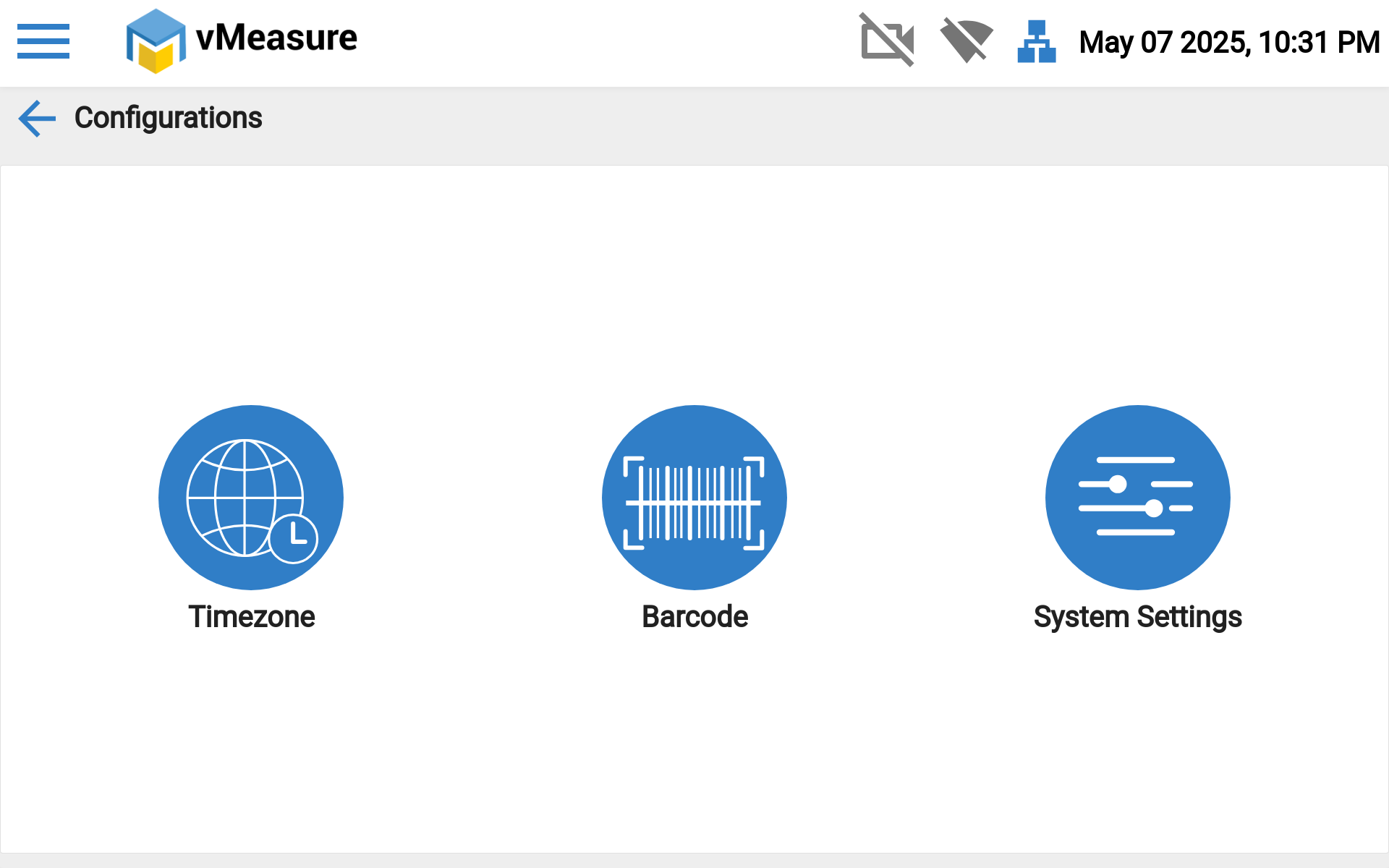
Step 2: Then Click the "System settings".
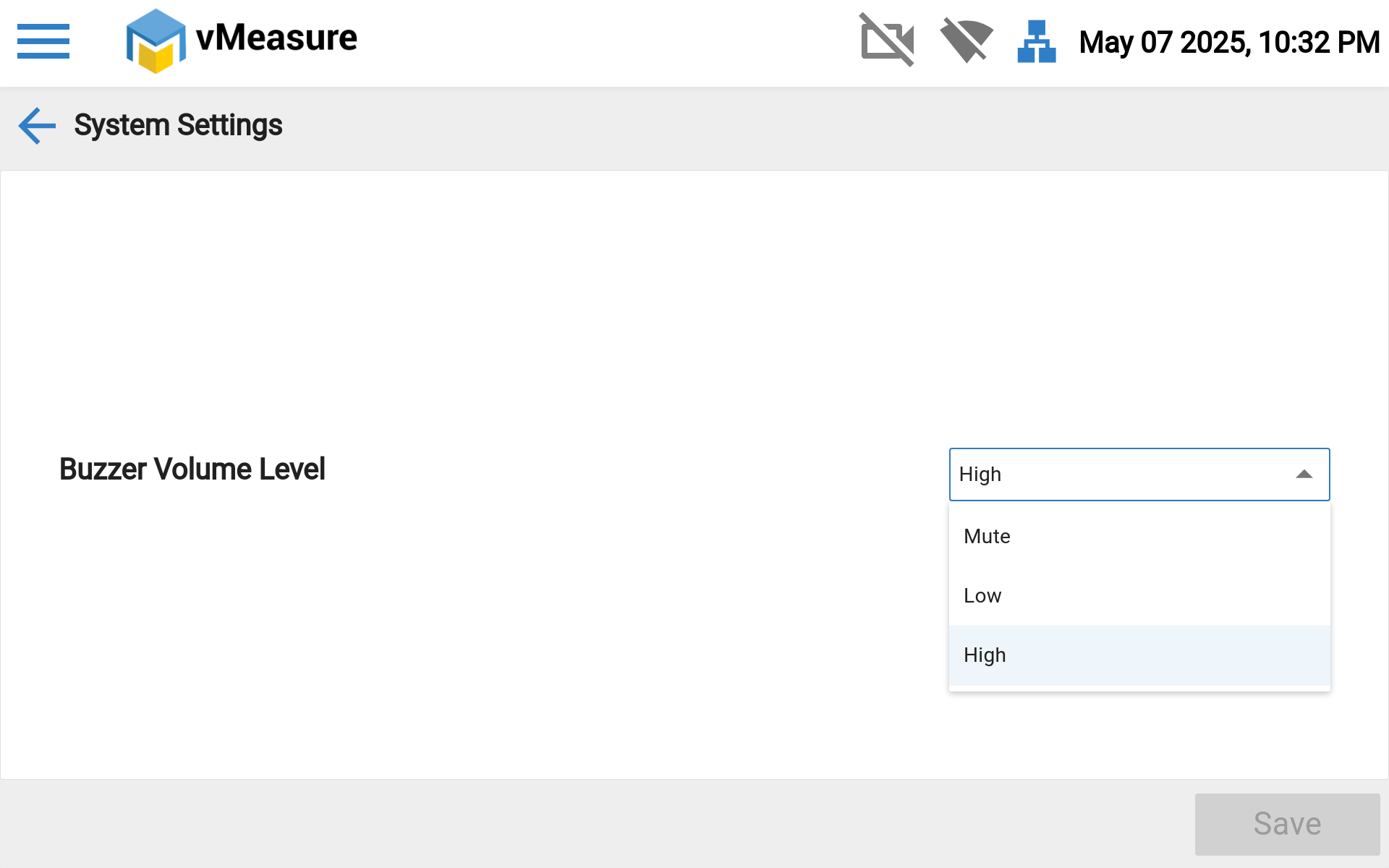
Step 3: You can change the Buzzer Volume Level as per your needs (High, Low, Mute).
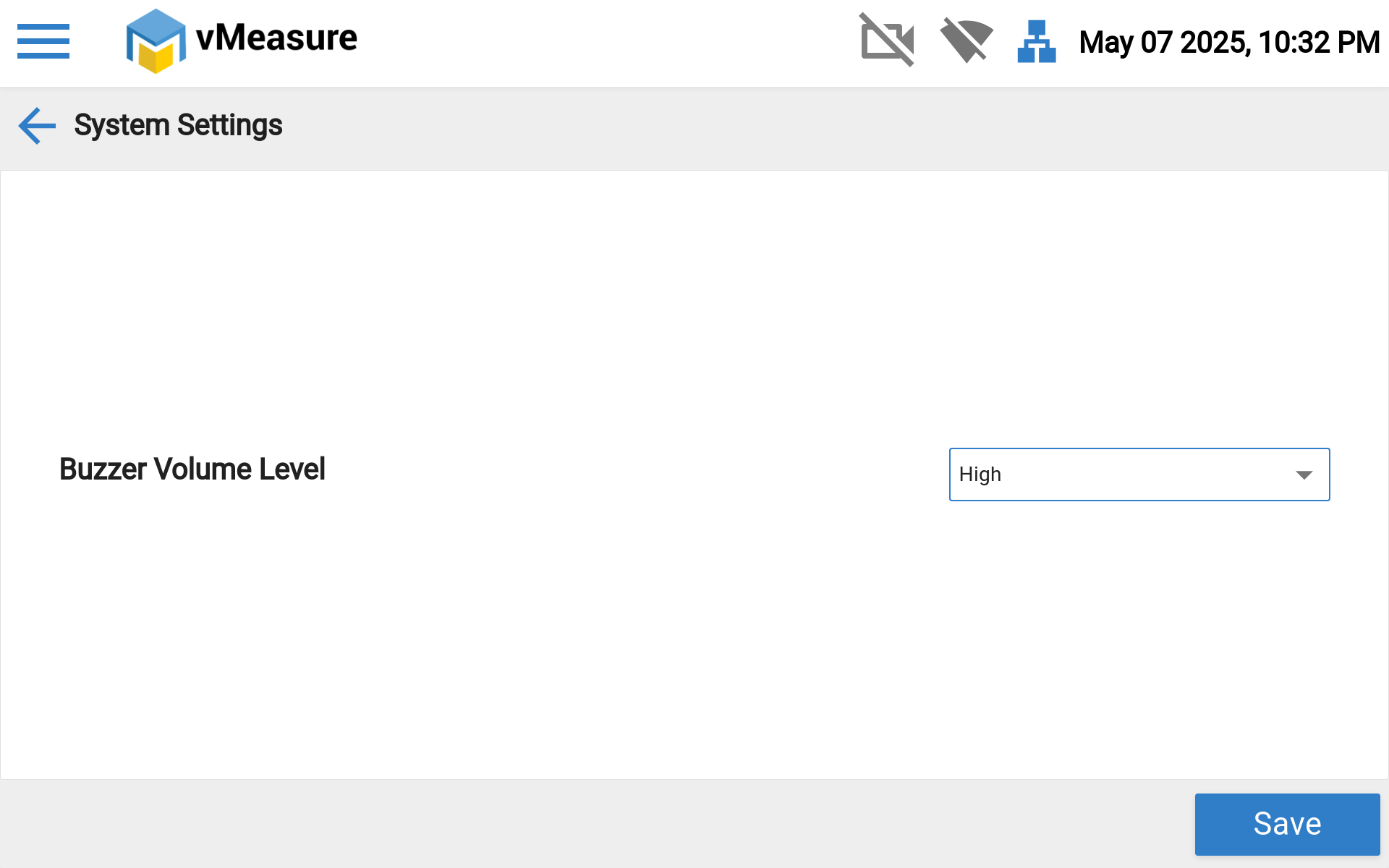
Step 4: Then Click the "Save" button to save the changes.
If you need any support , please drop a mail to vmeasure@visailabs.com or Click Here to Summit a Ticket.
Was this article helpful?
That’s Great!
Thank you for your feedback
Sorry! We couldn't be helpful
Thank you for your feedback
Feedback sent
We appreciate your effort and will try to fix the article