How to Obtain Credentials for Slave Mode
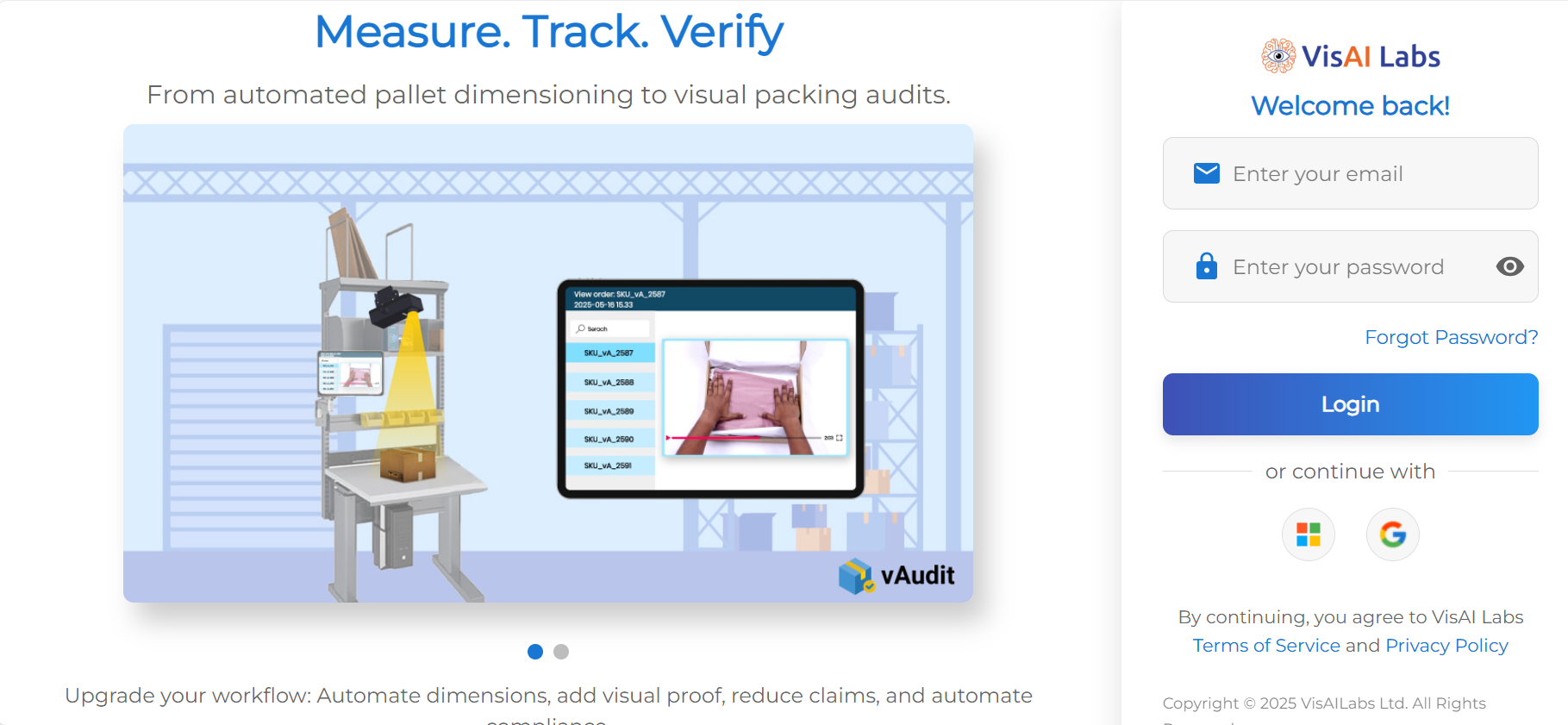
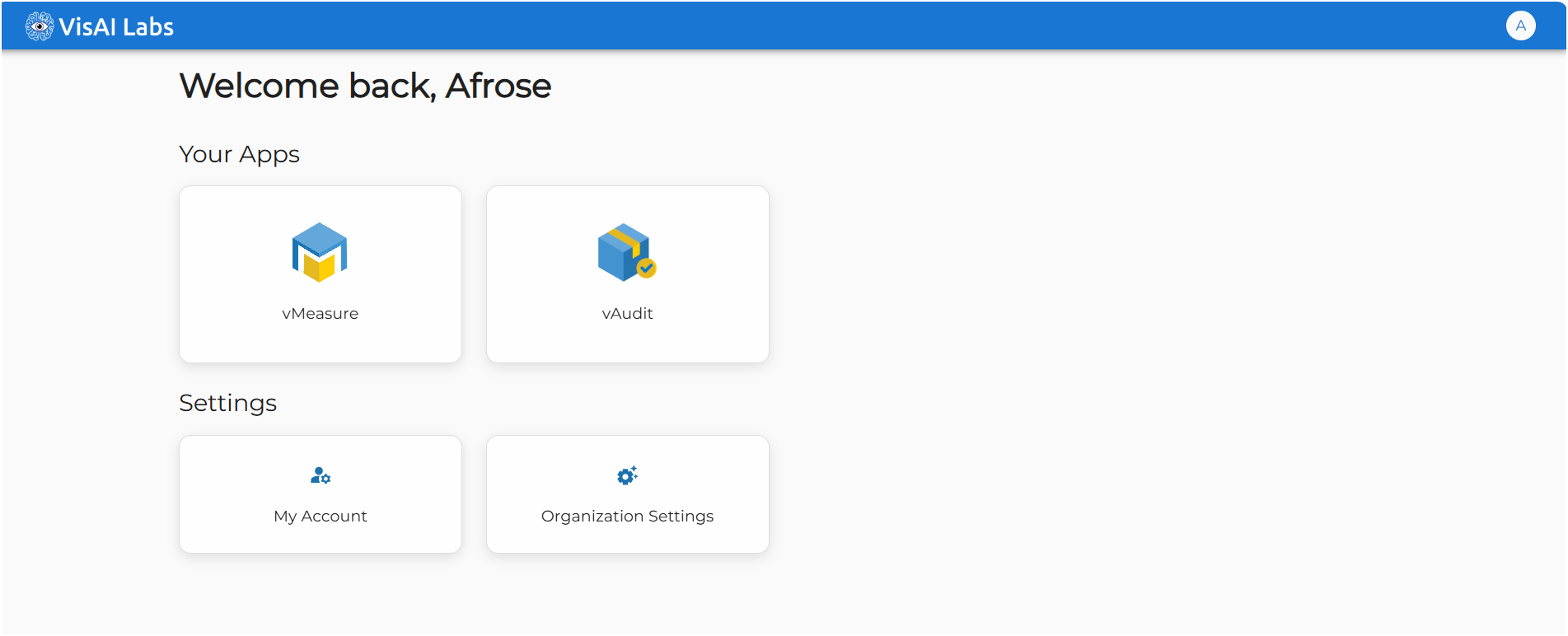
Step 1: Log-in to the forge cloud portal using the login credential & click on vAudit.
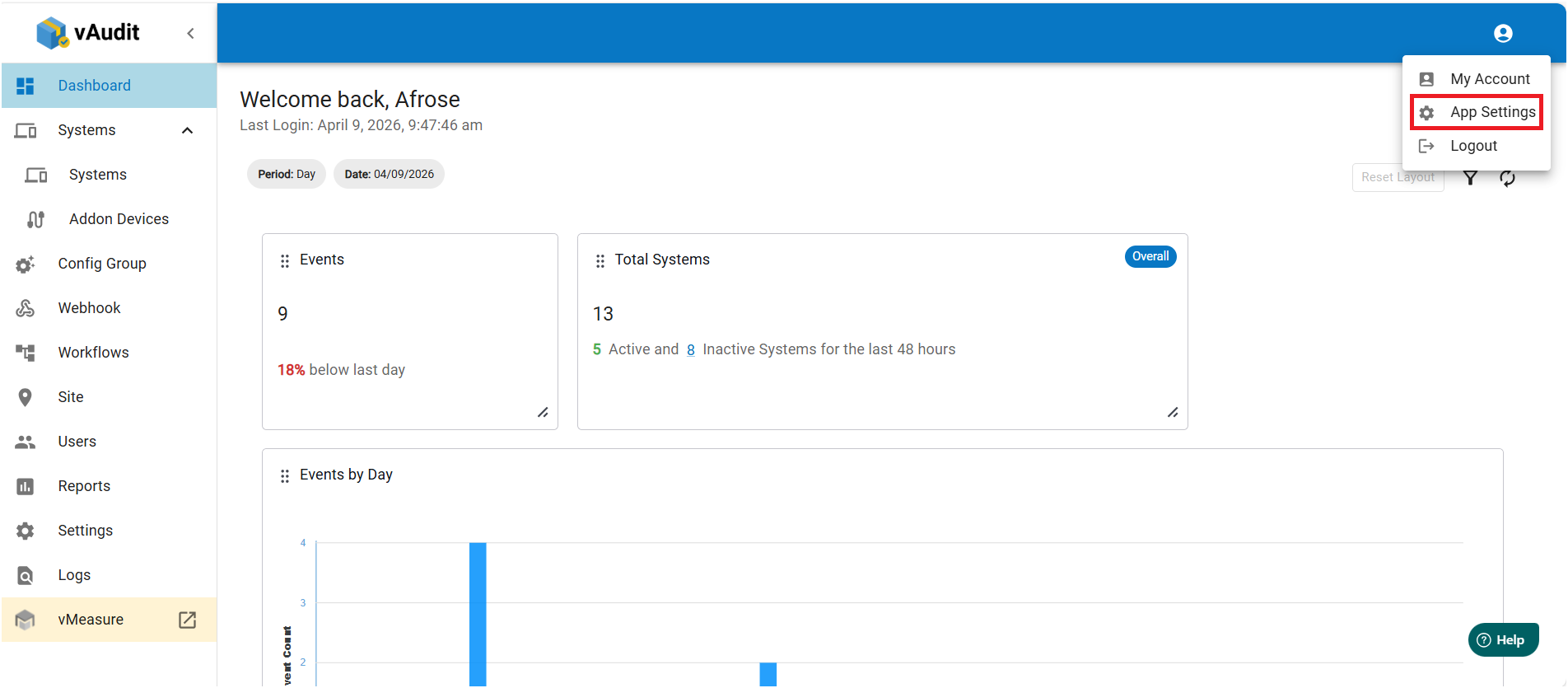
Step 2: On the “Dashboard" page go to the top right corner and select “App Settings” from the drop down.
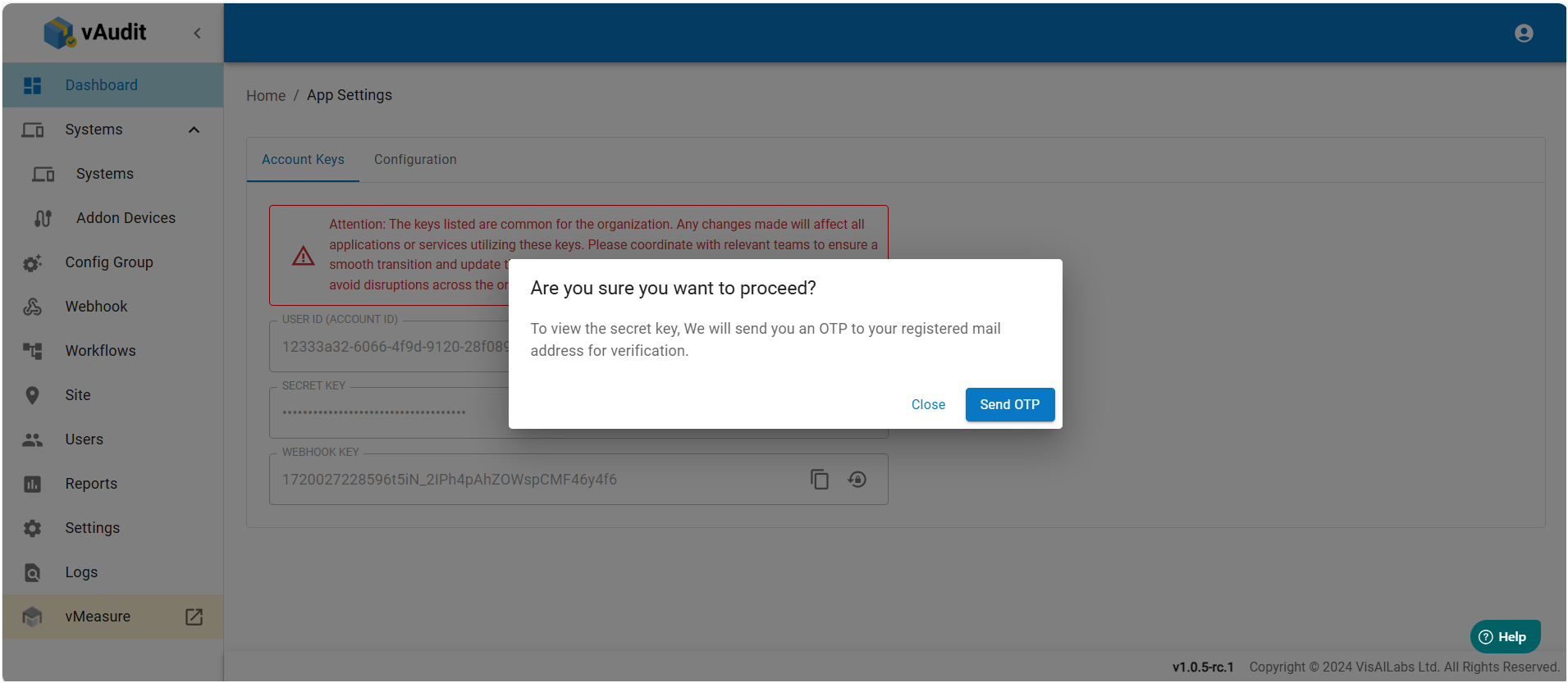
Step 3: On the “App Settings” page, select “Account Keys”.Here you can access the “User ID” and “Secret Key” required for slave mode operation of device. You can access the “Secret Key” by pressing clicking the eye icon, this will display a prompt to send an OTP to the respective Email. 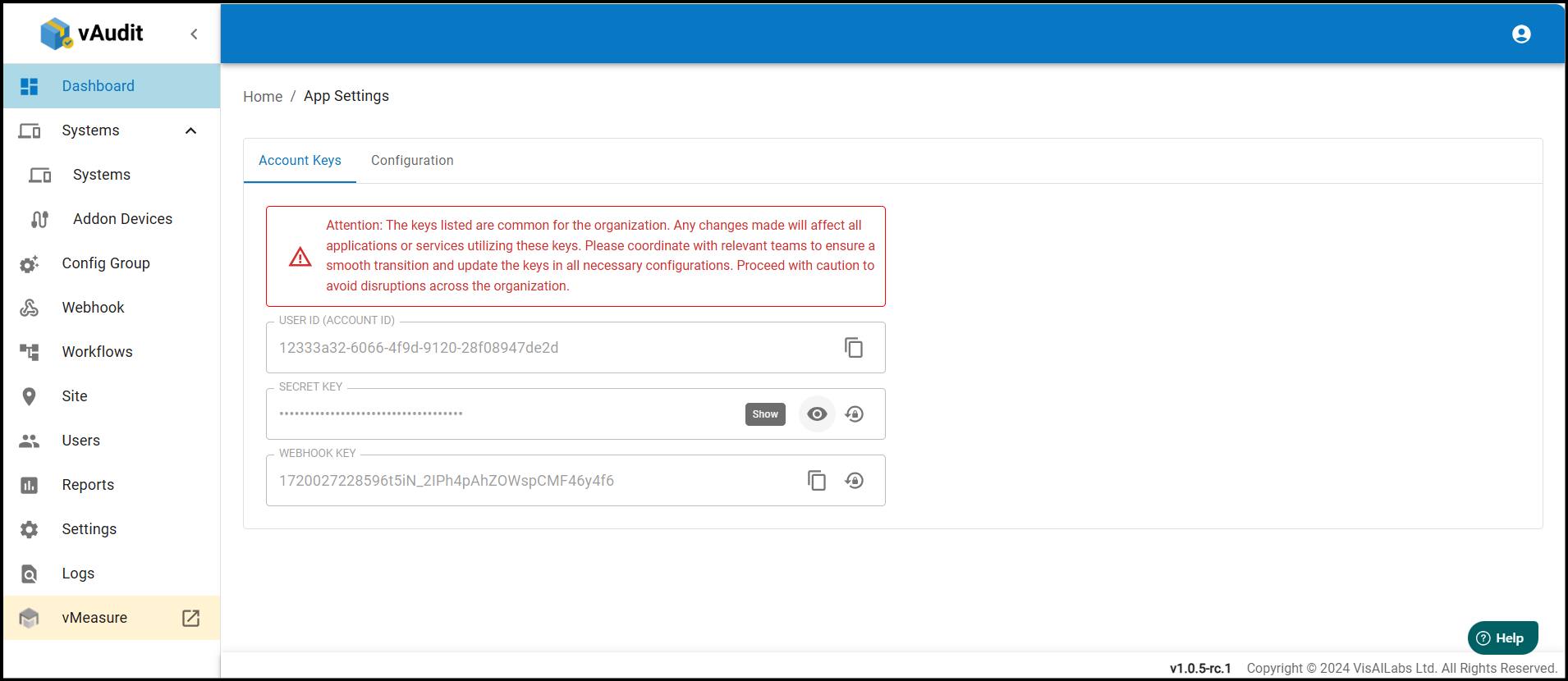
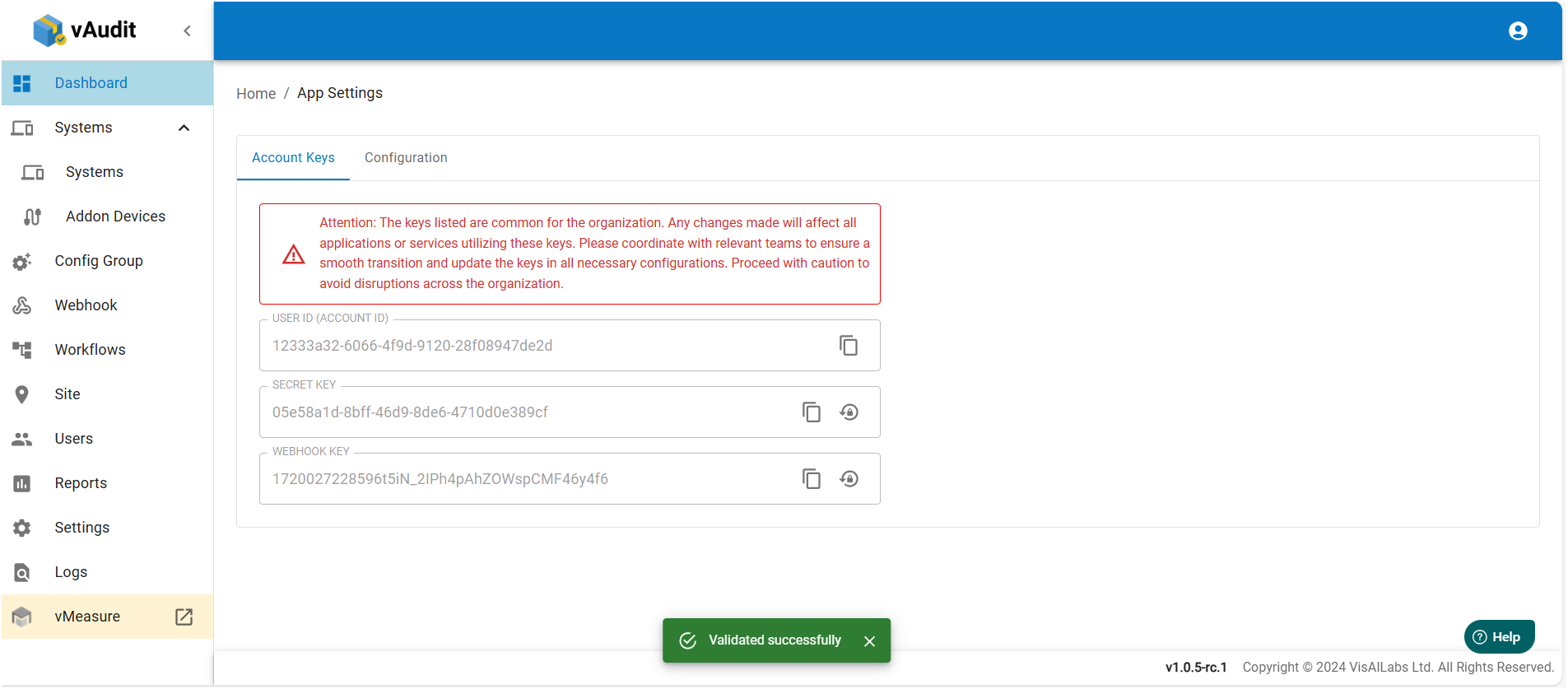
Step 4: Once OTP is received enter in the field and press ‘Validate’, after which Secret Key will be visible.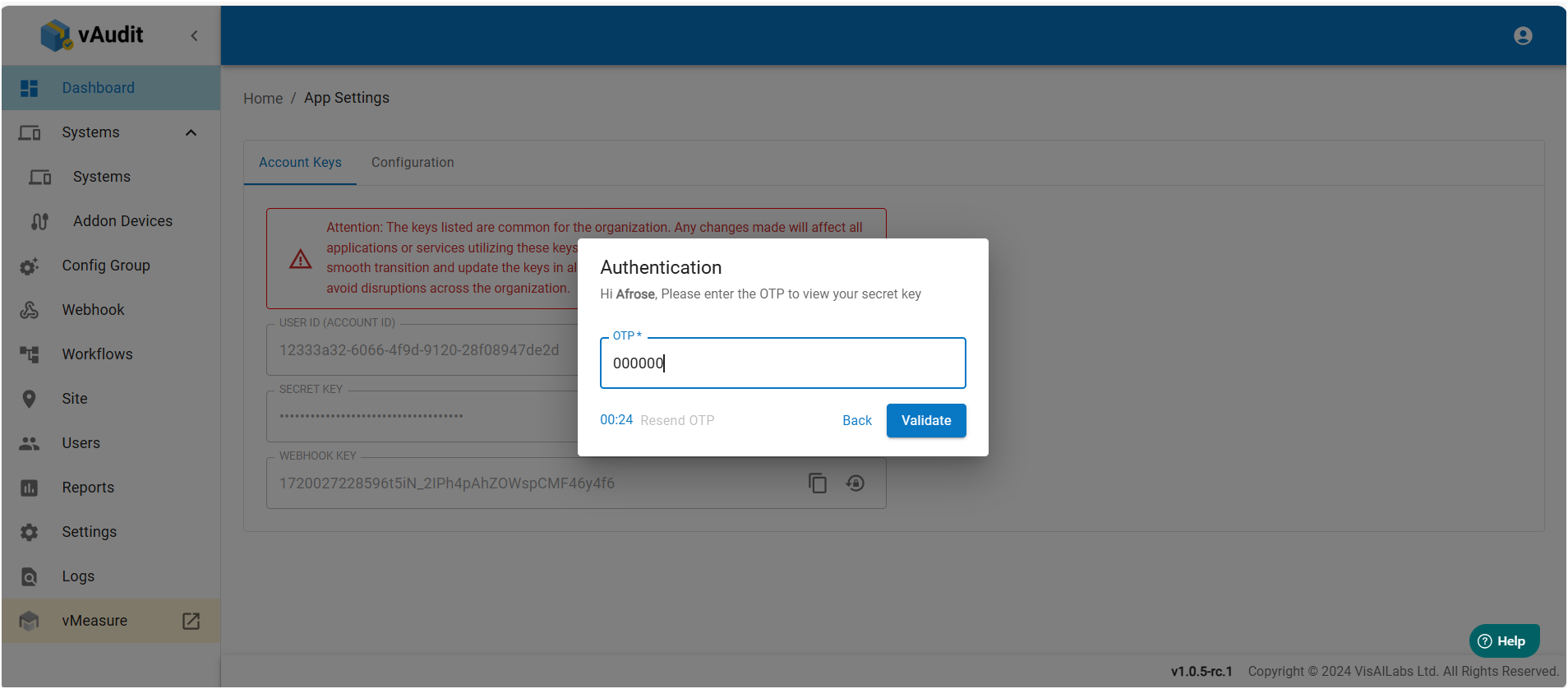
Step 5: You can also obtain “System ID” by going to the Systems tab, there you can select and copy the desired system id by clicking on it.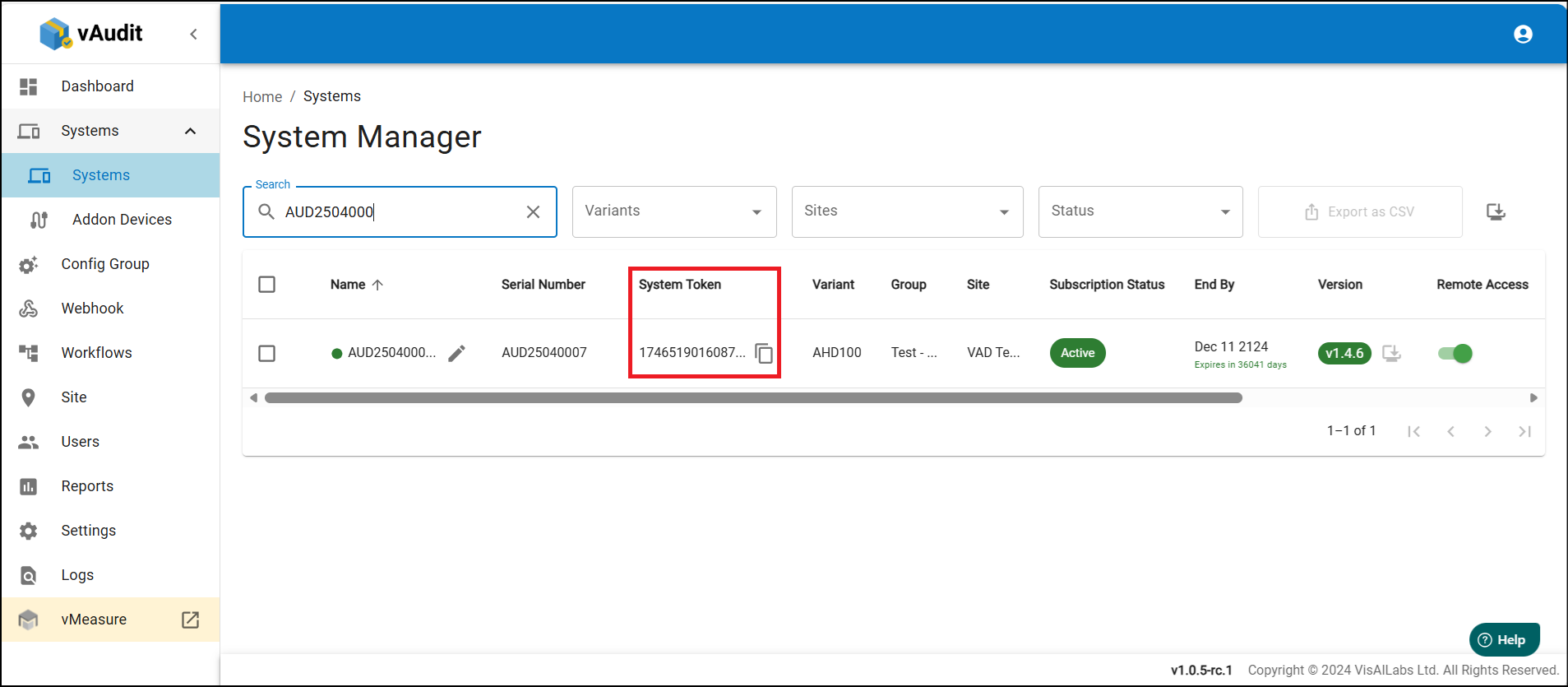
If you need any support , please drop a mail to vmeasure@visailabs.com
Was this article helpful?
That’s Great!
Thank you for your feedback
Sorry! We couldn't be helpful
Thank you for your feedback
Feedback sent
We appreciate your effort and will try to fix the article