How to Create a Basic Workflow for vAudit (Video Recording Flow)
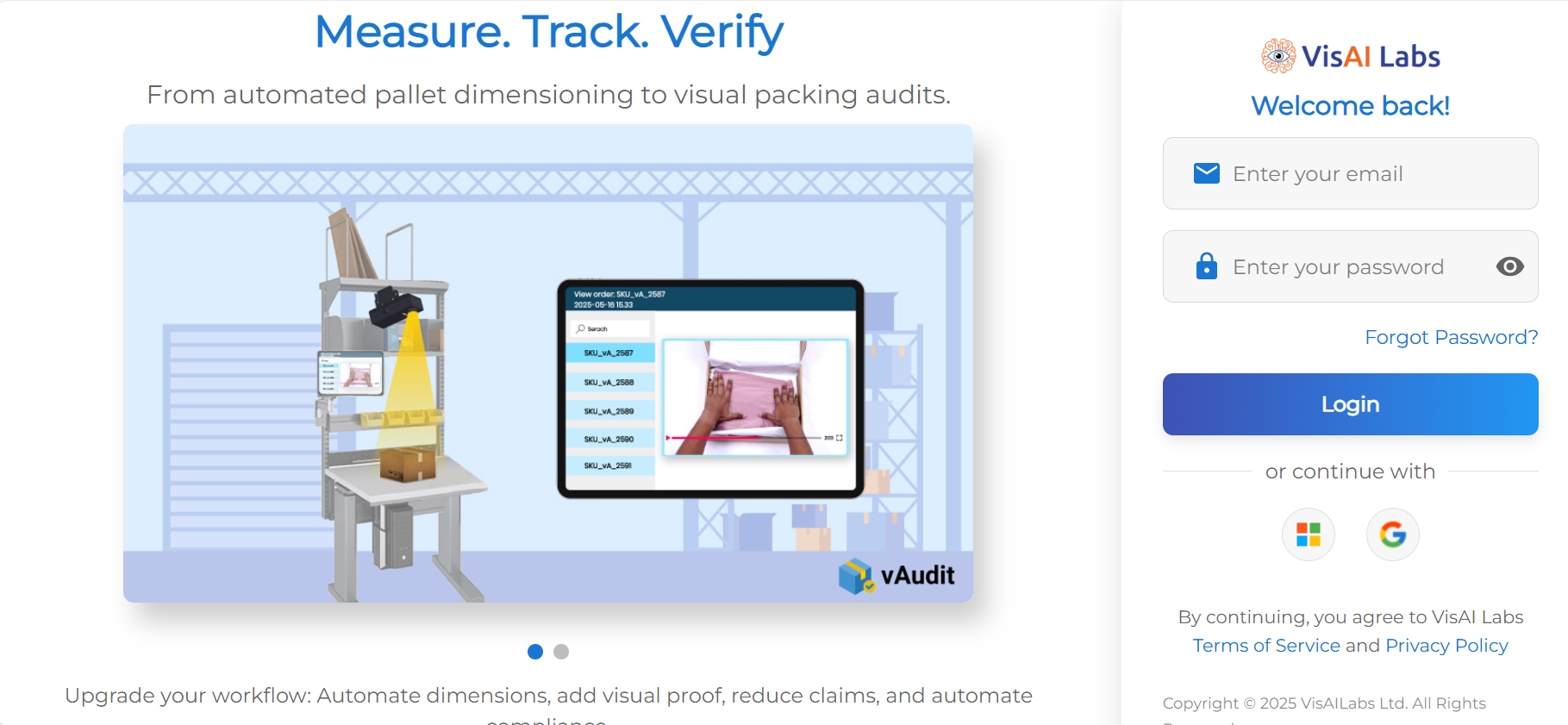
Step 1: Log in to https://forge.vmeasure.ai/login
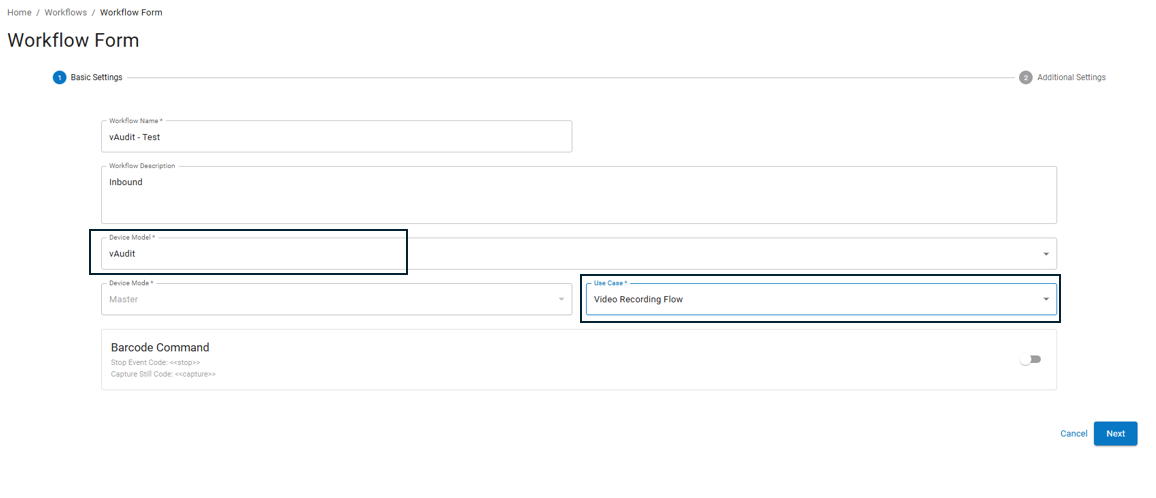
Step 2: Navigate to the Workflow section and click on “+ Add Workflow”.
Step 3: Enter the required details:
Workflow Name
Workflow Description
Step 4: From the Model dropdown, select “vAudit”.
Step 5: From the Use Case dropdown, select “Video Recording Flow” and click “Next”.
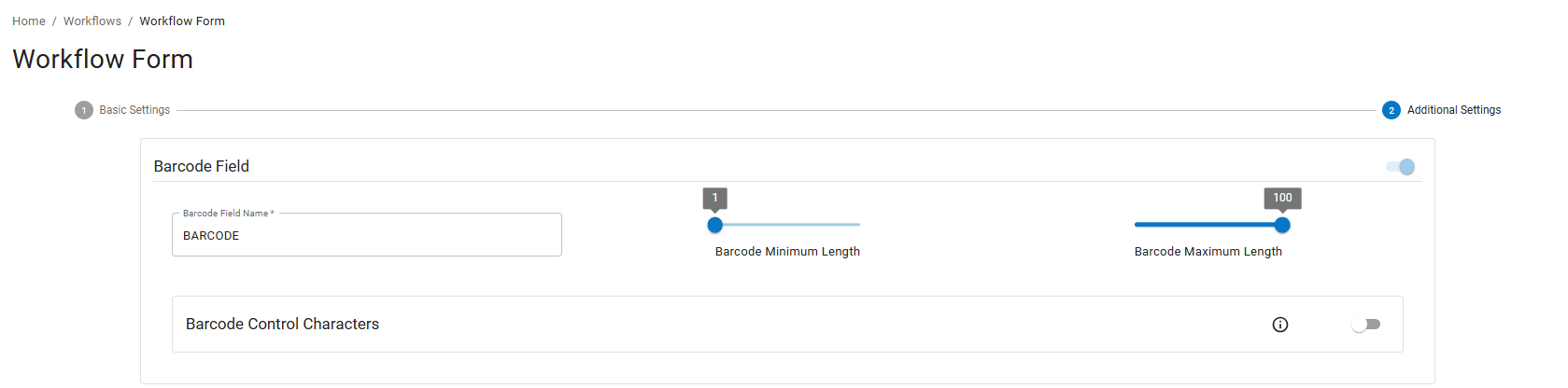
Step 6: Specify the Barcode Field Name.
Ensure the minimum barcode length is set to 1 and the maximum to 100. This allows barcode values ranging from 1 to 100 characters to be scanned.
Step 7: Choose the Scan During Event behavior based on your requirement:
End Event on Same Barcode:
Video recording starts when a barcode is scanned. To end the event and save the recording, scan the same barcode again.Note: To capture additional images, scan a new barcode.
Stop and Start Event on New Barcode:
Scanning a barcode starts a new recording. Scanning a different barcode stops the current recording and starts a new event.Stop and Start New Event Always:
Every barcode scan automatically stops any ongoing event and starts a new event, regardless of whether the scanned barcode is the same or different.
Note: The option to capture additional images is only available when using "End Event on Same Barcode" mode.

Step 8: Under Sub-Event Configuration, select “Annotated Image” and choose relevant details like:
Barcode ID
Timestamp
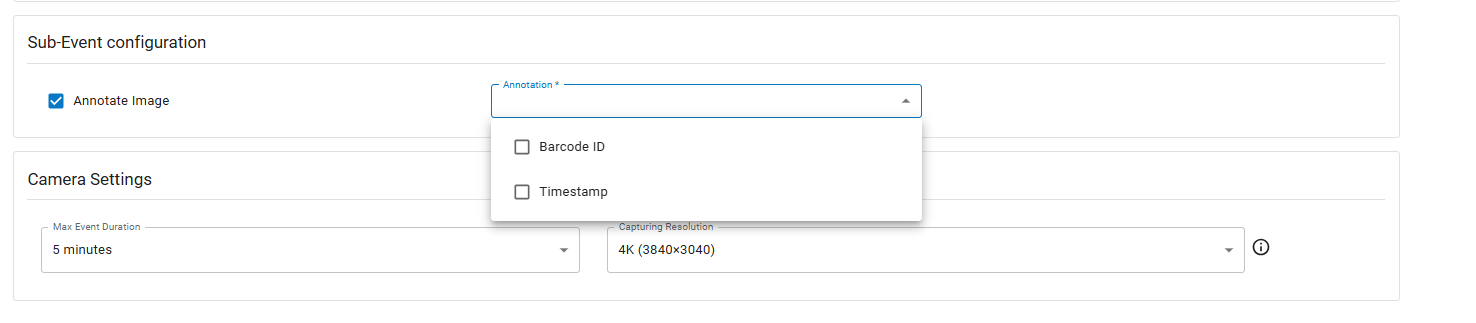
Step 9: Configure Camera Settings such as:
Max Event Duration
Capturing Resolution

Step 10: Choose the desired Image Capture Delay from the dropdown.
Step 11: Click “Save” to finalize the workflow.
Note : After creating the Workflow, you need to create a Config Group and assign it to the respective device.
How to create "Config Group" Link : https://vmeasure.freshdesk.com/en/support/solutions/articles/88000061679-how-to-create-a-config-group
If you need any support , please drop a mail to vmeasure@visailabs.com
Was this article helpful?
That’s Great!
Thank you for your feedback
Sorry! We couldn't be helpful
Thank you for your feedback
Feedback sent
We appreciate your effort and will try to fix the article