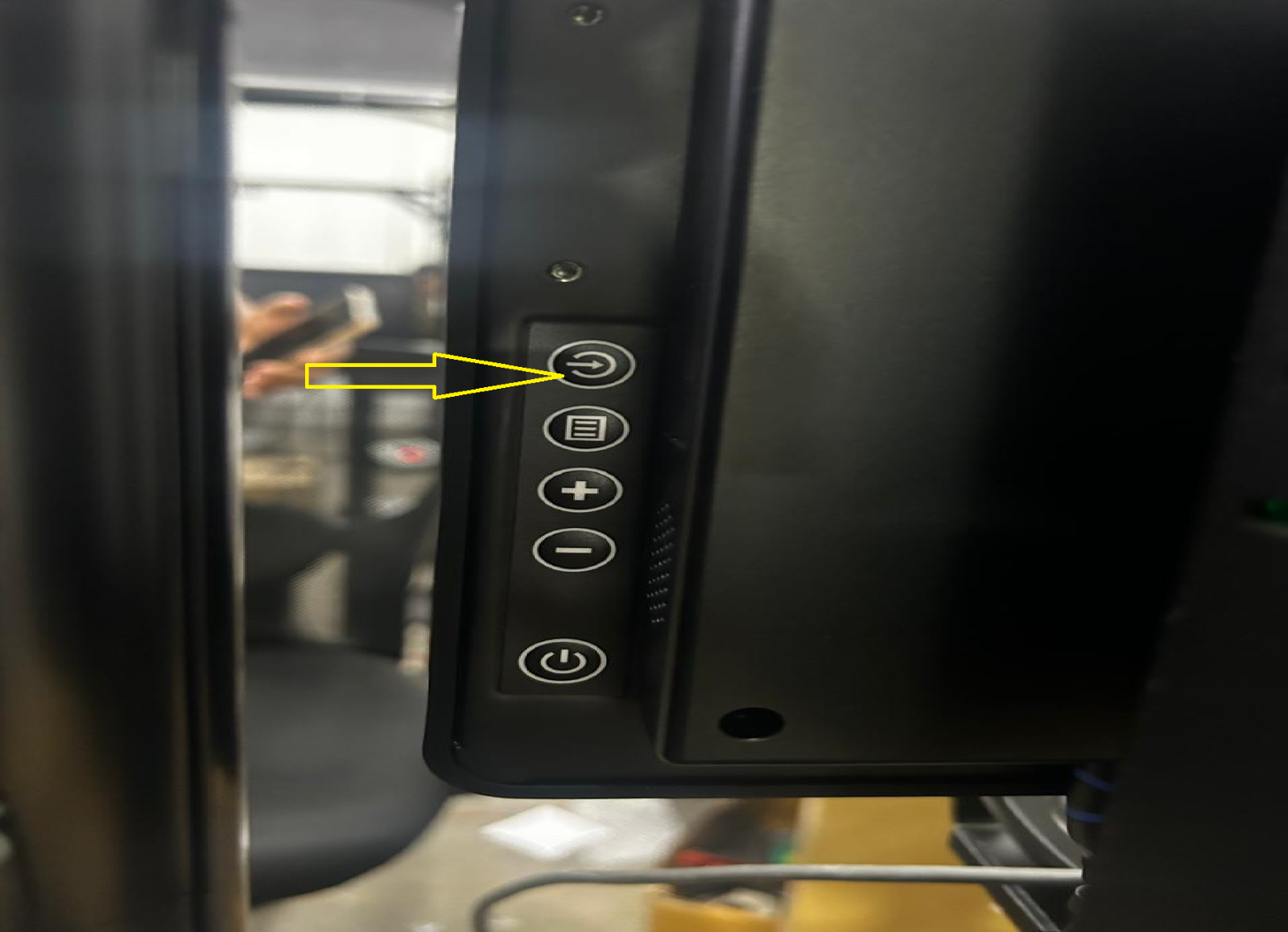
Step 1: Press the “INPUT” button located on the right backside of the display.
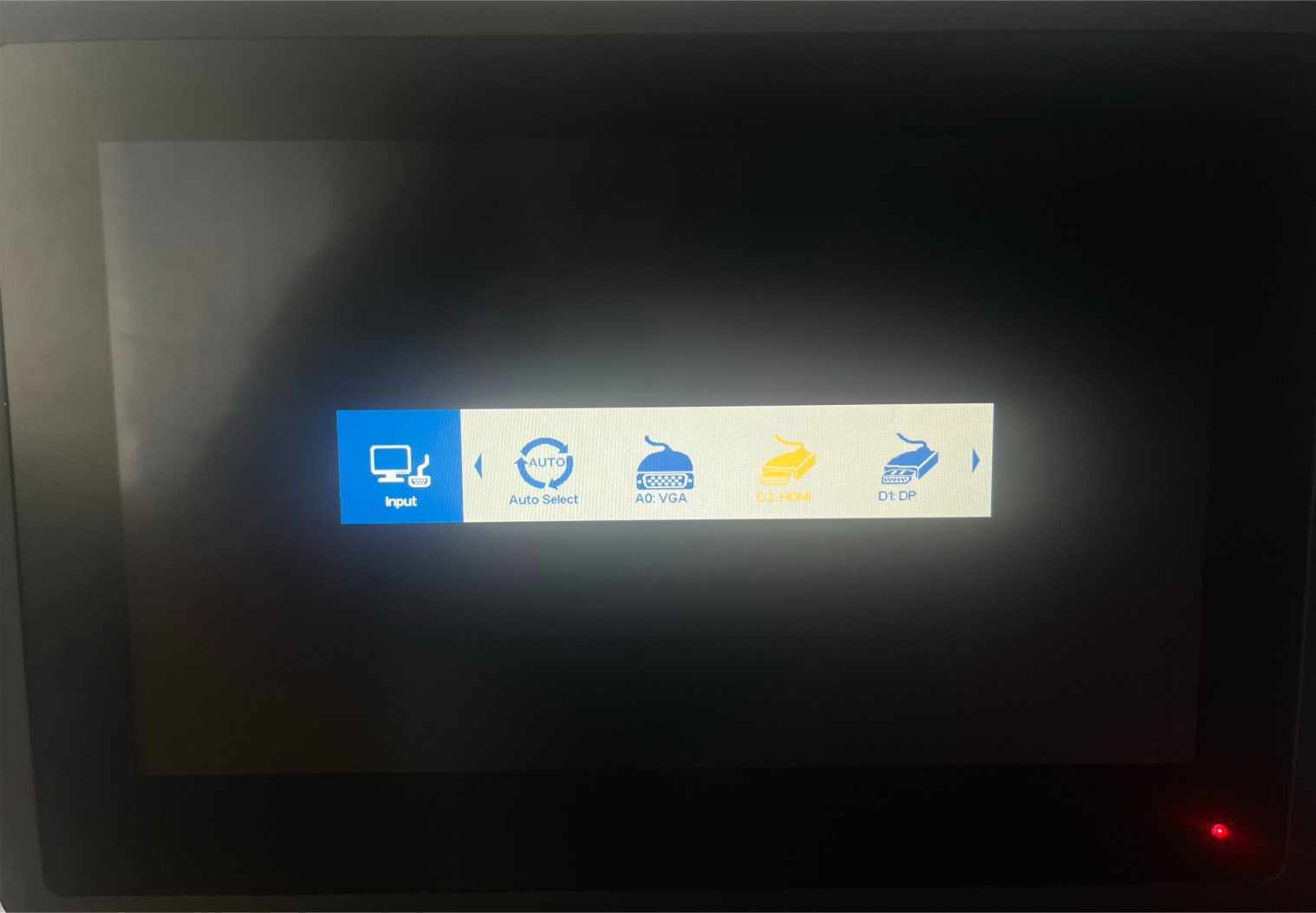
Step 2: You can see the MENU option. Then, you can select the D3 HDMI option using the “(+, -)” buttons beside the display.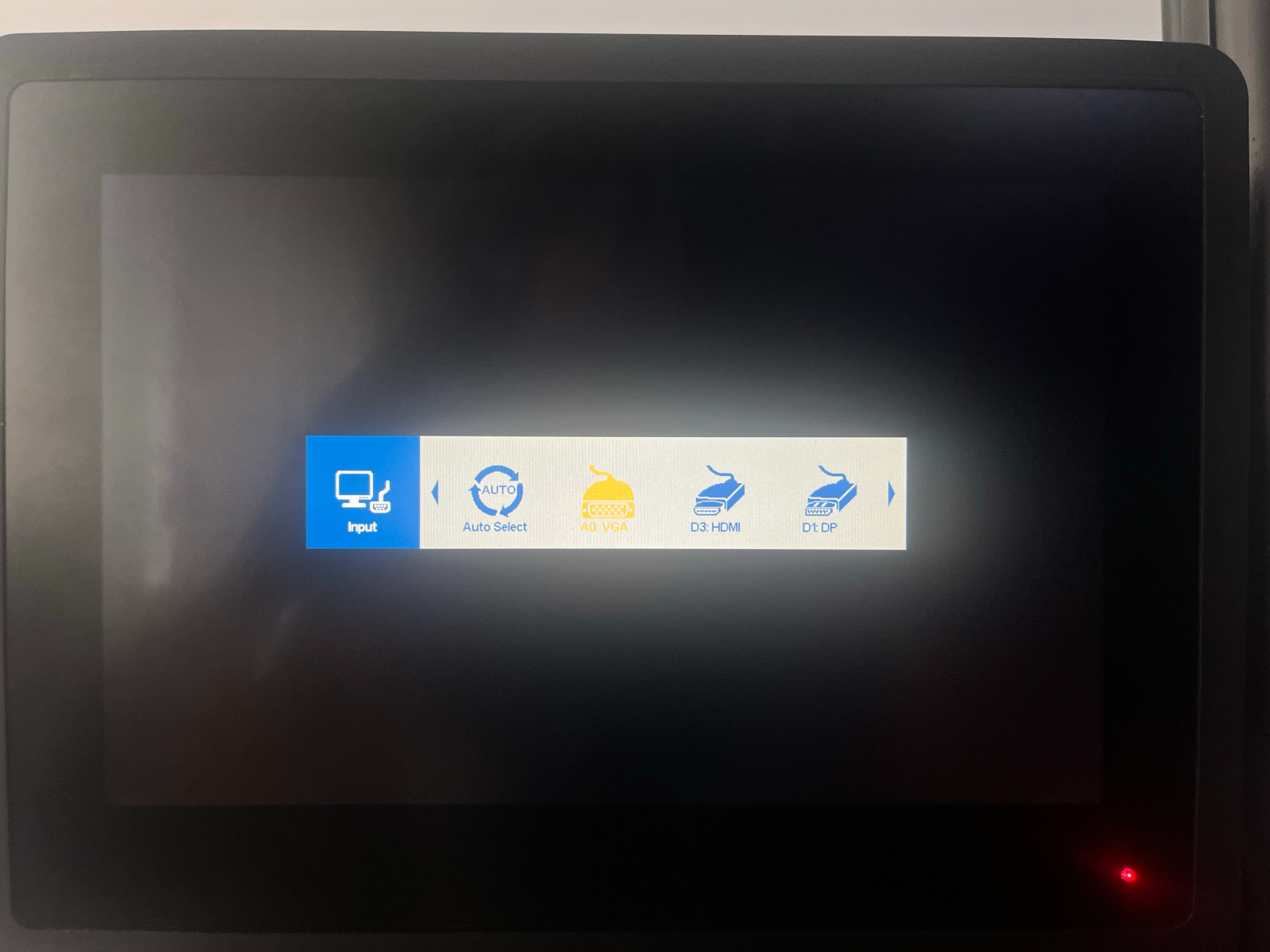
Step- 3: After selecting the HDMI option, click on the save button.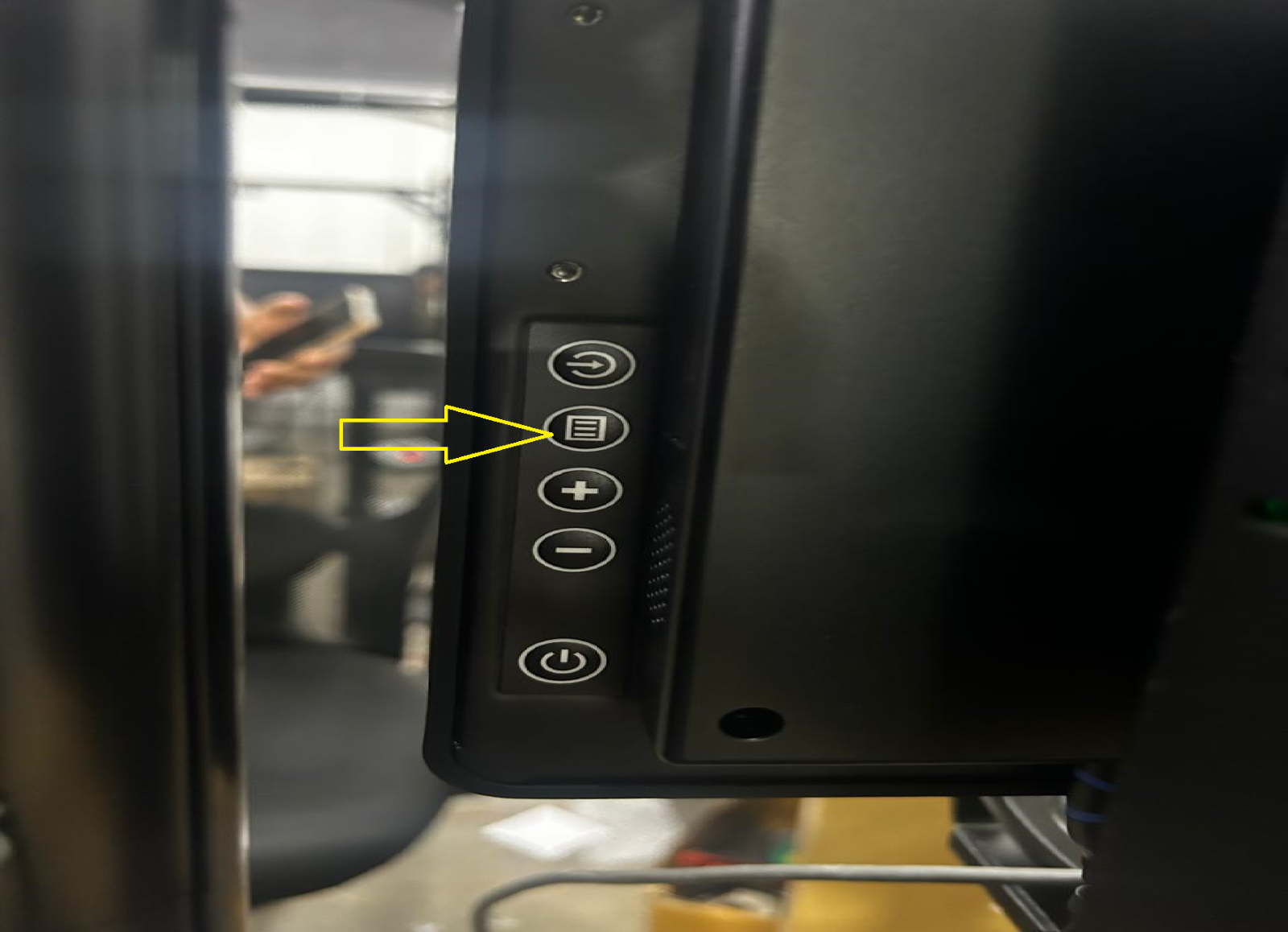
Step 4: Then you will successfully get an HDMI output on the Faytech display.
Was this article helpful?
That’s Great!
Thank you for your feedback
Sorry! We couldn't be helpful
Thank you for your feedback
Feedback sent
We appreciate your effort and will try to fix the article