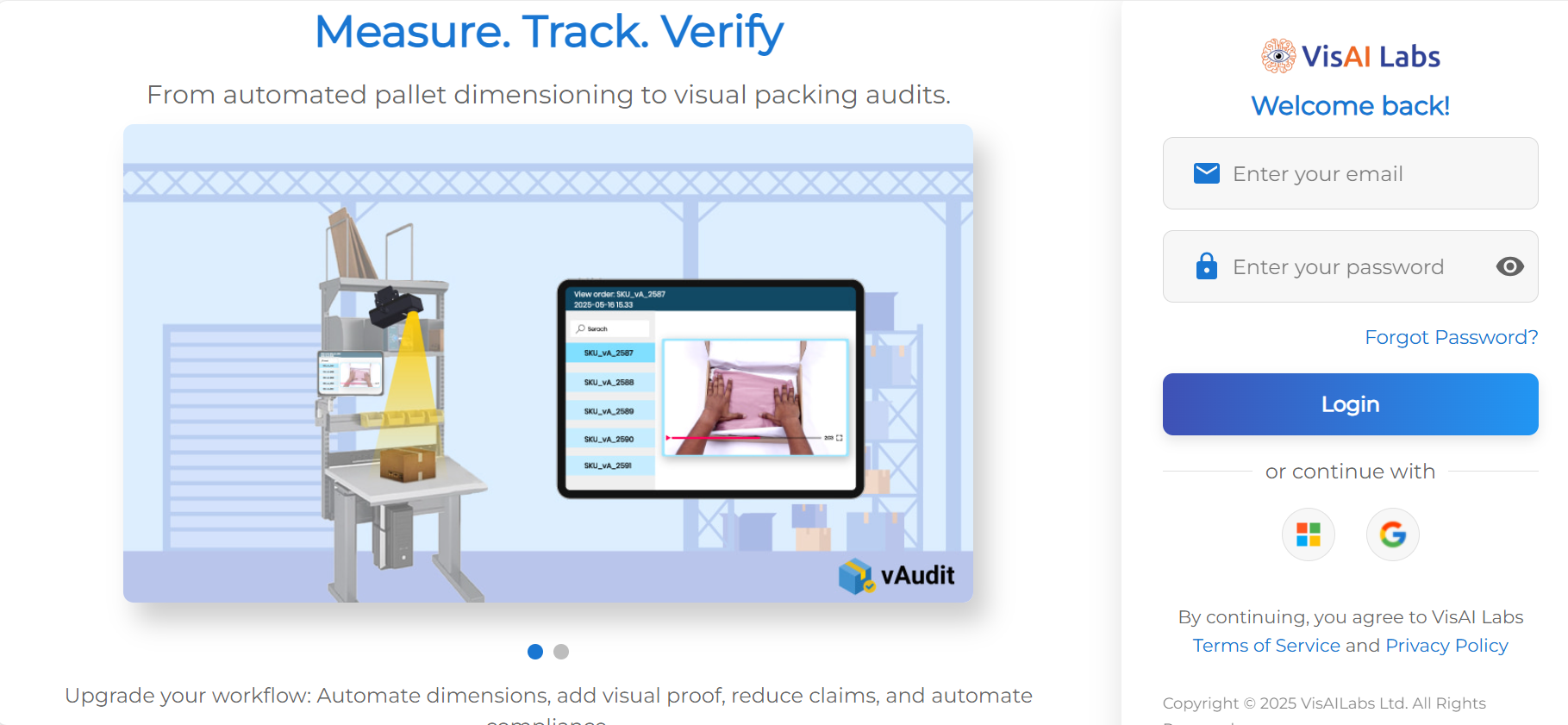
- Login to the your vMeasure forge account using your login credentials.
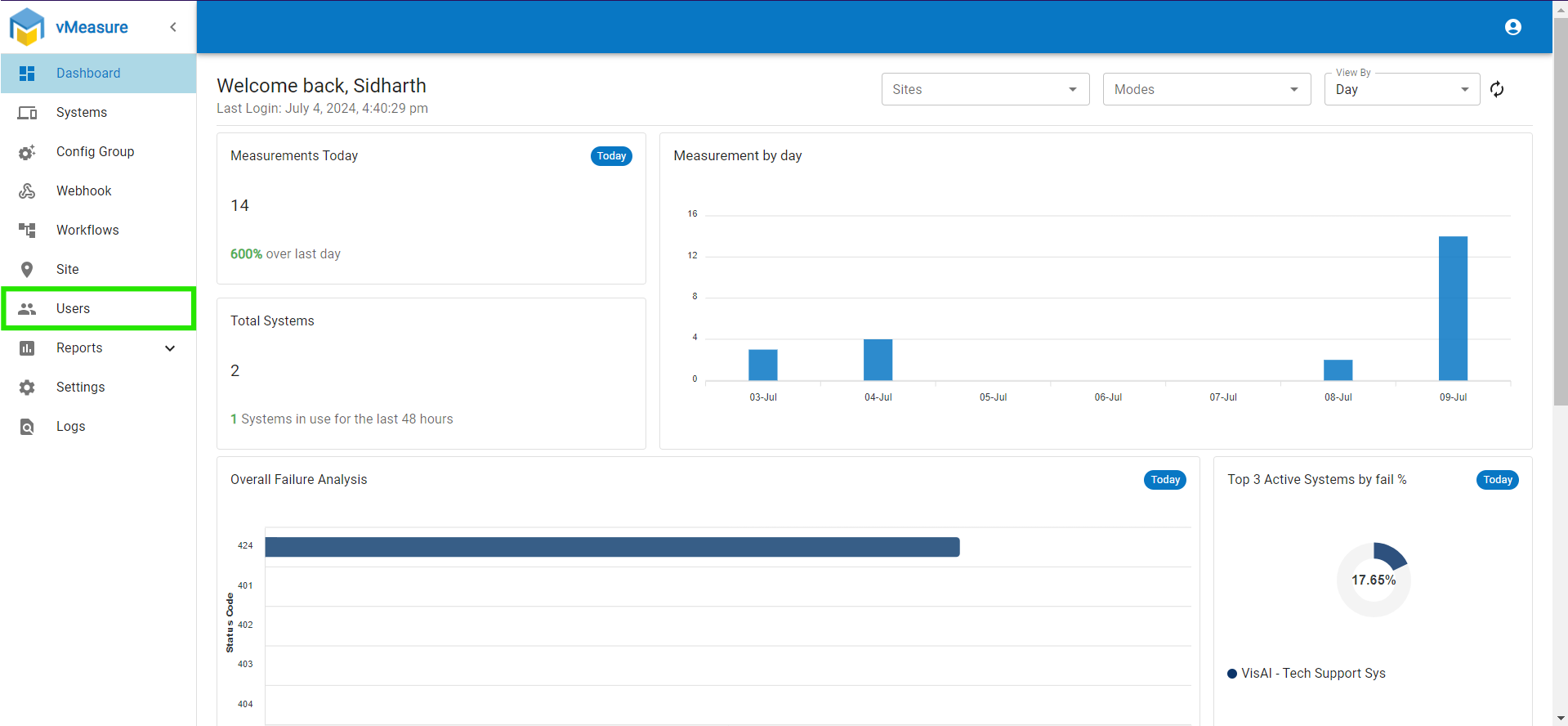
- On the "Dashboard" page go to the "Users" page.
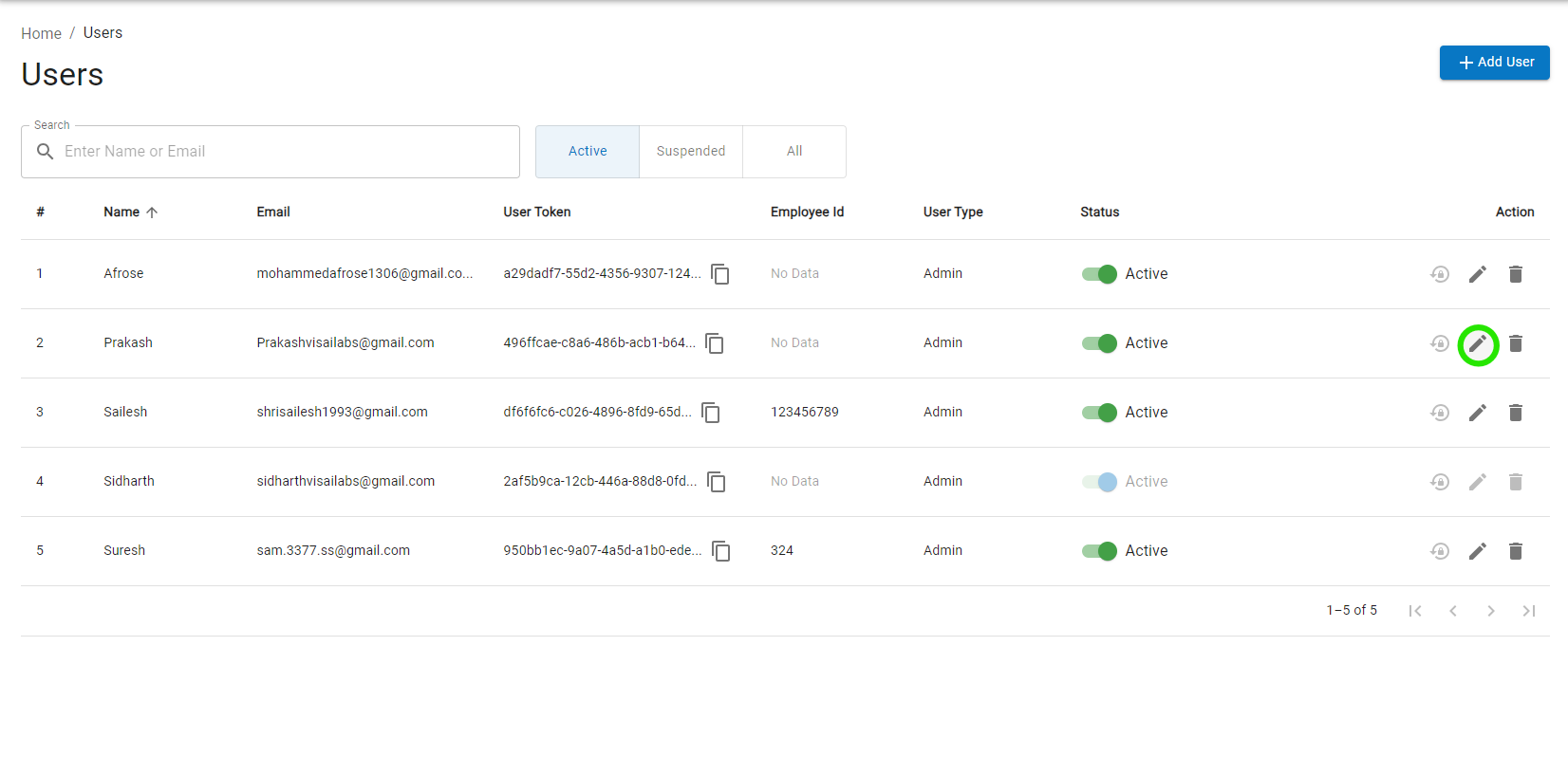
- On the "Users" page, select the desired user and press the edit icon.
- Once the prompt is displayed. Edit the details that are needed to be changed or updated.
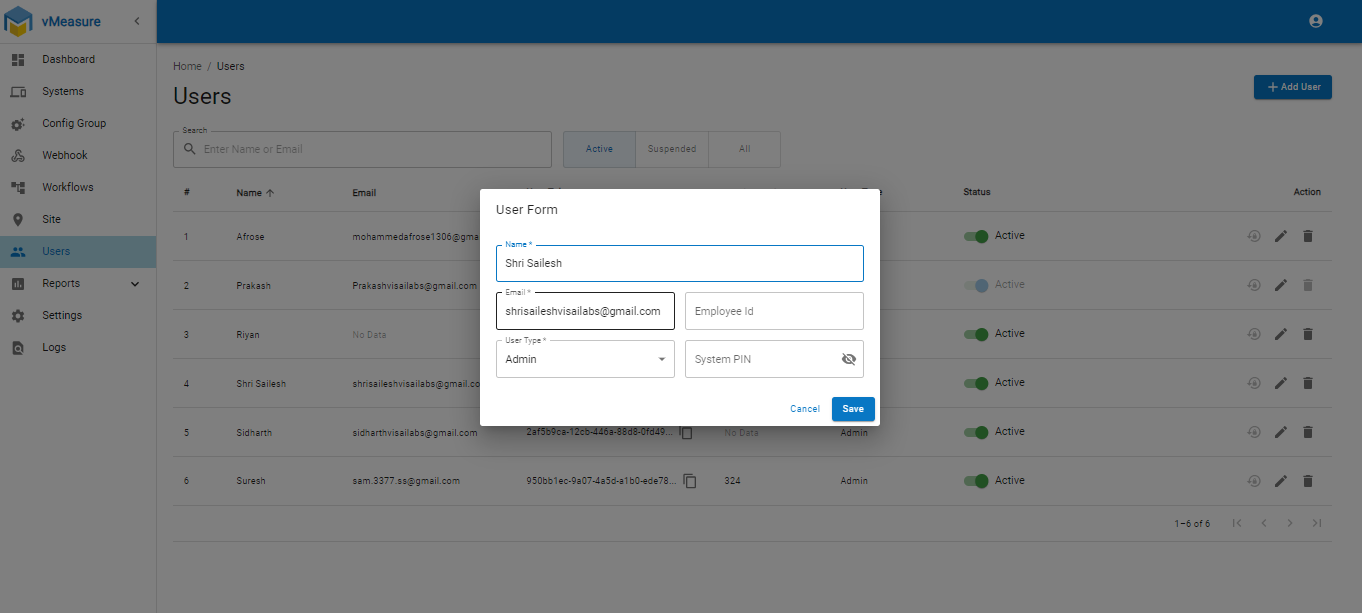
- Once the details are changed, click "Save".
NOTE:
1. Only users with Admin access can edit these fields.
2. The user which logs in using his/her login credentials cannot edit the data associated to their user. However they should be able to edit data for other users.
If you need any support , please drop a mail to vmeasure@visailabs.com
Was this article helpful?
That’s Great!
Thank you for your feedback
Sorry! We couldn't be helpful
Thank you for your feedback
Feedback sent
We appreciate your effort and will try to fix the article