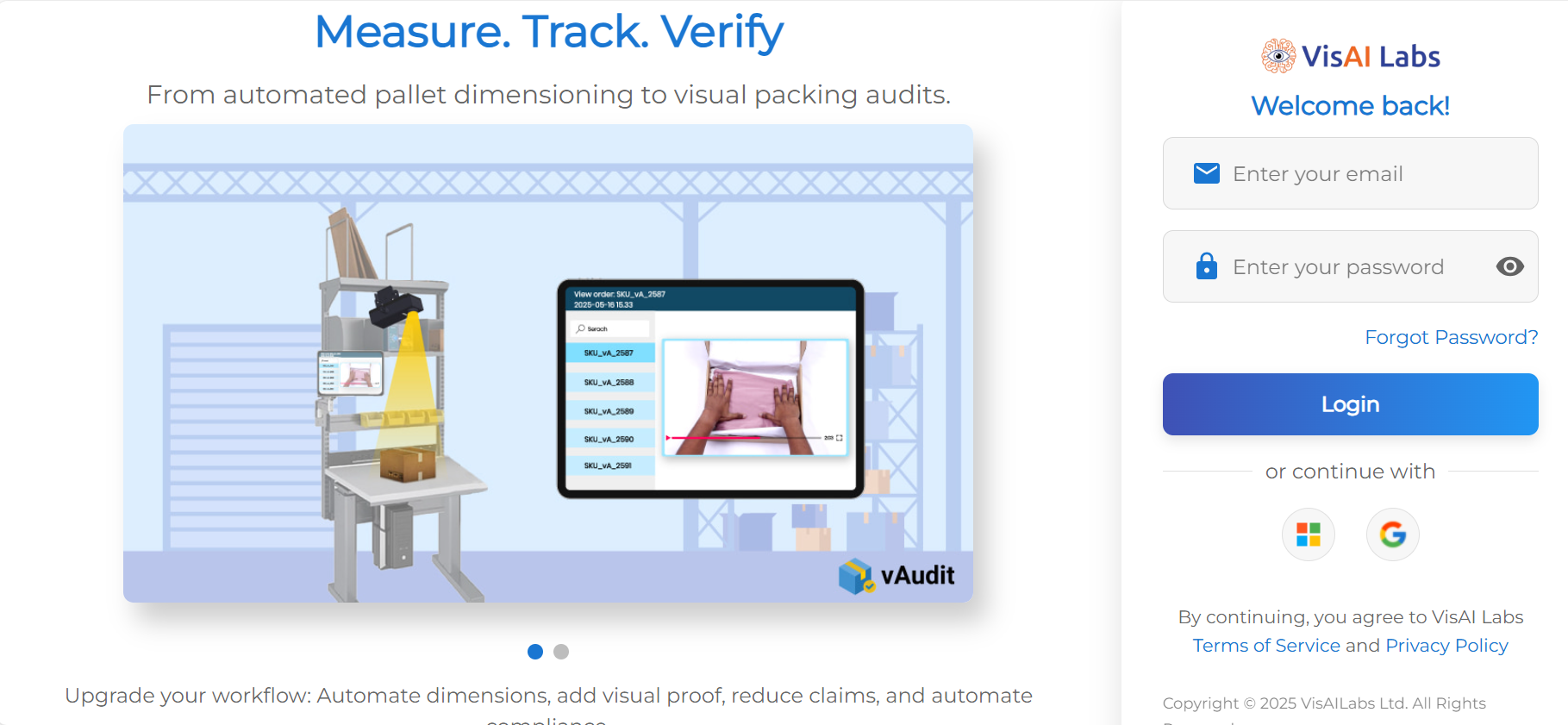
1. Login to vMeasue Forge. Link : vMeasure
2. Navigate to the "Workflows" page as shown below .
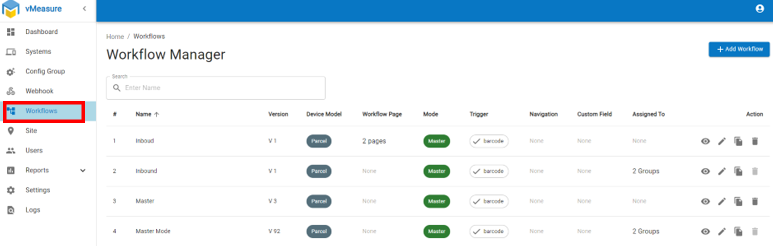
3. . Edit the desired workflow
4. Navigate to the "Barcode Field" and enable it as shown below and fill the required filed name such as (UPC/AWB/ITEM NO)
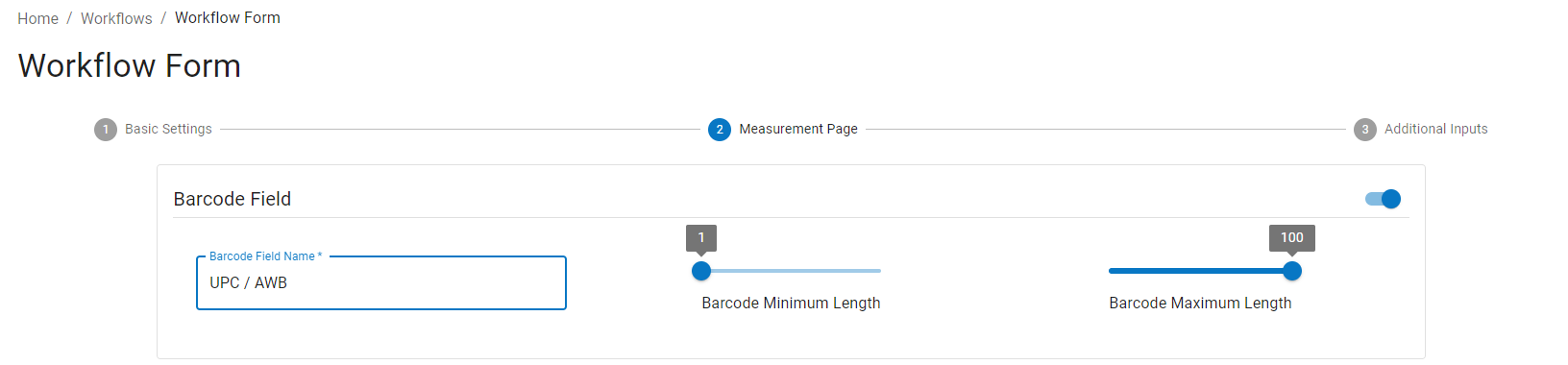
5. And choose Barcode Minimum and Maximum Length.
6. Click on the "Next" button and "Save" the workflow.
7. After saving the workflow on forge, you should be able to see a prompt on the device press "Yes"
If you need any support , please drop a mail to vmeasure@visailabs.com
Was this article helpful?
That’s Great!
Thank you for your feedback
Sorry! We couldn't be helpful
Thank you for your feedback
Feedback sent
We appreciate your effort and will try to fix the article