Follow the below steps to calibrate vMeasure Pallet Ultima device:
Step - 1: Ensure the surface / Weighing scale is flat & clean.
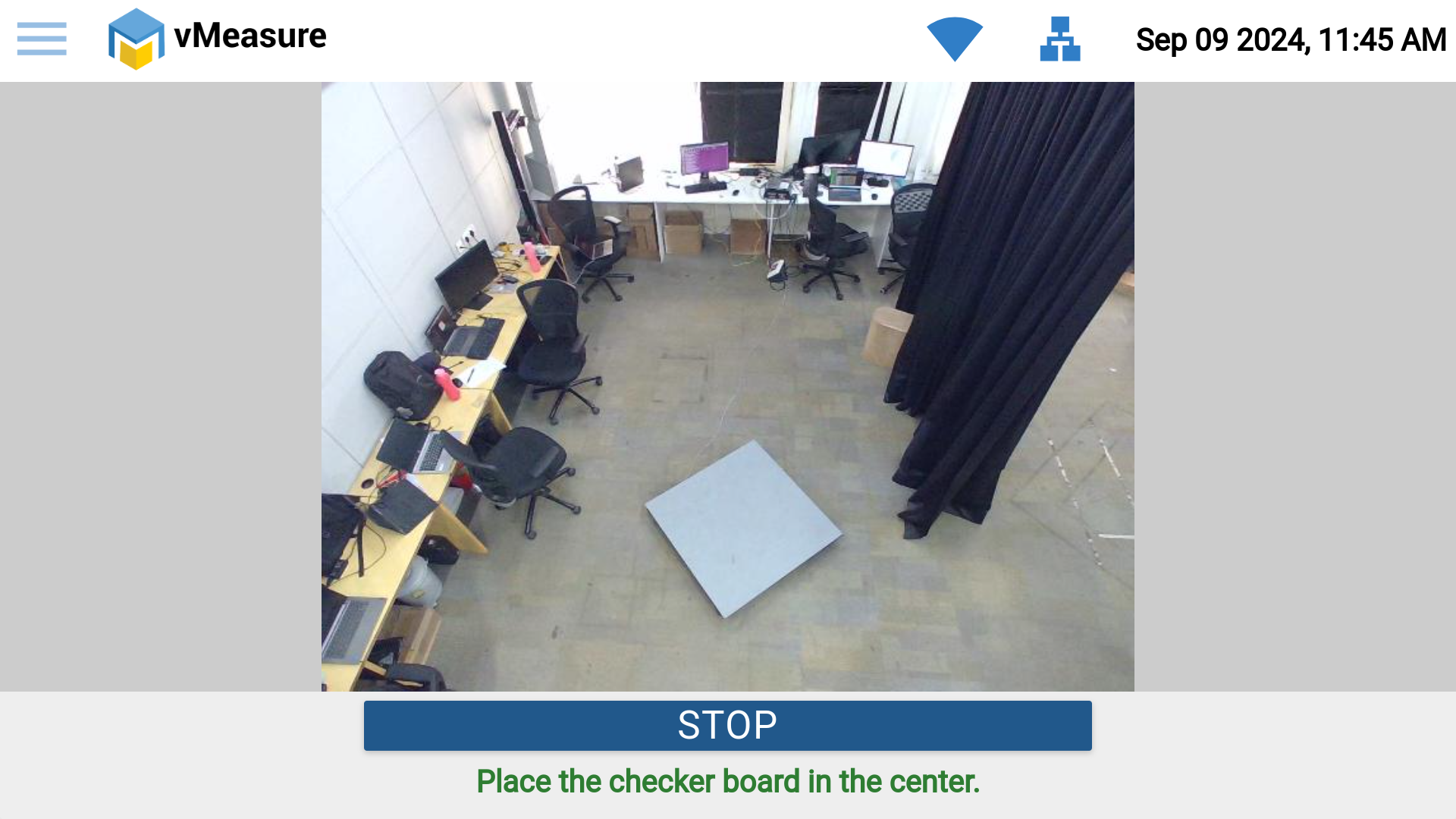
Step - 2: Place the "checker board" in the center of the preview.
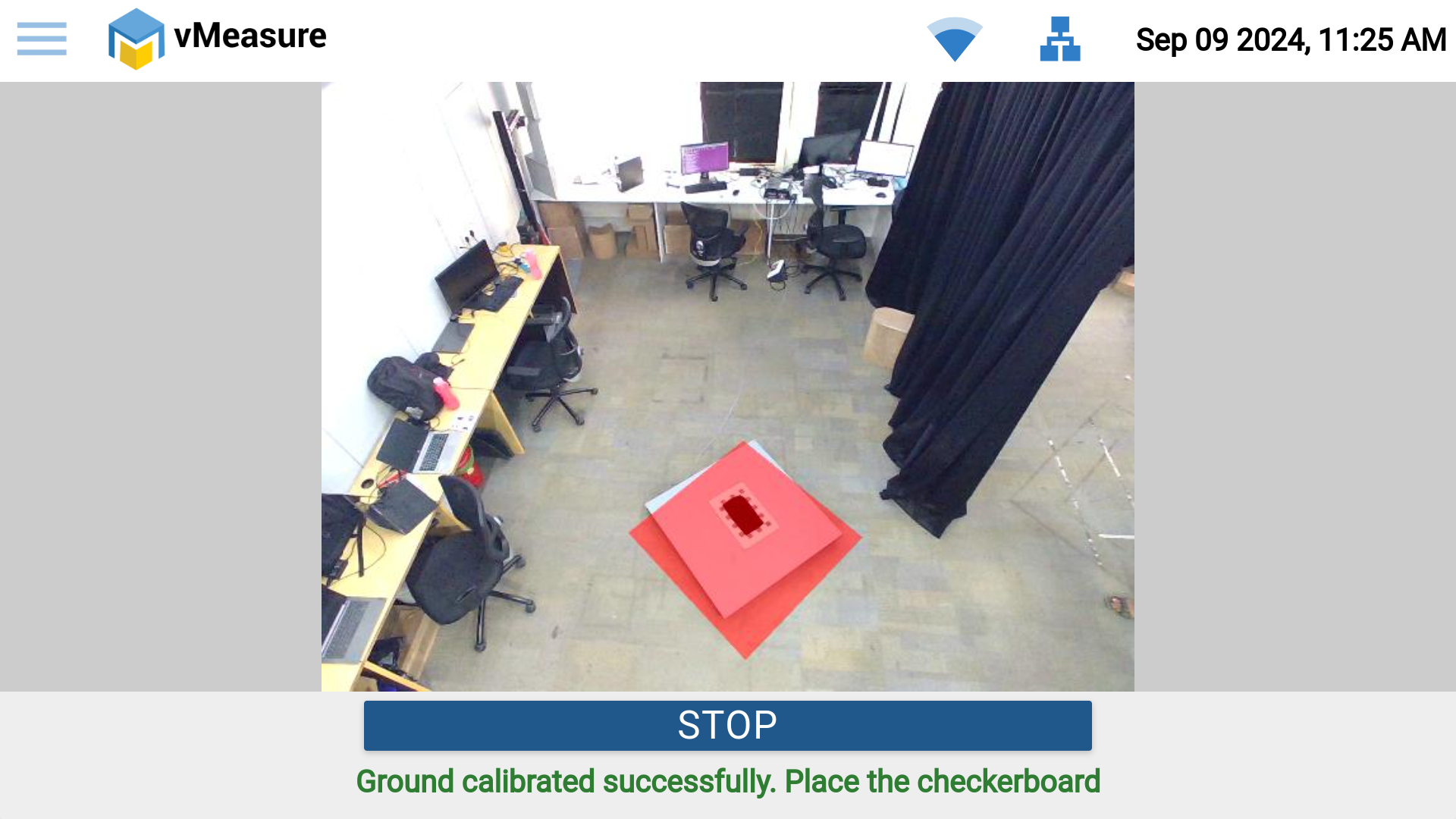
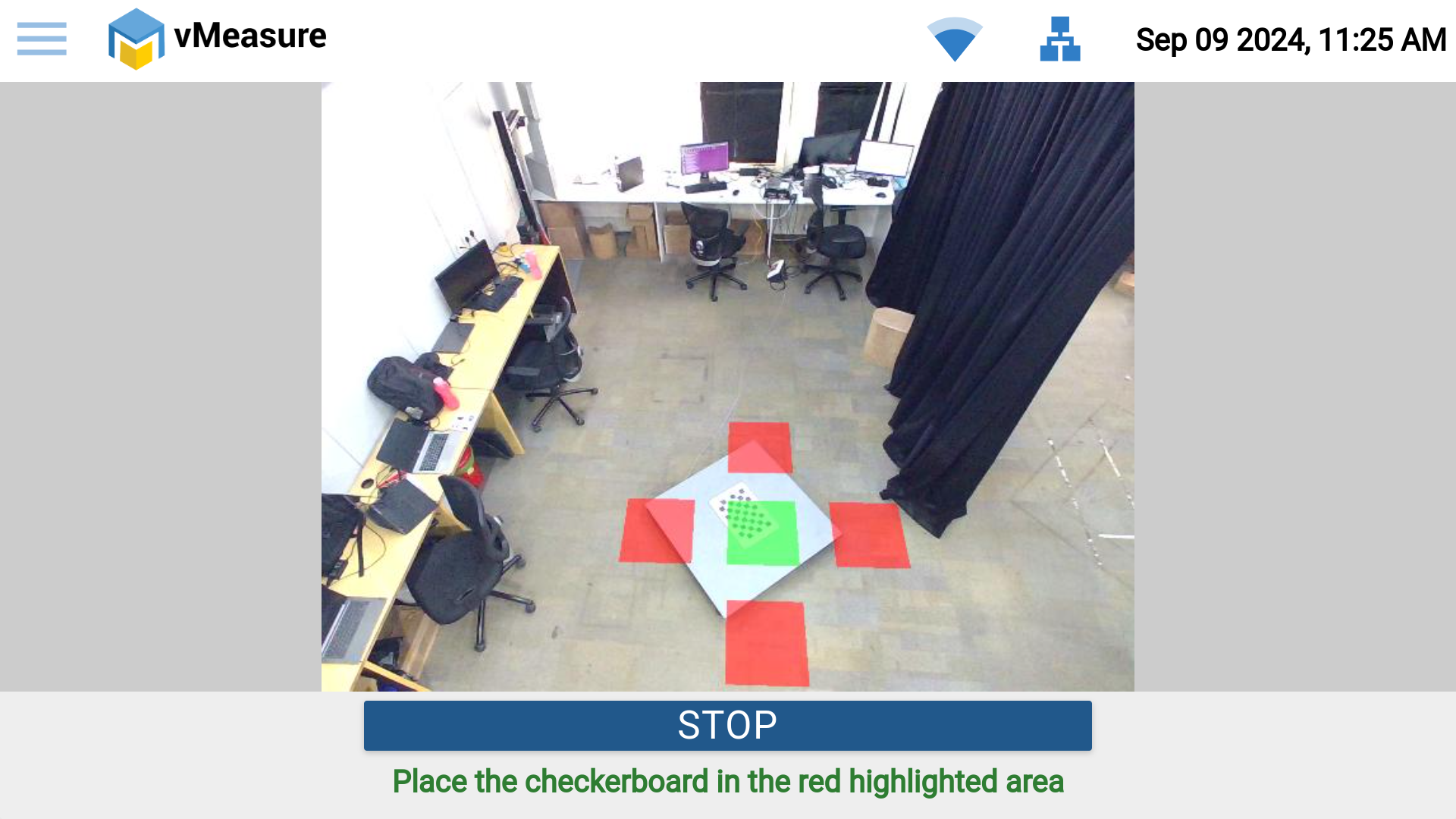
Step - 3: Place the "checker board" in each red box until it turns green to complete the calibration.
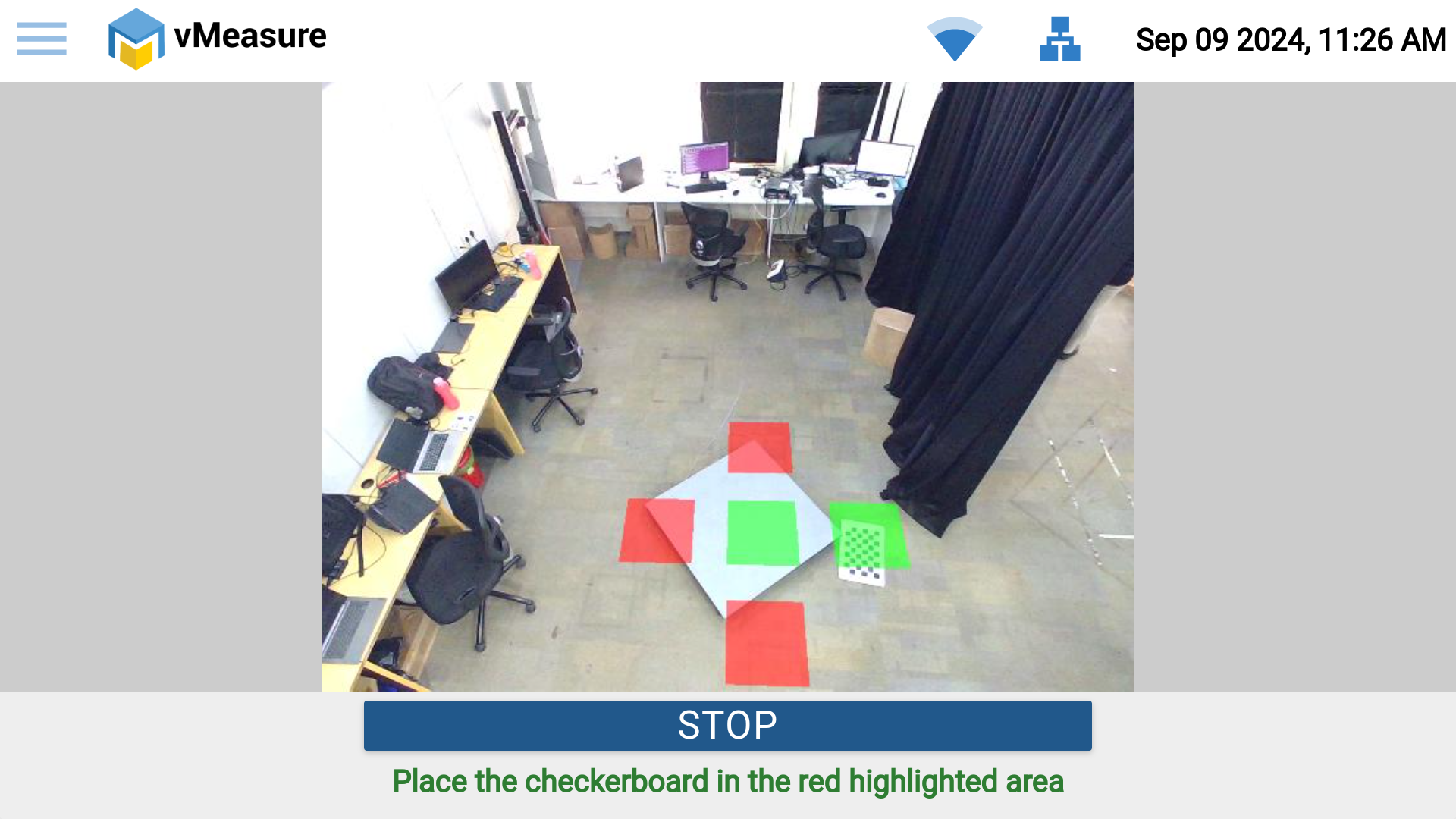
Step - 4: Once all 5 boxes turn green, the system calibration is successful.
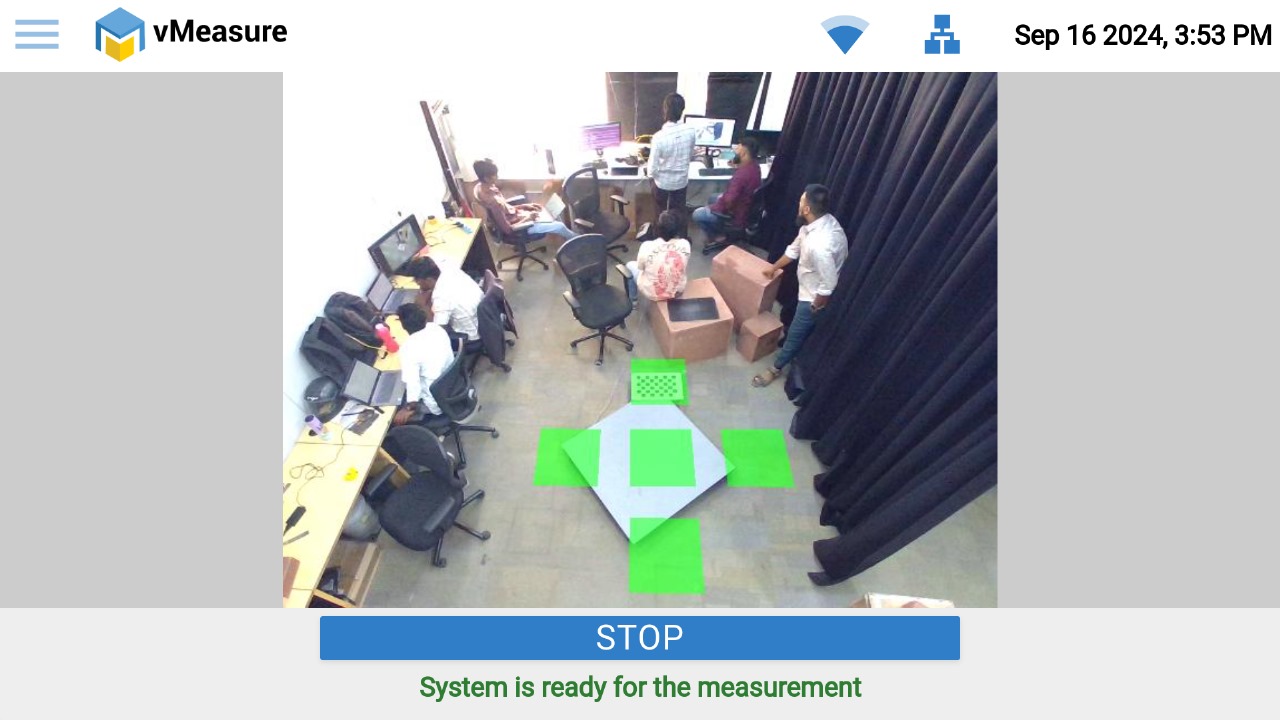
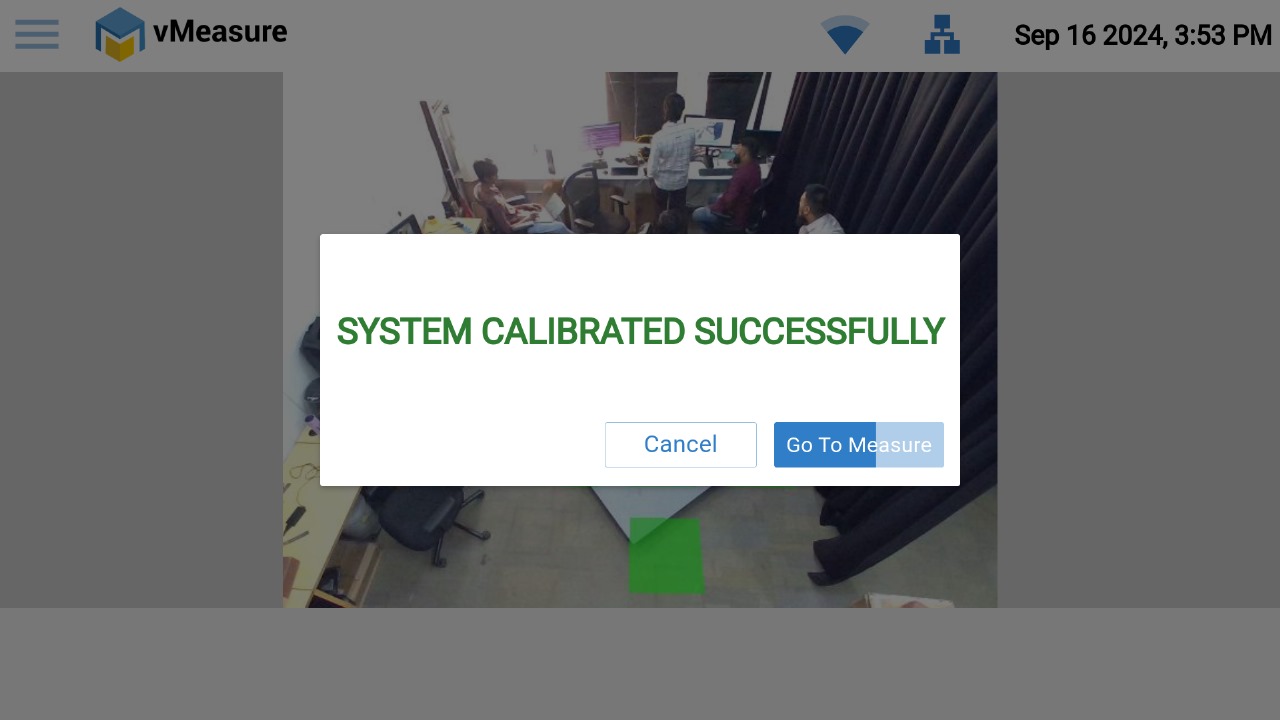
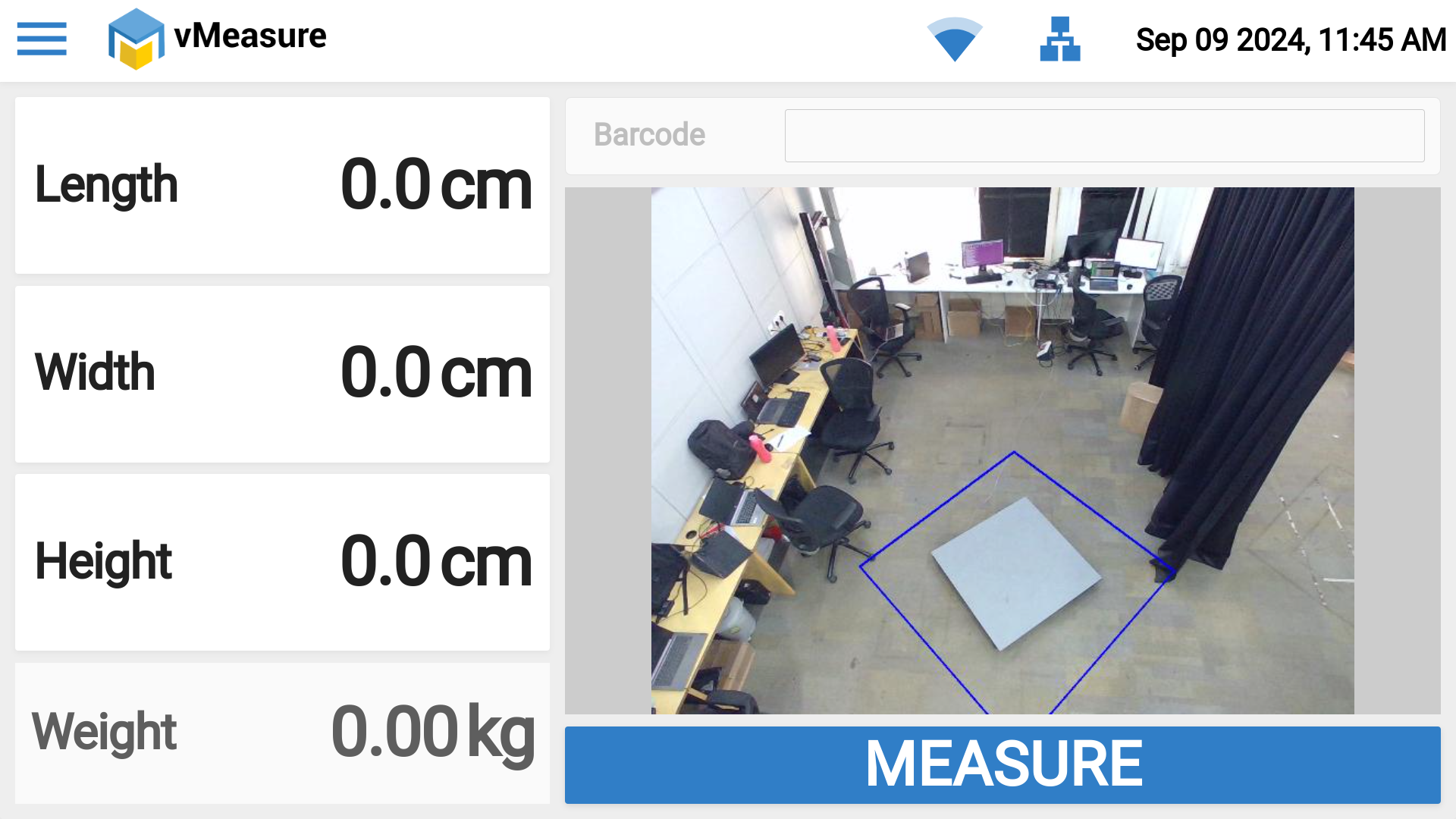
Step - 5: The device is ready for measurement.
Calibration FAQ's:
1. How often does the system require calibration?
Answer: The system needs to be calibrated only once after successful setup, unless there is any physical disturbance or changes made to the setup. In such cases, recalibration may be required. Otherwise, the system can function without recalibration for several months.
2. How many measurements can be taken with a single calibration?
Answer: There is no limit on the number of measurements you can take with a single calibration. You can measure as many shipments as needed.
3. What happens when we stop/cancel the calibration process in between?
Answer: If the calibration process is cancelled in half way the Pallet device will work fine with the previous calibration data. When we stop the calibration it is not calibration failure, we are just cancelling the calibration process.
If you need any support , please drop a mail to vmeasure@visailabs.com or Click here to Submit a Ticket.
Was this article helpful?
That’s Great!
Thank you for your feedback
Sorry! We couldn't be helpful
Thank you for your feedback
Feedback sent
We appreciate your effort and will try to fix the article