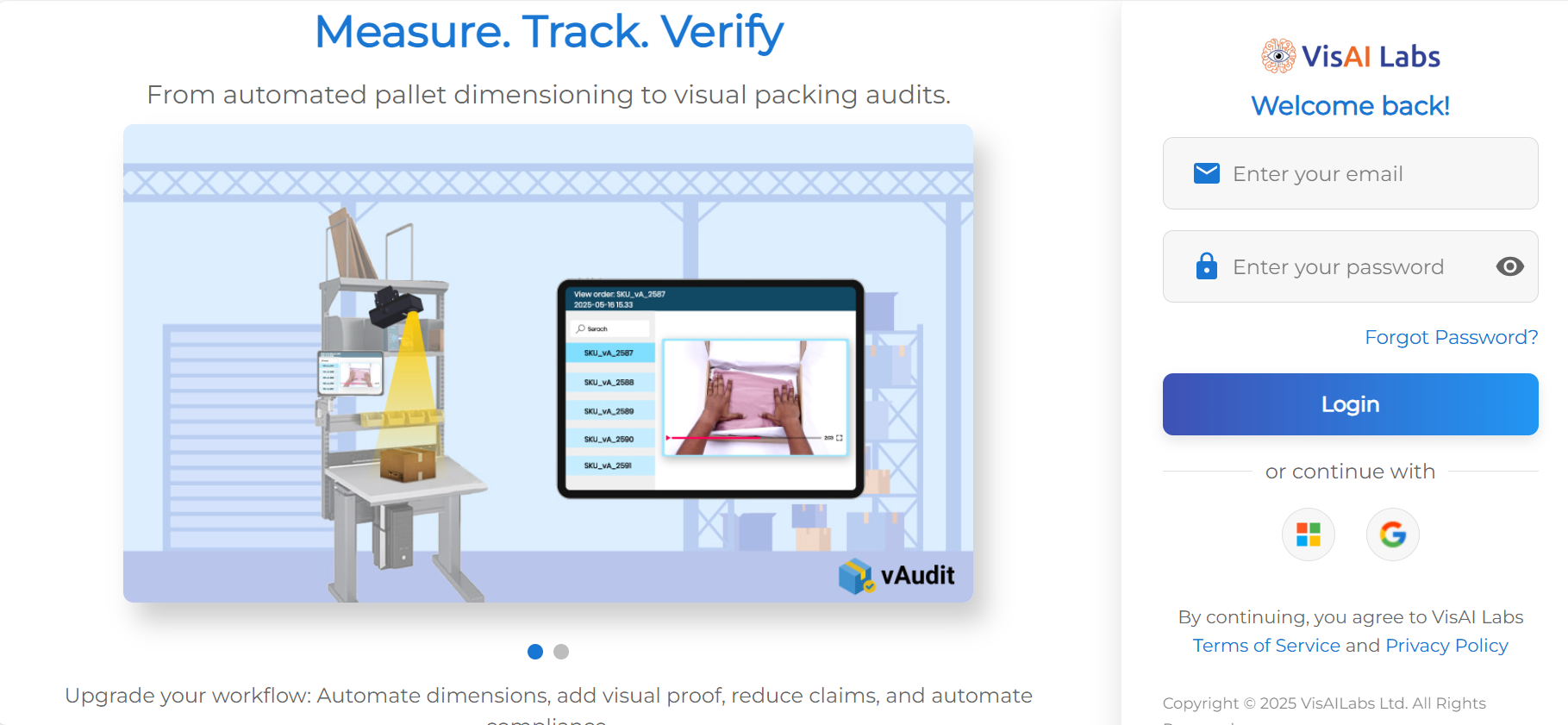
- Login to your forge account using your credentials.
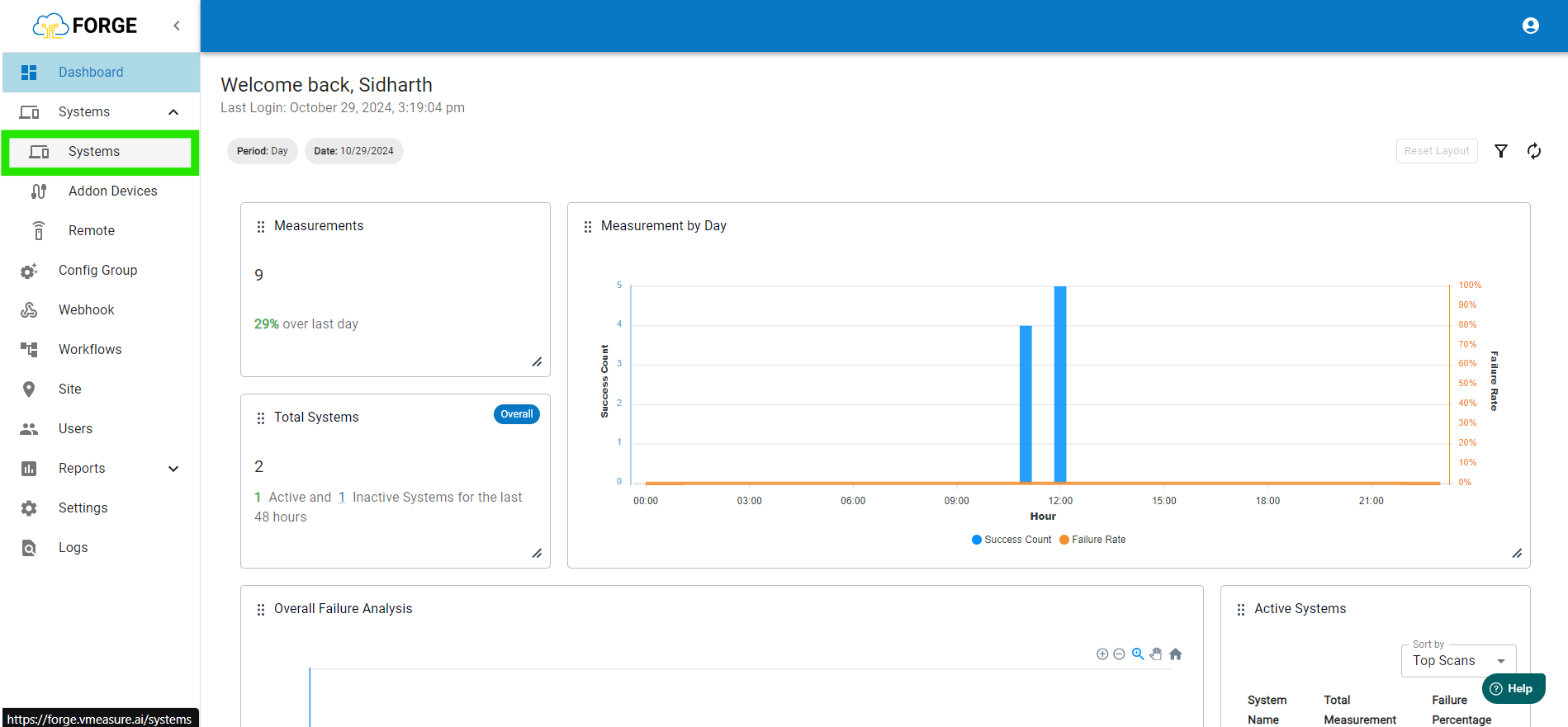
- Once are on the Dashboard page, go to "Systems".
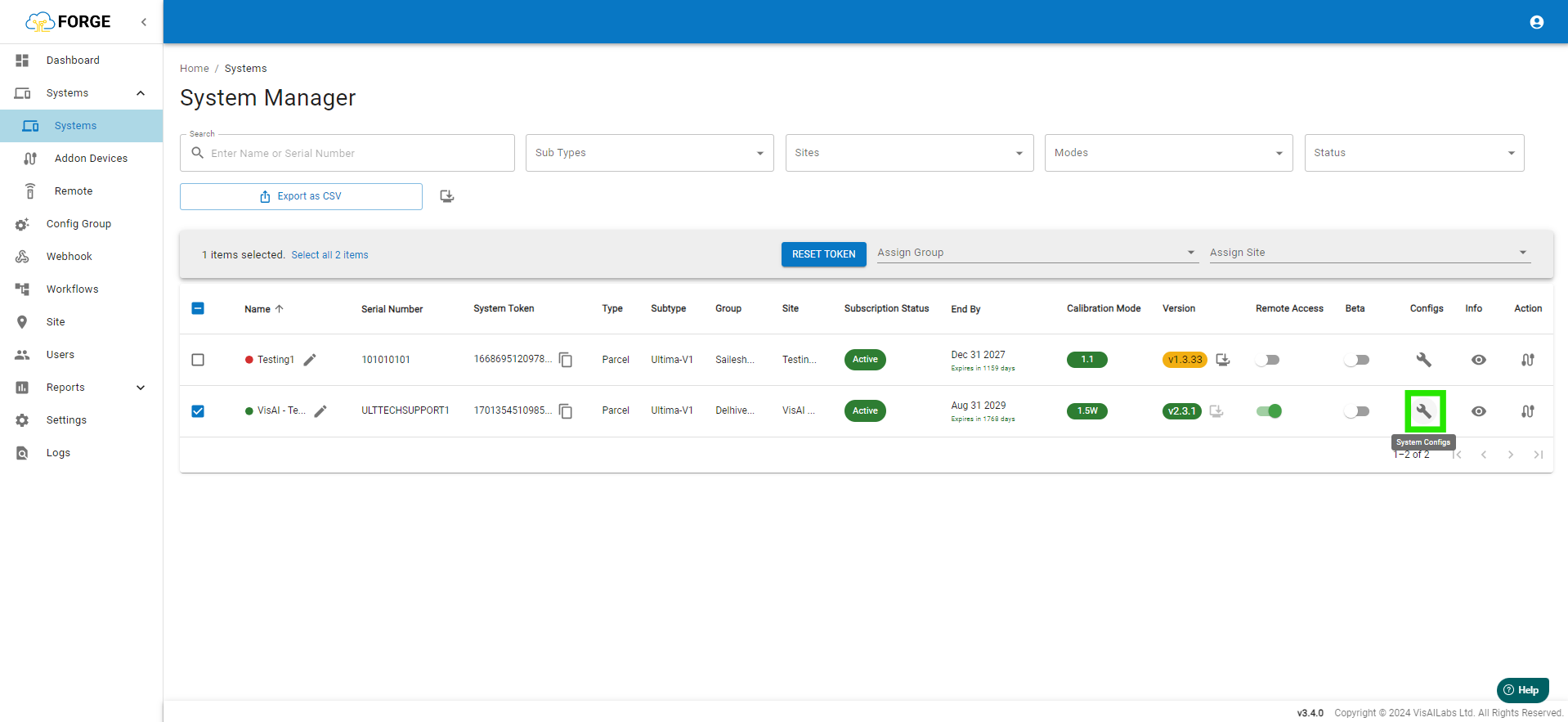
- In the "Systems" page go to Click the Wrench icon to open the System configuration panel.
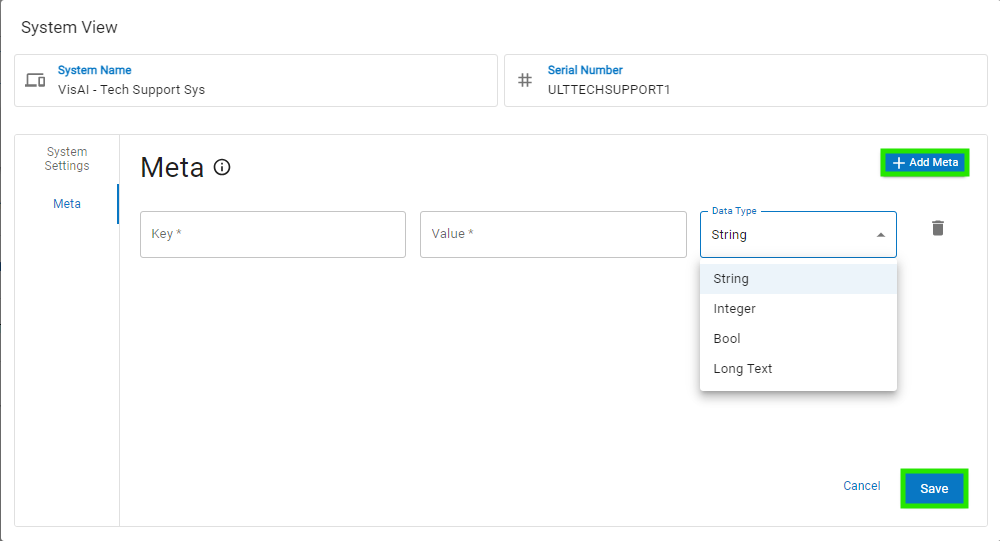
- On the "System View" page, select "Meta". In it click the "Add Meta" fill the values as requirement and select the desires "Data Type", post this press "Save".
If you need any support , please drop a mail to vmeasure@visailabs.com
Was this article helpful?
That’s Great!
Thank you for your feedback
Sorry! We couldn't be helpful
Thank you for your feedback
Feedback sent
We appreciate your effort and will try to fix the article