How to view the preview of the video,
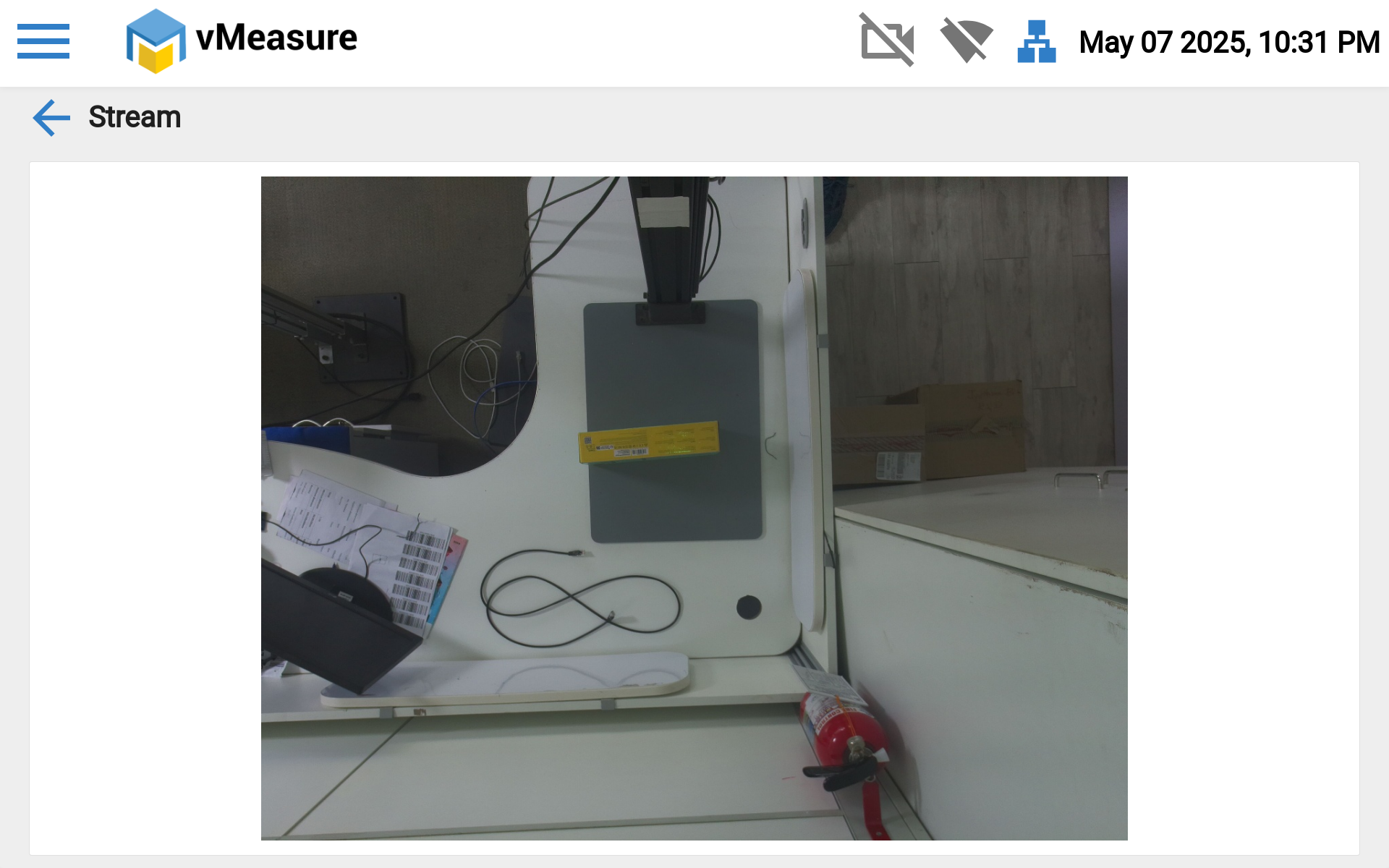
Step 1: Navigate to "Main Menu", Then click the "Stream" option.

Step 2: You can view the preview of the object in screen.
If you need any support , please drop a mail to vmeasure@visailabs.com or Click Here to Summit a Ticket.
Was this article helpful?
That’s Great!
Thank you for your feedback
Sorry! We couldn't be helpful
Thank you for your feedback
Feedback sent
We appreciate your effort and will try to fix the article