Overview
Forge supports different types of users with different levels of access. This document explains the available user roles and the steps to add a new user and assign them to a site.
Types of Users
There are 4 different types of users:
- Admin User
- Custom-User
- Sub Admin
- Report Analyst
- Supervisor
- Operator
Admin User
Admin User has full access to Forge.
Custom-User
Sub Admin
Sub Admin is same as the ADMIN user except these differences:
Systems Page
- SUB ADMIN will not be able to enable “beta” option for devices.
Users Page
- SUB ADMIN will not be having “Users” option on their Forge account.
Settings Page
The following options will not be available to SUB ADMIN:
- Column Configuration
- SIEM Hook
- Device Access Configuration
Logs Page
The following options will not be available to SUB ADMIN:
- Activity Logs
- API Logs
- System Config Logs
My Account Page
The following options will not be visible to SUB ADMIN:
- Account Keys
- Configuration
- Cloud Support
Report Analyst
- This role is designed primarily for monitoring and reporting purposes, allowing users to:
- View operational dashboards and measurement statistics
- Access system-related information
- Download and analyze reports from all available sites.
However, the Report Analyst role is a view-only access level.
Supervisor
- This user can login into Forge account, but with limited access.
- Supervisor User can be added to specific sites, to provide the data access to specific site's supervisor.
- User can access Dashboard & view and download last 90 days reports from Forge.
Operator
- An Operator can only access vMeasure device touchscreen.
How to Add users in forge?
Step 1: First login to your forge account using the login credentials.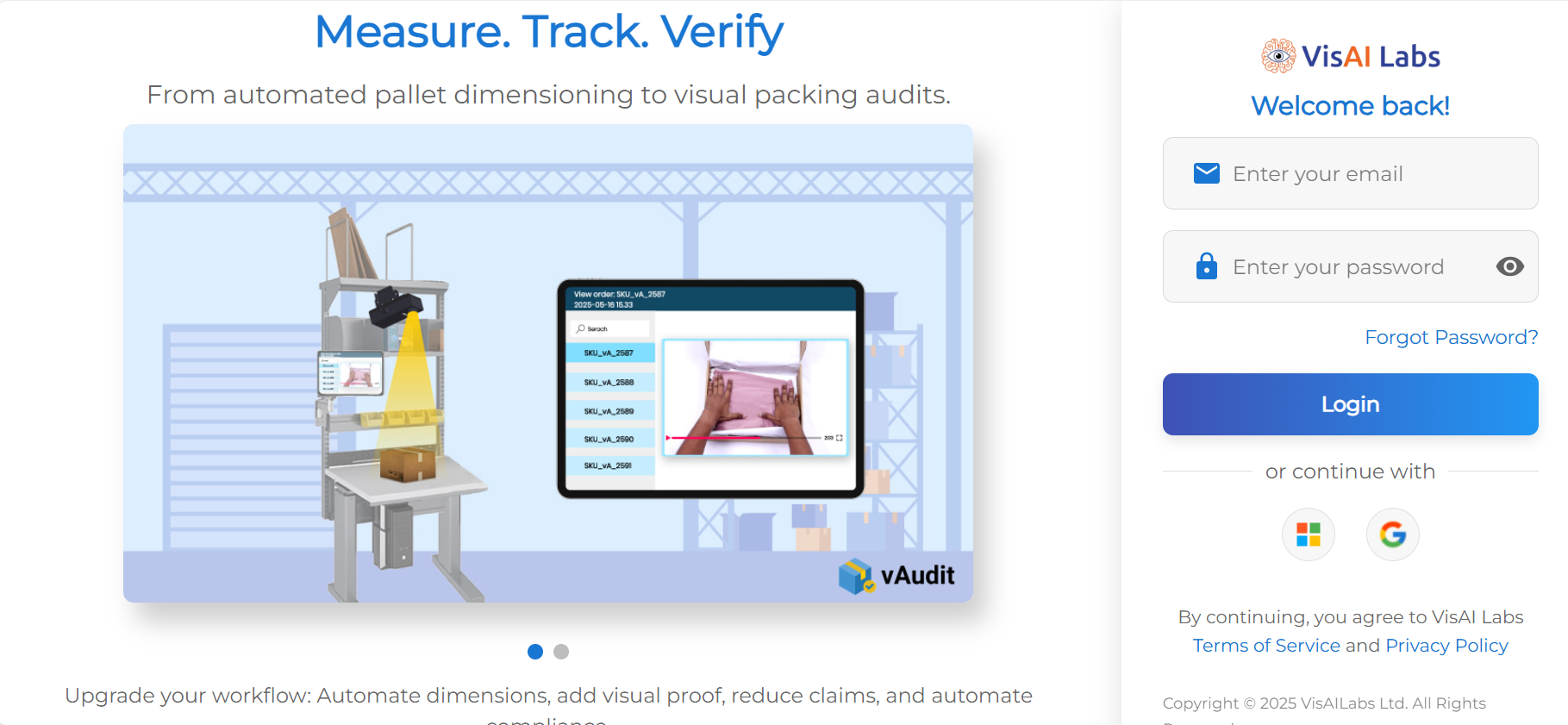
Step 2: Navigate to "Users" option.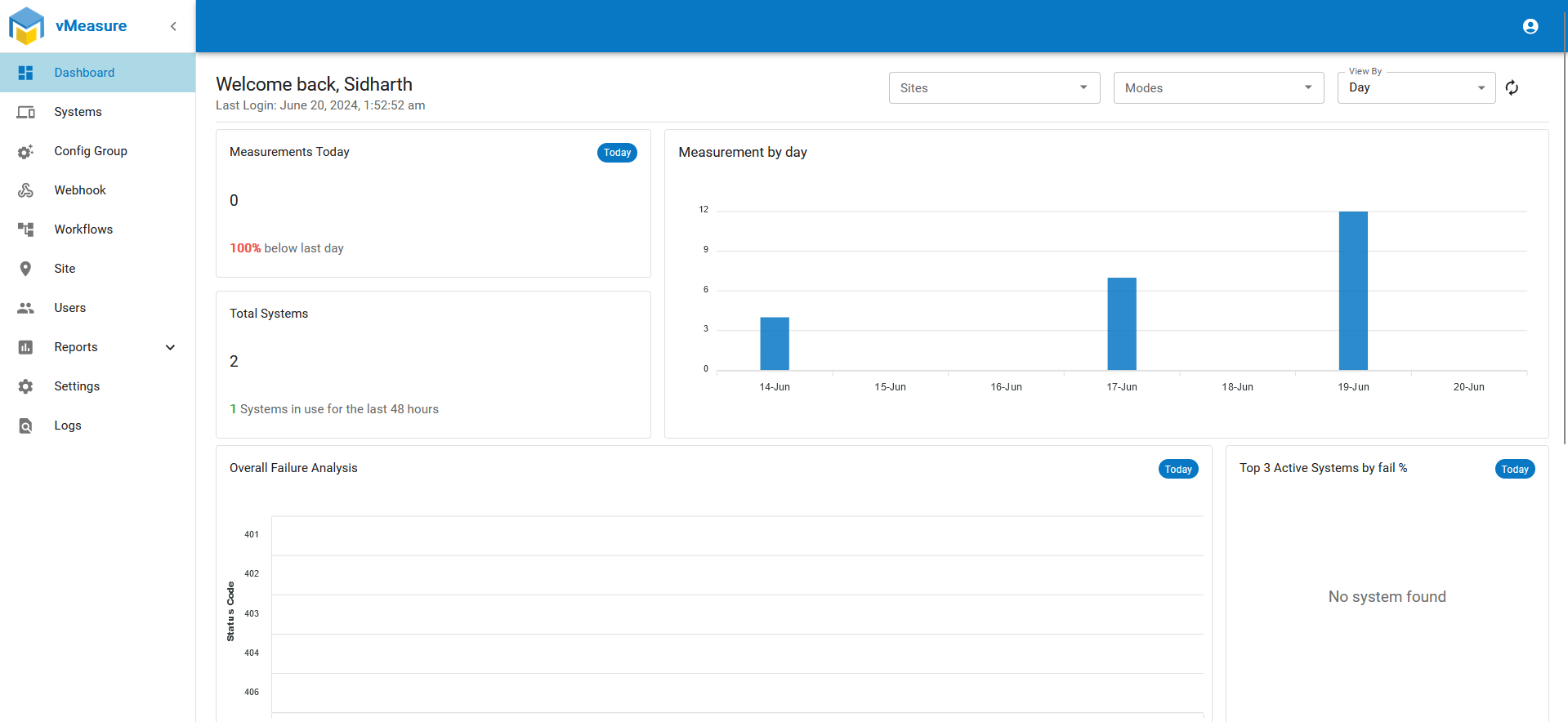
Step 3: In the "Users" page, click on "Add User".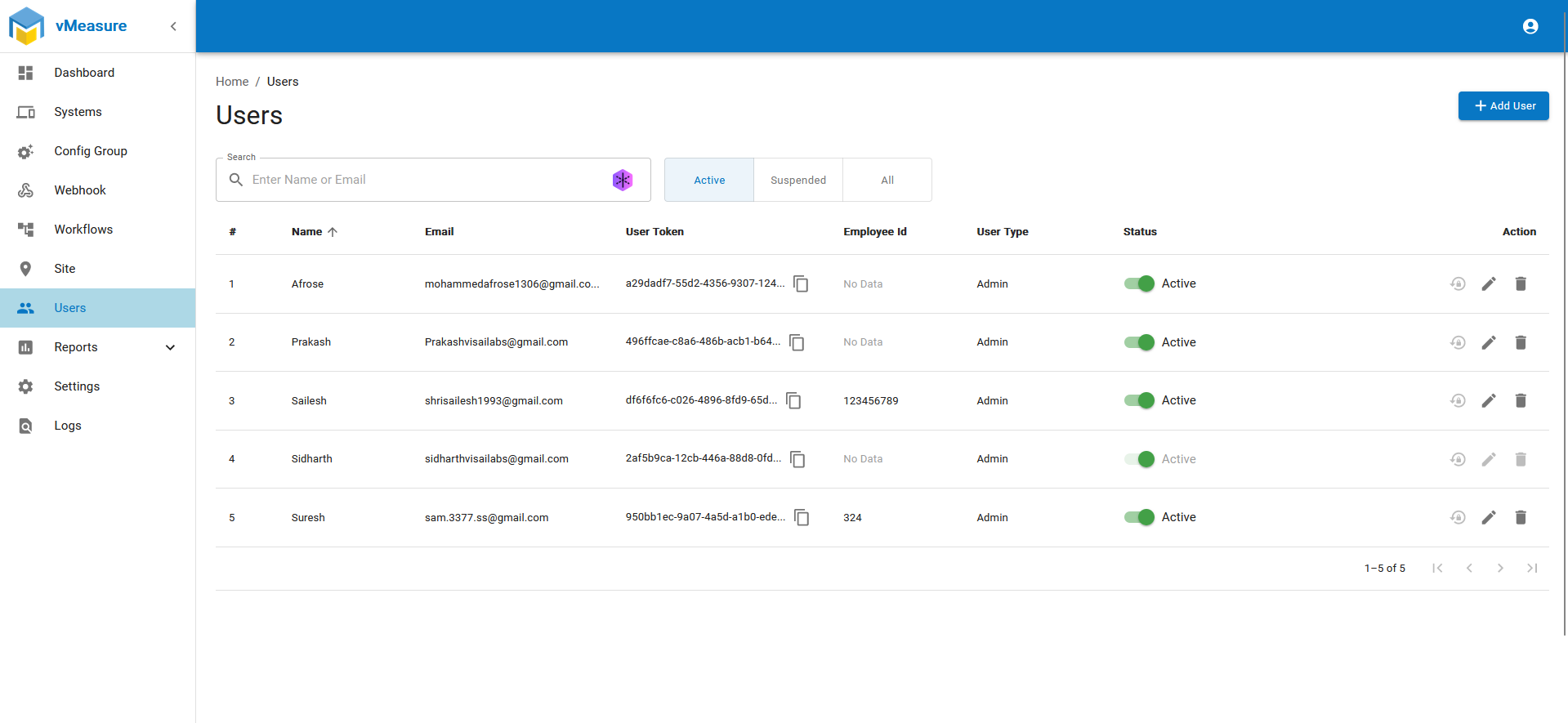
Step 4: Fill in the required details, select the user from the 'User Type' dropdown, and click 'Save'.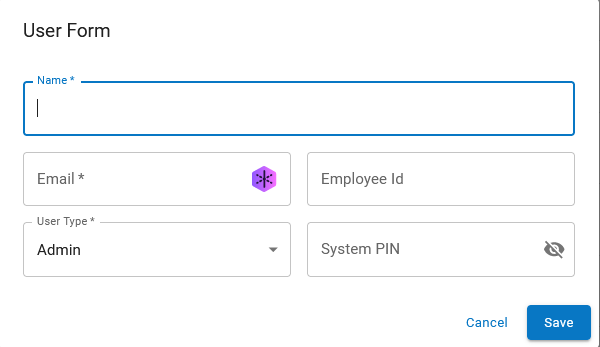
Step 5: Once the user is added, Navigate to "Site" and click the "wrench" icon for the specific site in which the user needs to be added.
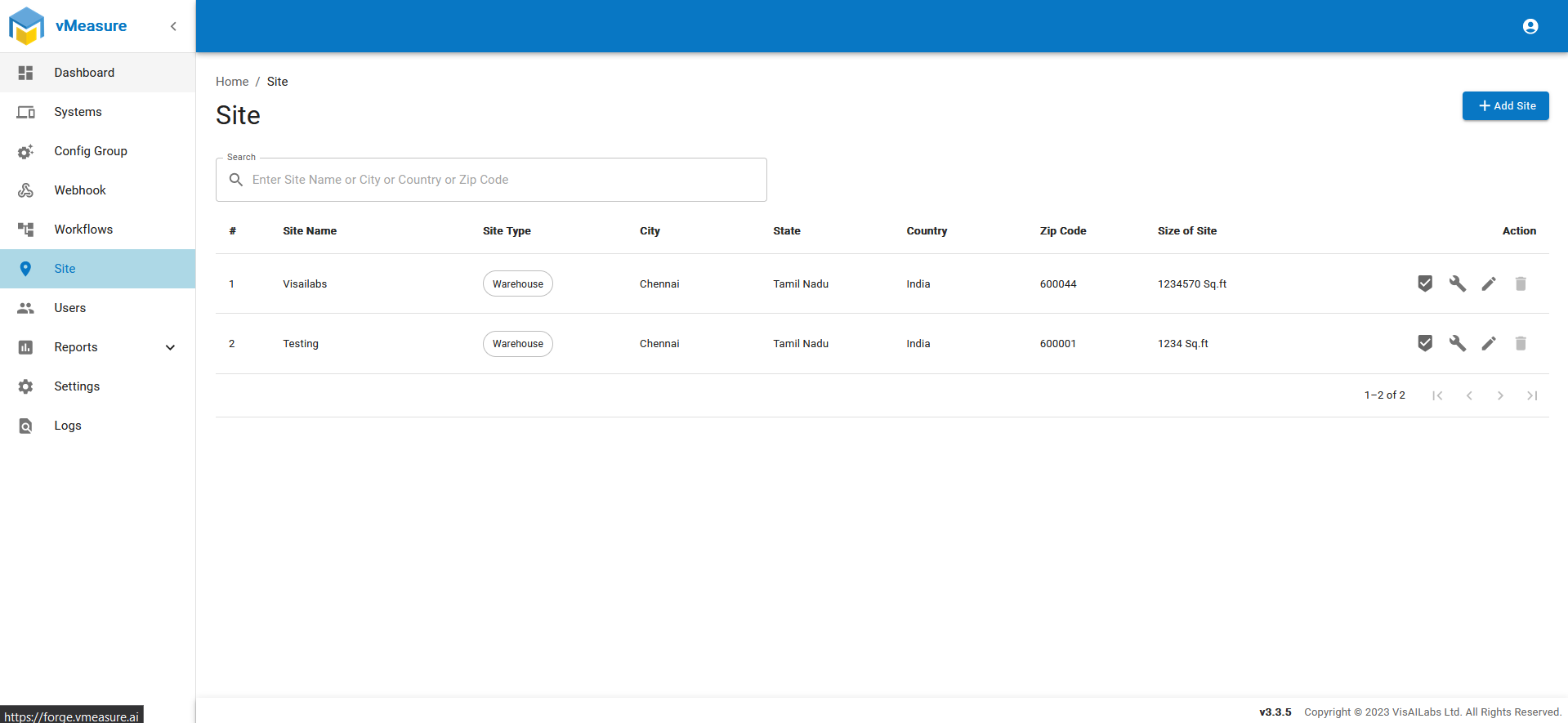
Step 6: Navigate to "Users" tab and from the drop-down select users .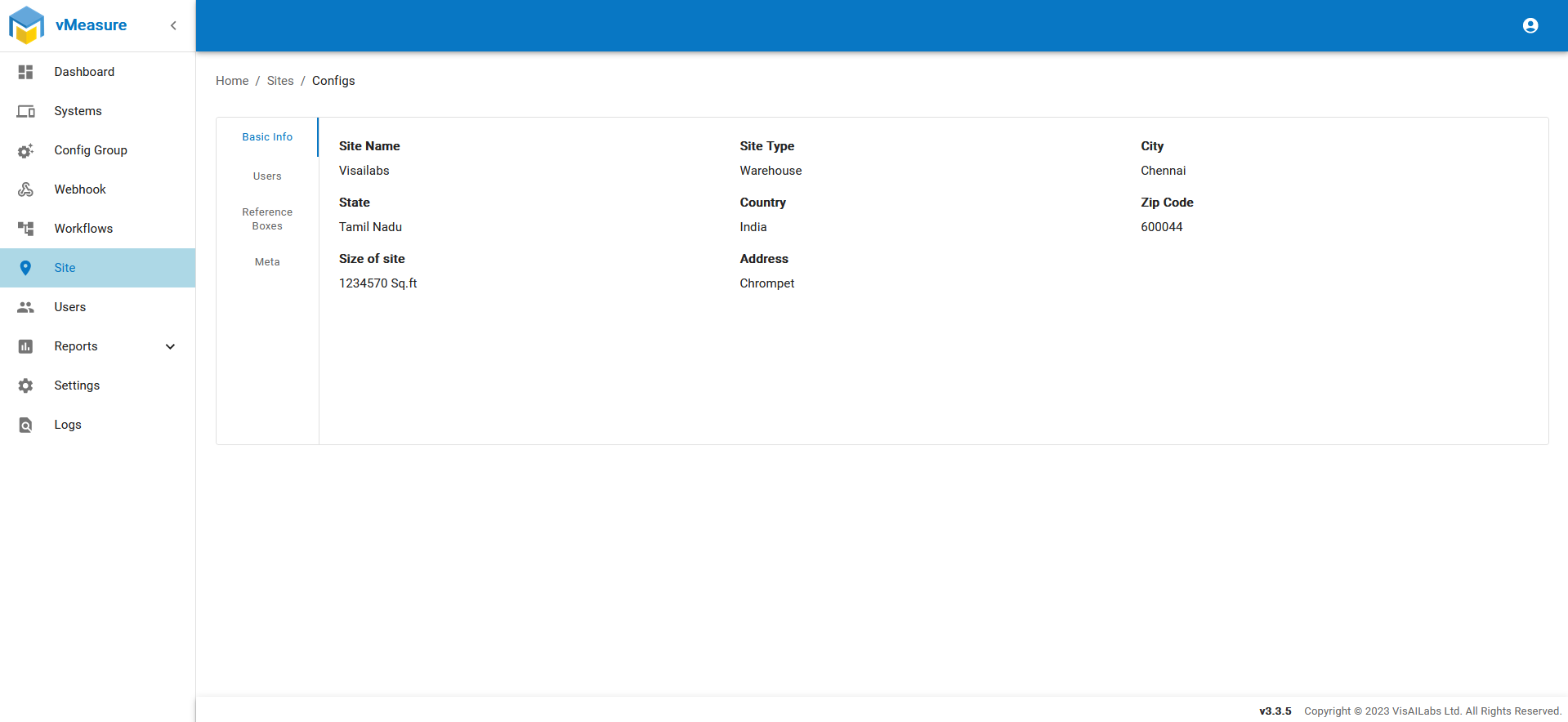
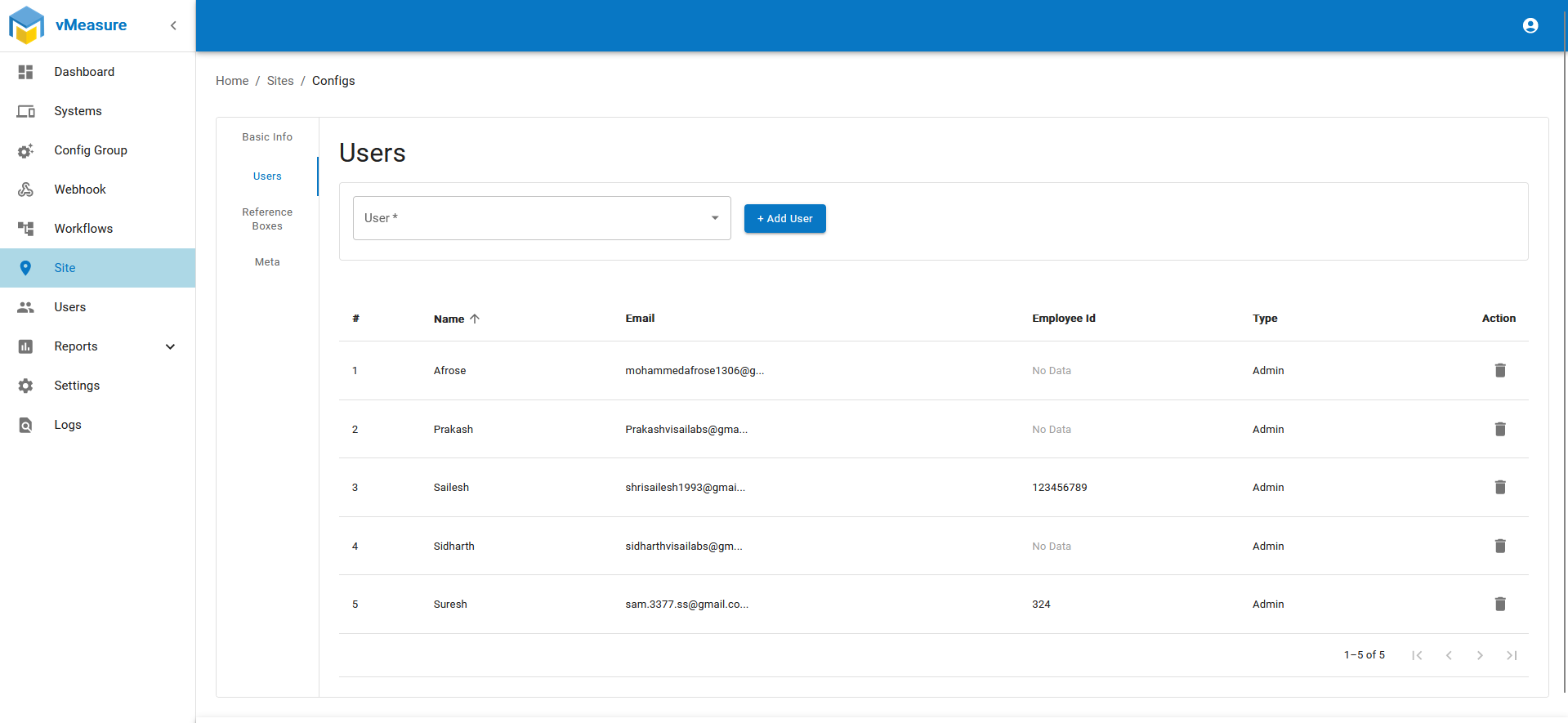
Step 6: After selecting the User click on "Add User", the new User will be added successfully .
If you need any support , please drop a mail to vmeasure@visailabs.com .
Was this article helpful?
That’s Great!
Thank you for your feedback
Sorry! We couldn't be helpful
Thank you for your feedback
Feedback sent
We appreciate your effort and will try to fix the article