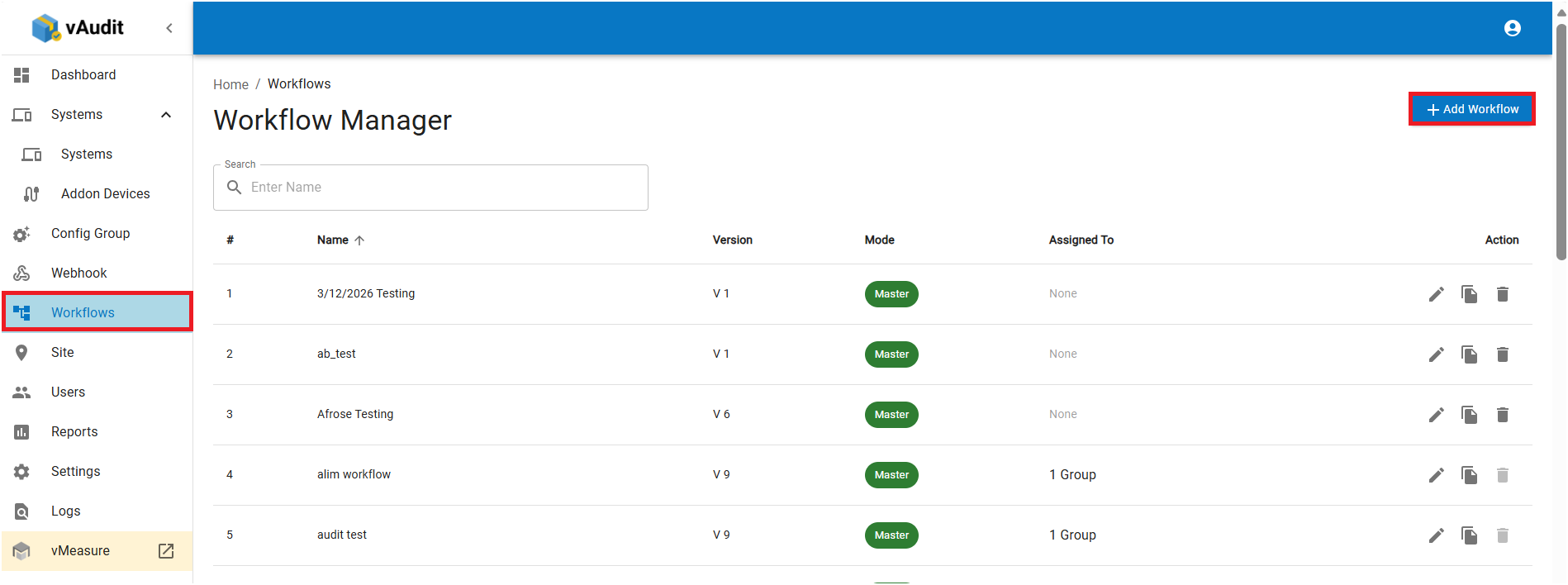
Step 1: Navigate to "Workflow", click on "Add Workflow".
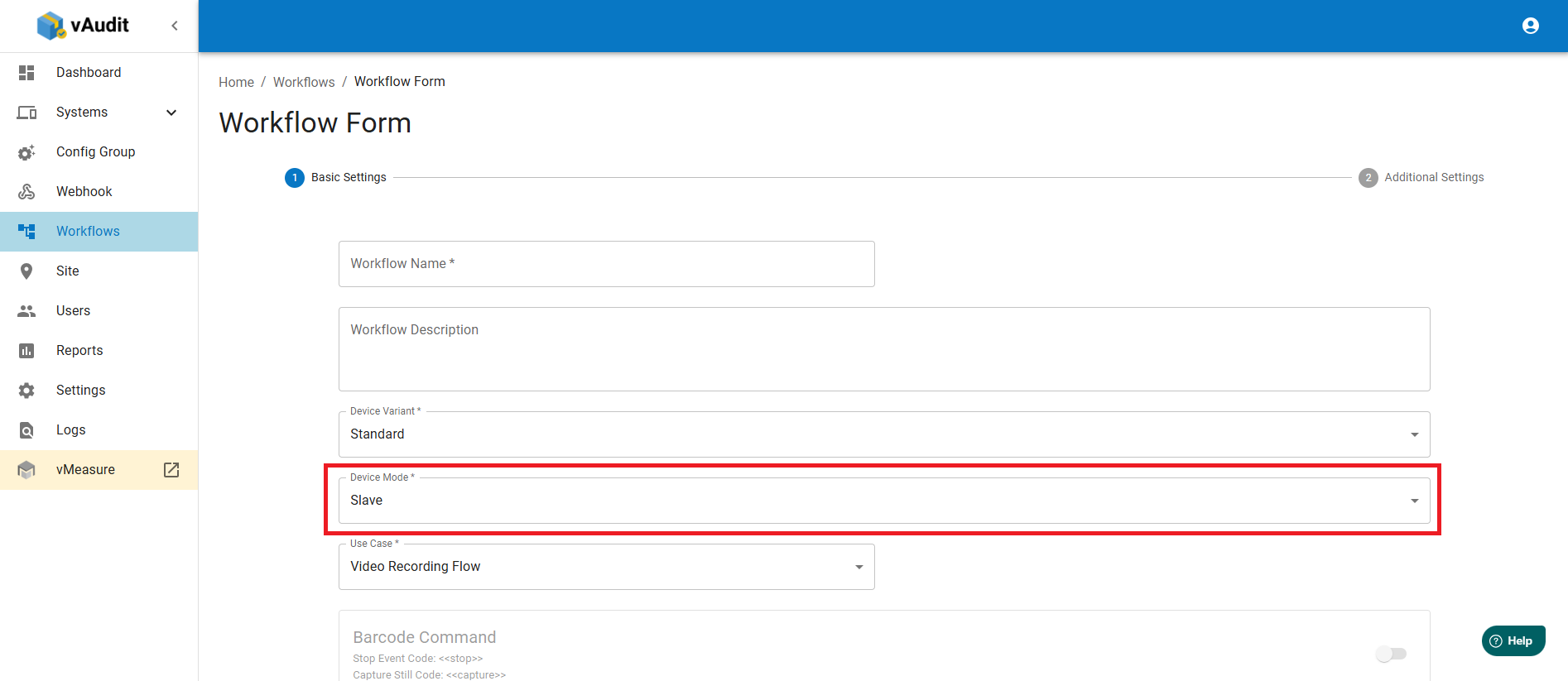
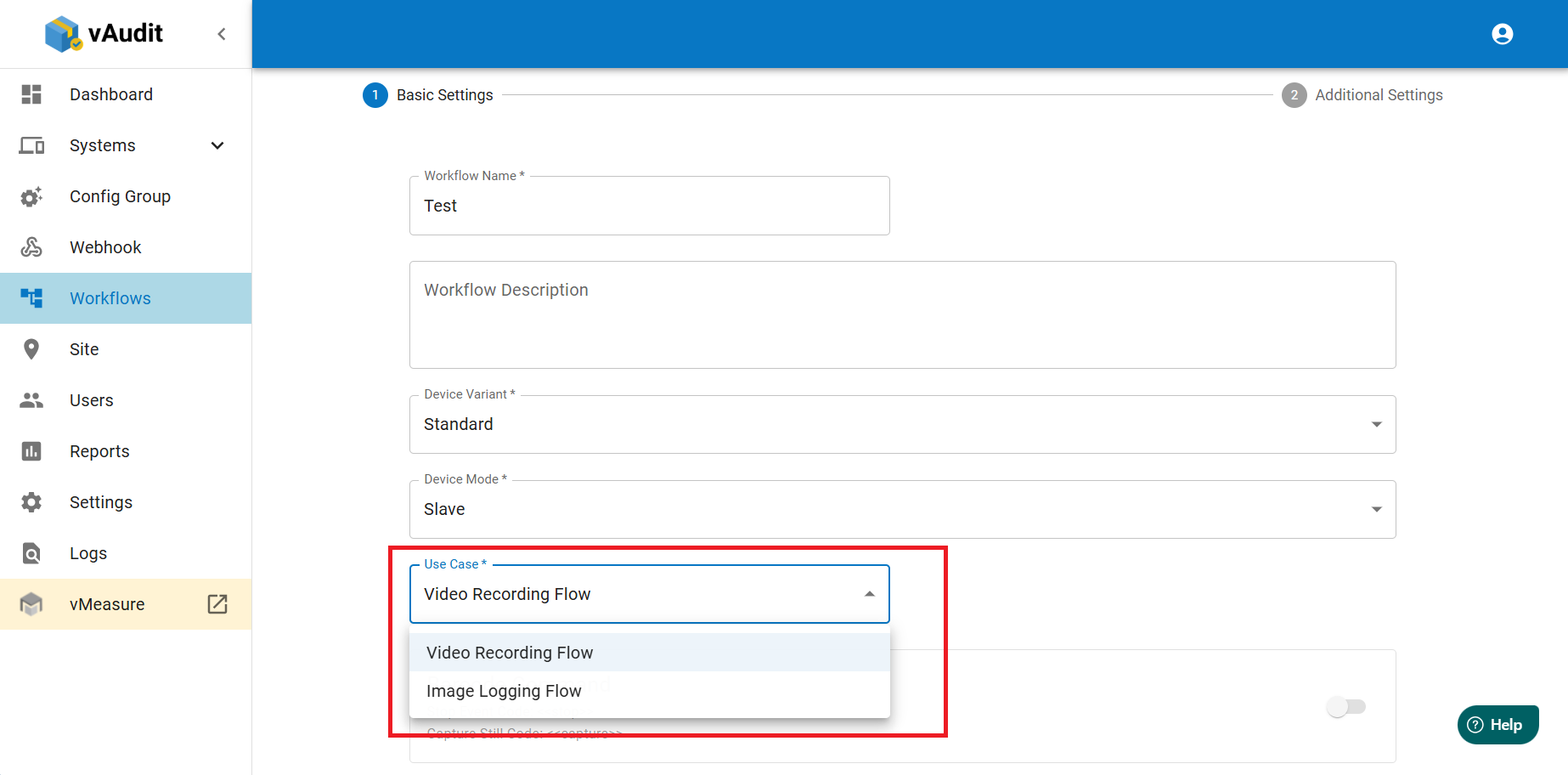
Step 2: Select the "Device Mode" as "Slave" & USE case as "Video Recording Flow", then click on next.
Use case:
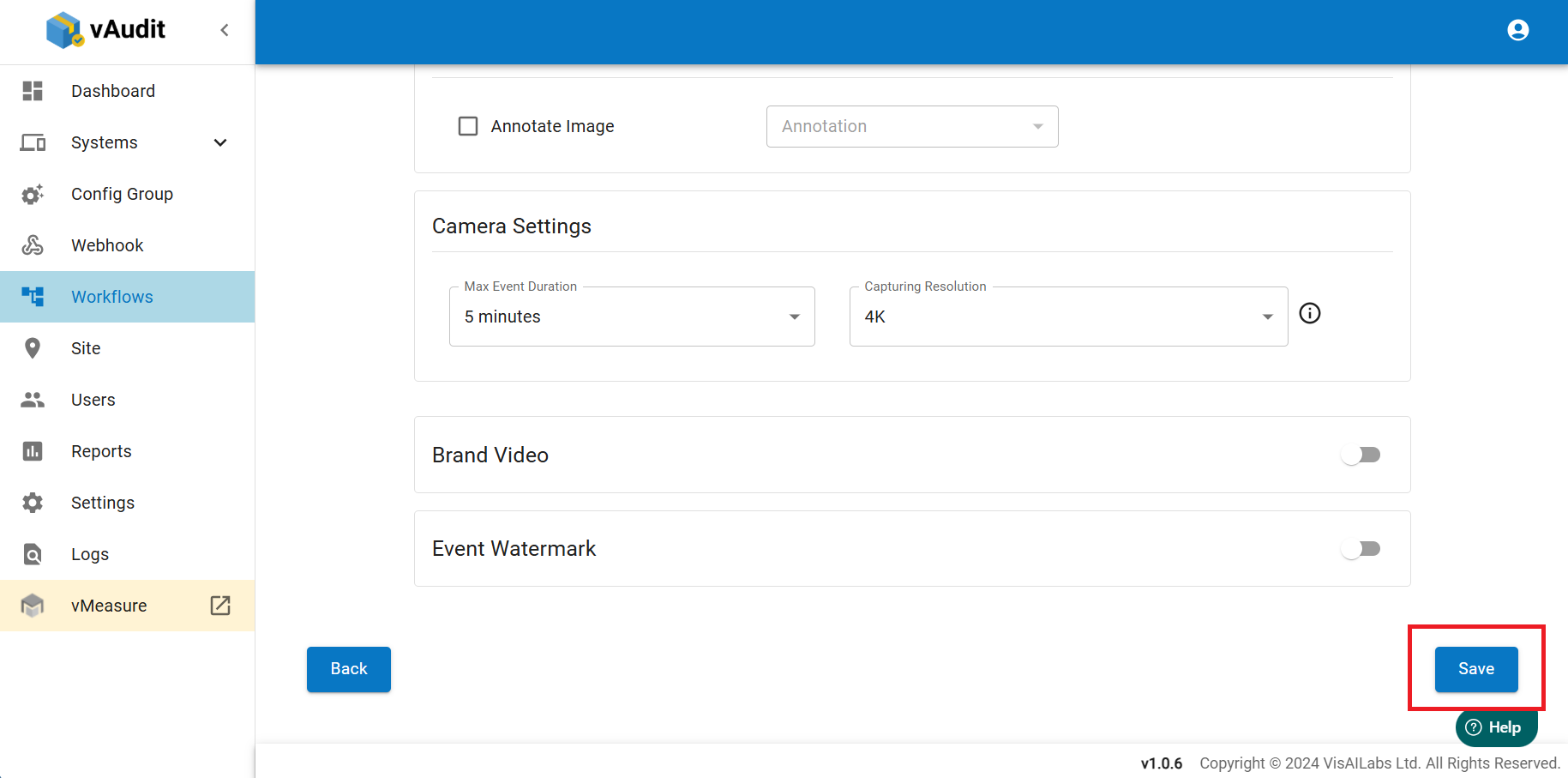
Step 3: Select the required options & "Save" the workflow.
Note: If a workflow is created we cannot edit "device mode" & "Device Variant" & "Use case".
Step 4: Create & assign the config Group & assign to the group to desired system.
How to assign the vAudit Config group to System
If you need any support , please raise the Ticket using our Support Portal : https://support.visailabs.com
Was this article helpful?
That’s Great!
Thank you for your feedback
Sorry! We couldn't be helpful
Thank you for your feedback
Feedback sent
We appreciate your effort and will try to fix the article