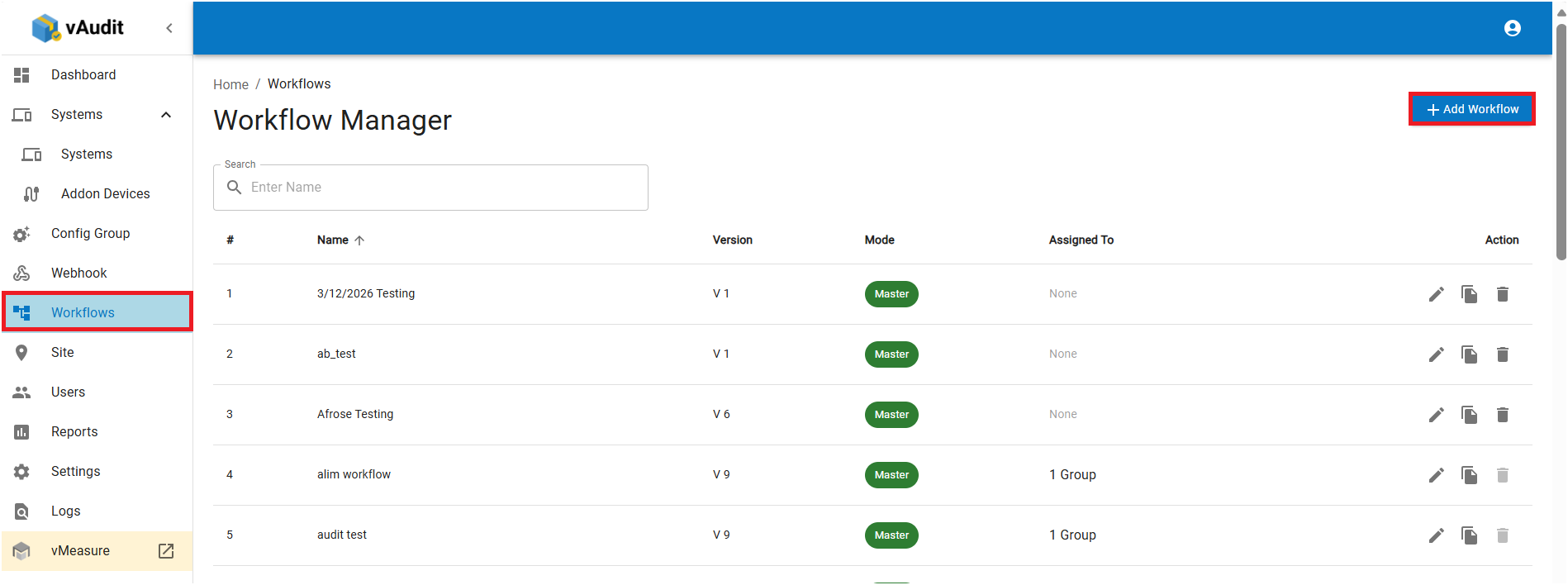
Step 1: Navigate to "Workflow", click on "Create Workflow".
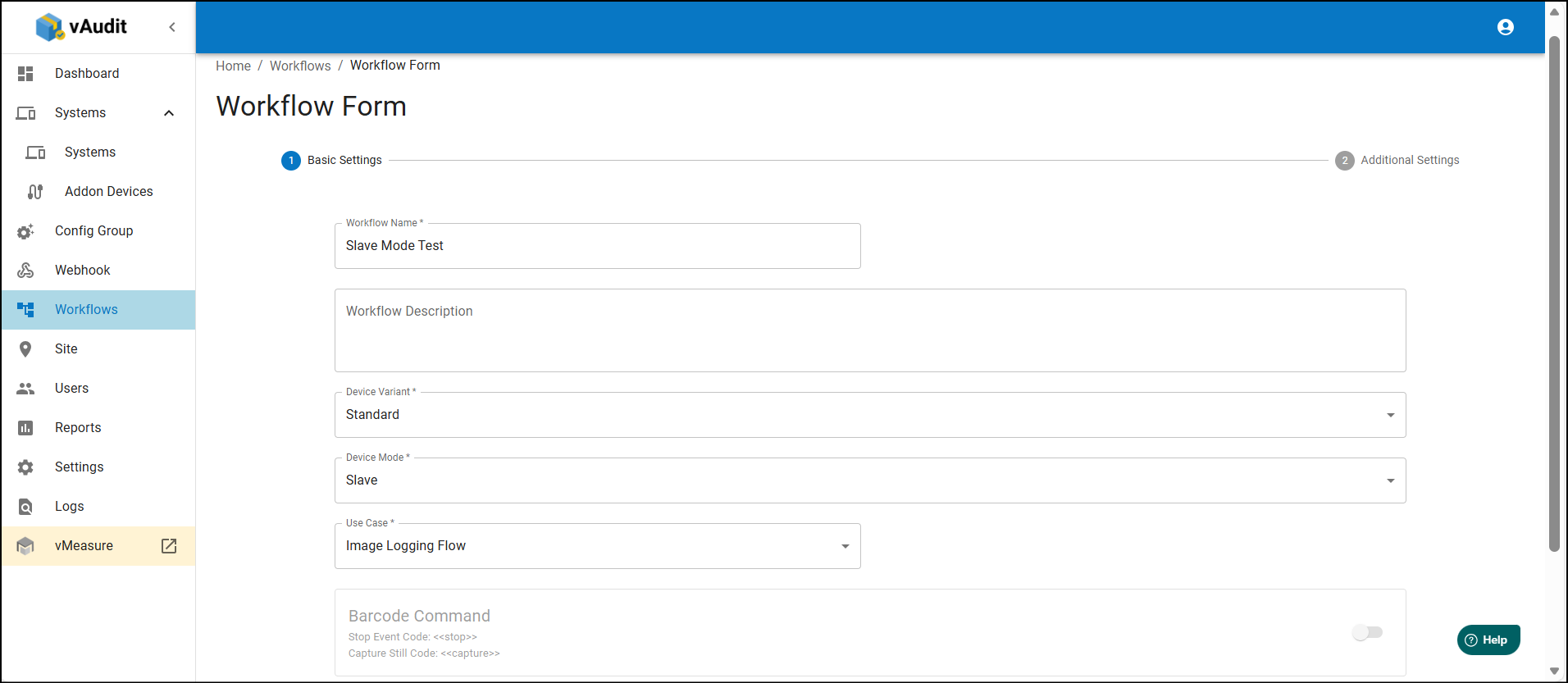
Step 2: Select the "Device Mode" as "Slave" & USE case as "Image Logging Flow", then click on next.
Step 3: Select the required options & save the workflow.
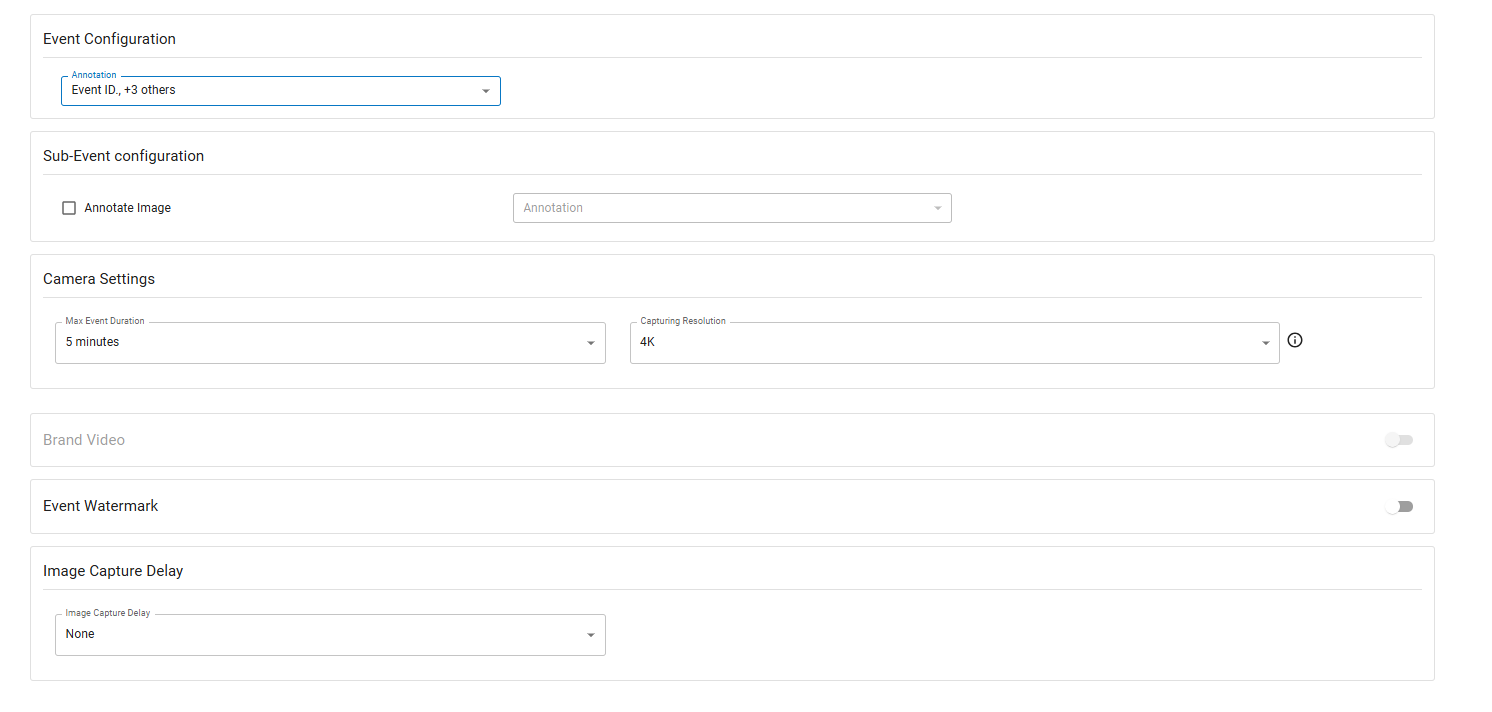
Note: If a workflow is created we cannot edit "device mode" & "Device Variant" & "Use case".
Step 4: Create & assign the config Group & assign to the group to desired system.
How to assign the vAudit Config group to System
If you need any support , please drop a mail to vmeasure@visailabs.com
Was this article helpful?
That’s Great!
Thank you for your feedback
Sorry! We couldn't be helpful
Thank you for your feedback
Feedback sent
We appreciate your effort and will try to fix the article