If you are unable to see the created user on the vMeasure device, kindly follow the below troubleshooting steps:
- Make sure the created user is assigned to the site, please find below steps on how to assign user to site using forge.
How to add users to a site - Make sure the site is assigned to the same device, please find below steps to assign site to the system.
How to assign site to a system - If you have done both of the above steps, kindly press the refresh icon on the vMeasure login screen.
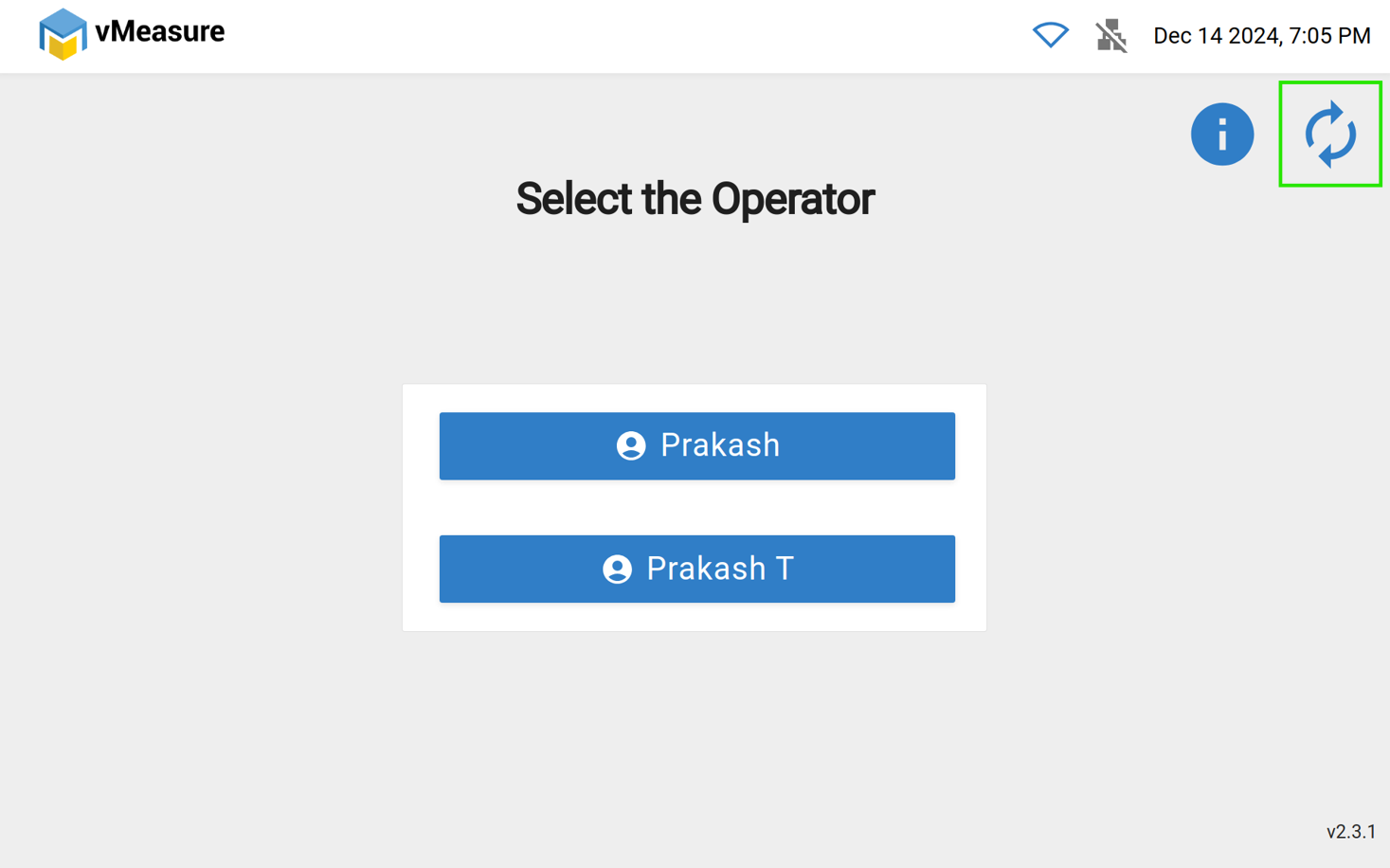
Even after following the above steps, you are not able to see the user on the login page, kindly contact vmeasure@visailabs.com or Click here to Submit a Ticket.
Was this article helpful?
That’s Great!
Thank you for your feedback
Sorry! We couldn't be helpful
Thank you for your feedback
Feedback sent
We appreciate your effort and will try to fix the article