Device Access Configuration:
This feature is introduced to avoid unnecessary changes performed by operators (Intentionally & Unintentionally) in vMeasure device settings which may impact on operations/revenue.
Need to configure the "Device Access Configuration" in vMeasure Forge portal.
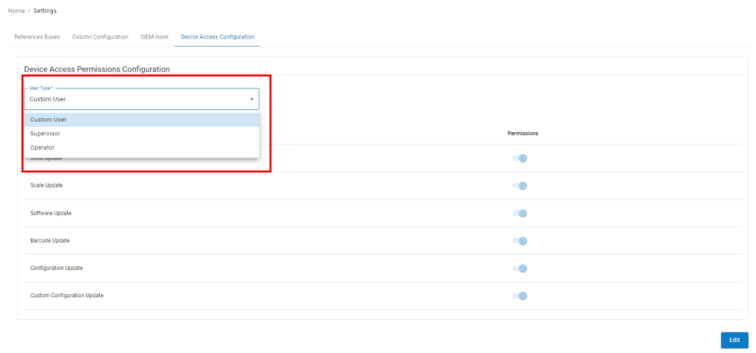
Device setting permission access can be configured based on "User Type's" available in Forge.
List of User Types:
- Custom-User
- Supervisor
- Operator
Custom-User is same as the ADMIN user except these differences:
- On the "Systems" page CUSTOM USER will not be able to enable "beta" option for devices.
- CUSTOM USER will not be having "Users" option on their forge account.
- On the "settings" page "Column Configuration", "SIEM Hook", "Device Access Configuration" will not be available to CUSTOM USER.
- On the "Logs" page "Activity Logs", "API Logs", "System Config Logs" will not be available to CUSTOM USER.
- On "My Account" page "Account Keys", "Configuration", "Cloud Support" will not be visible to CUSTOM USER.
Supervisor:
- This user can login into Forge account, but with limited access.
- Supervisor User can be added to specific sites, to provide the data access to specific site's supervisor.
- User can access Dashboard & View & download last 90 days reports from Forge.
Operator:
An Operator can only access vMeasure device touchscreen.
Follow the below steps for Configuration:
1. Login to vMeasure Forge.
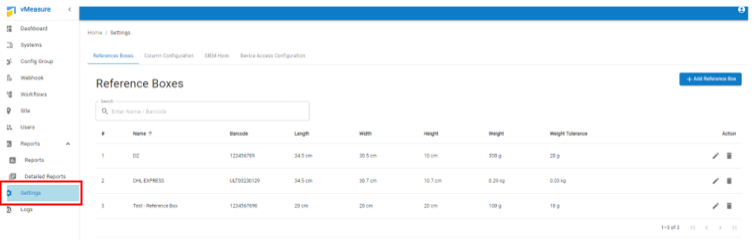
2. Navigate to the "Settings" page as shown below.
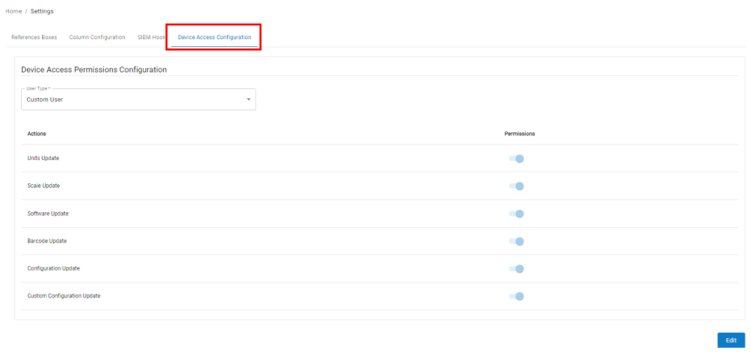
3. Navigate to "Device Access Configuration".
4. Select "User Type" from the drop-down.
5. Click on "Edit", and you will have permission to enable and disable the permission.
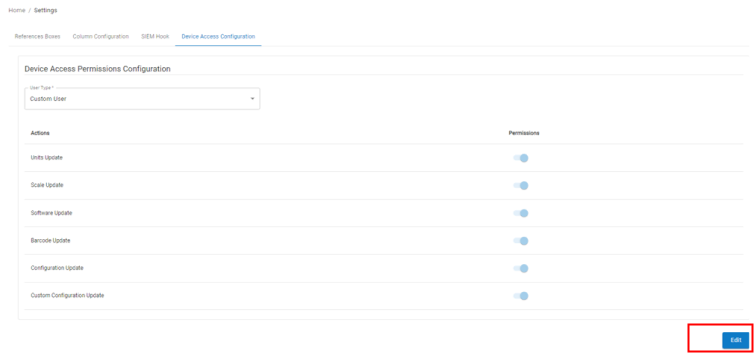
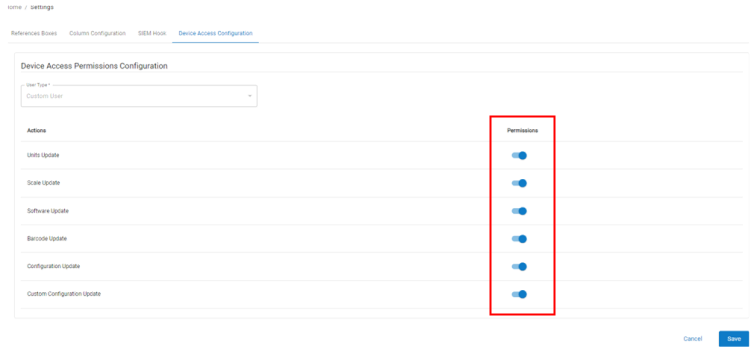
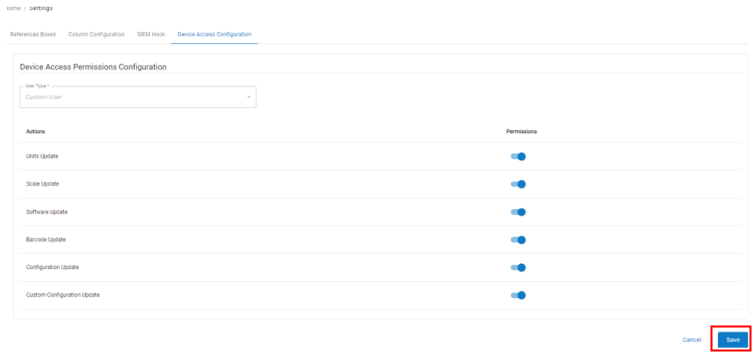
6. Once you have permission, click “Save”.
vMeasure Device User interface Screen:
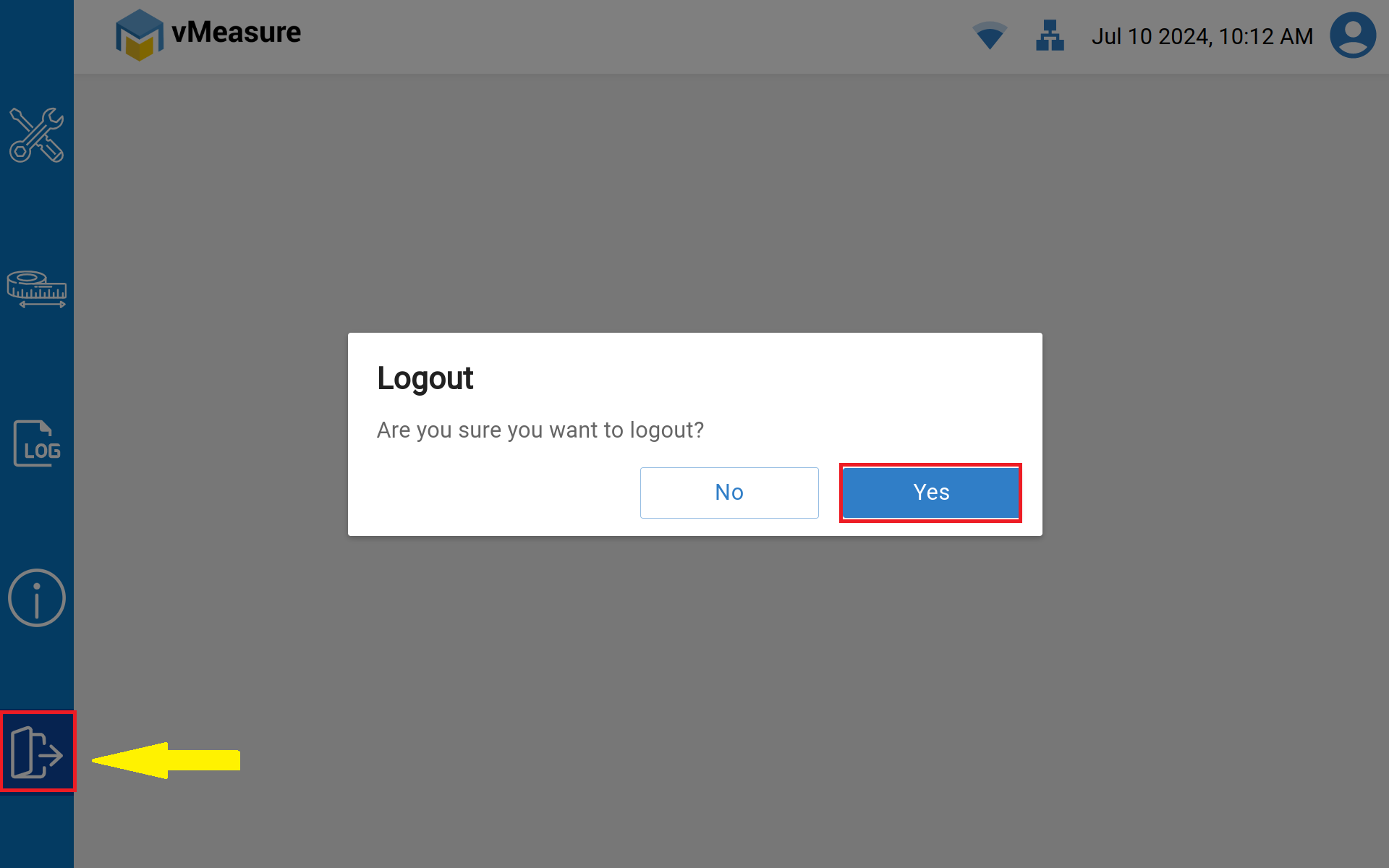
Once the configuration is saved, Log-out and log-in into the vMeasure system for the latest workflow changes to be reflected in system.
1. Click on Log-out icon and click on "Yes".
2. Select the Operator name accordingly as per the configuration changes performed for specific User type.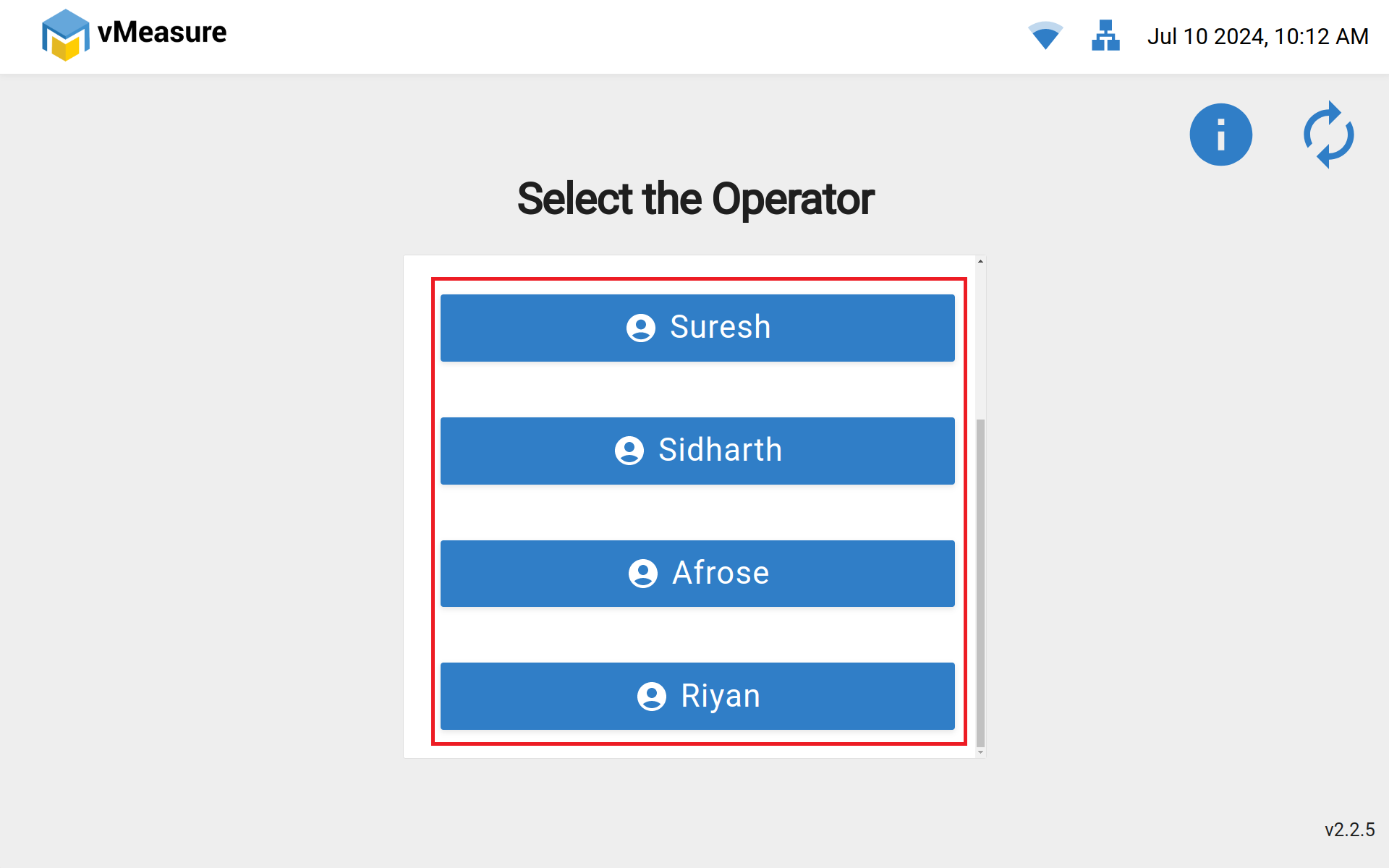
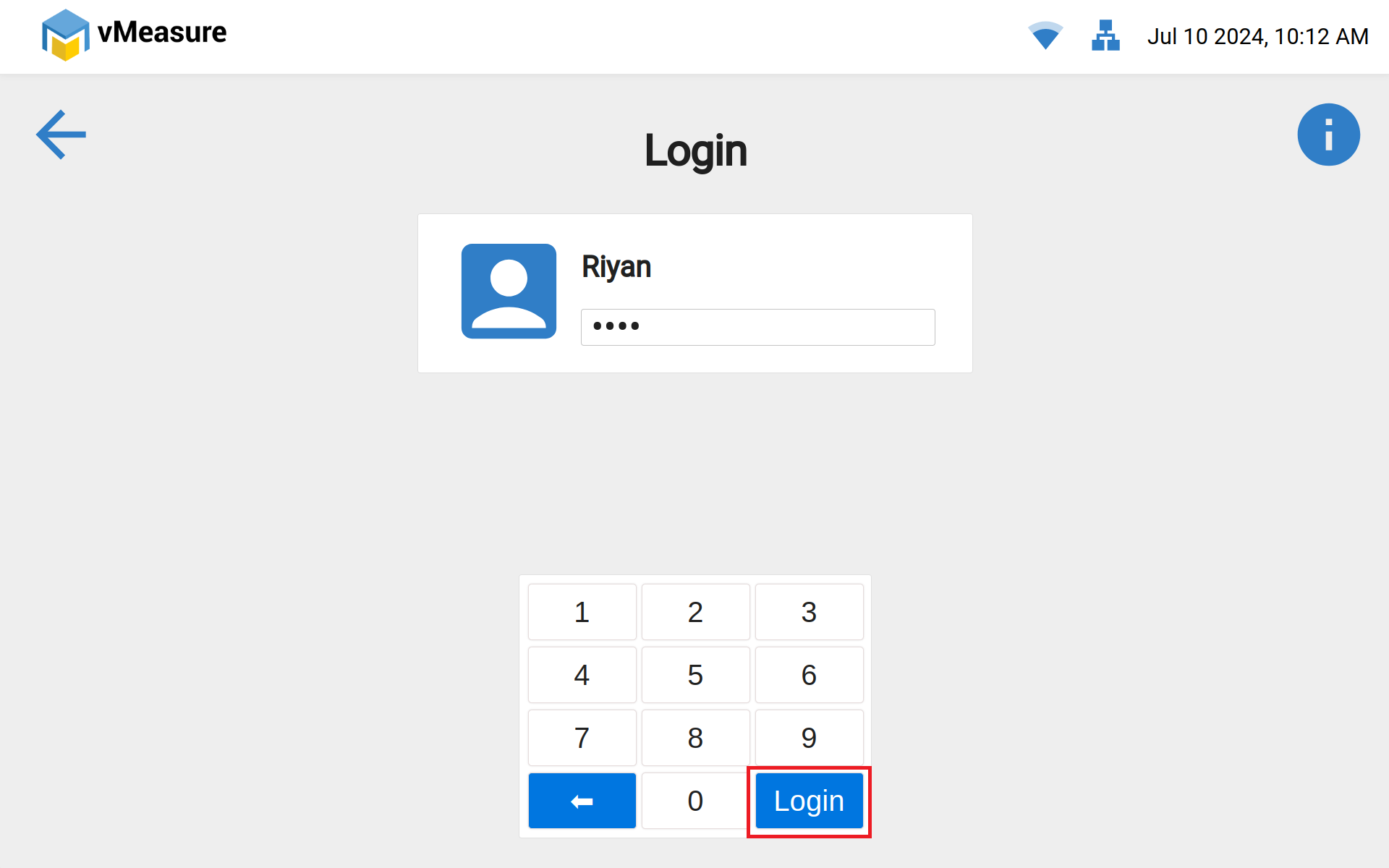
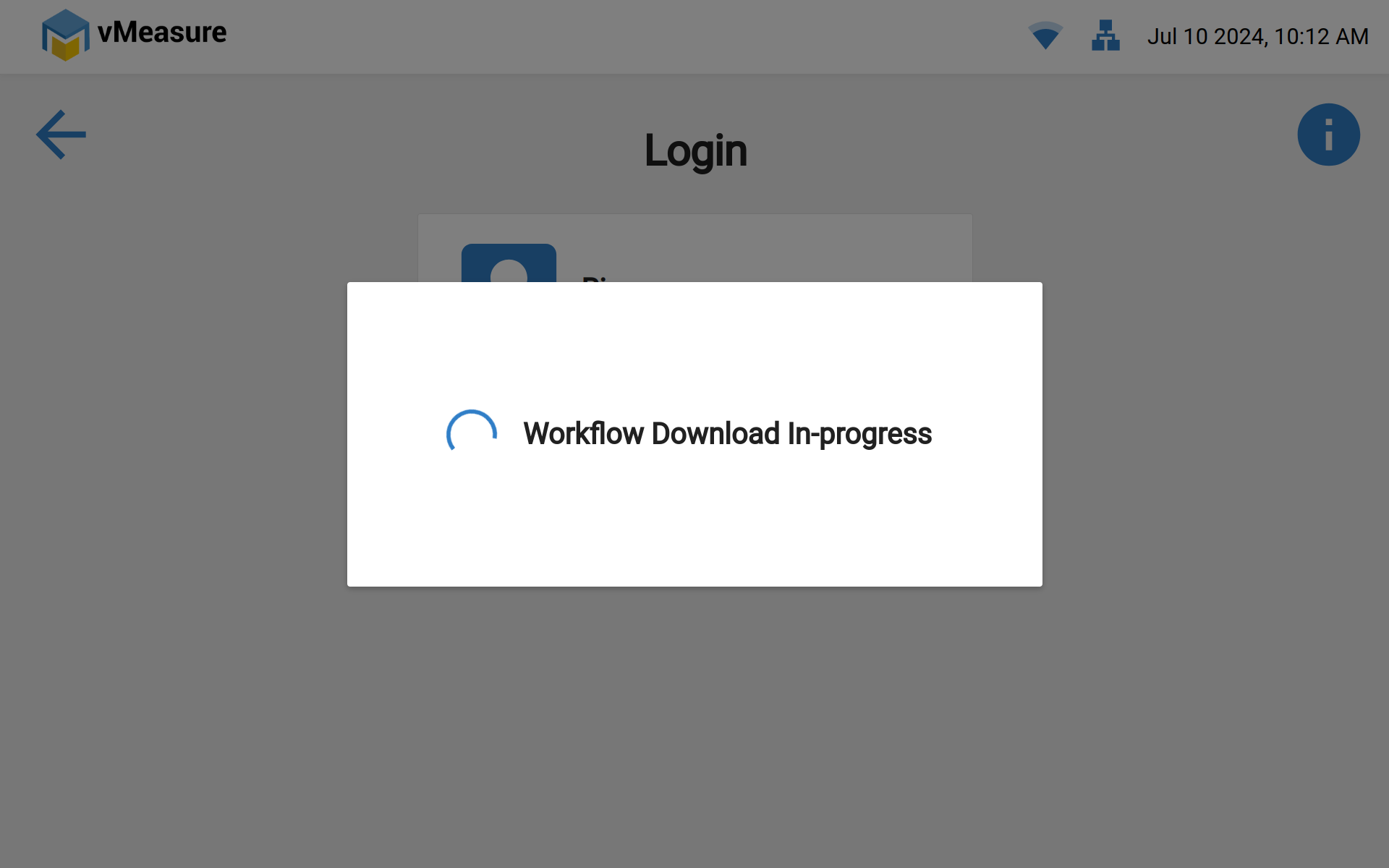
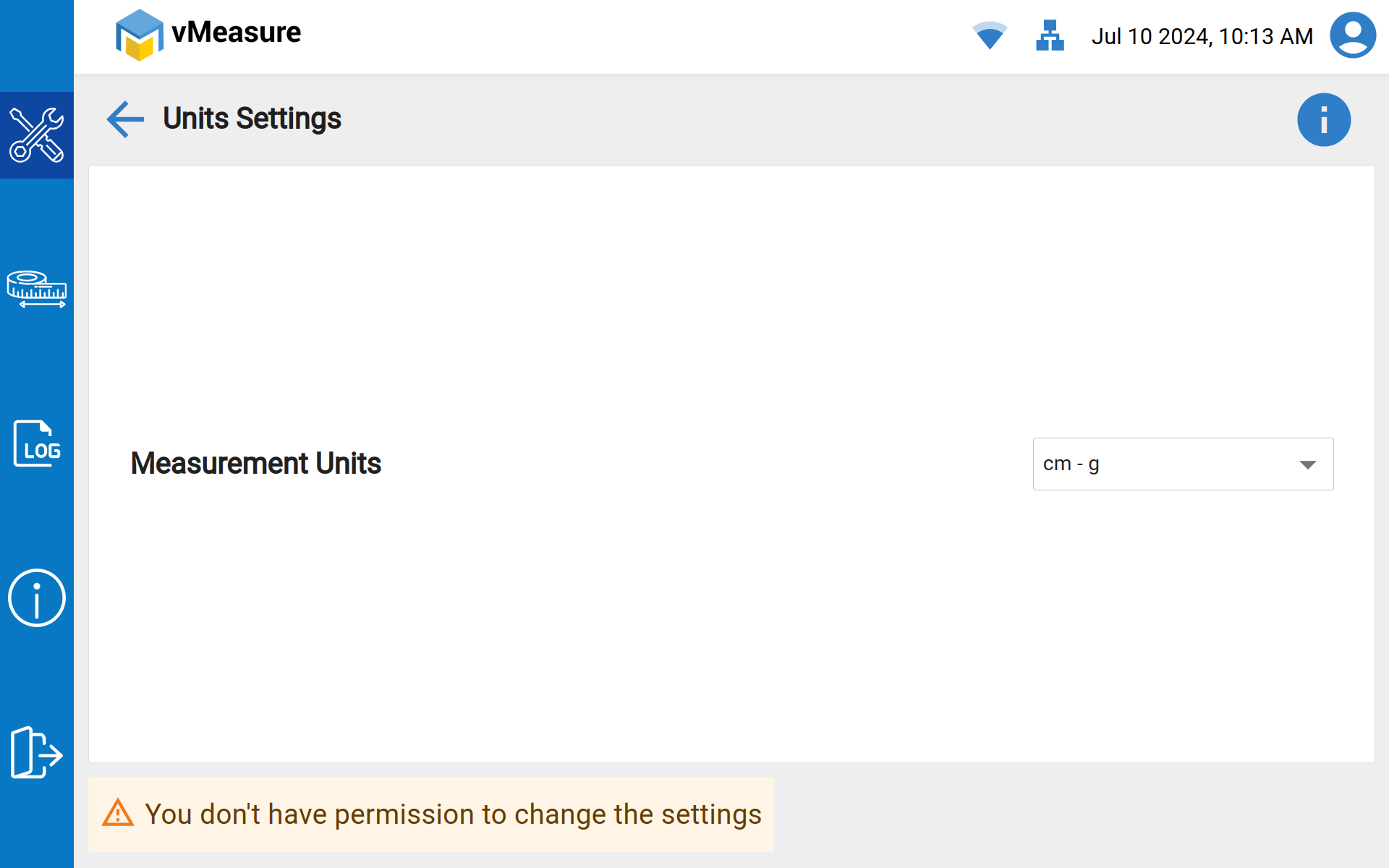
3. Access blocked for Units settings - User interface Screen.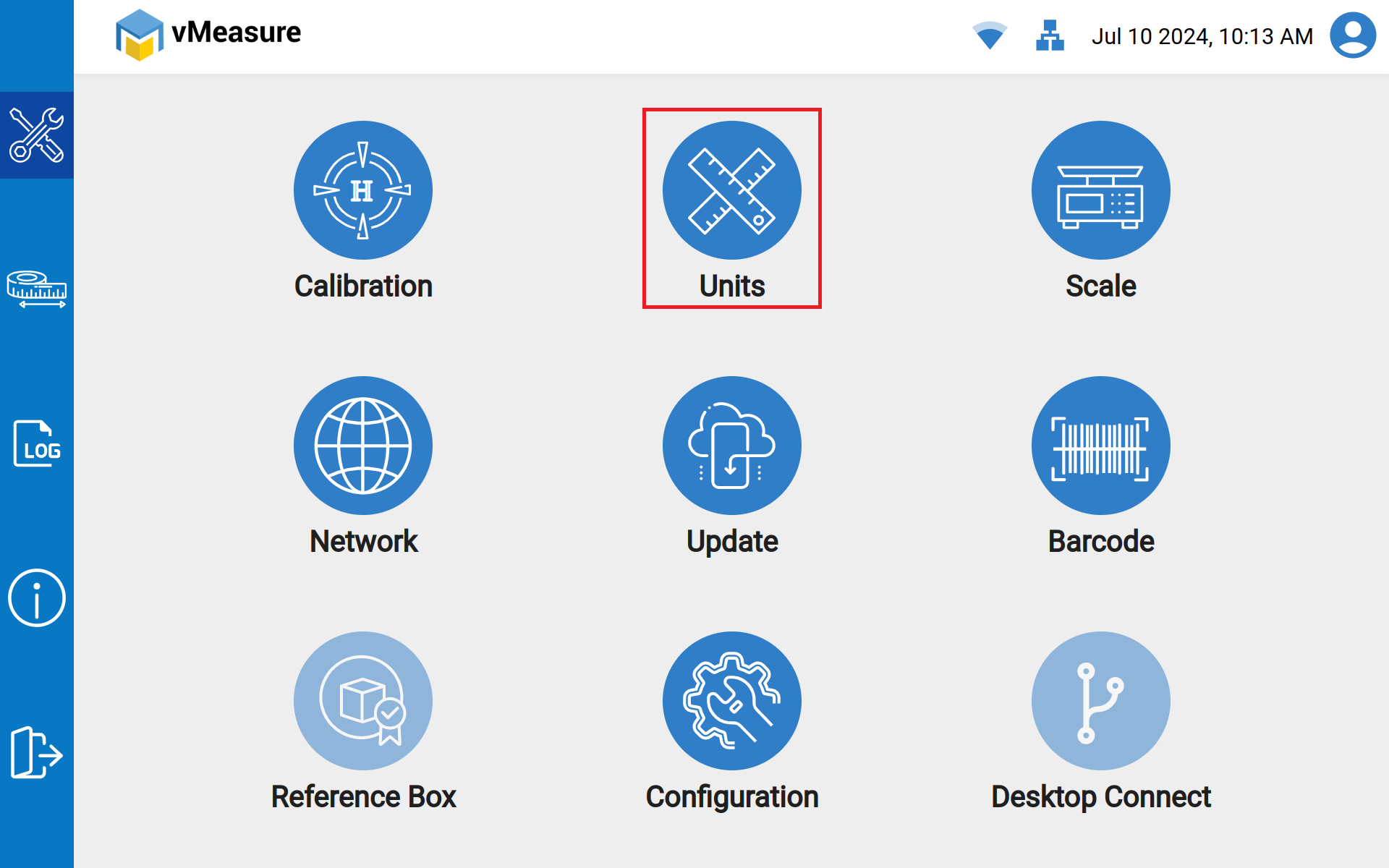
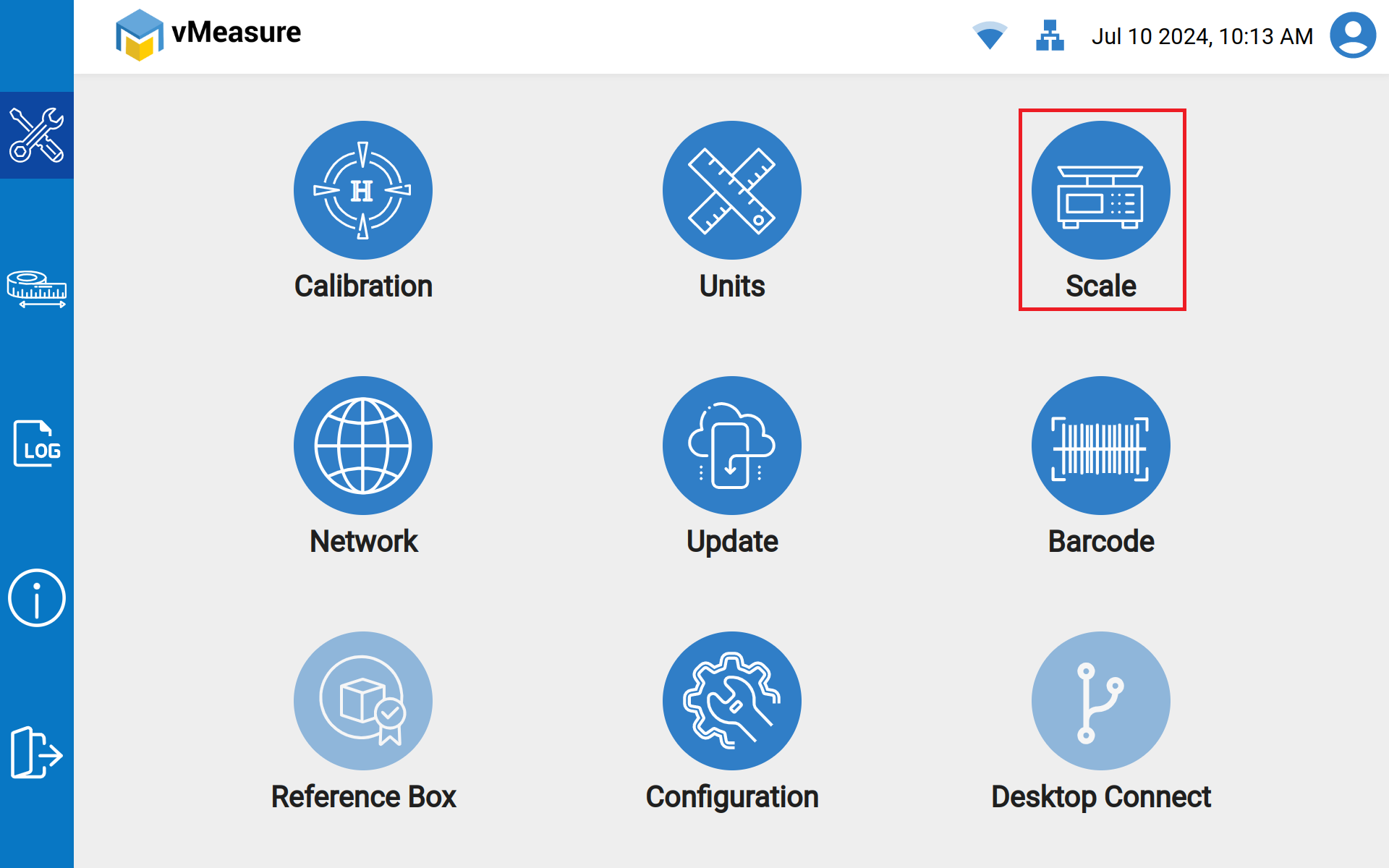
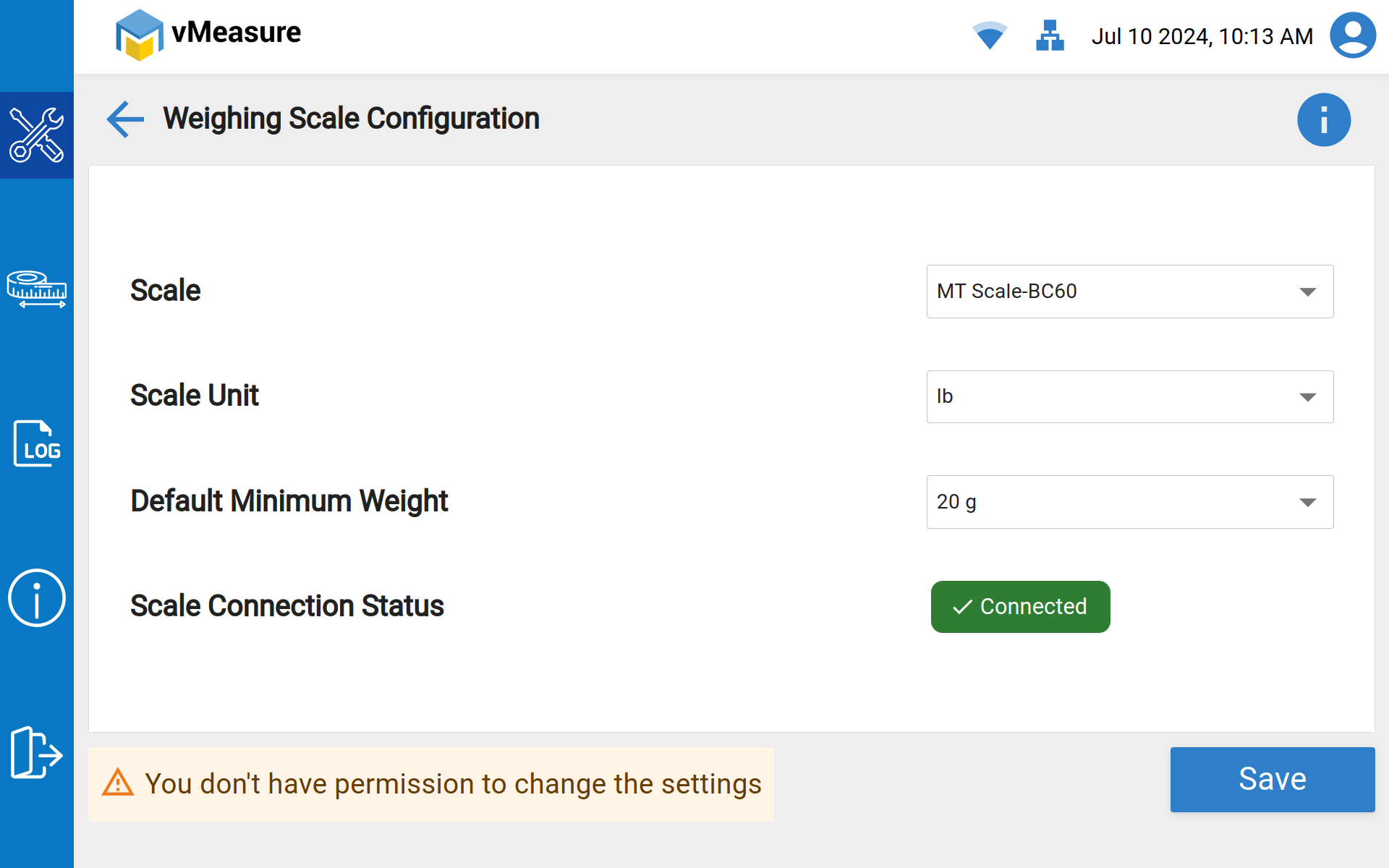
4. Access Blocked for Scale settings - User interface Screen.
Note: User can able to save only the existing selected weighing scale incase of any Detachments & Reattachments.
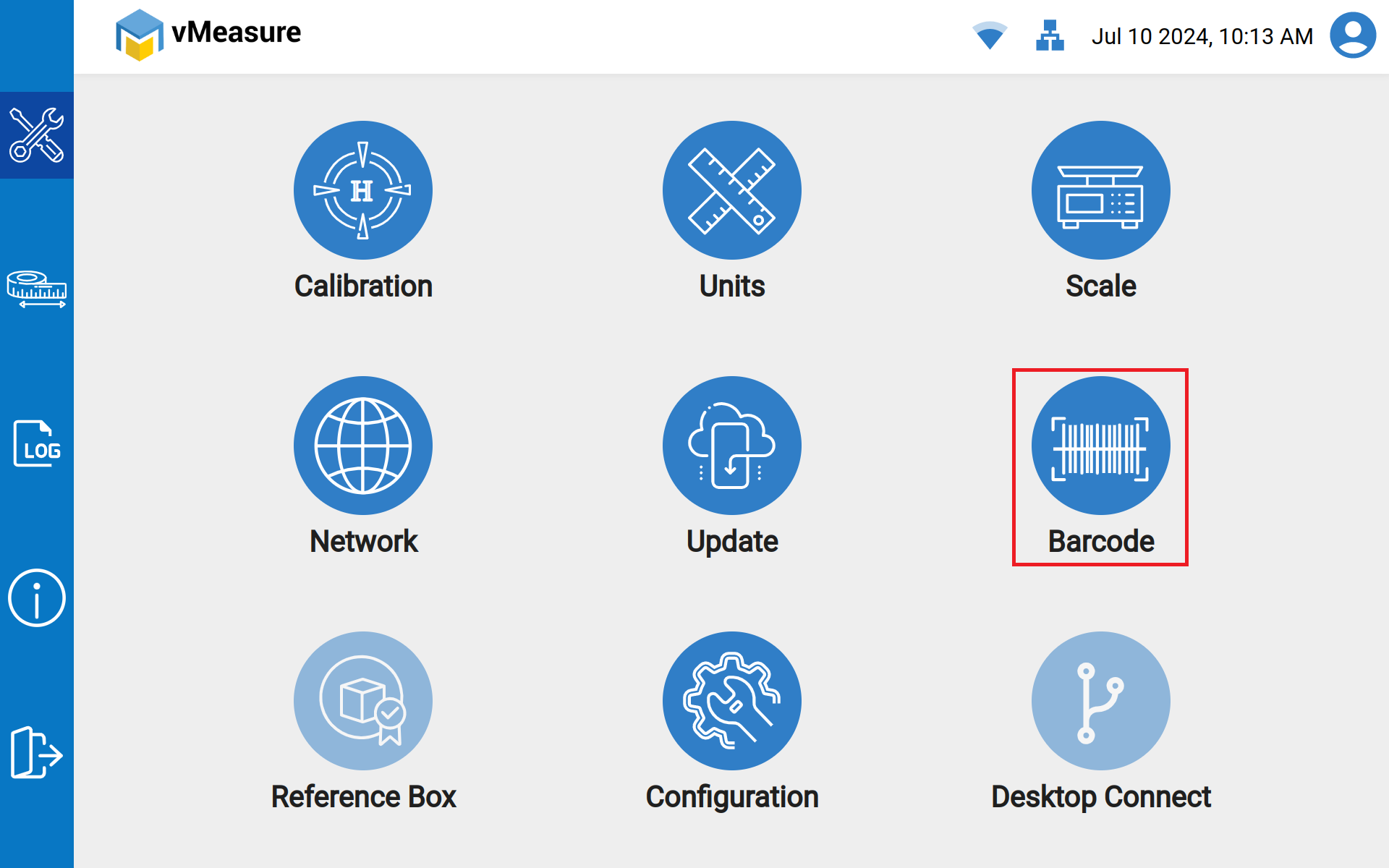
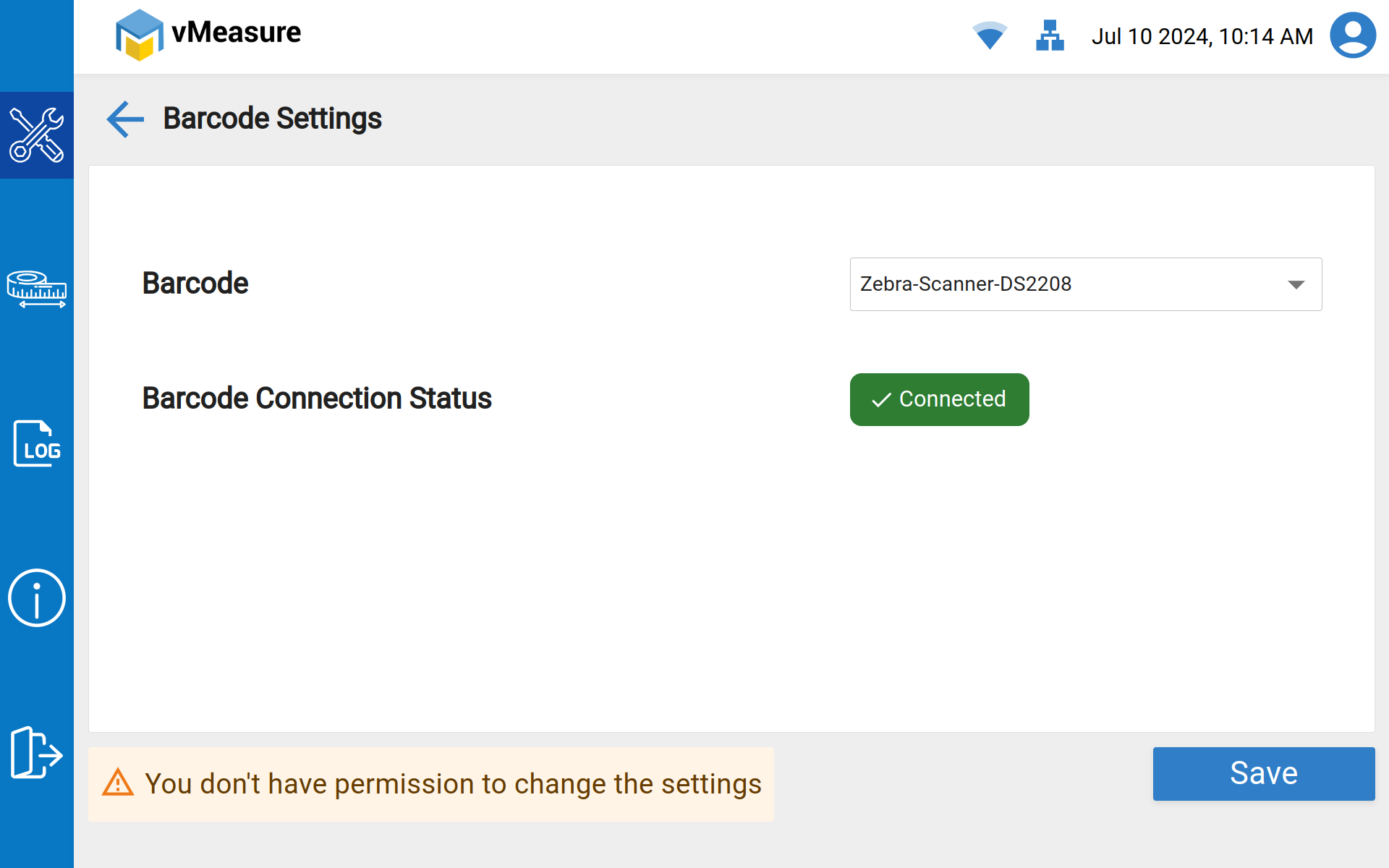
5. Access Blocked for Barcode settings - User interface Screen.
Note: User can able to save only the existing selected Barcode scanner incase of any Detachments & Reattachments.
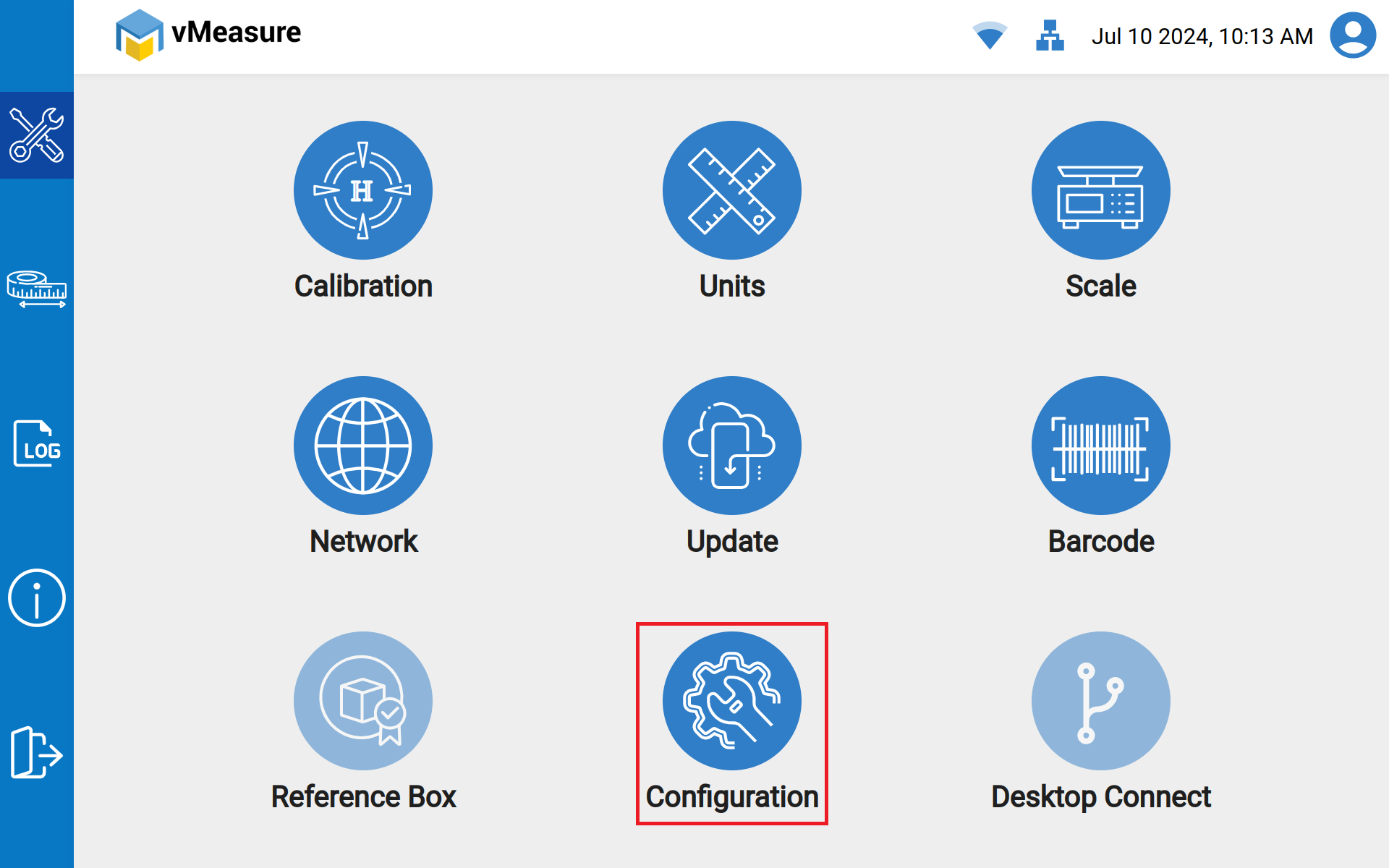
6. Access blocked for Configuration settings - User interface Screen.
Was this article helpful?
That’s Great!
Thank you for your feedback
Sorry! We couldn't be helpful
Thank you for your feedback
Feedback sent
We appreciate your effort and will try to fix the article