What is Report Analyst:
A user assigned with the Report Analyst role will have access to view the Dashboard, monitor system details, and download reports across all available sites configured under the account.
This role is designed primarily for monitoring and reporting purposes, allowing users to:
- View operational dashboards and measurement statistics
- Access system-related information
- Download and analyze reports from all available sites.
However, the Report Analyst role is a view-only access level.
Note: Users with the Report Analyst role do not have permission to create, edit, or modify any configurations, workflows, device settings, or system parameters.
Steps to Create a Report Analyst User:
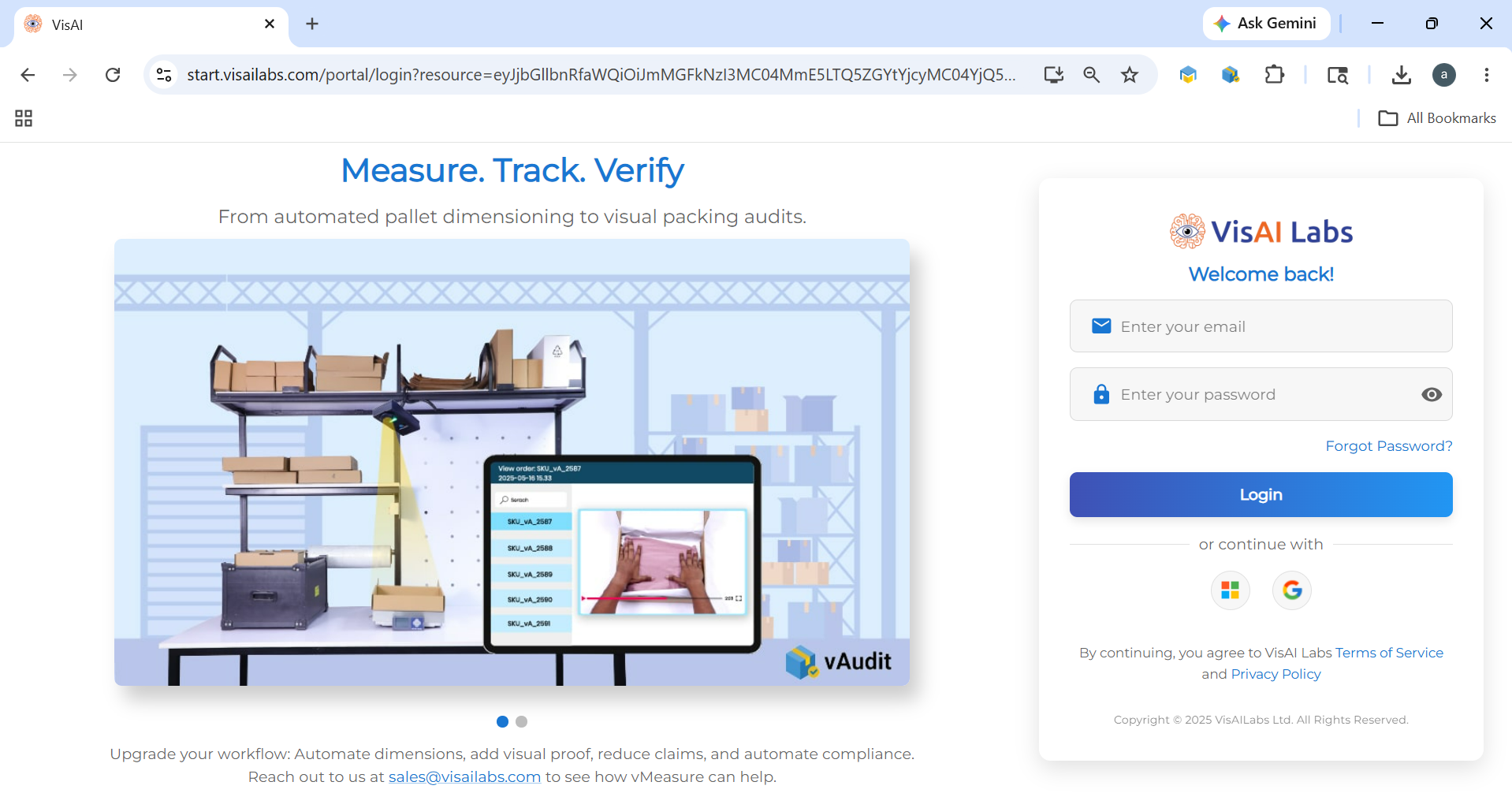
- Log in to the Forge portal https://start.visailabs.com
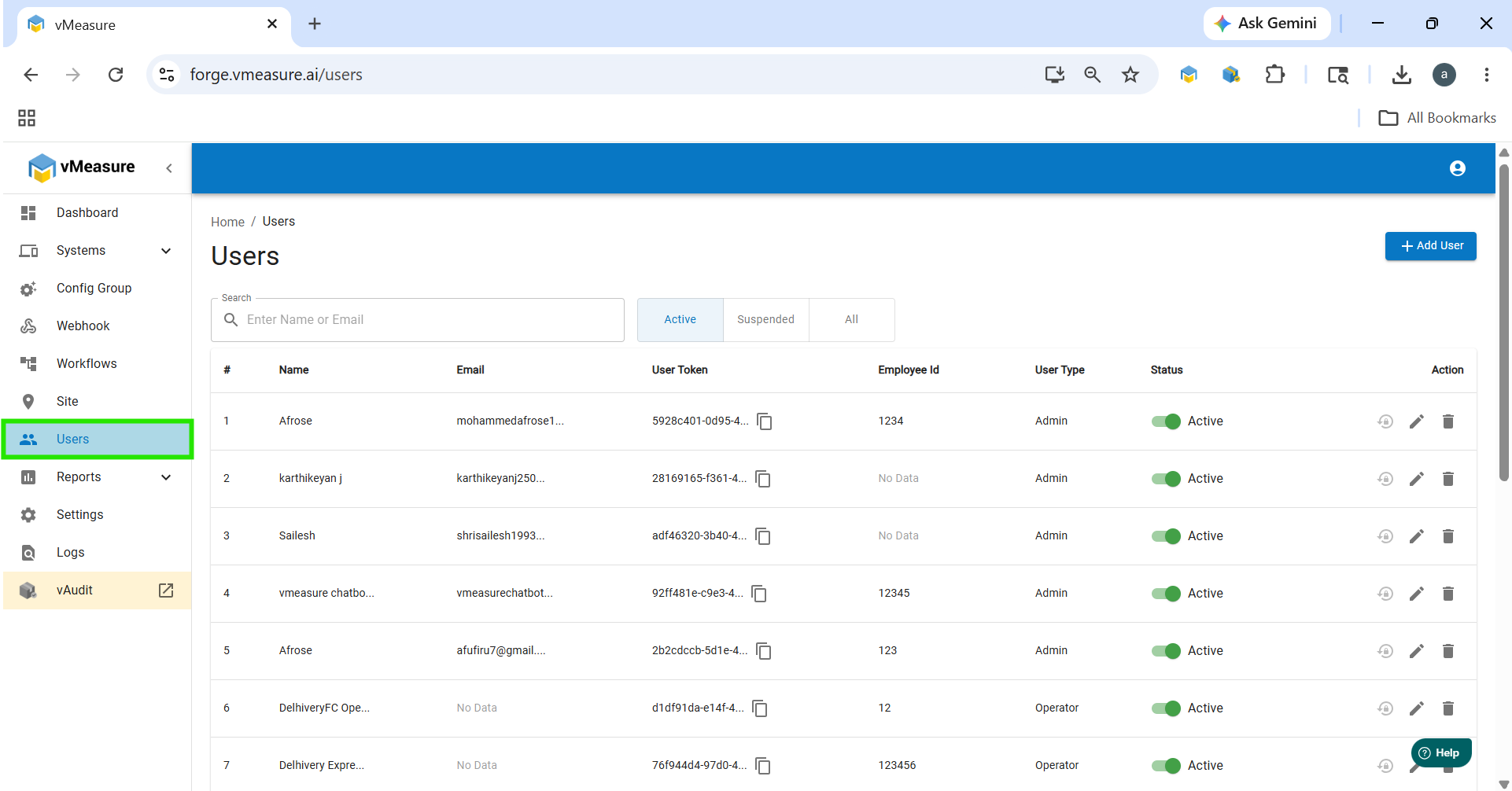
- Navigate to Users and click Add User.
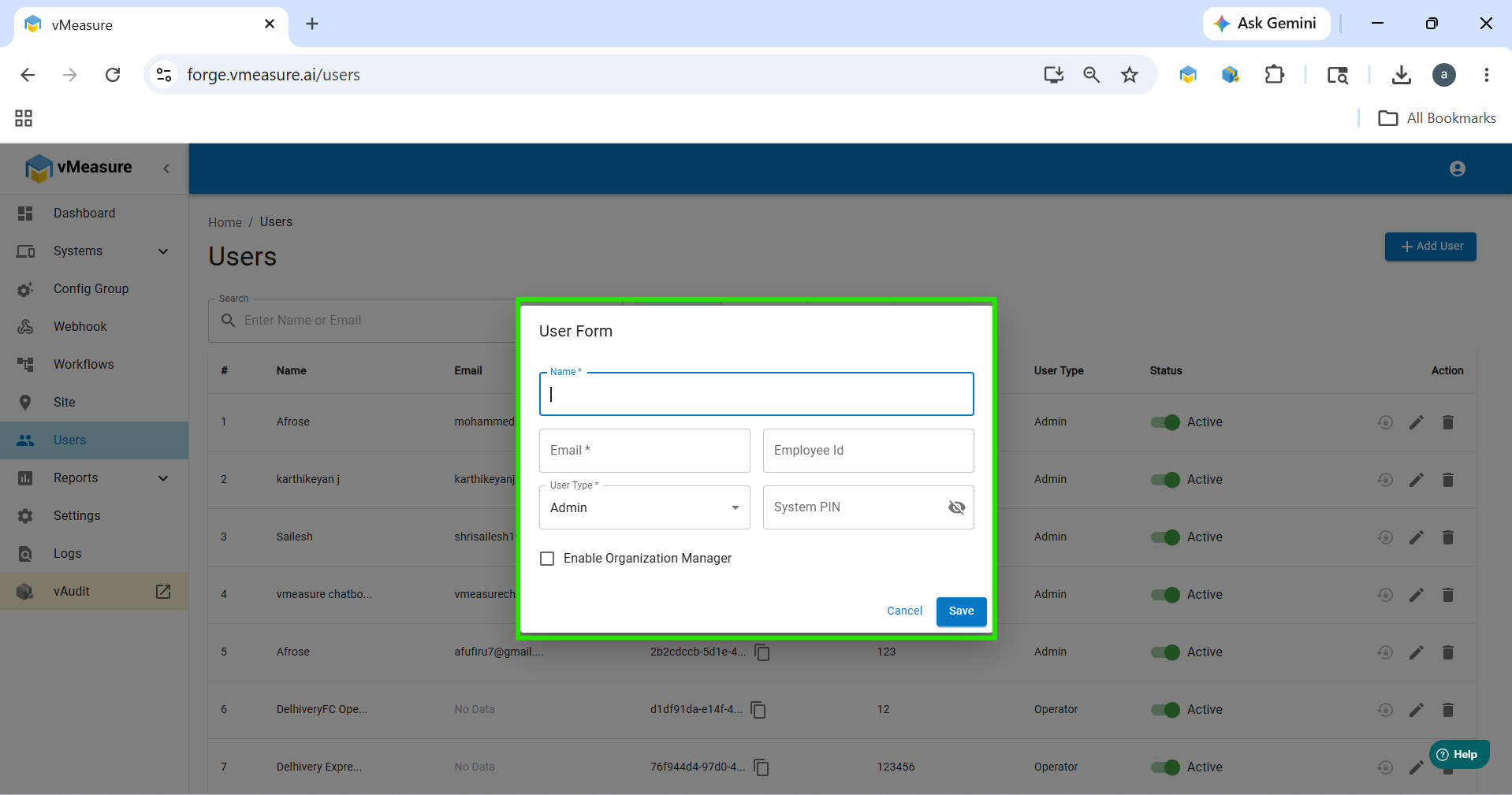
- Enter all the required user details.
- Select the user type as Custom User.
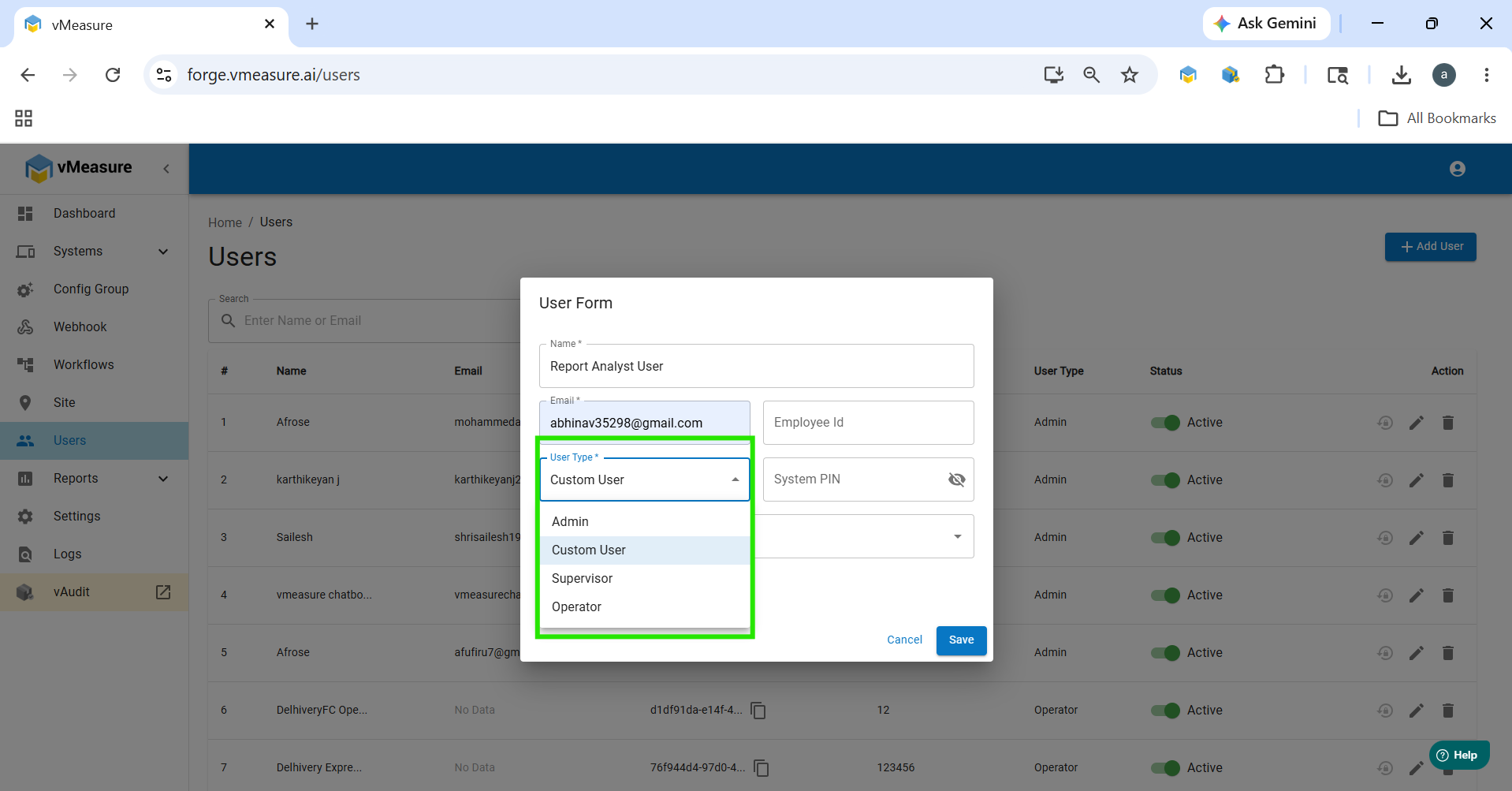
- An additional dropdown will appear. Select Report Analyst.
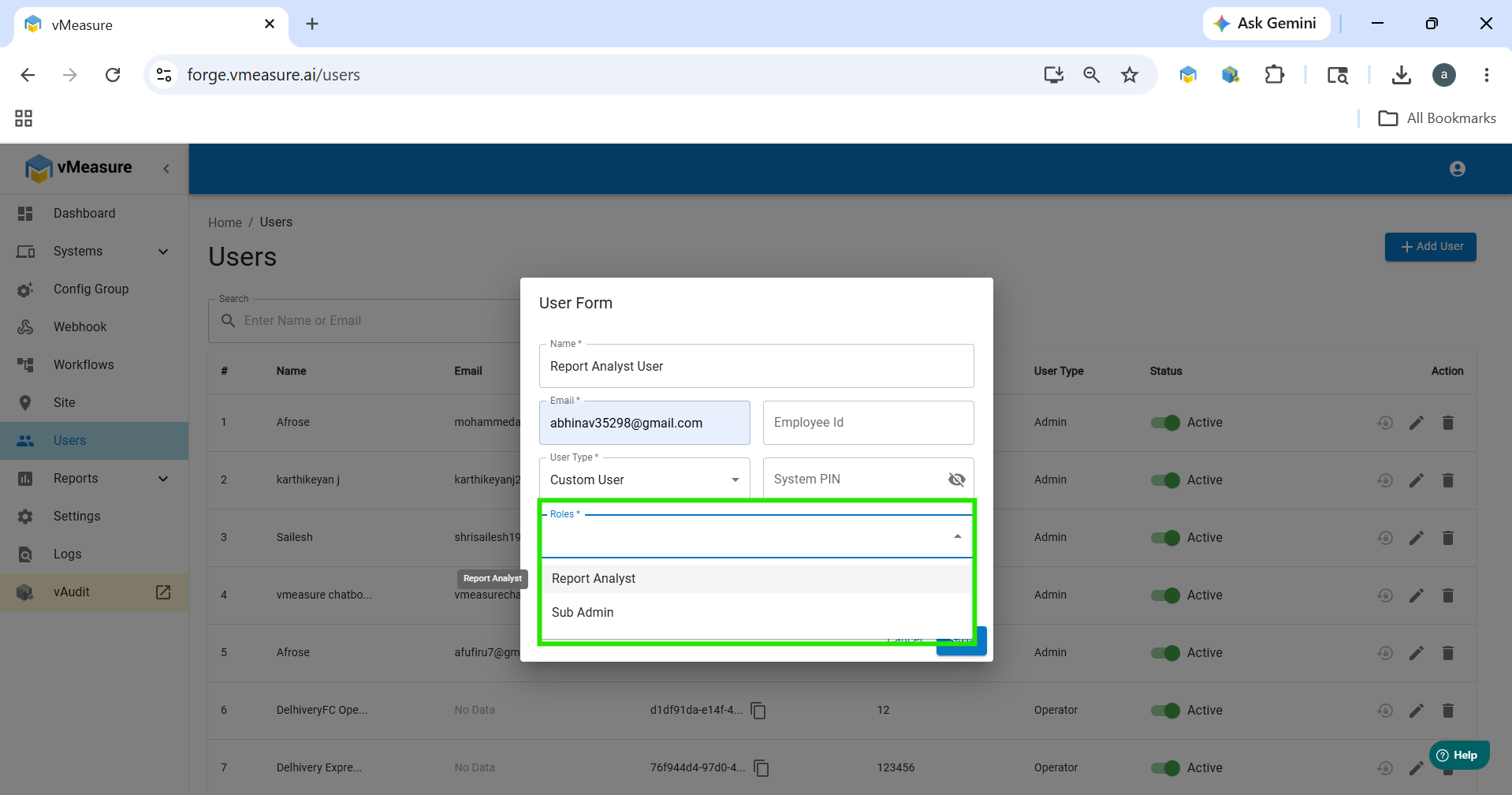
- Click Save to create the user.
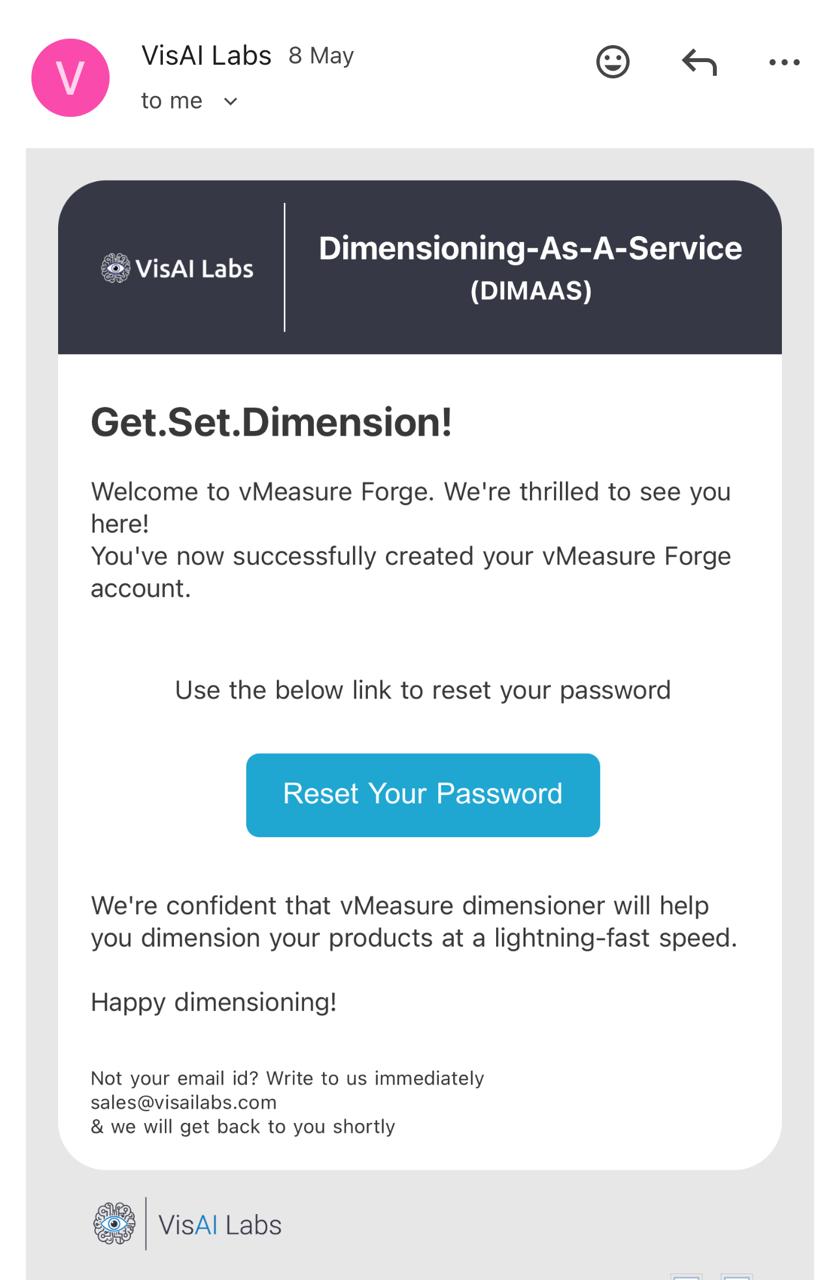
- You will receive and email to reset the password. Click on the link and reset the password.
If you need any support , please drop a mail to vmeasure@visailabs.com or Click here to Submit a Ticket.
Was this article helpful?
That’s Great!
Thank you for your feedback
Sorry! We couldn't be helpful
Thank you for your feedback
Feedback sent
We appreciate your effort and will try to fix the article