Please follow the steps below to select and save the weighing scale on the vMeasure device :
- Step 1 : Log in to your vMeasure device.
- Step 2 : Click on the Handburger "
 " icon in the top left corner of the screen, navigate to the Configurations page, and select the Scale option.
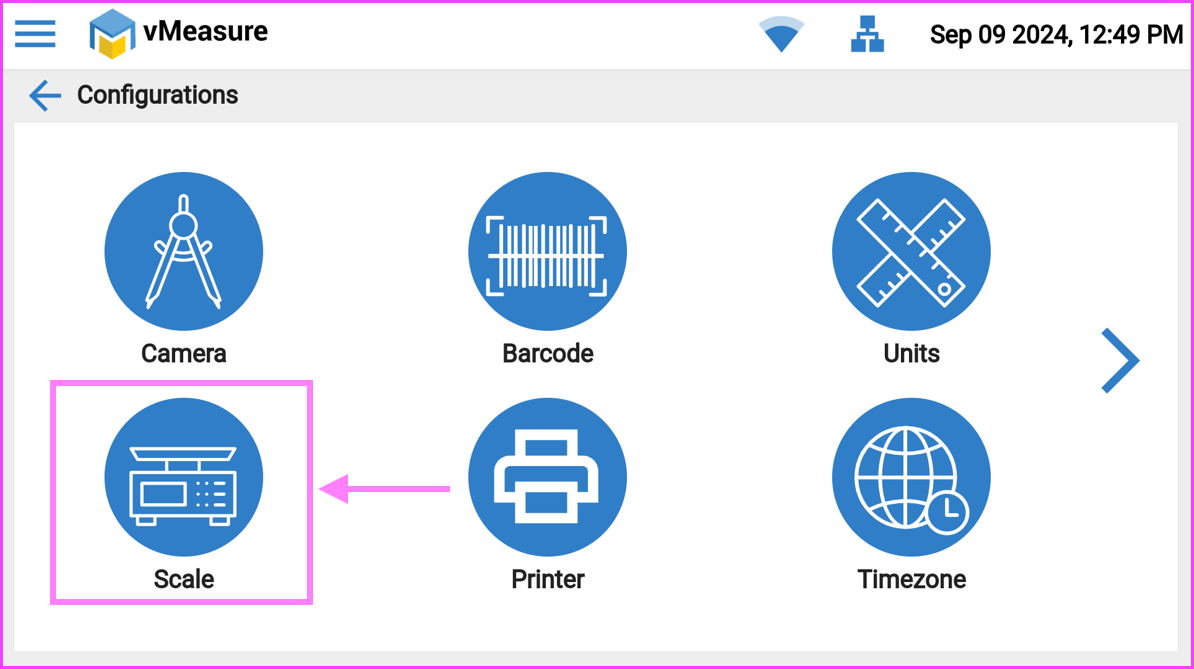
- Step 3 : Select the appropriate weighing scale model and finally Save the configuration.
If you need any support , please drop a mail to vmeasure@visailabs.com or Click here to Submit a Ticket.
Was this article helpful?
That’s Great!
Thank you for your feedback
Sorry! We couldn't be helpful
Thank you for your feedback
Feedback sent
We appreciate your effort and will try to fix the article