- This is a feature allows the device to trigger the measurements only when some load is placed on the weighing scale.
- This feature could be used to decrease error rates when used by the POC.
- To enable the said feature, follow the steps below-
- Login to your forge cloud portal using your credentials.
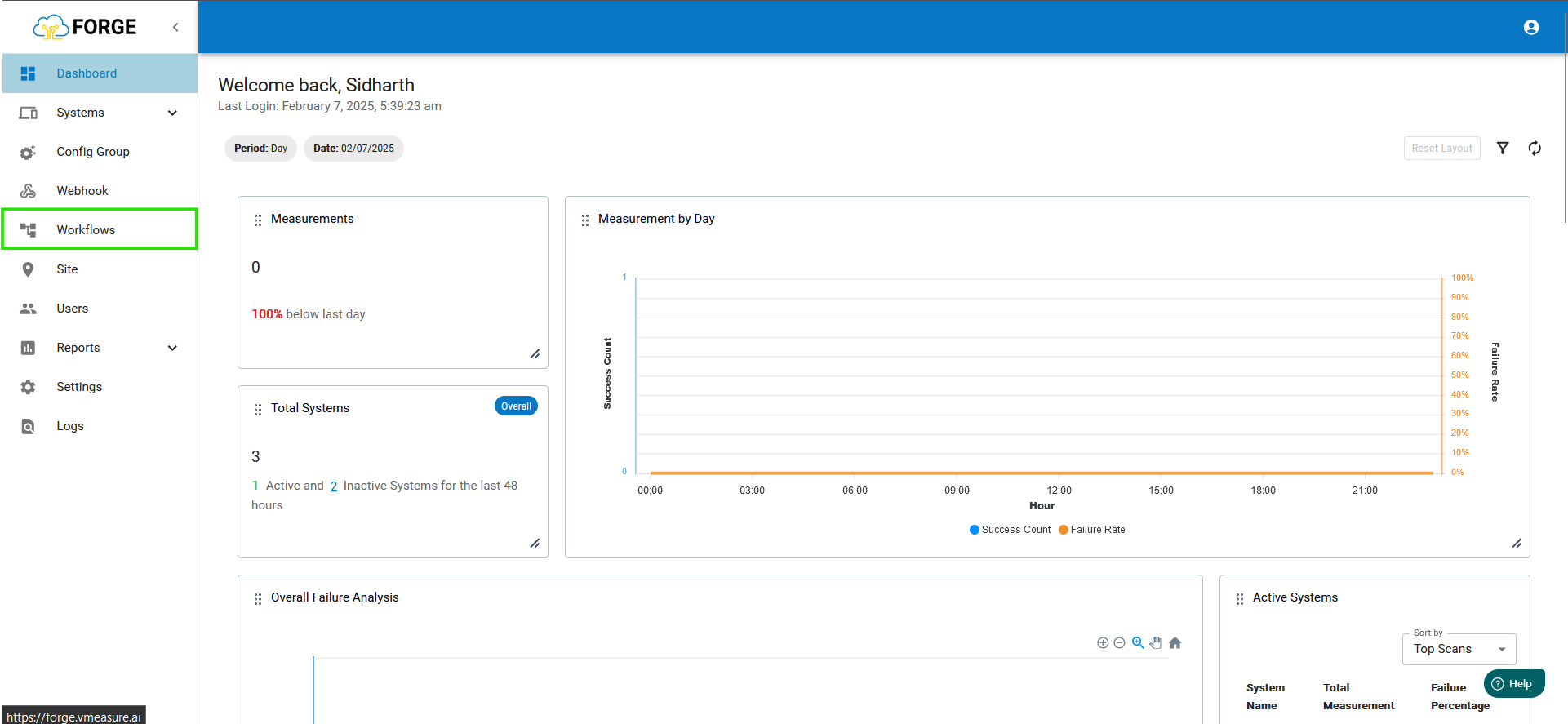
- Once logged in go to the workflow page and open the workflow page.
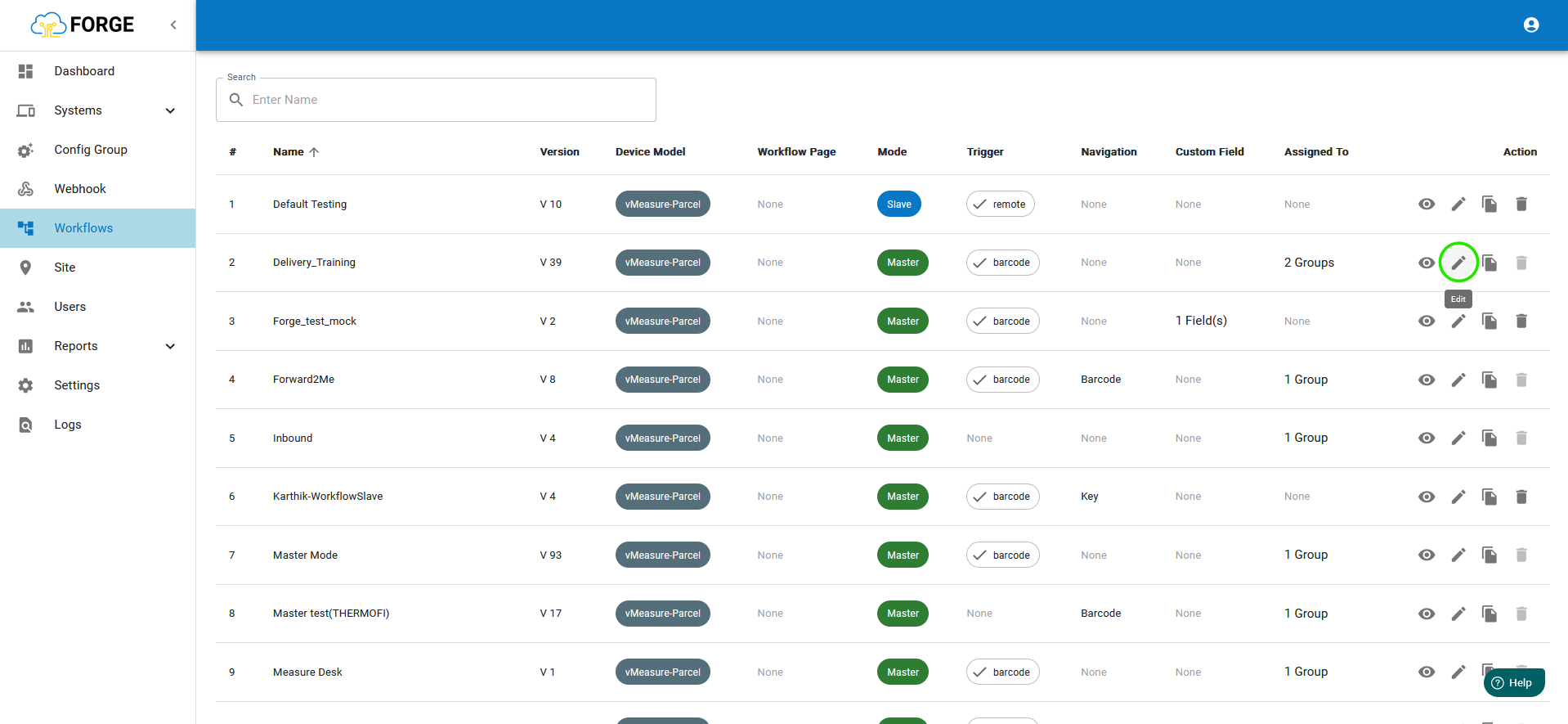
- Click the edit icon for the workflow assigned to the system.
- Go to the next page and enable "Weighing Scale Trigger" and enable it.
You can select 2 options:- On near zero weight: After scan of a shipment once its removed from the weighing scale, the user has to wait for weighing scale reading to reach zero only then the device will be ready for the next shipment.
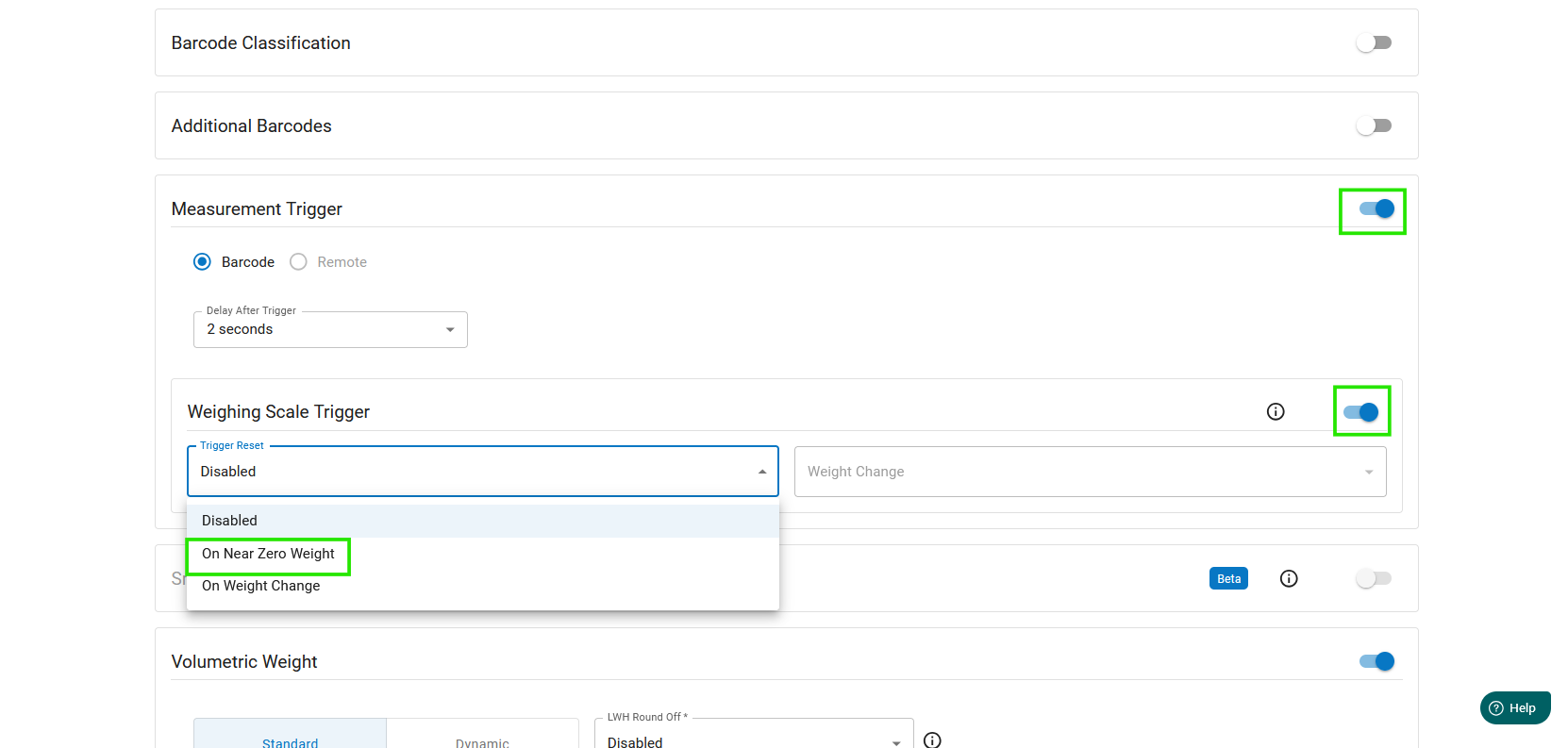
- On Weight change: You can set the weighing scale trigger to work, so its only triggered if a certain present change in weight occurs.
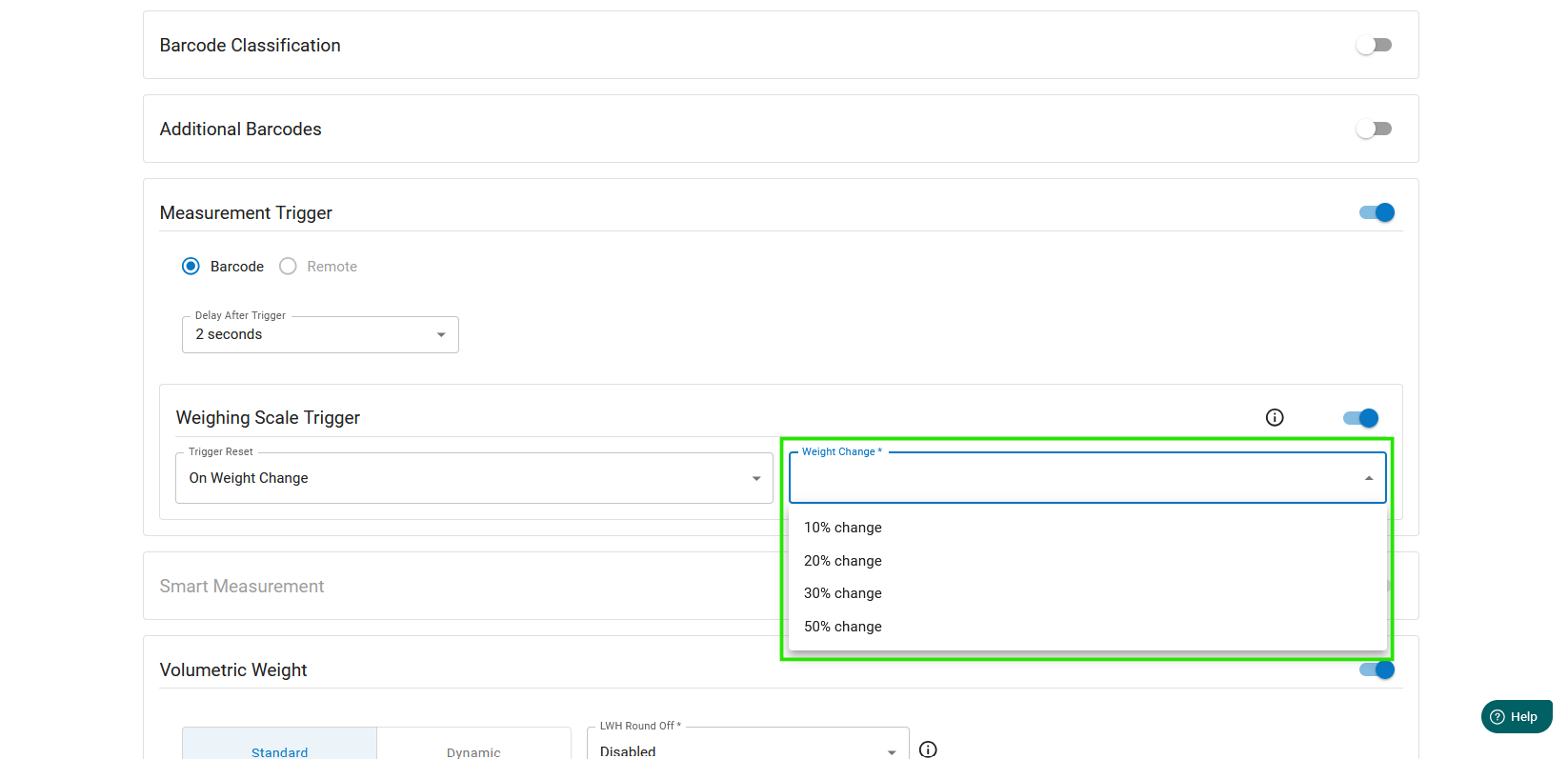
- On near zero weight: After scan of a shipment once its removed from the weighing scale, the user has to wait for weighing scale reading to reach zero only then the device will be ready for the next shipment.
Was this article helpful?
That’s Great!
Thank you for your feedback
Sorry! We couldn't be helpful
Thank you for your feedback
Feedback sent
We appreciate your effort and will try to fix the article