Follow the steps outlined below to change the display orientation:
Step - 1: Turn off the device, disconnect all the cables from the Display and PHU (power hub unit).
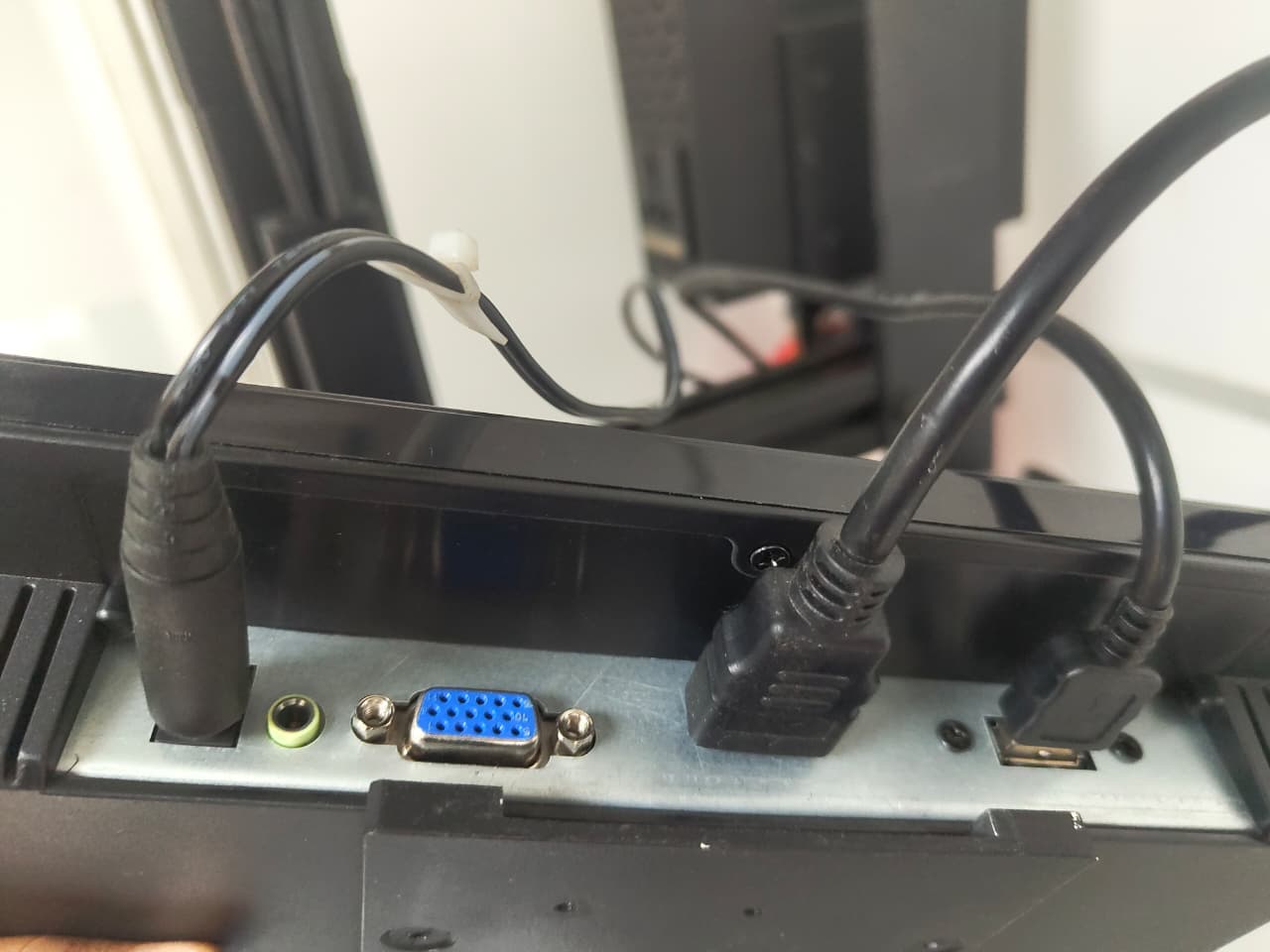
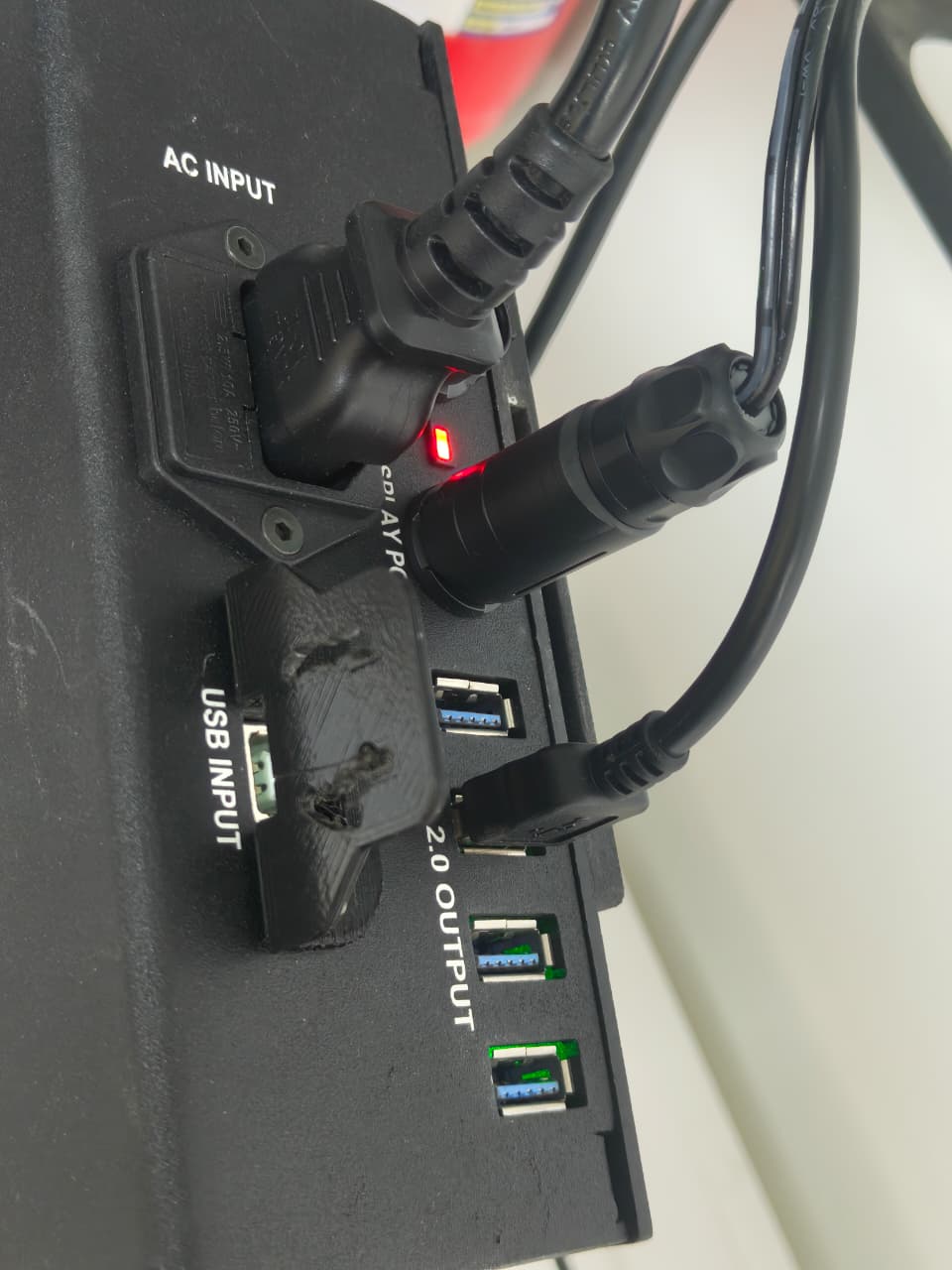
Step - 2: Slide up the display and phu from the DBU clamp.
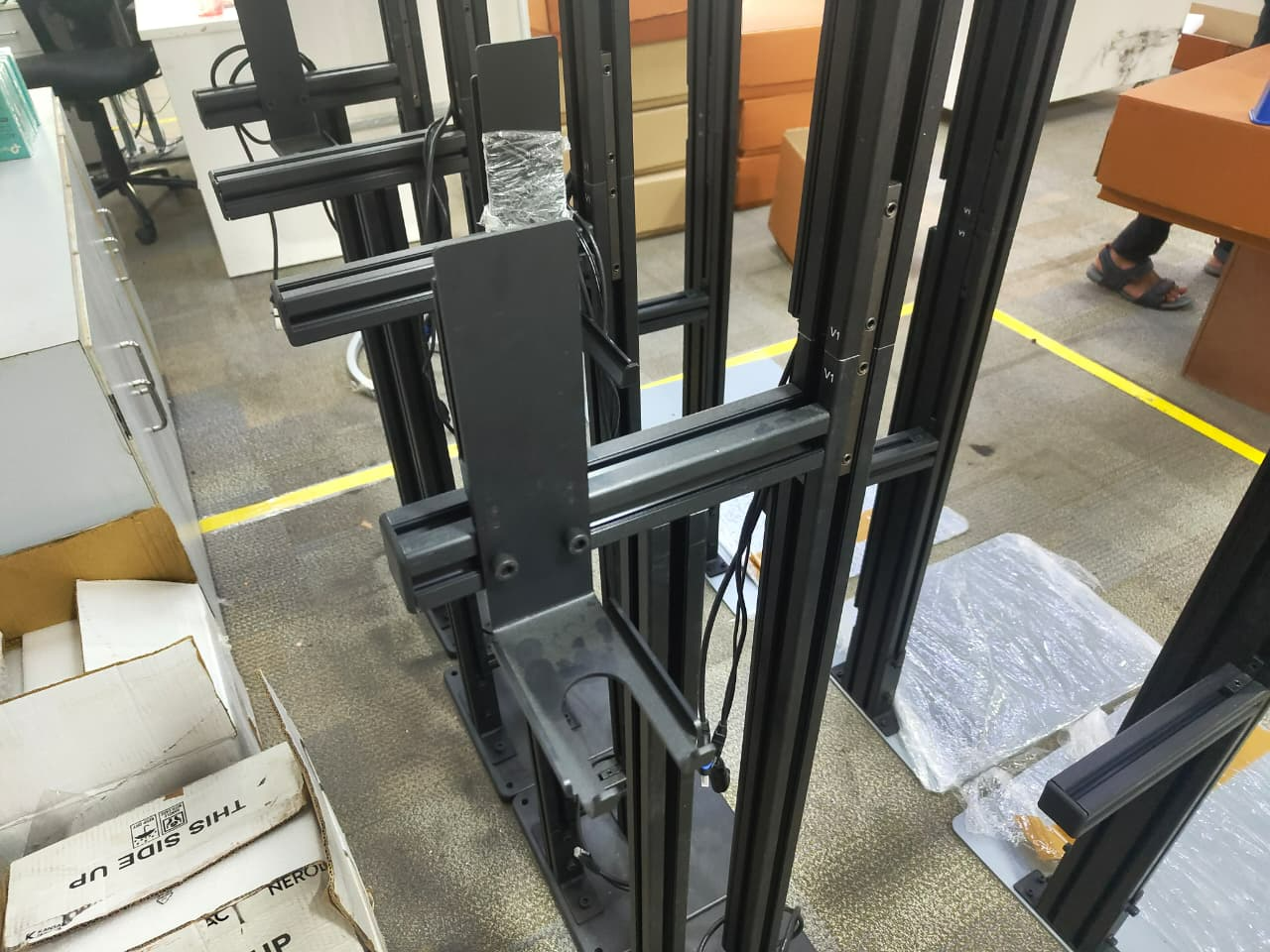
Step - 3: Loosen two 6mm screws mounted in the DBU clamp, remove the end cap and slide the DBU clamp and set it aside.
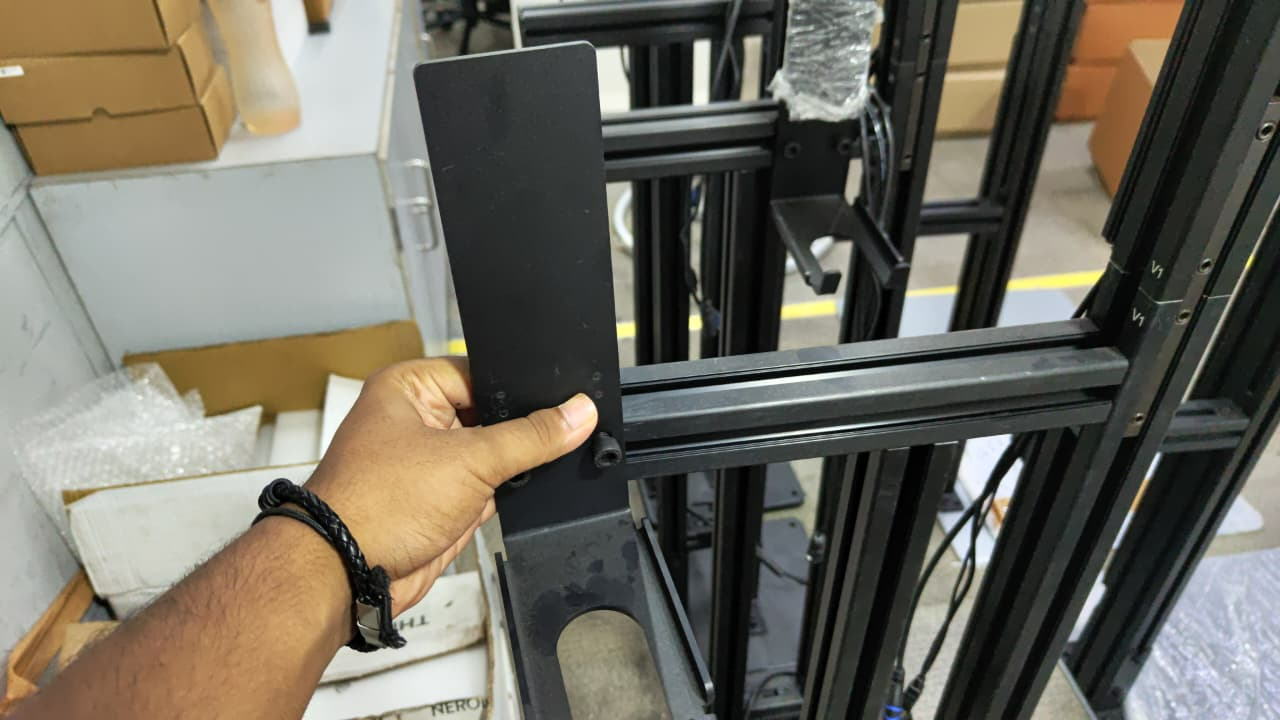
Step - 4: Insert & slide the orientation rod, position the rod two inch from the front corner.
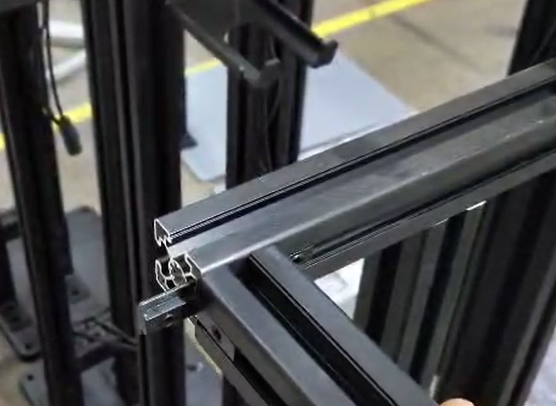
Step - 5: Tighten the 4 mm Allen key screws.
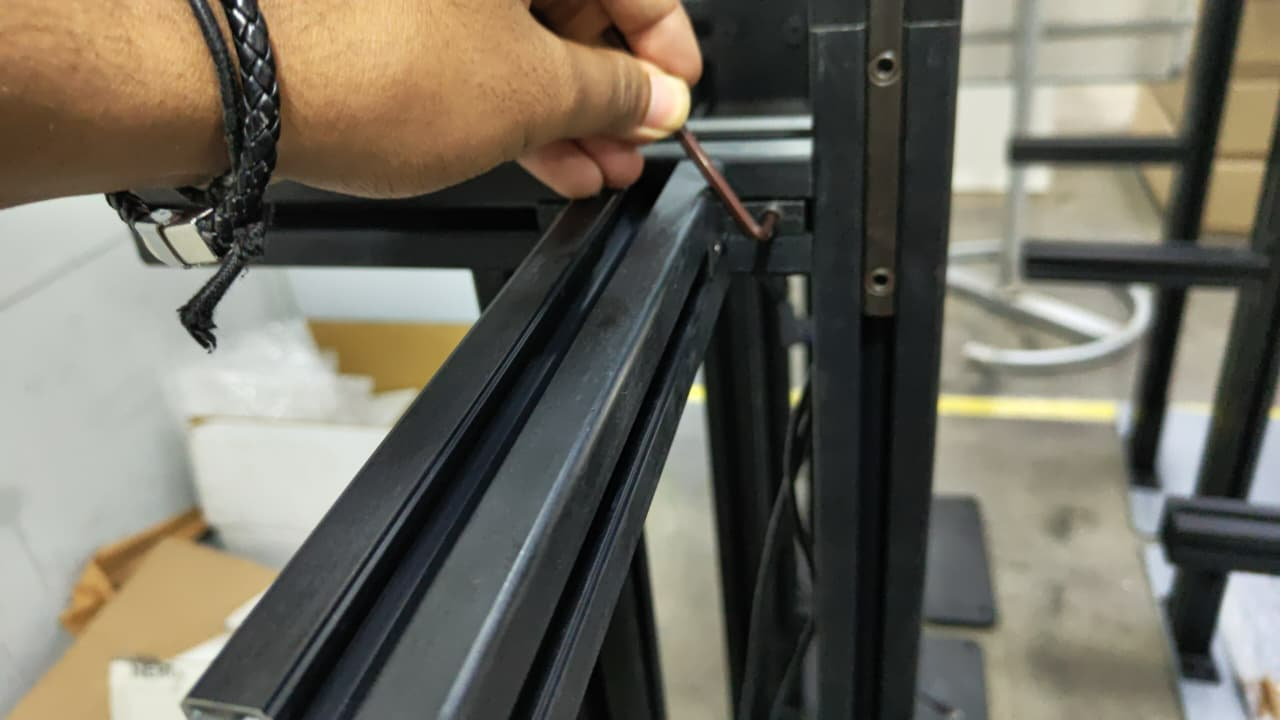
Step - 6: Insert the DBU clamp into the orientation-rod & position the DBU clamp a inch or two from the end cap.
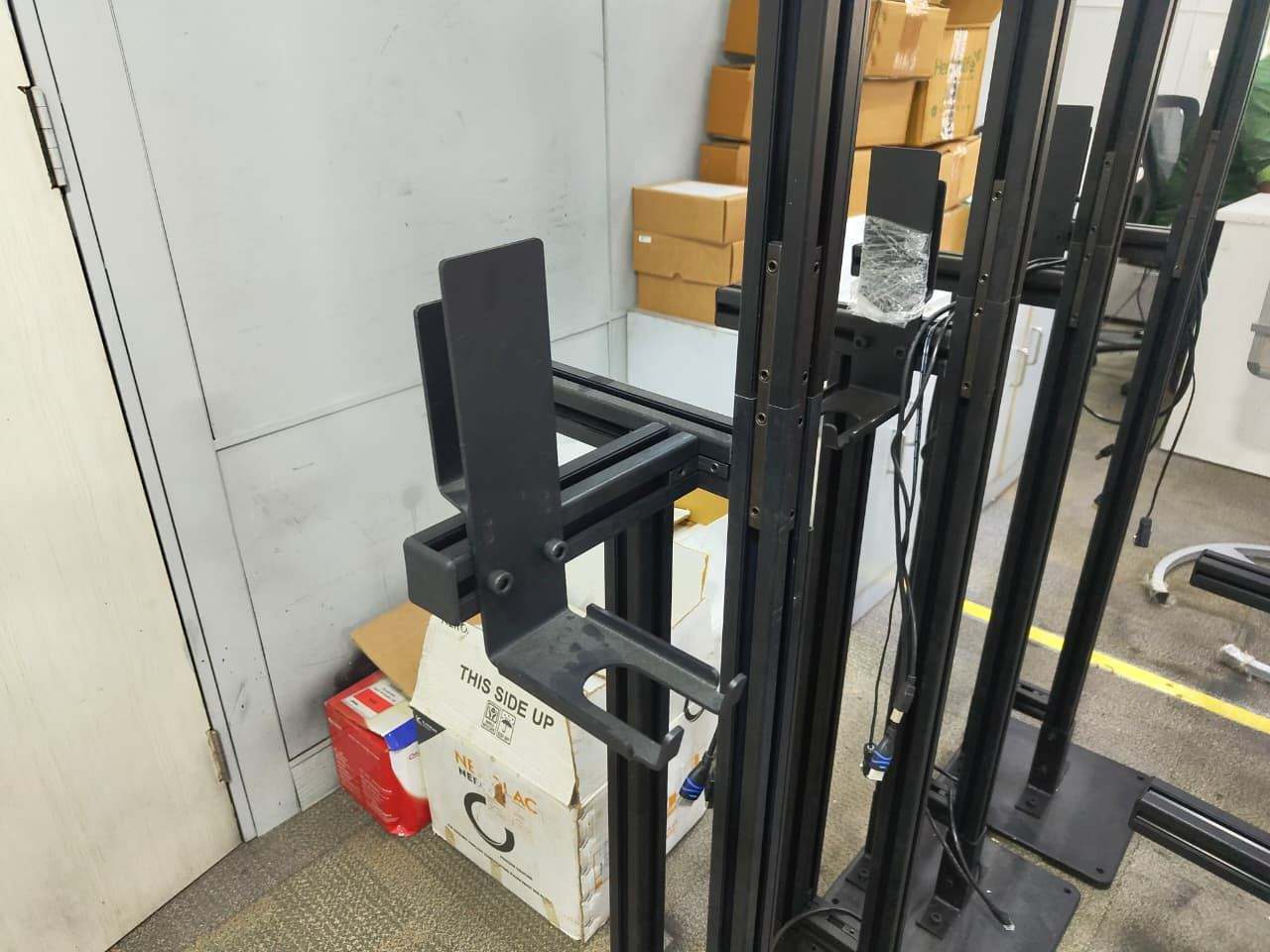
Step - 7: Slide the display and phu to the DBU clamp & reconnect all the display and phu cables.
If you need any support , please drop a mail to vmeasure@visailabs.com
Was this article helpful?
That’s Great!
Thank you for your feedback
Sorry! We couldn't be helpful
Thank you for your feedback
Feedback sent
We appreciate your effort and will try to fix the article