Refer the KB Article to configure Measure Desk - How to configure Measure Desk
Step - 1: Once measuredesk is configured successfully, navigate to "settings".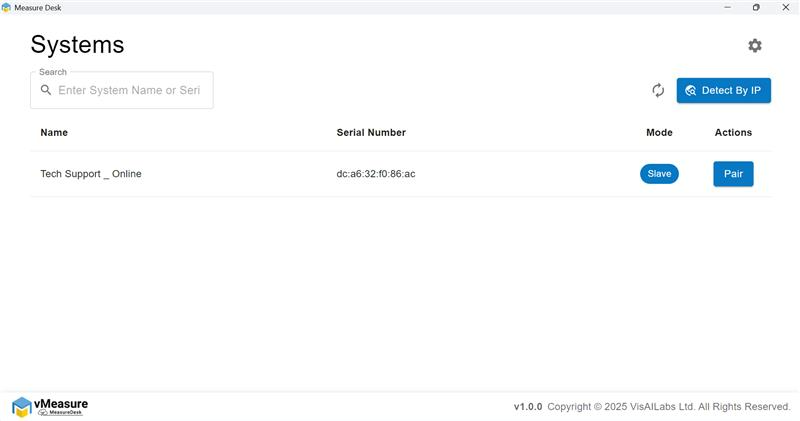
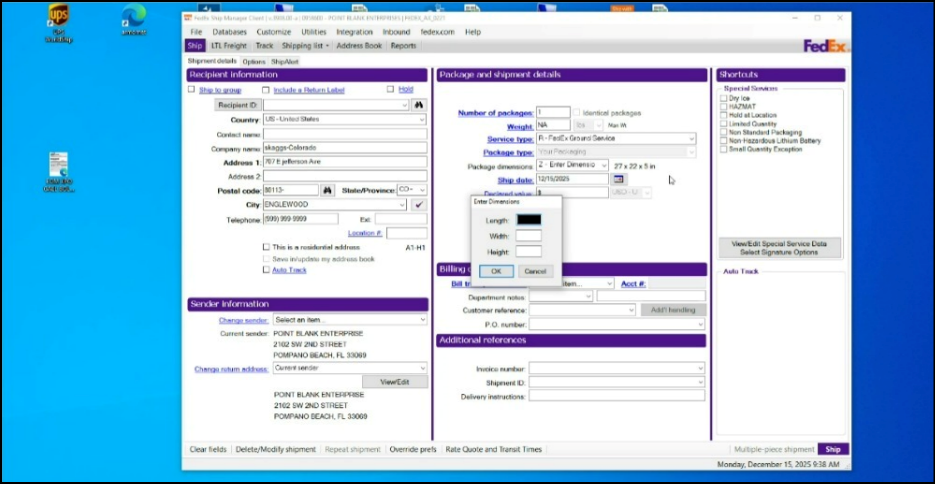
Step - 2: Click on "+Add" & enter the 'name & below keystroke to flow the data in FedEx ship manager.
<I-LENGTH><TAB><I-WIDTH><TAB><I-HEIGHT><TAB><ENTER><STAB><STAB><WEIGHT>
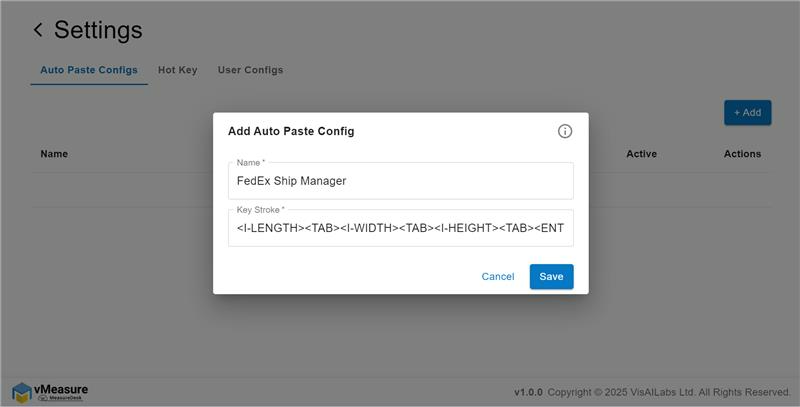
Step - 2: Once the "Auto paste config" is eneterd click on Save.
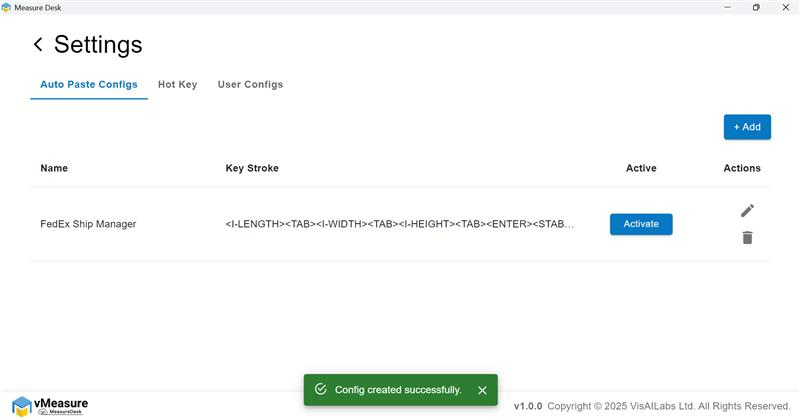
Step - 3: Click on "Activate" to activate the Keystroke.
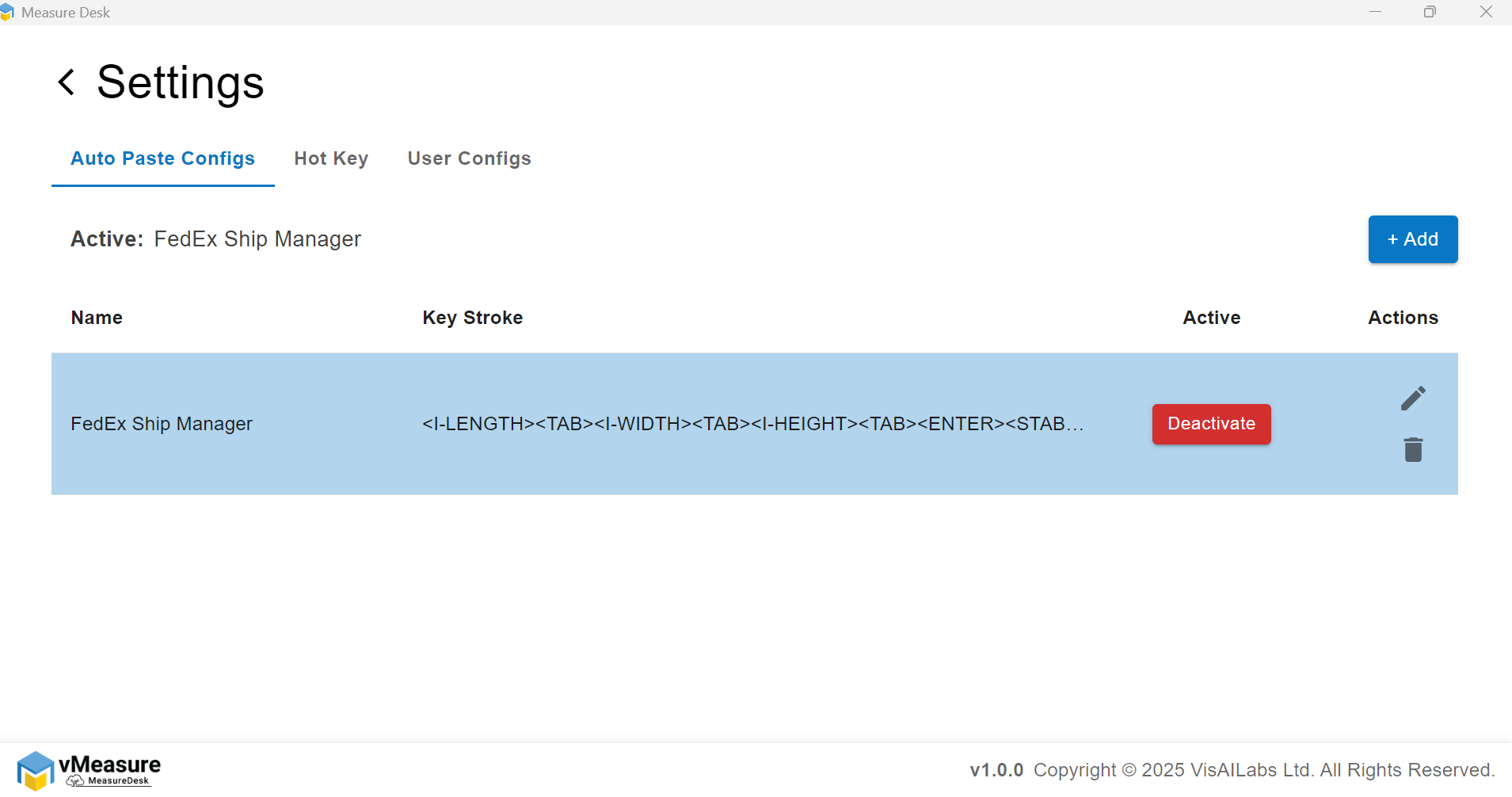
Note: The custom keystroke defines how data flows to the backend through MeasureDesk. You can configure it based on your requirements.
Step - 4: Trigger the measurement and the data will be populated in the required fields.
If you need any support , please drop a mail to vmeasure@visailabs.com
Was this article helpful?
That’s Great!
Thank you for your feedback
Sorry! We couldn't be helpful
Thank you for your feedback
Feedback sent
We appreciate your effort and will try to fix the article