1. Connect the Ethernet cable one end into VHU (Camera) & another end into the FedEx Ship manager PC.
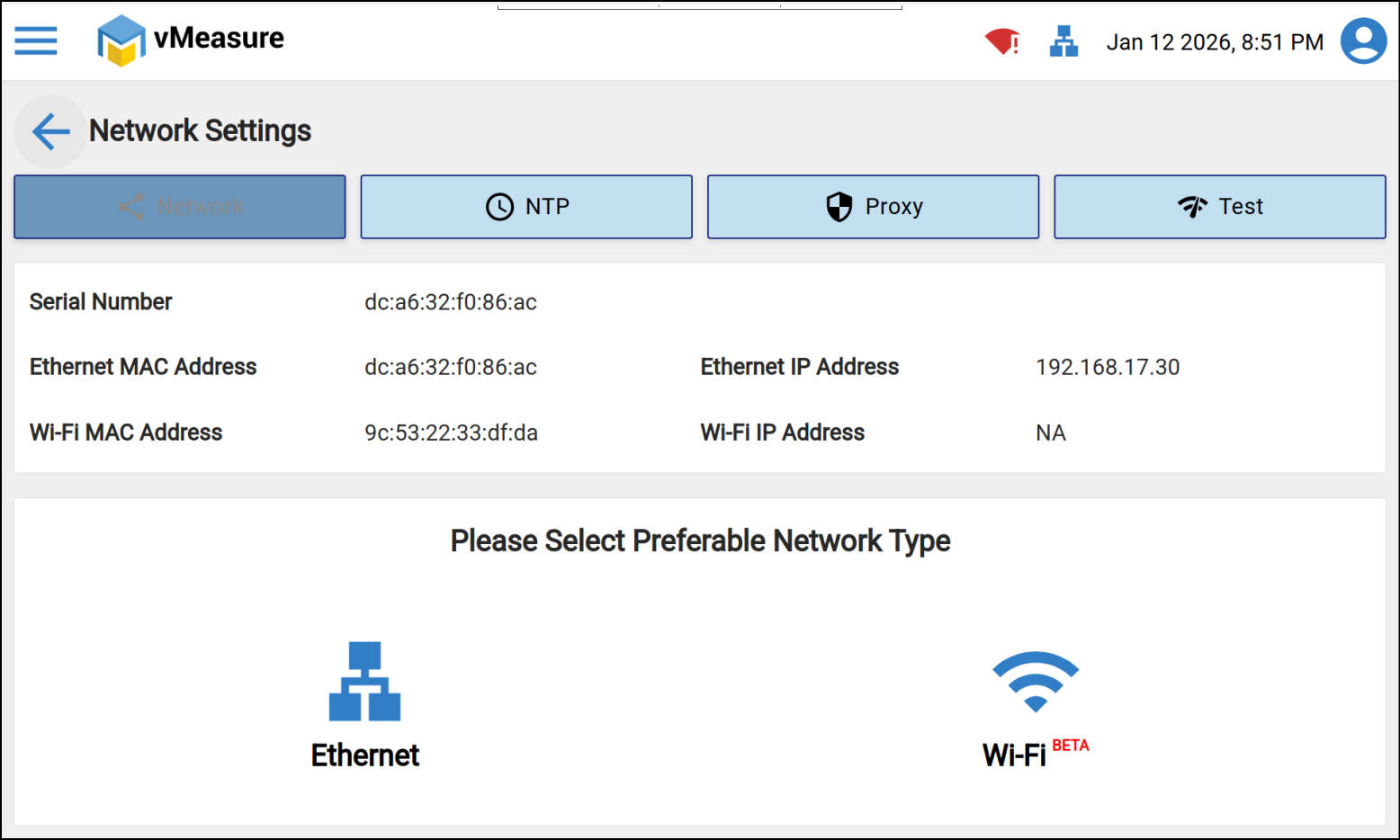
2. Navigate to Network settings > Network > Primary Network > Wi-Fi
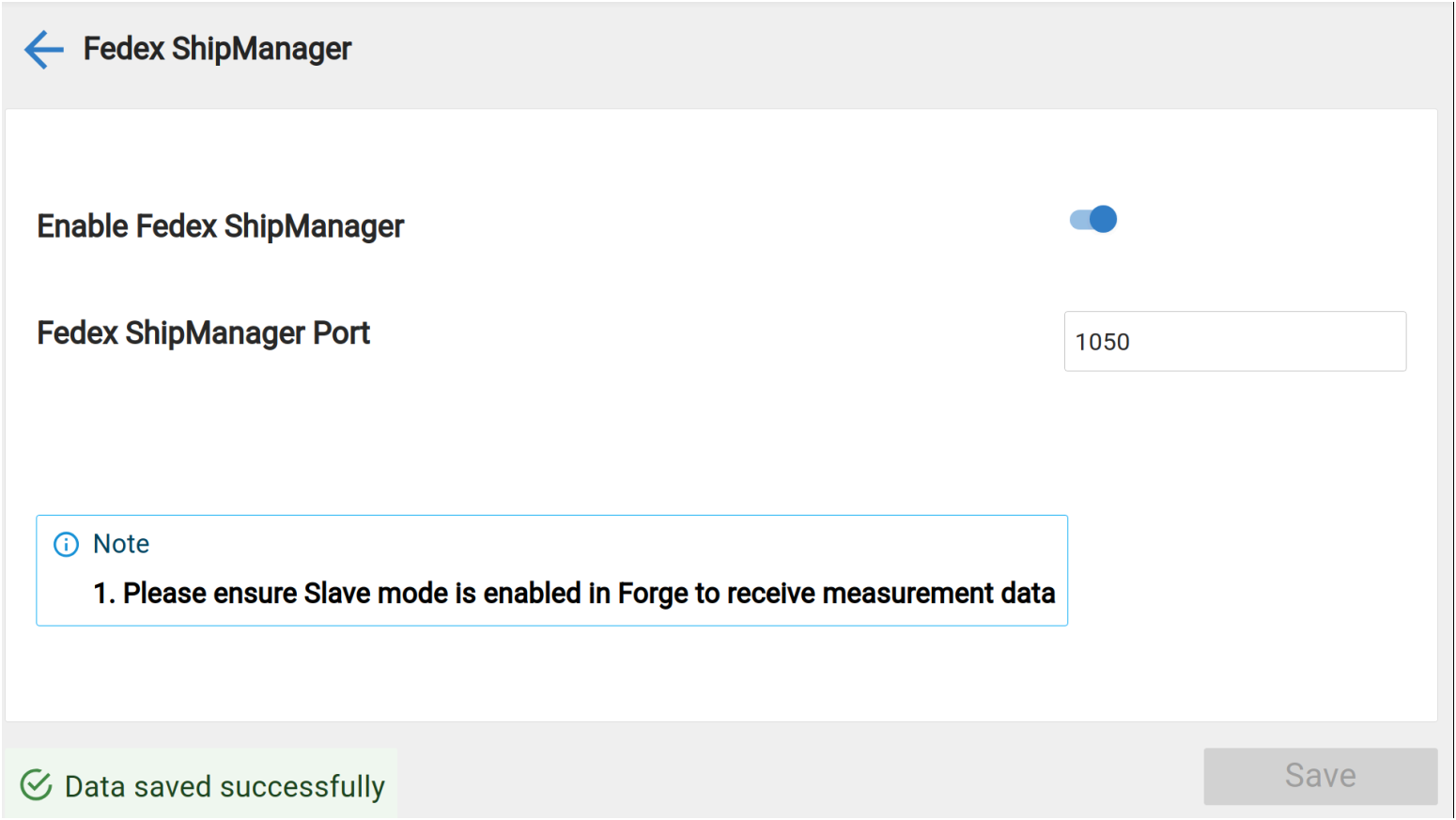
3. Enable the FedEx Ship Manager from system configurations &
Navigate to Configurations > External Integrations > FedEx ShipManager
4. Configure the below IP settings in the vMeasure device static IP settings:
IP: 172.30.1.10
Subnet: 255.255.0.0
Gateway: Enter the gateway as per your local system
Preferred DNS: 8.8.8.8 (or) your local DNS
Alternate DNS: 8.8.4.4 (or) your local DNS
5. Configure the below IP settings in the FedEx Ship manager PC:
IP: 172.30.1.12
Subnet: 255.255.0.0
Gateway: Enter the gateway as per your local system
Preferred DNS: 8.8.8.8 (or) your local DNS
Alternate DNS: 8.8.4.4 (or) your local DNS
Was this article helpful?
That’s Great!
Thank you for your feedback
Sorry! We couldn't be helpful
Thank you for your feedback
Feedback sent
We appreciate your effort and will try to fix the article