How to Check System Information in vAudit Desktop
Step 1: Open the vAudit Desktop Application on your PC.
Step 2: Click on the “i” (Information) icon located at the top of the application.
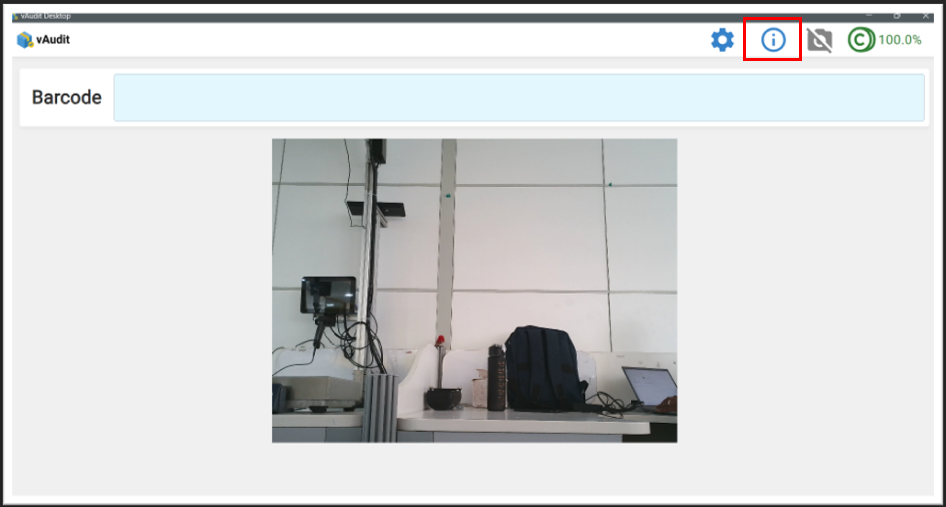
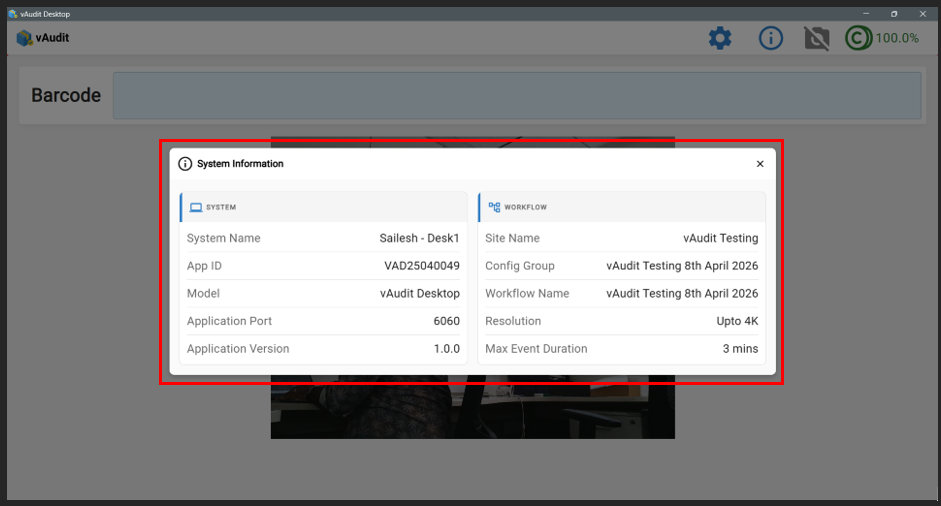
Step 3: You will be able to view the System Information and Workflow Information on the screen.
Was this article helpful?
That’s Great!
Thank you for your feedback
Sorry! We couldn't be helpful
Thank you for your feedback
Feedback sent
We appreciate your effort and will try to fix the article