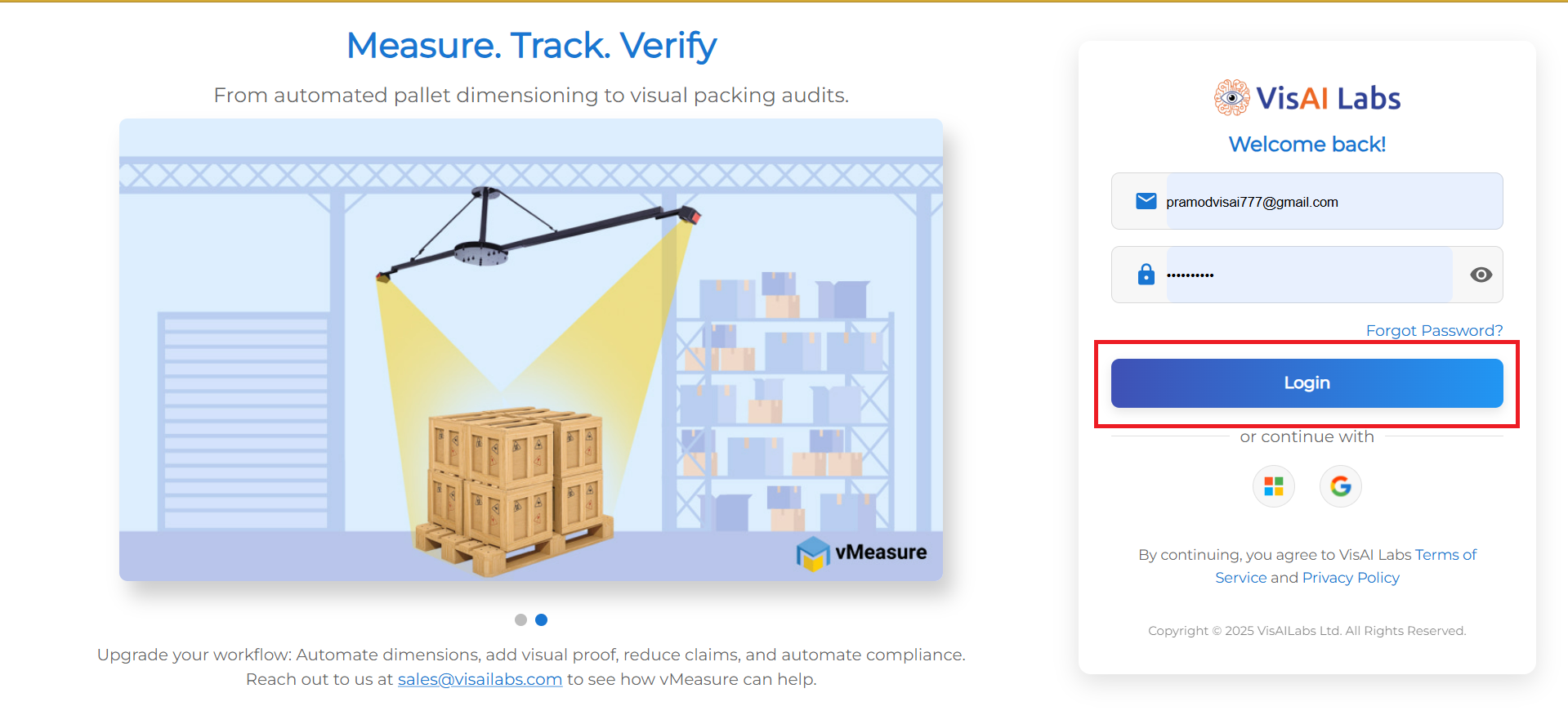
1. Open https://forge.vmeasure.ai/ and login with the mail id and password.
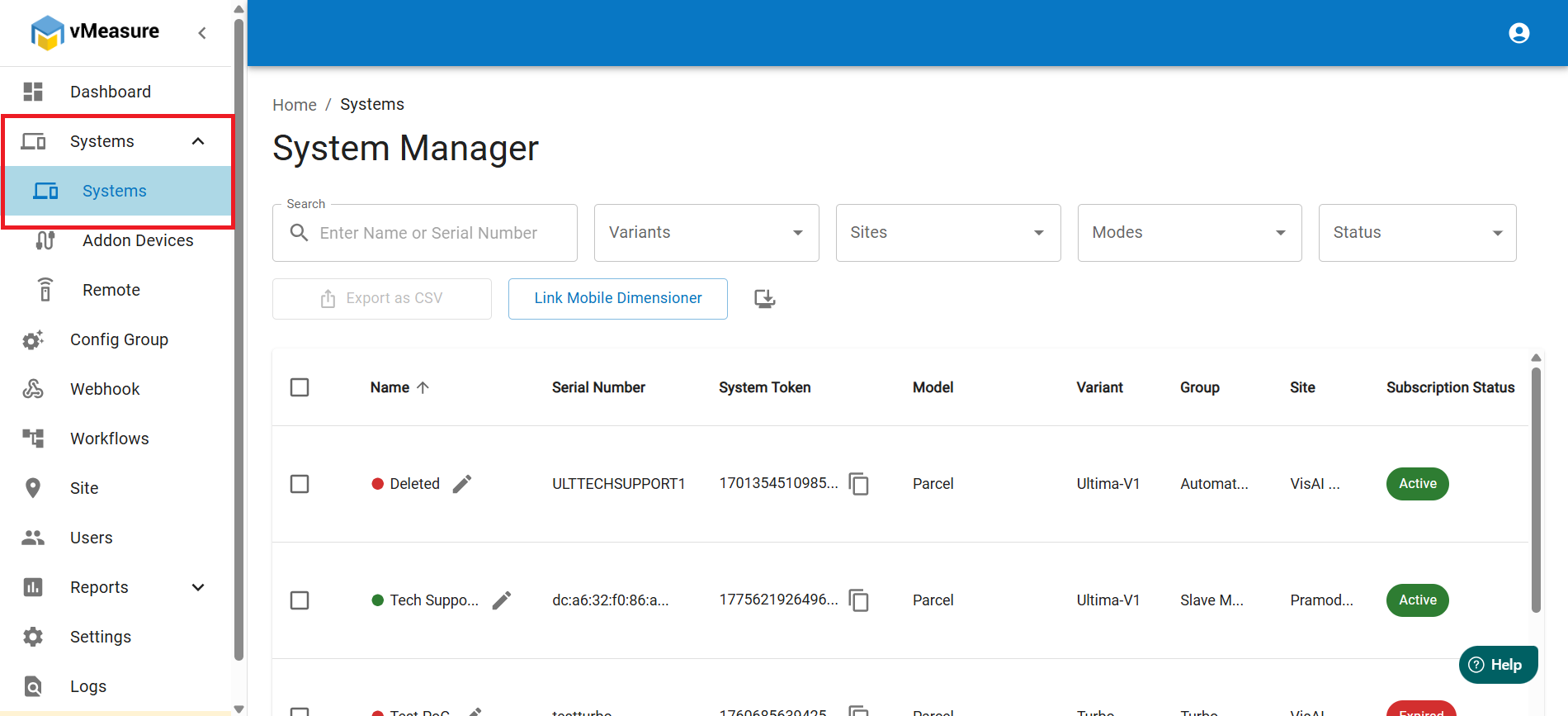
2. In the left pane, navigate to Systems. Click on the arrow beside the Systems and go to Systems.
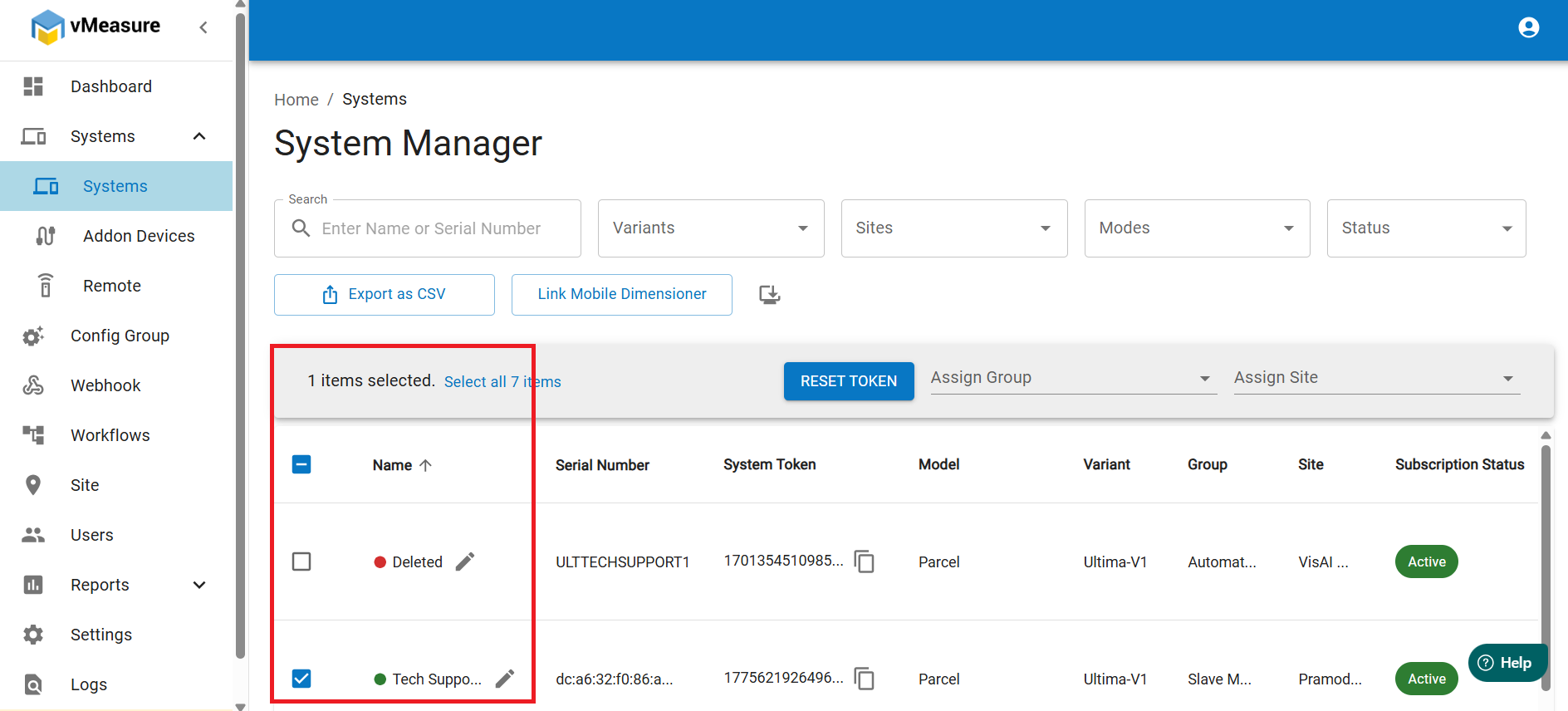
3. Select the System.
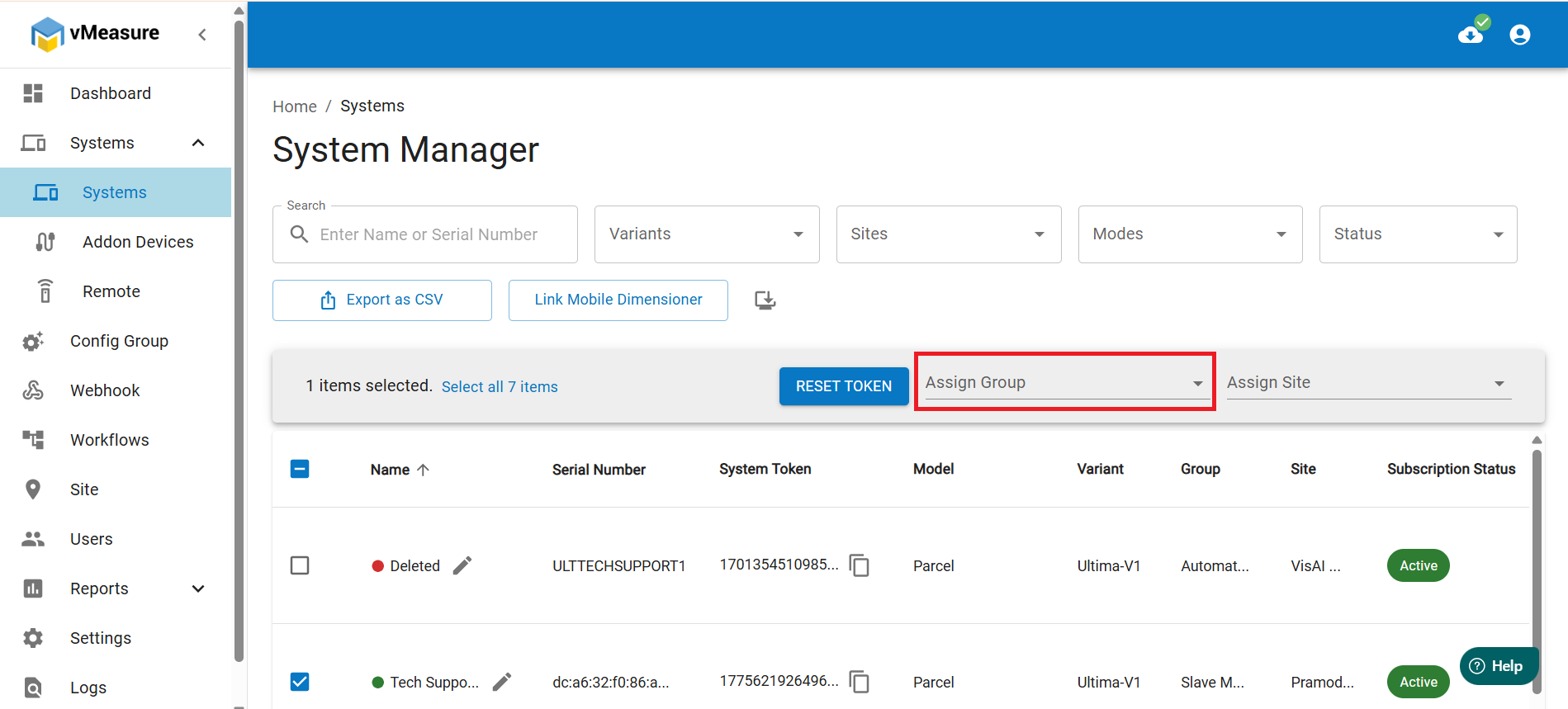
4. In the above, you will find an option as Assign Group.
5. Type a few letters of the config group and the dropdown will suggest names related to the keywords you typed.
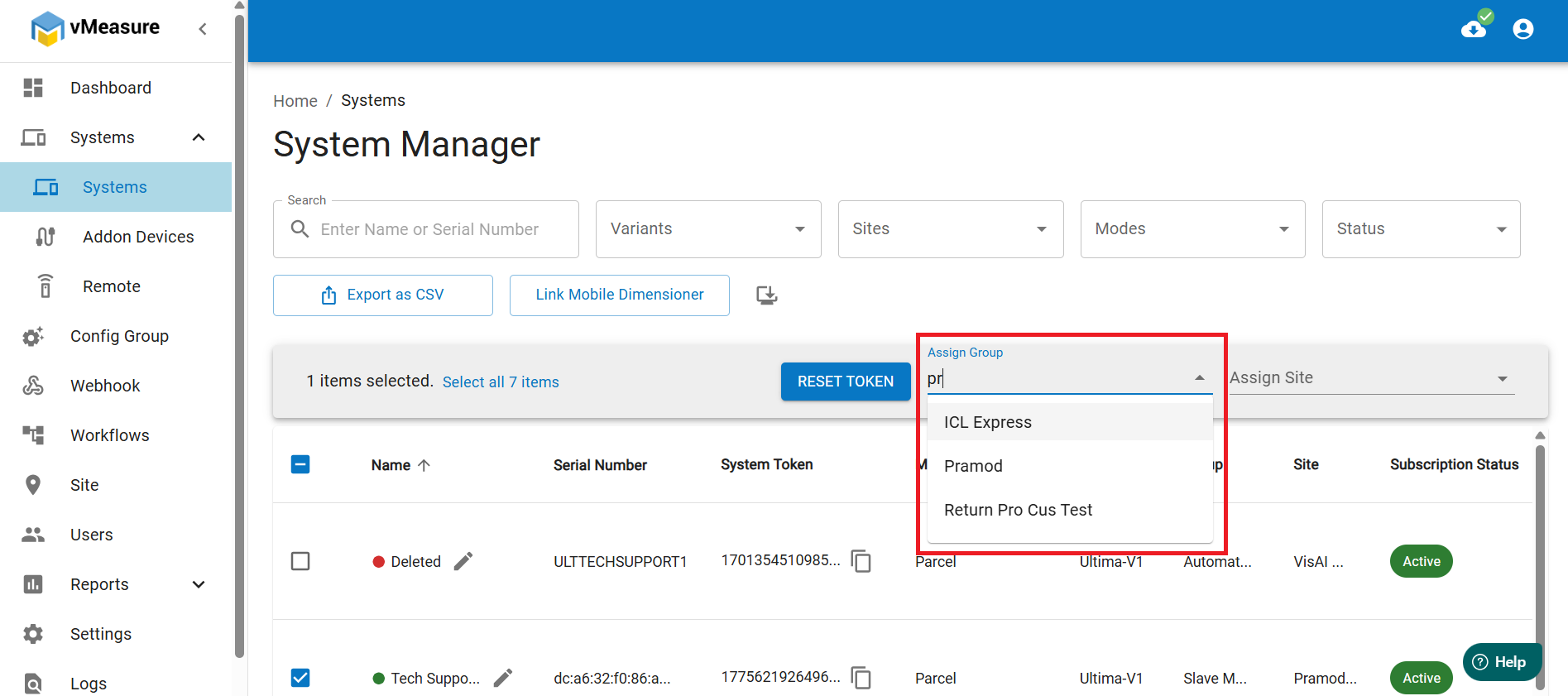
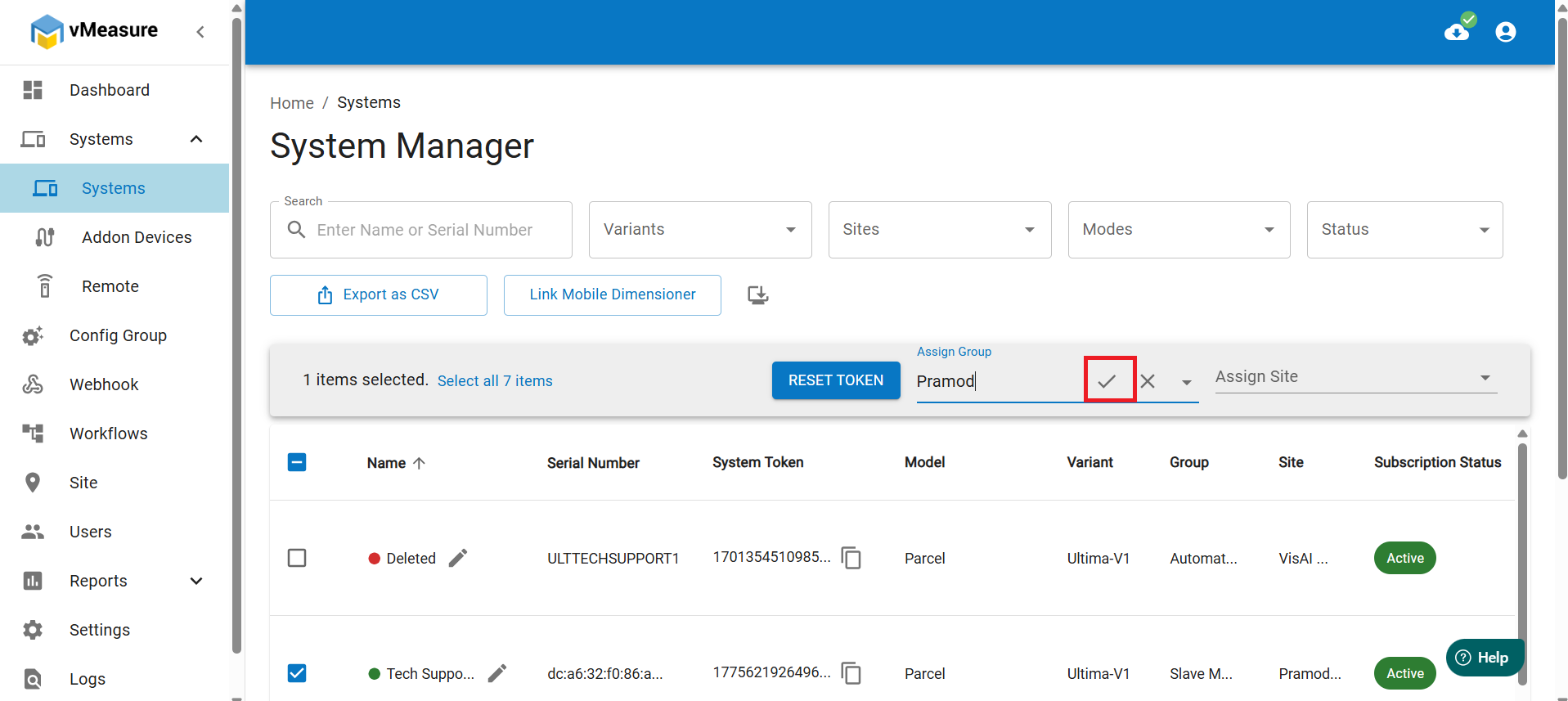
6. Select the config group and you will see a tick mark option.
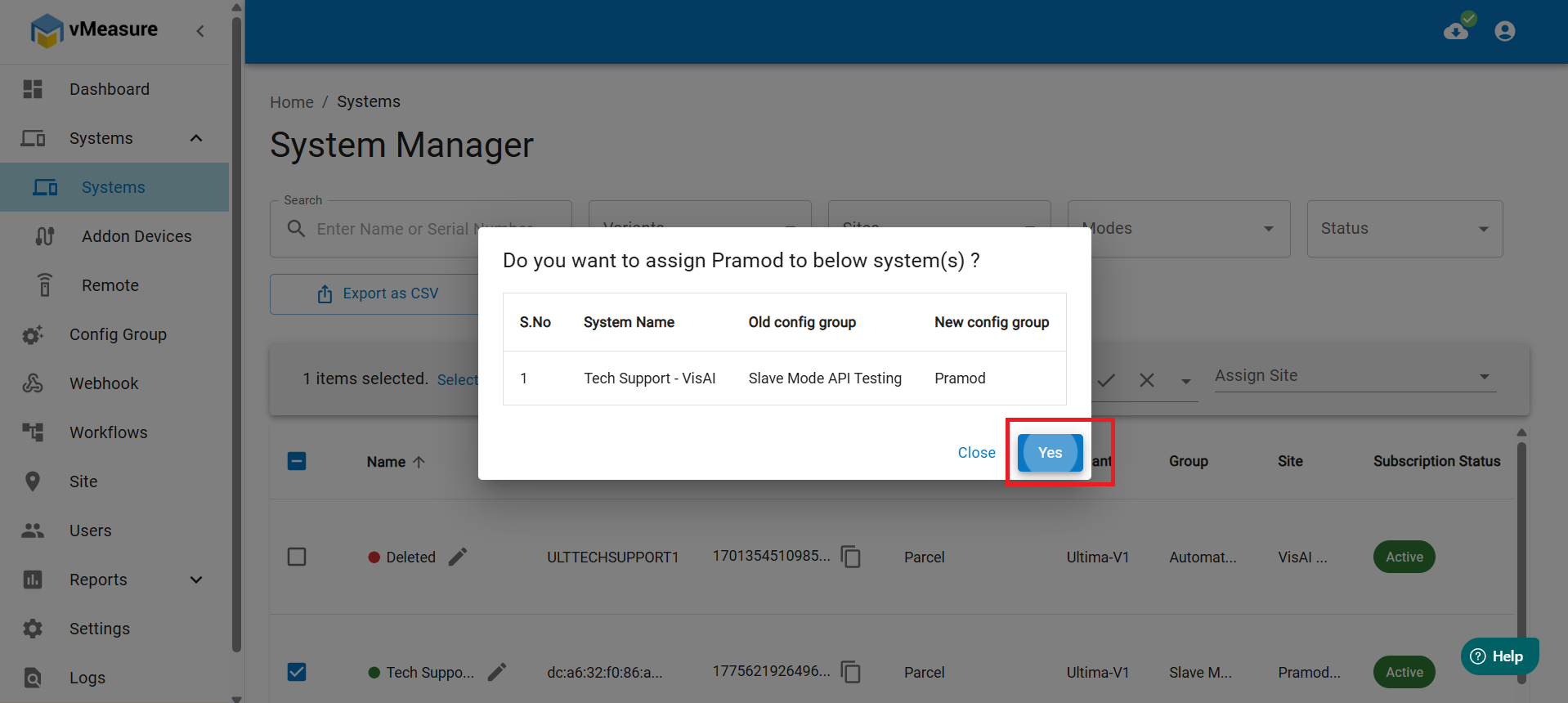
7. After clicking on the tick mark option, you will see a pop up to confirm the changes. Click on Yes.
8. After clicking on Yes, you will see a message as Successfully modified.
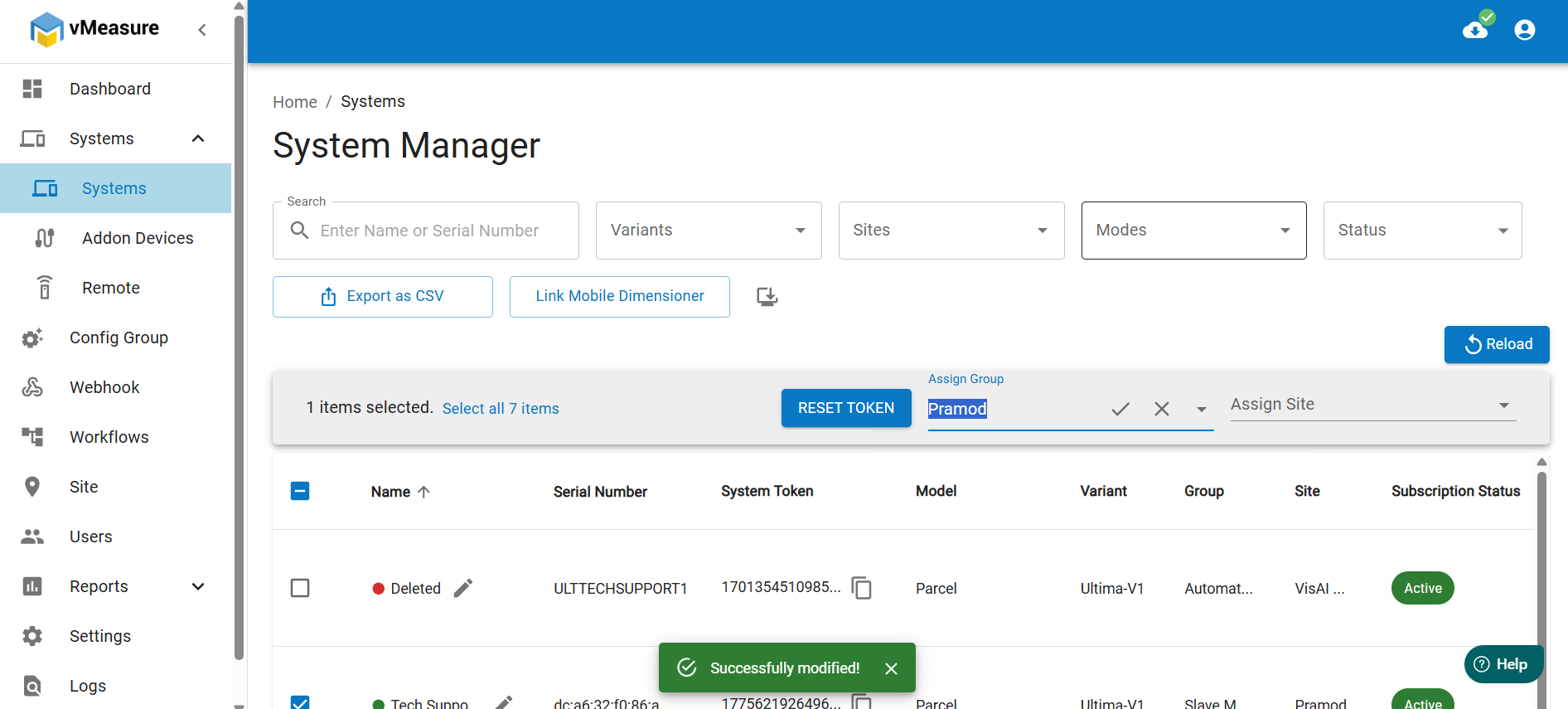
9. To apply the changes, click on the Reload button above.
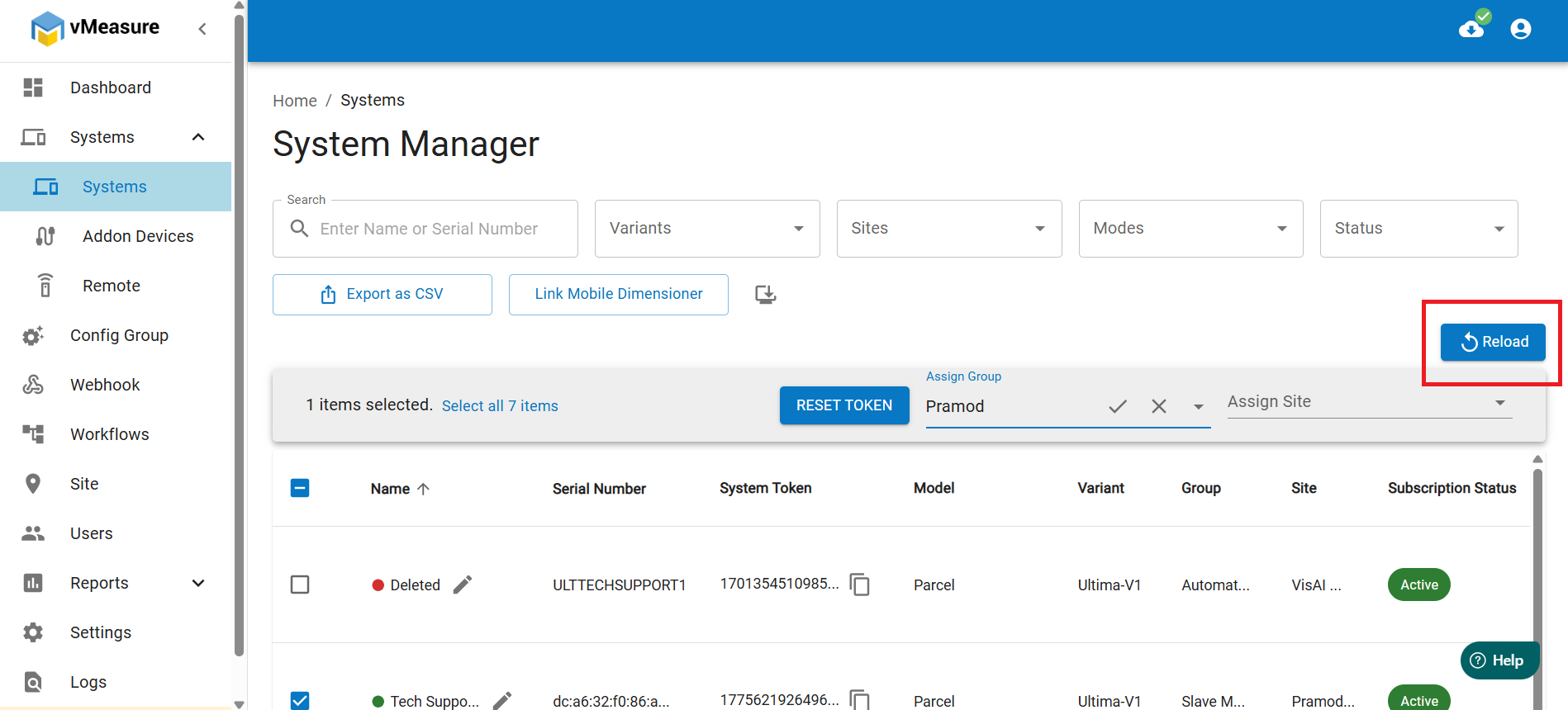
10. The page will reload and you will see the new config group assigned to the system.
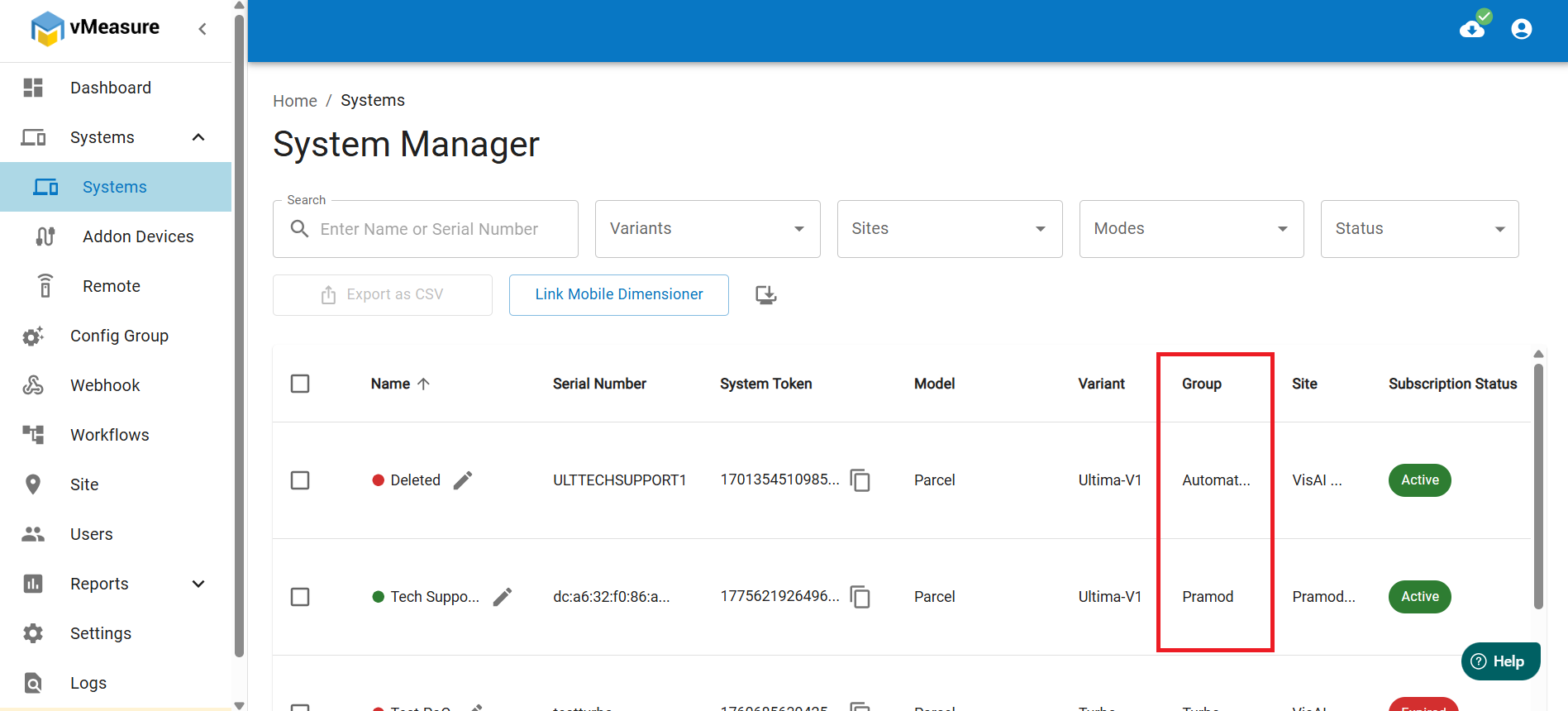
11. Now, you have successfully assigned a config group to a system.
Was this article helpful?
That’s Great!
Thank you for your feedback
Sorry! We couldn't be helpful
Thank you for your feedback
Feedback sent
We appreciate your effort and will try to fix the article