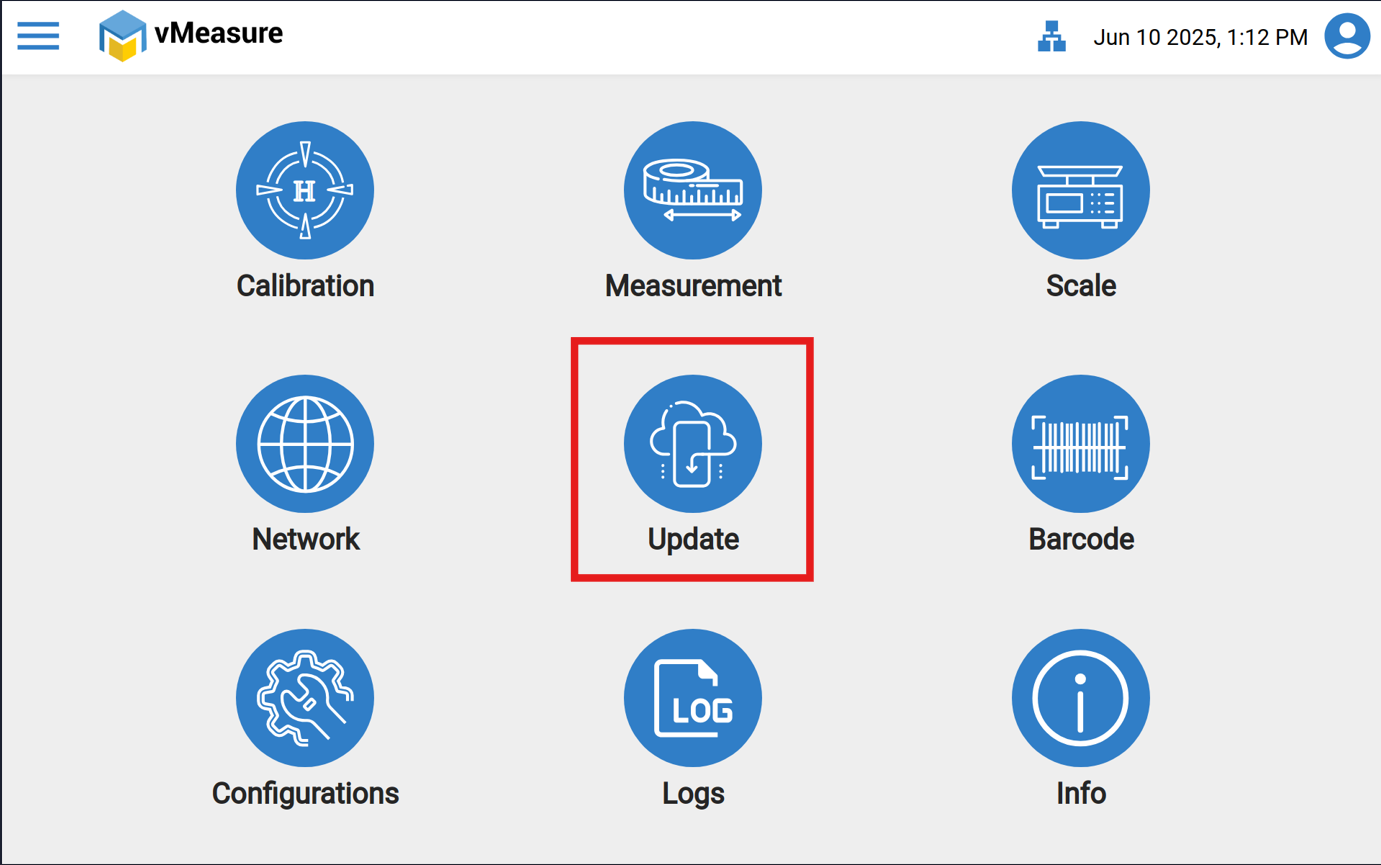
Step 1: Click on “Update” icon.
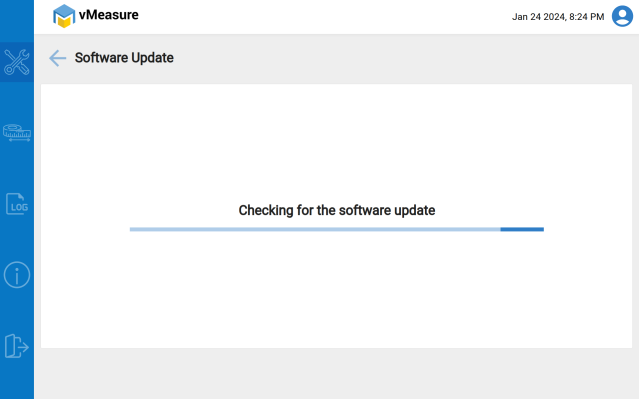
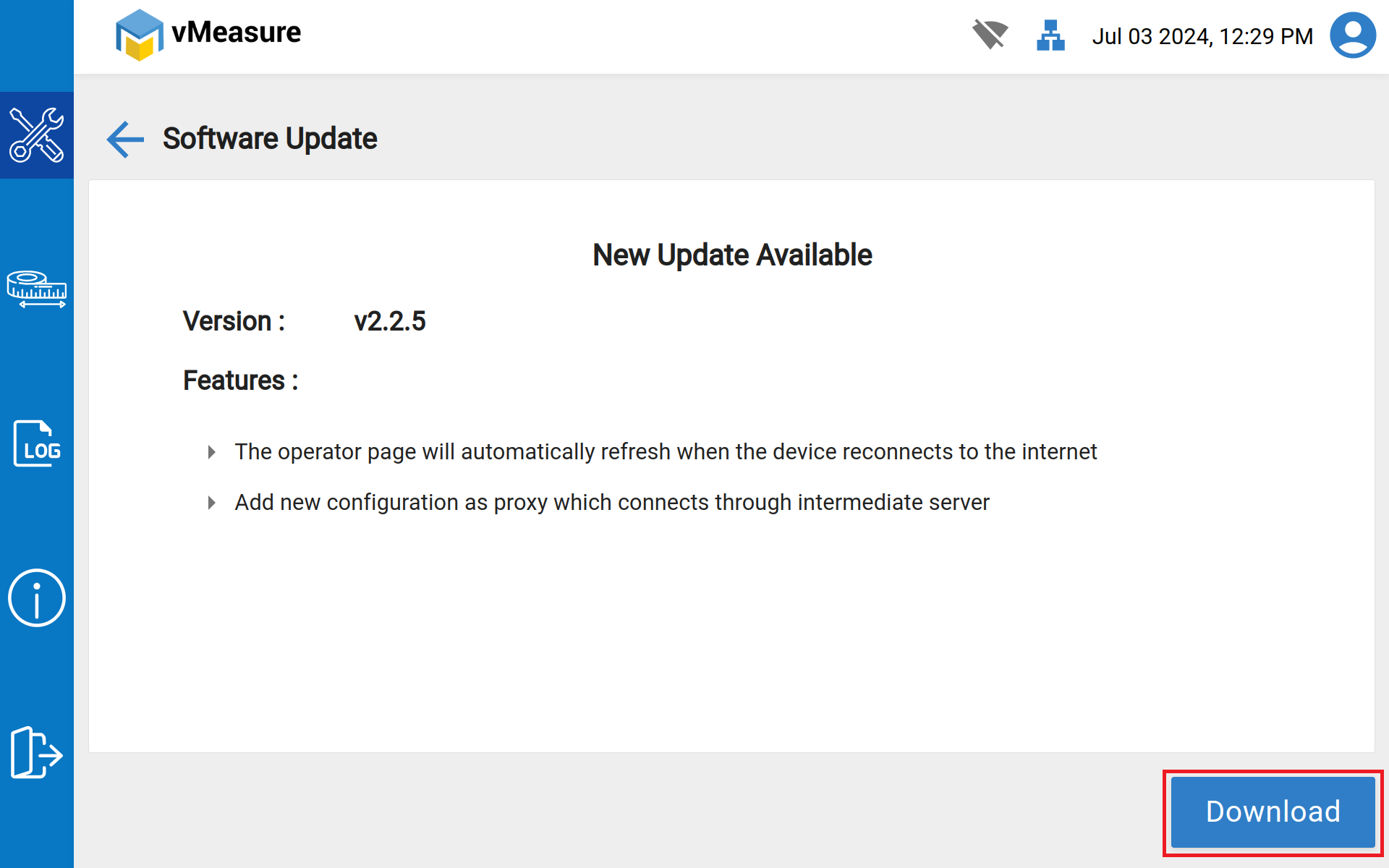
Step 2: vMeasure system will check for any existing software updates. If the latest updates are available, it prompts you to Download the update.
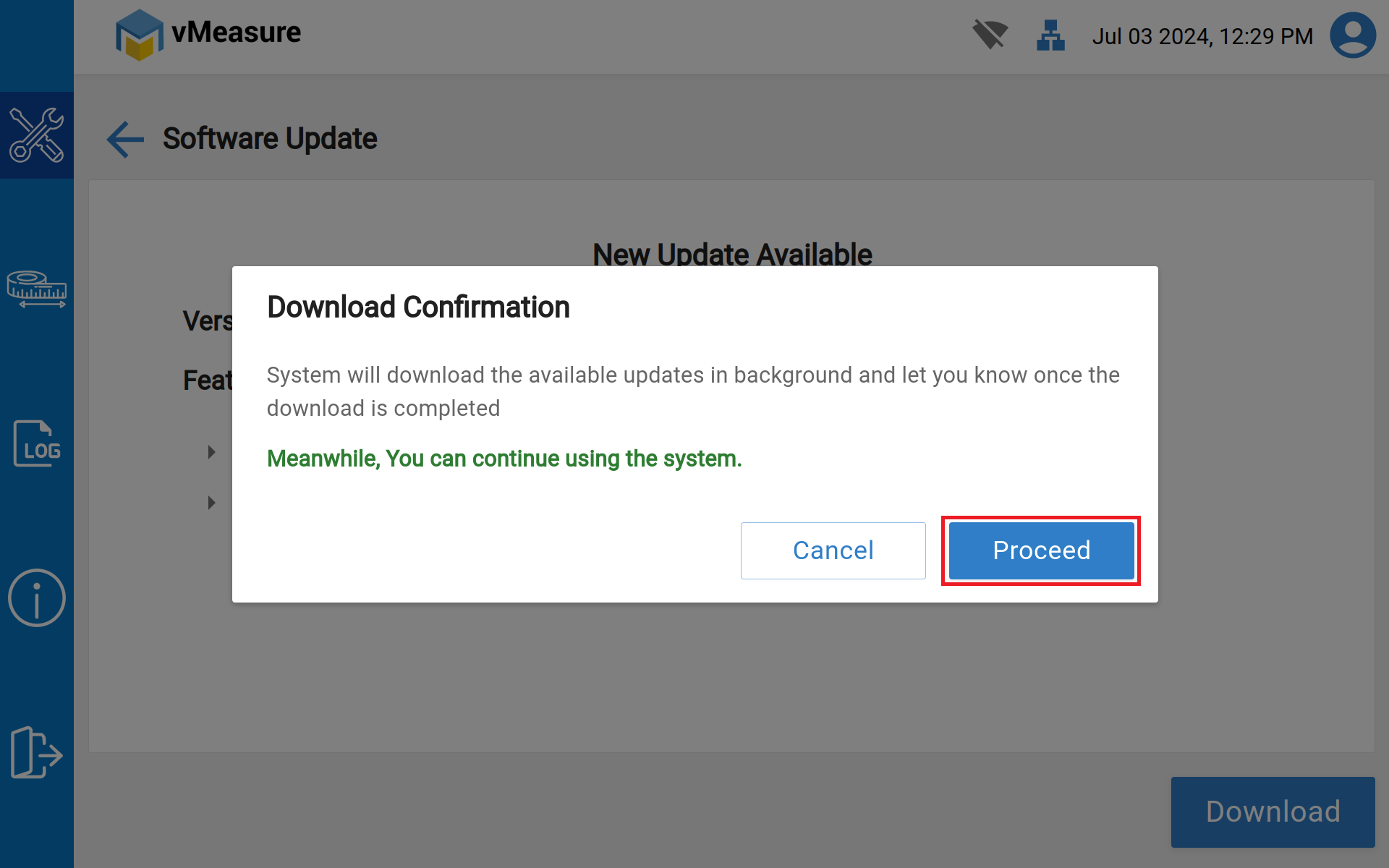
Step 3: Click Download -> Click on Proceed.
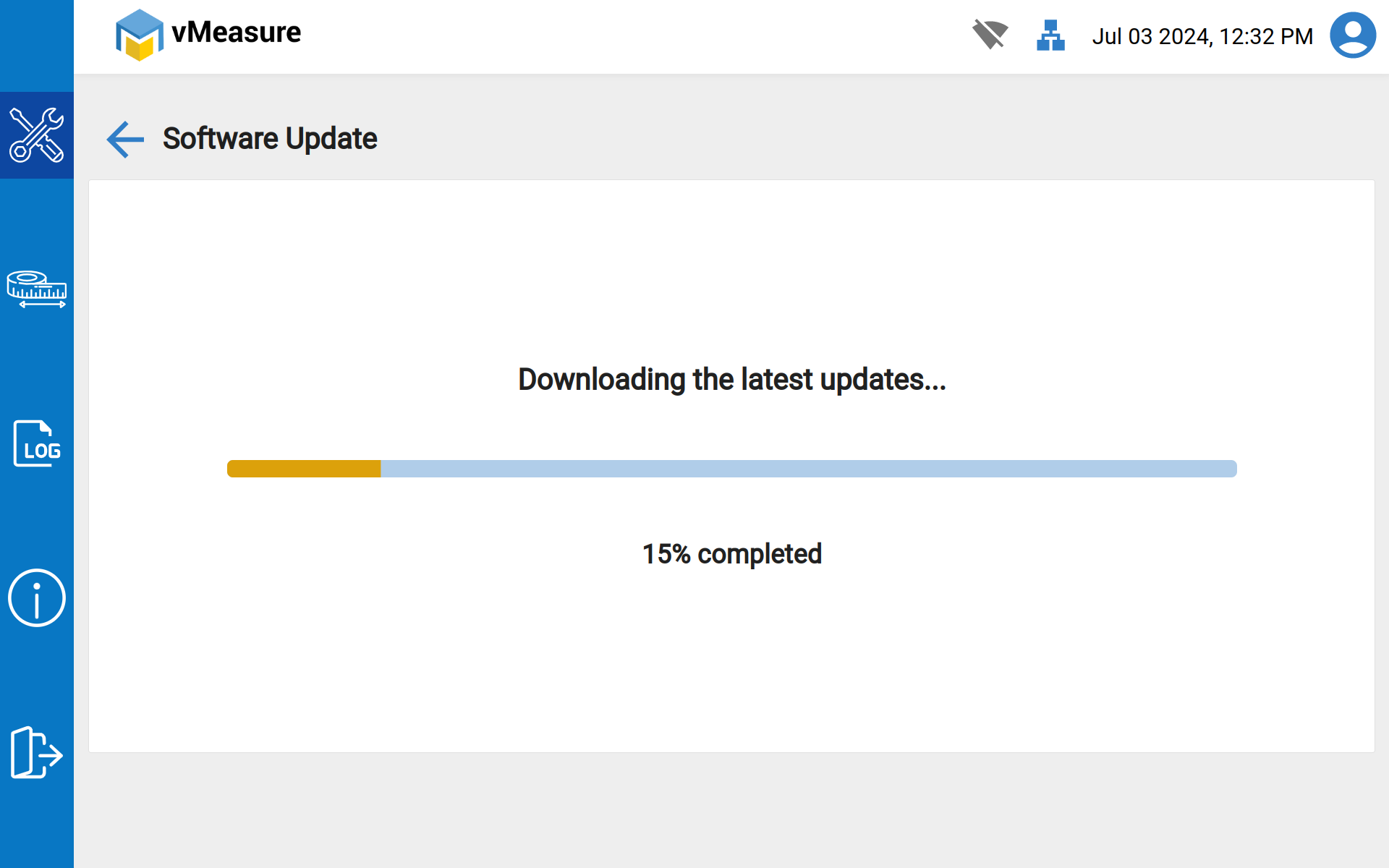
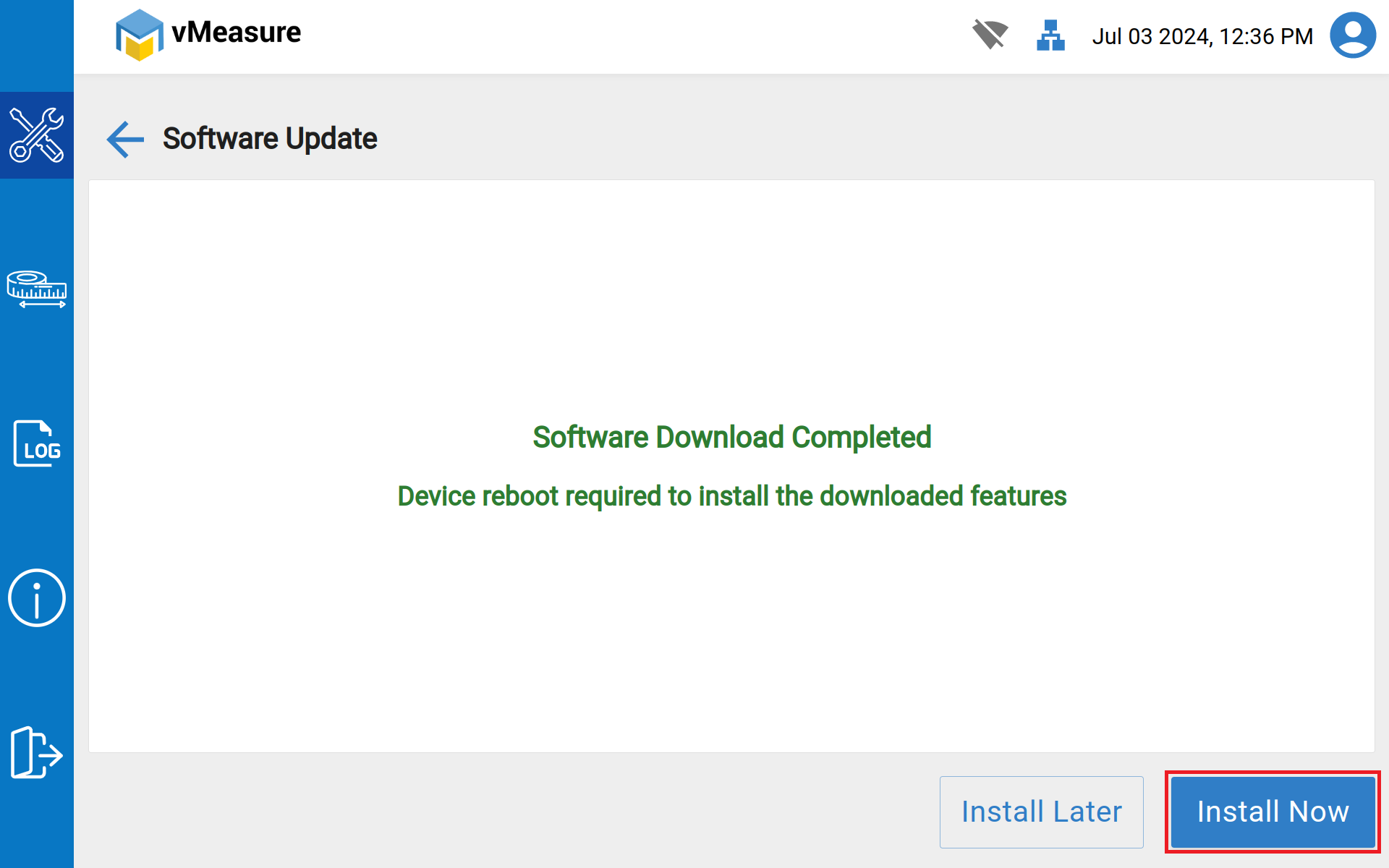
Step 4: Once the download is completed, click “Install Now”. The device will be rebooted, and latest version application will be launched.
If you need any support, please drop a mail to vmeasure@visailabs.com
Was this article helpful?
That’s Great!
Thank you for your feedback
Sorry! We couldn't be helpful
Thank you for your feedback
Feedback sent
We appreciate your effort and will try to fix the article