Follow the steps below to calibrate the Zebra printer:
Step-1: Please Ensure that the "Yellow slider" inside the printer is positioned at the center of the marking.
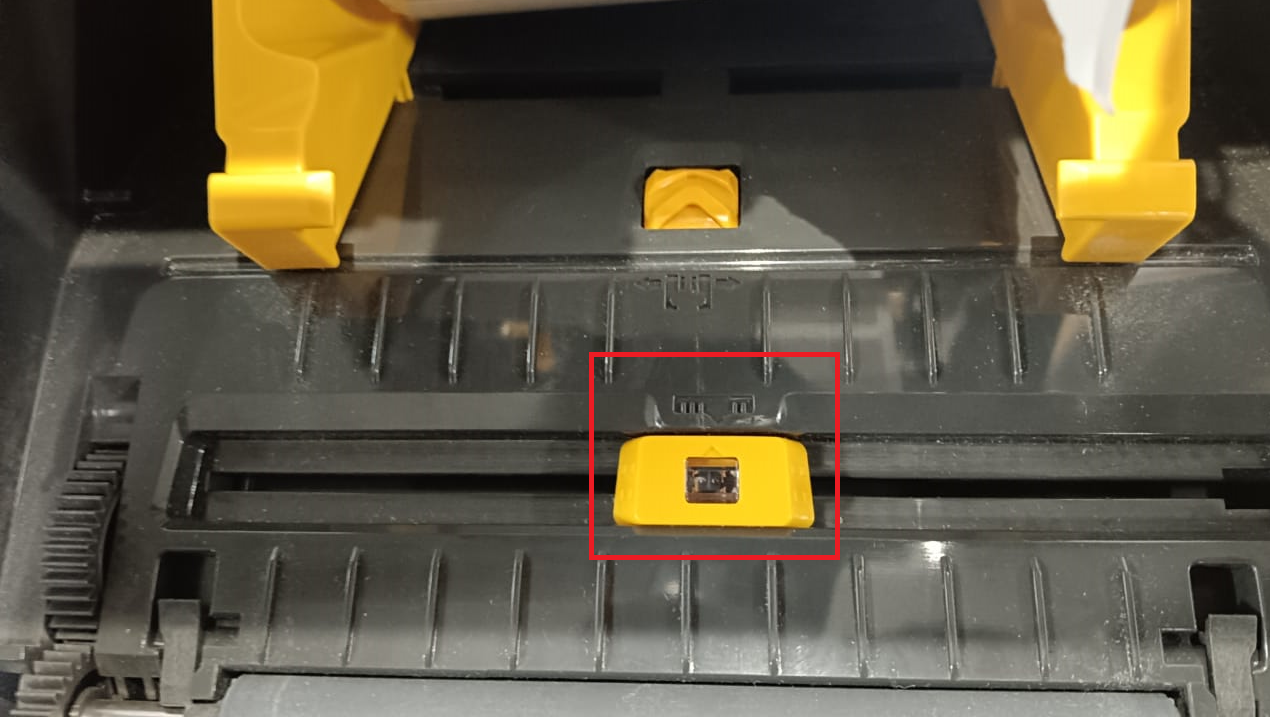
Step-2: Press and hold the "function button" until the green light blink twice. 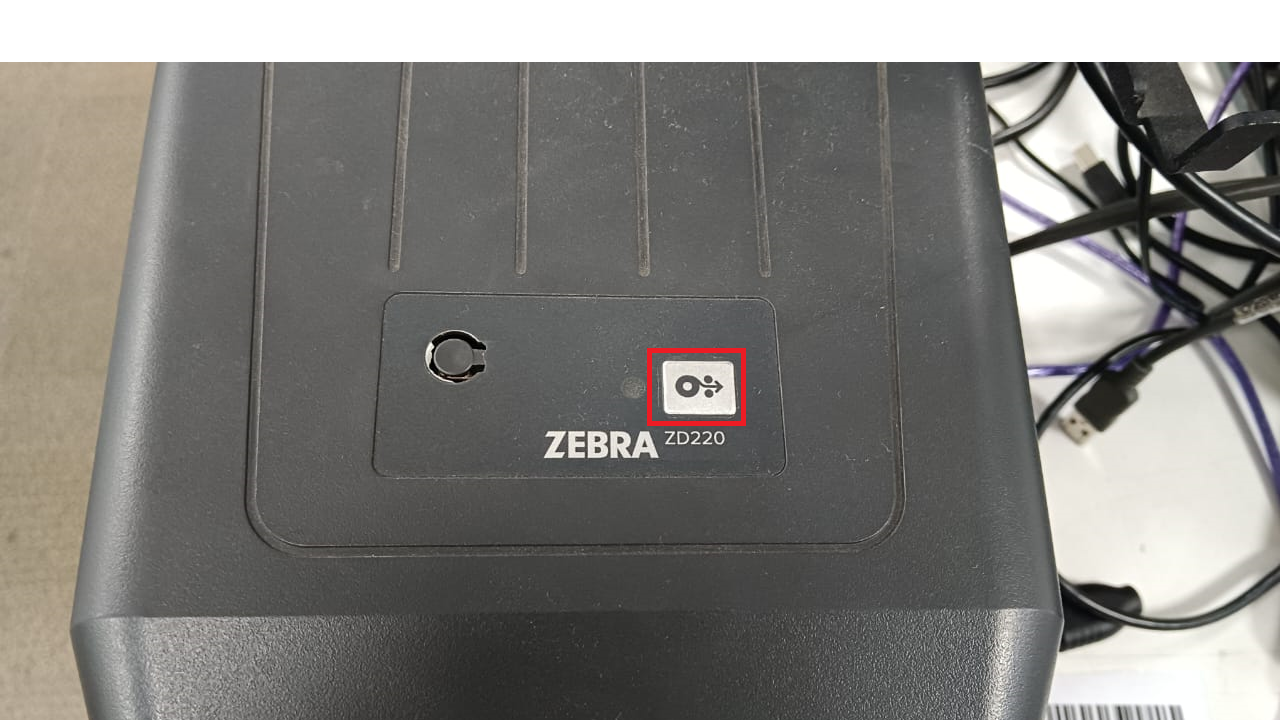
Step-3: As soon as the green light blinks second time remove your finger from the button.
Step-4: Printer will Automatically adjusts the print labels & stops.
Zebra Printer is successfully calibrated & ready to use.
Was this article helpful?
That’s Great!
Thank you for your feedback
Sorry! We couldn't be helpful
Thank you for your feedback
Feedback sent
We appreciate your effort and will try to fix the article