1. Click on the three line bar button.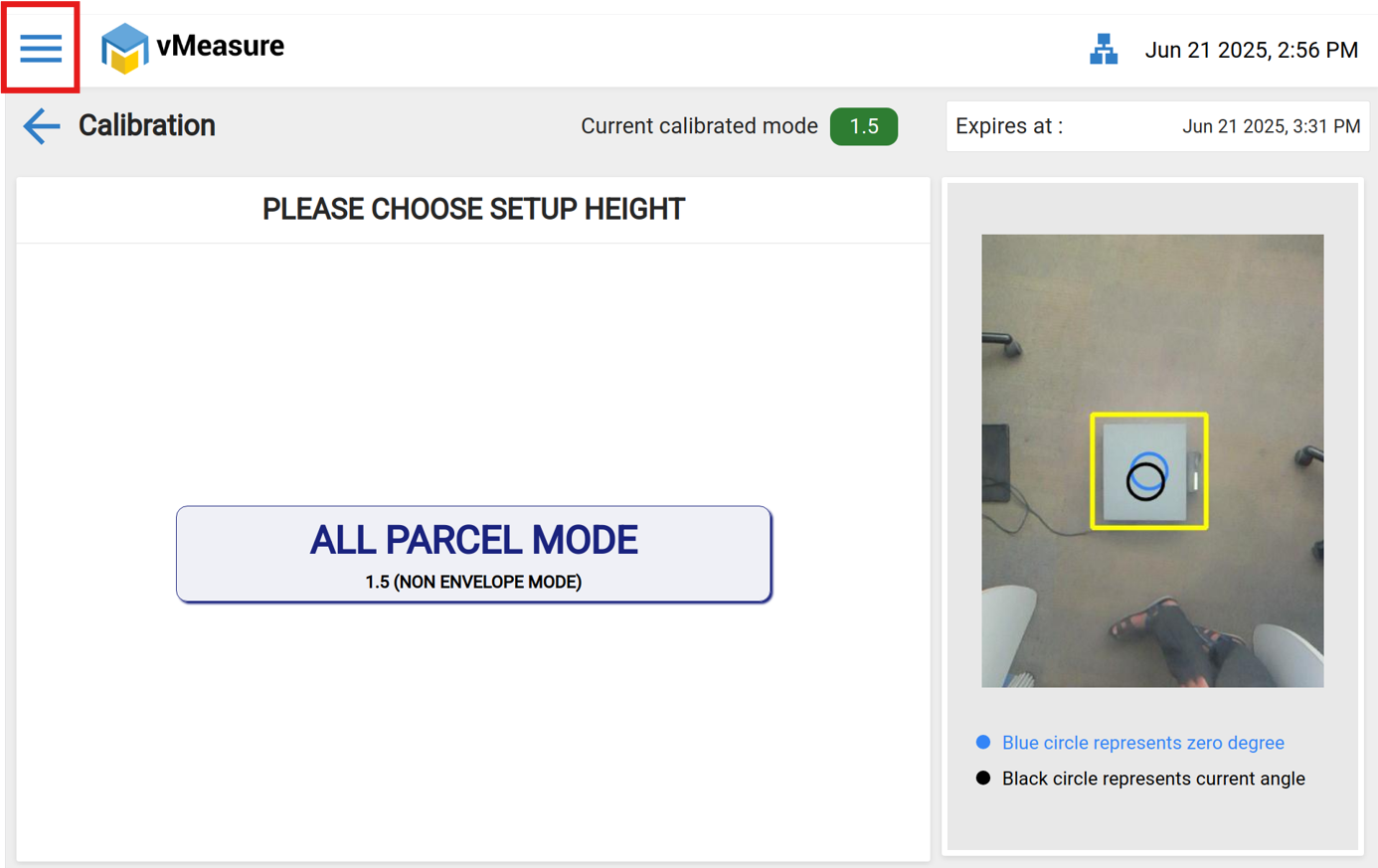
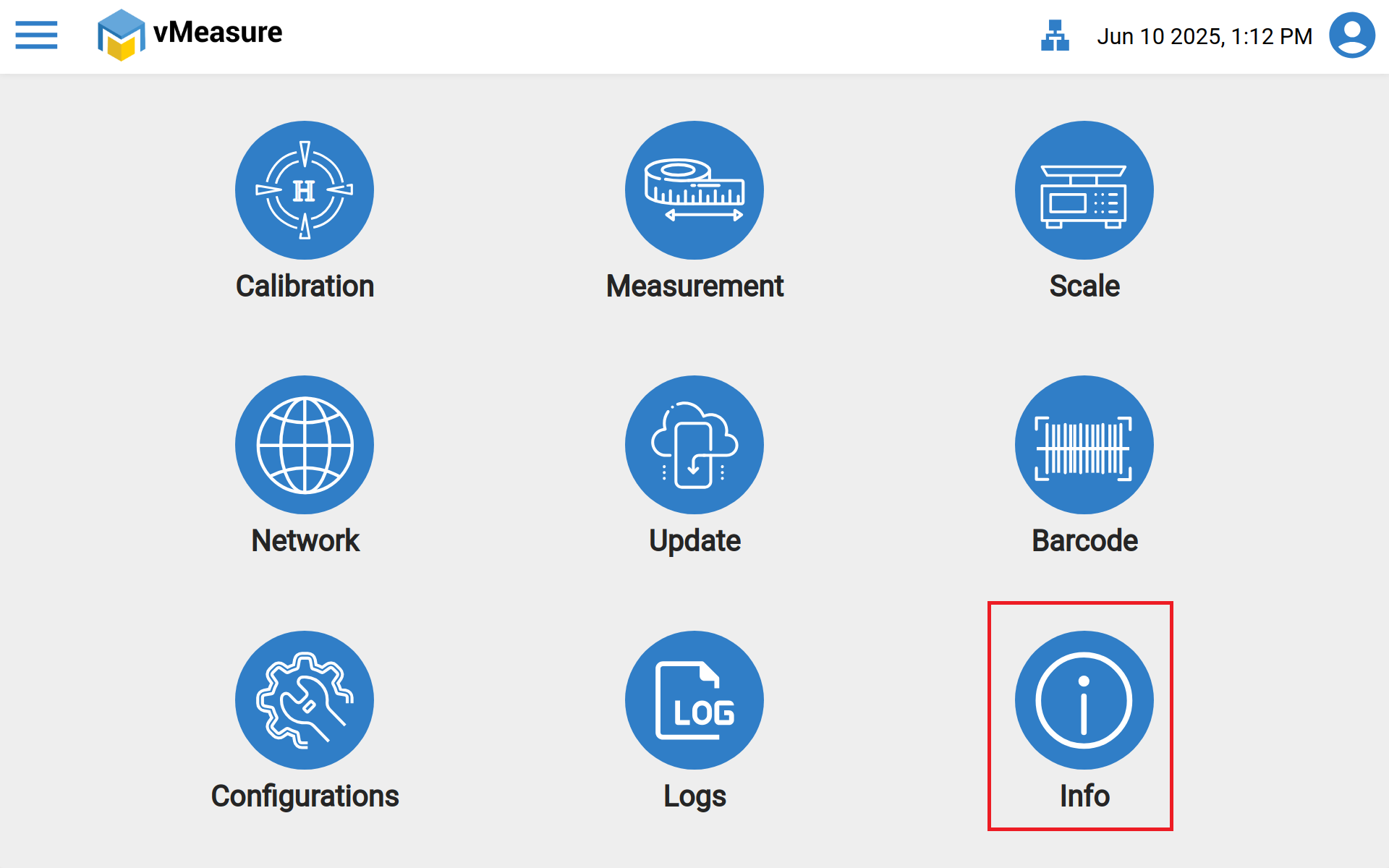
2. Click on the "info" icon in vMeasure Display.
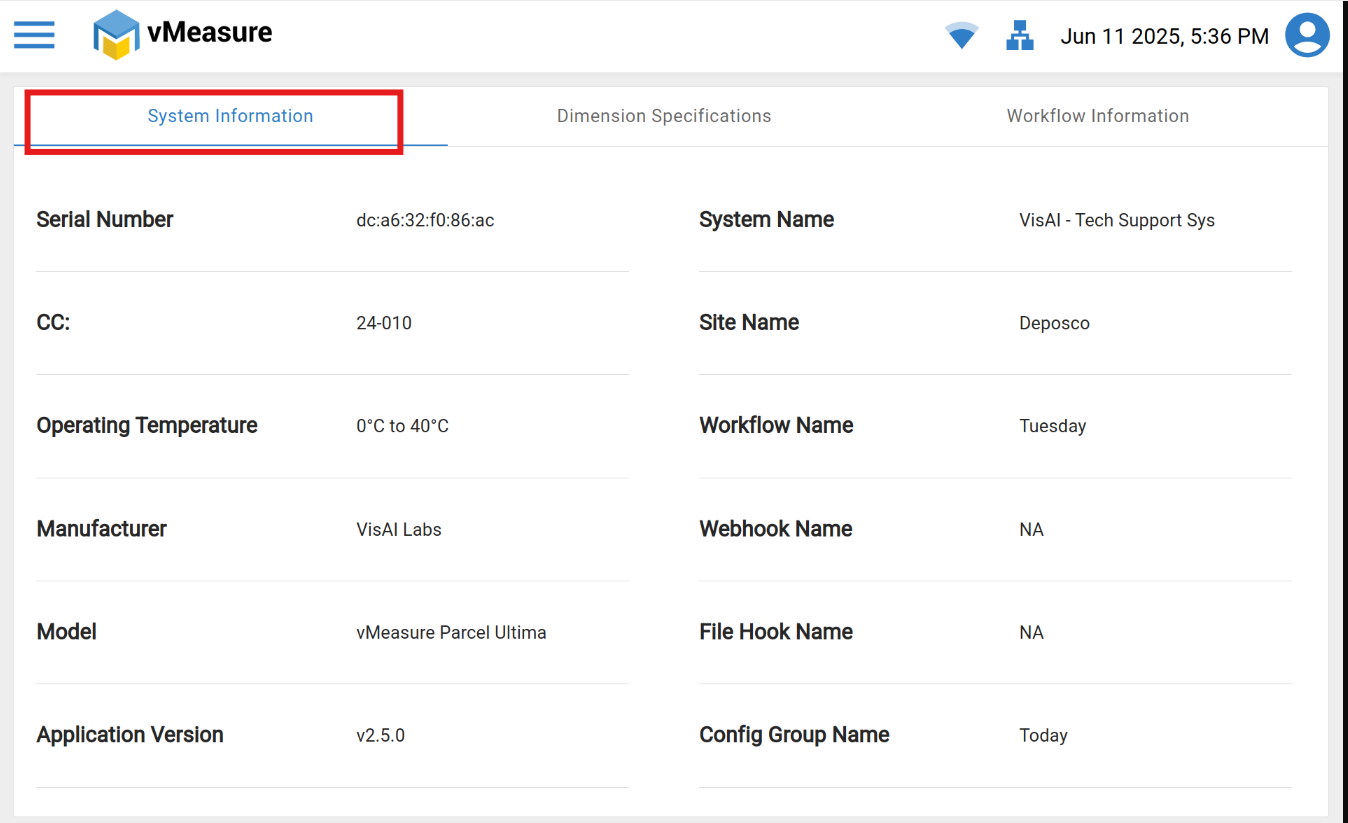
2.1 System Information:
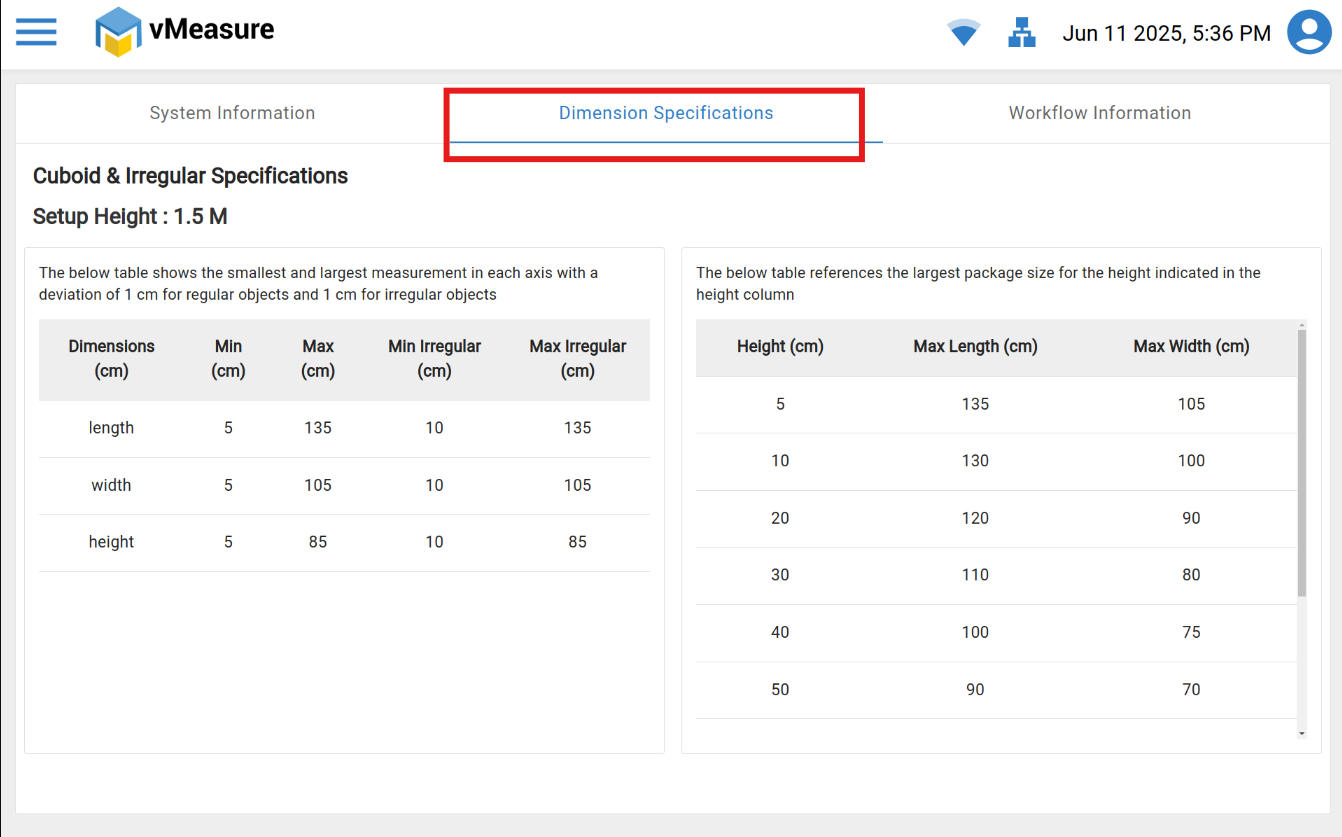
2.2 Dimension Specification
2.3 Workflow Information
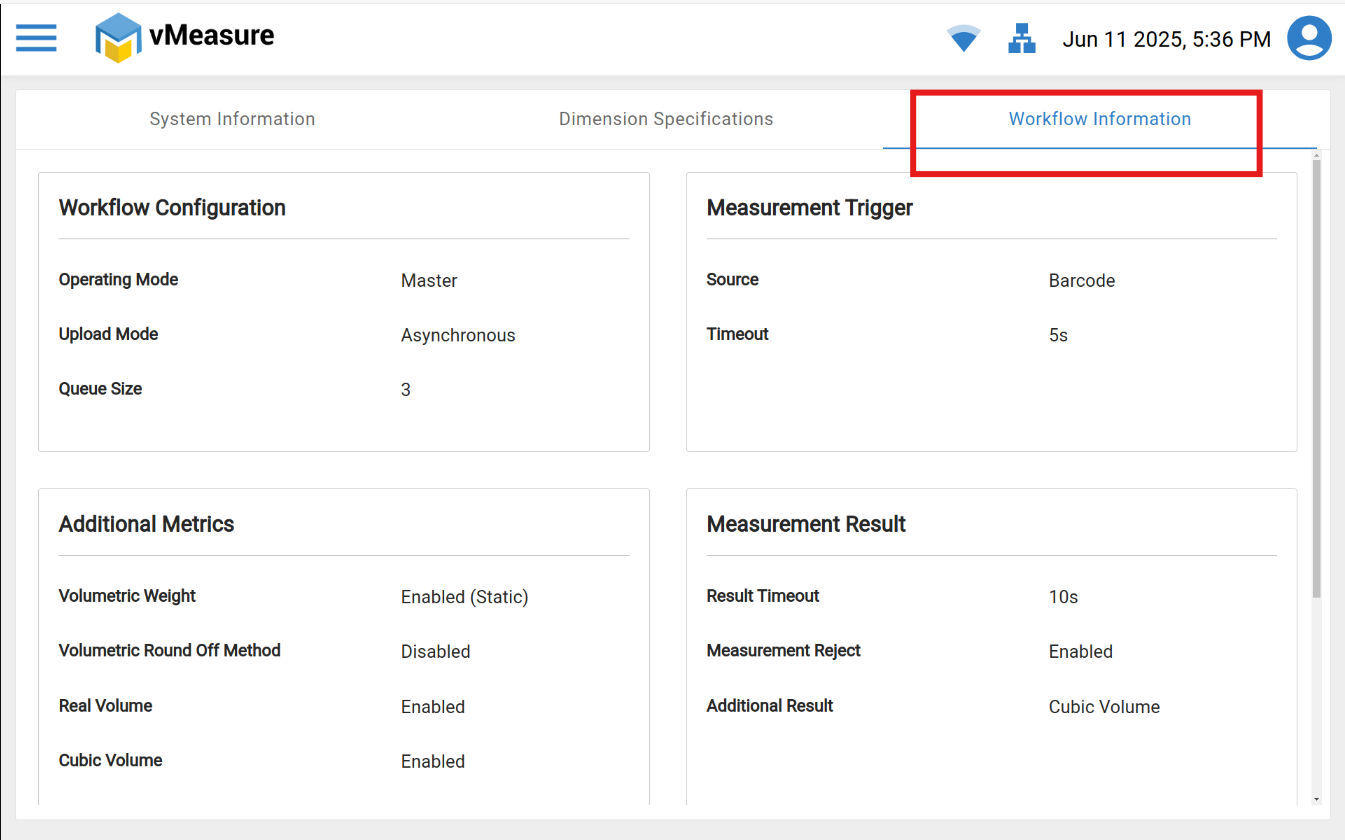
Note : Workflow will be edited or changing can be done by admin access.
If you need any support, please drop a email at vmeasure@visailabs.com.
Was this article helpful?
That’s Great!
Thank you for your feedback
Sorry! We couldn't be helpful
Thank you for your feedback
Feedback sent
We appreciate your effort and will try to fix the article