Follow the steps below to connect the barcode:
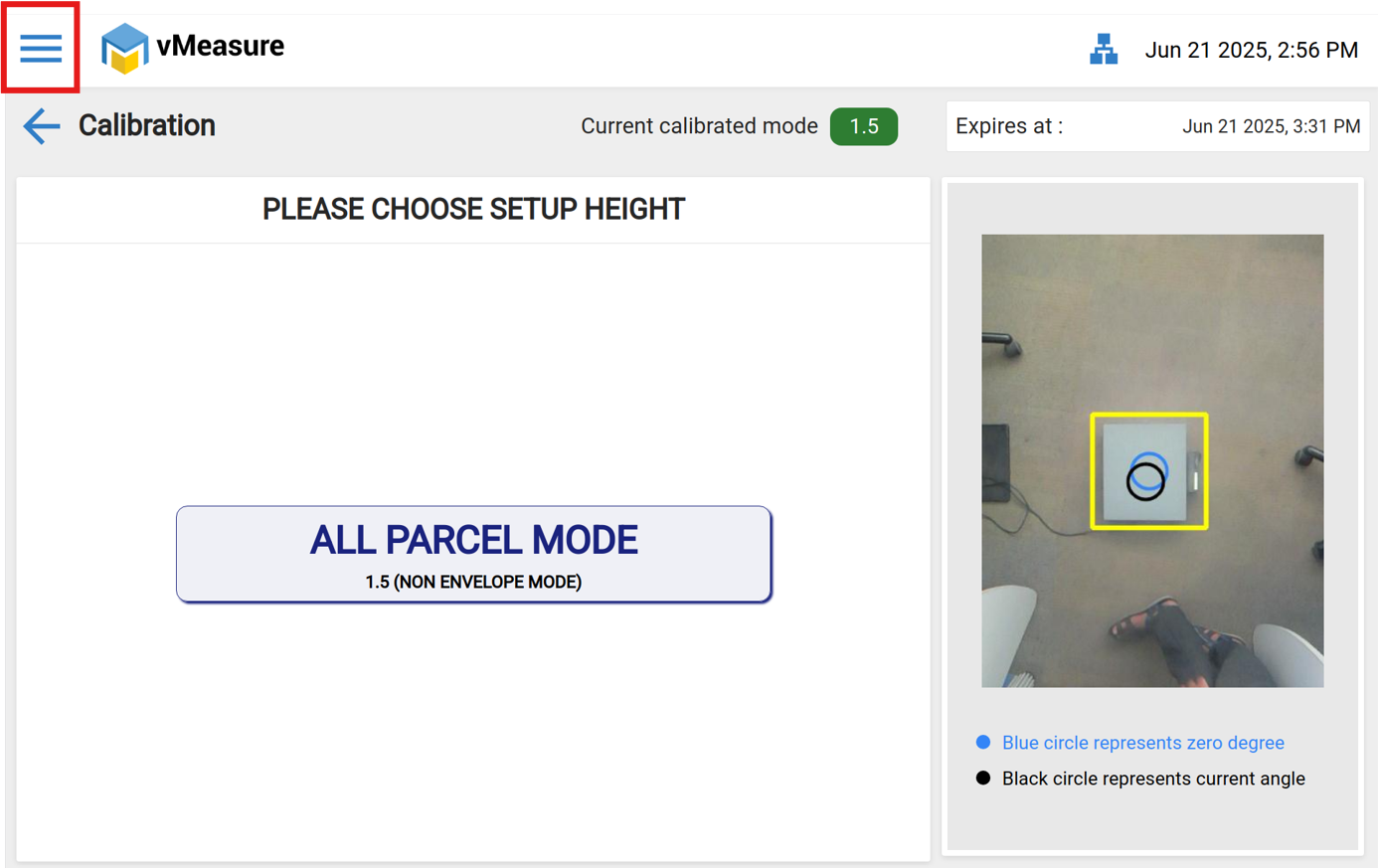
Step 1: Click the Three bar button .
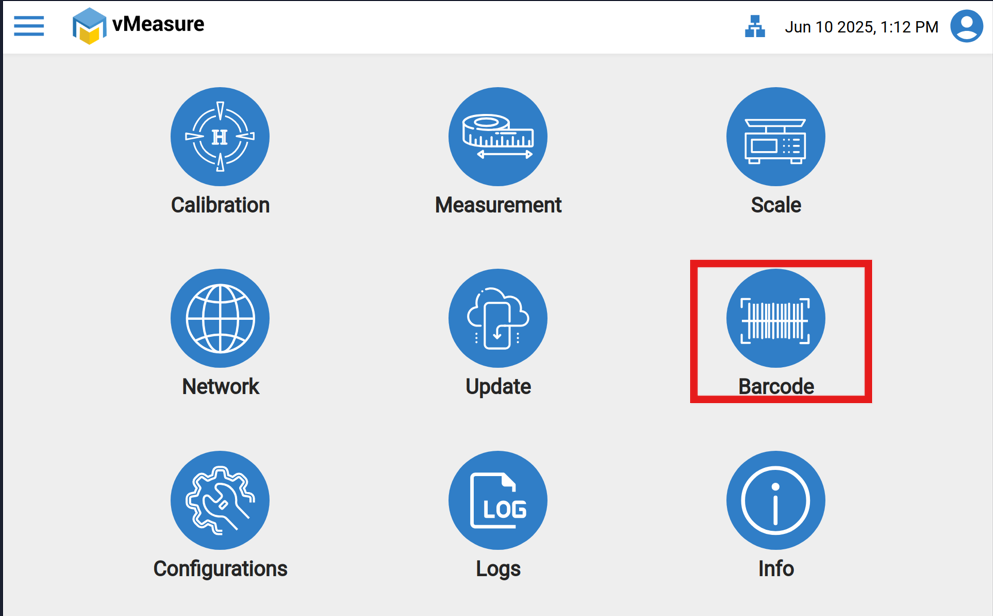
Step 2: Click the "Barcode" icon.
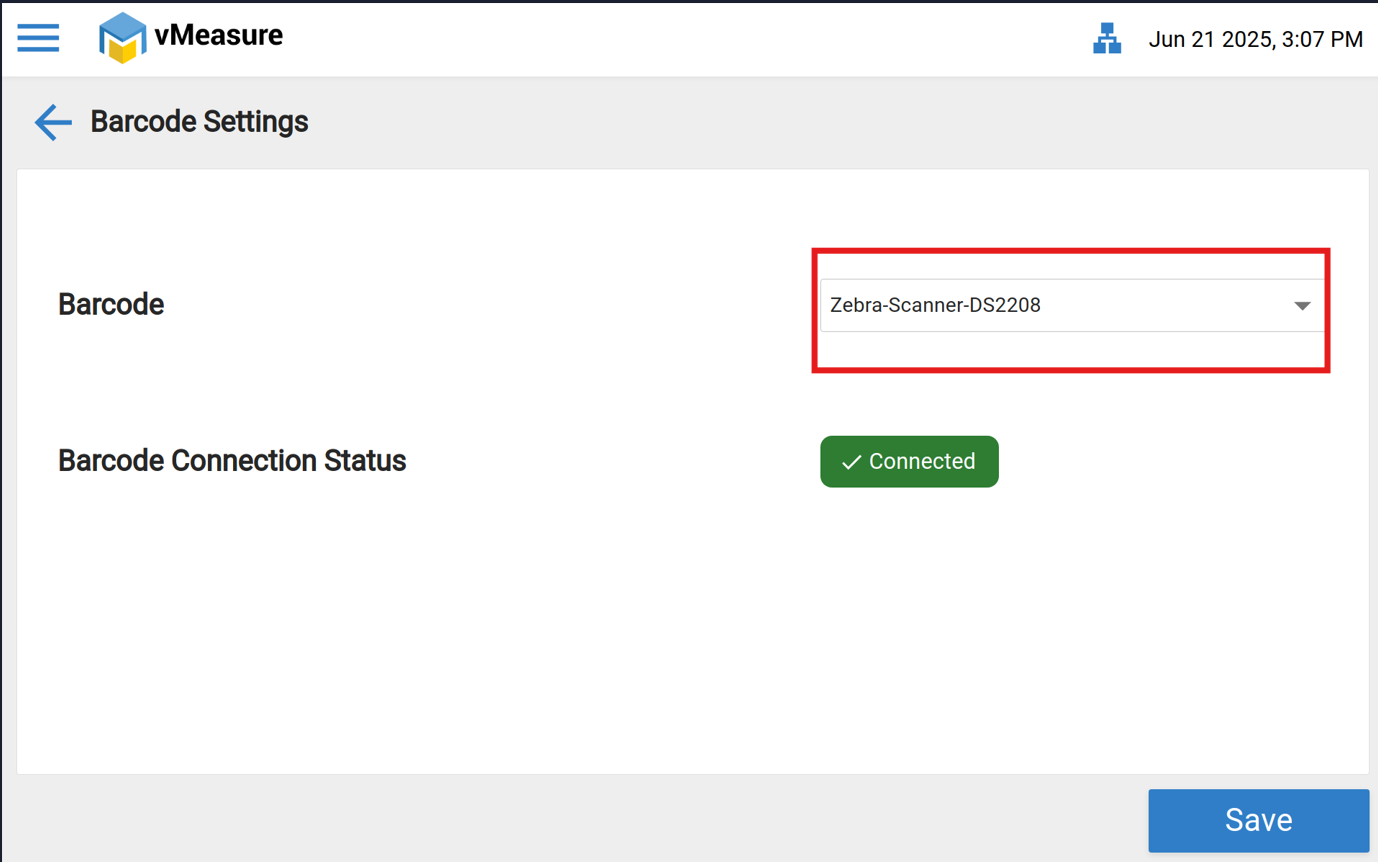
Step 3: Select the desired Barcode and Scanner Name from Dropdown as shown in below image .
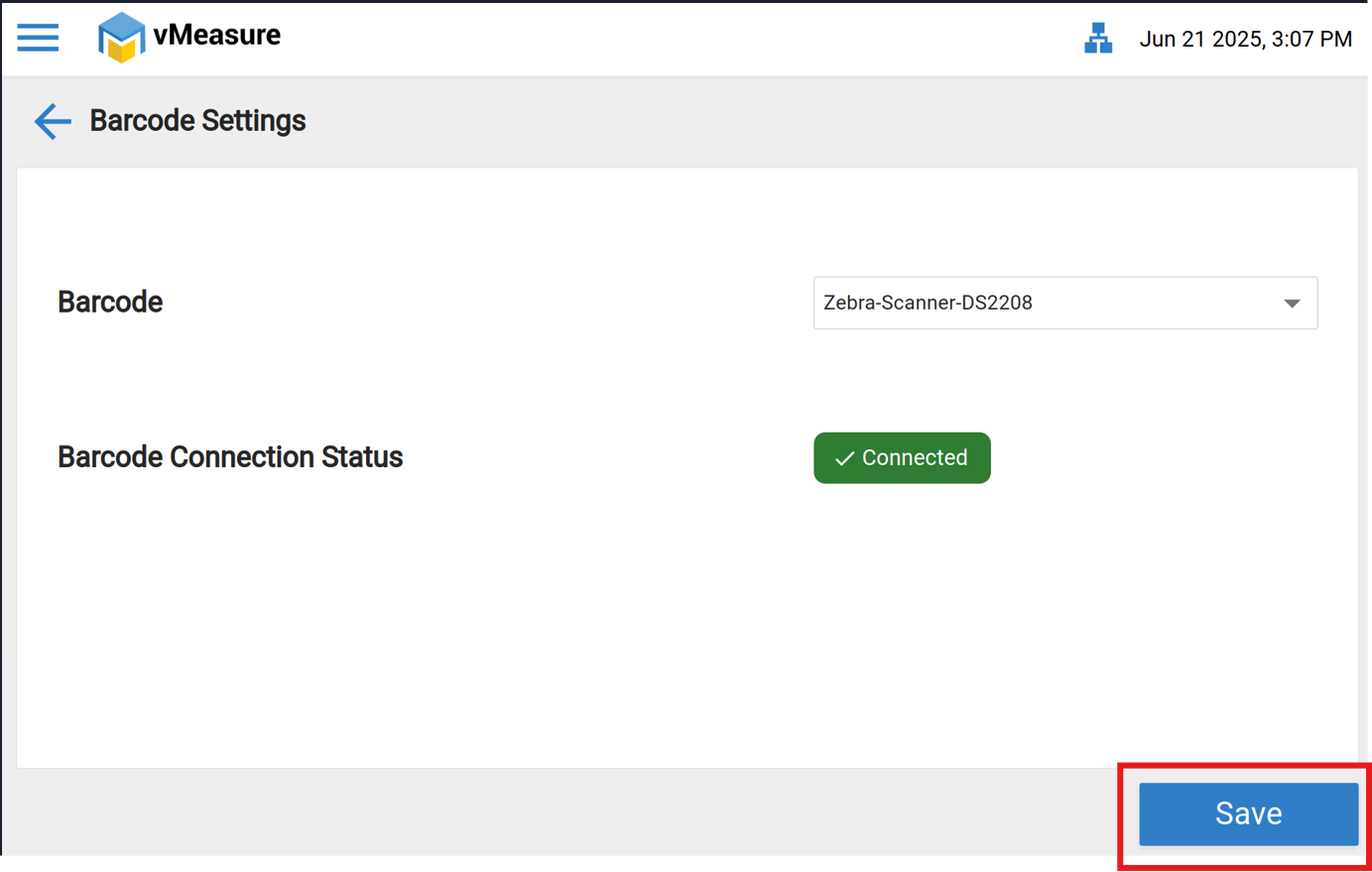
Step 4: Click on "Save" for saving the configuration.
If you need any support , please drop a mail to vmeasure@visailabs.com.
Was this article helpful?
That’s Great!
Thank you for your feedback
Sorry! We couldn't be helpful
Thank you for your feedback
Feedback sent
We appreciate your effort and will try to fix the article