1.Click the Three line bar button.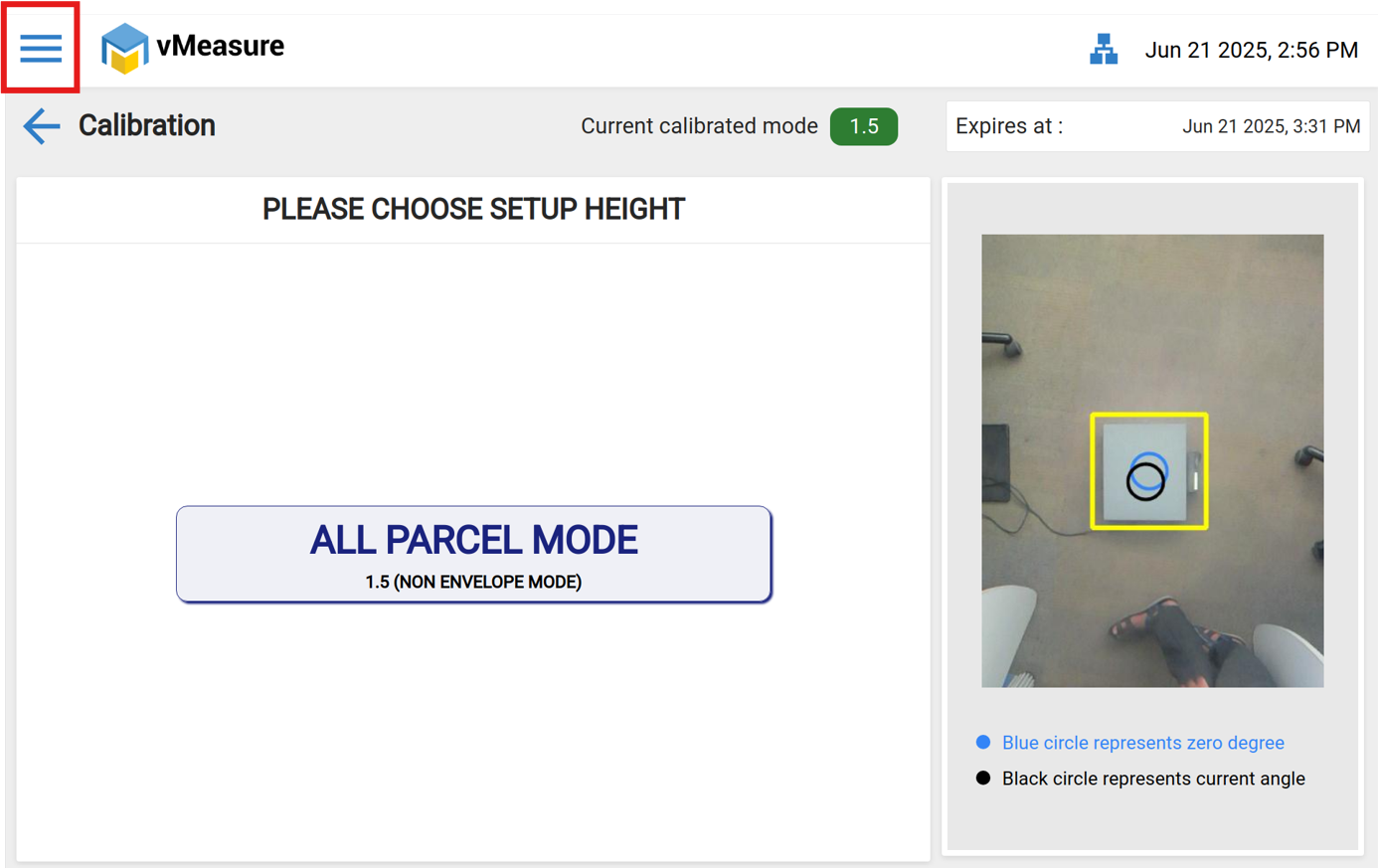
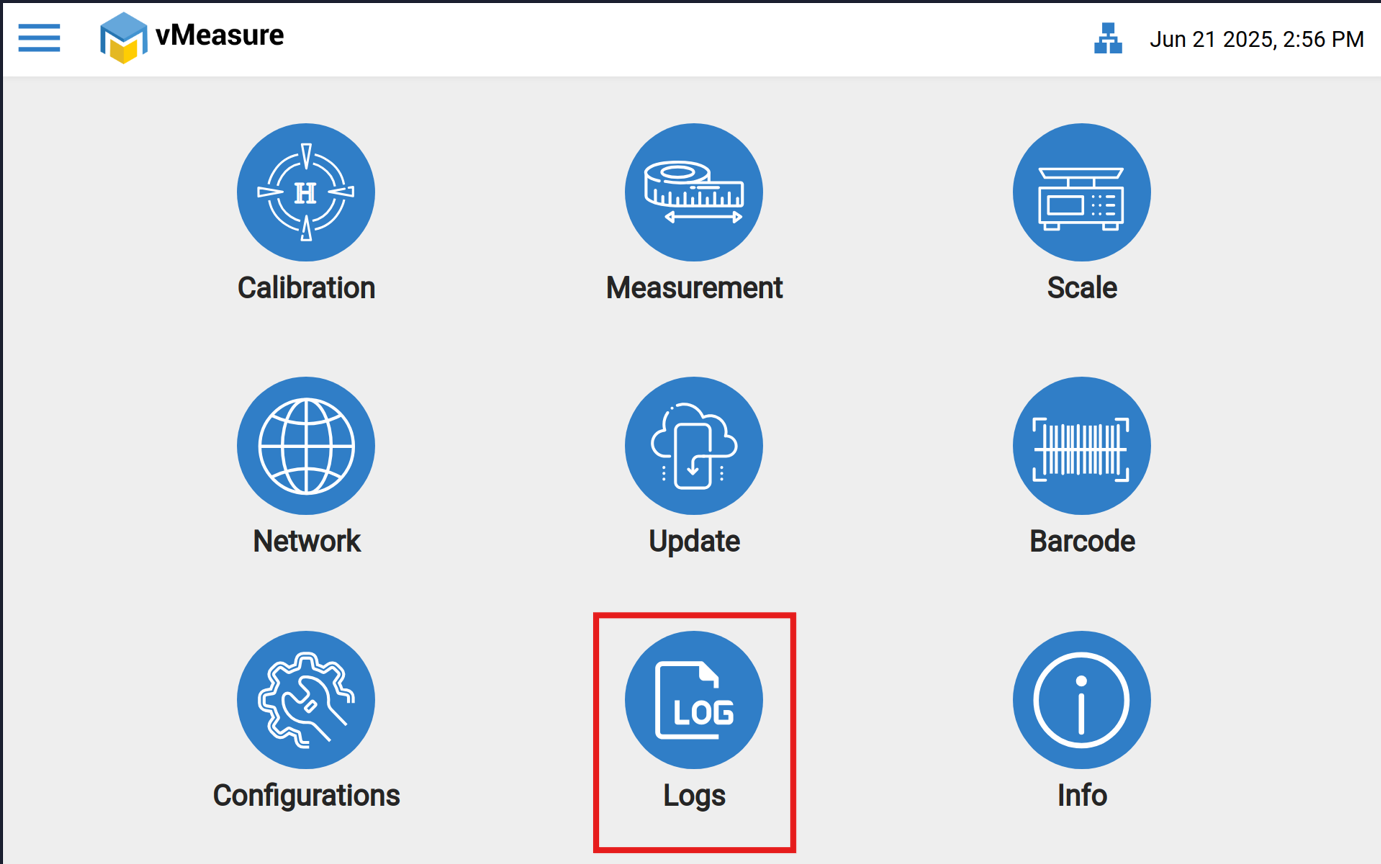
2.Click the Logs button.
3 Check all logs here .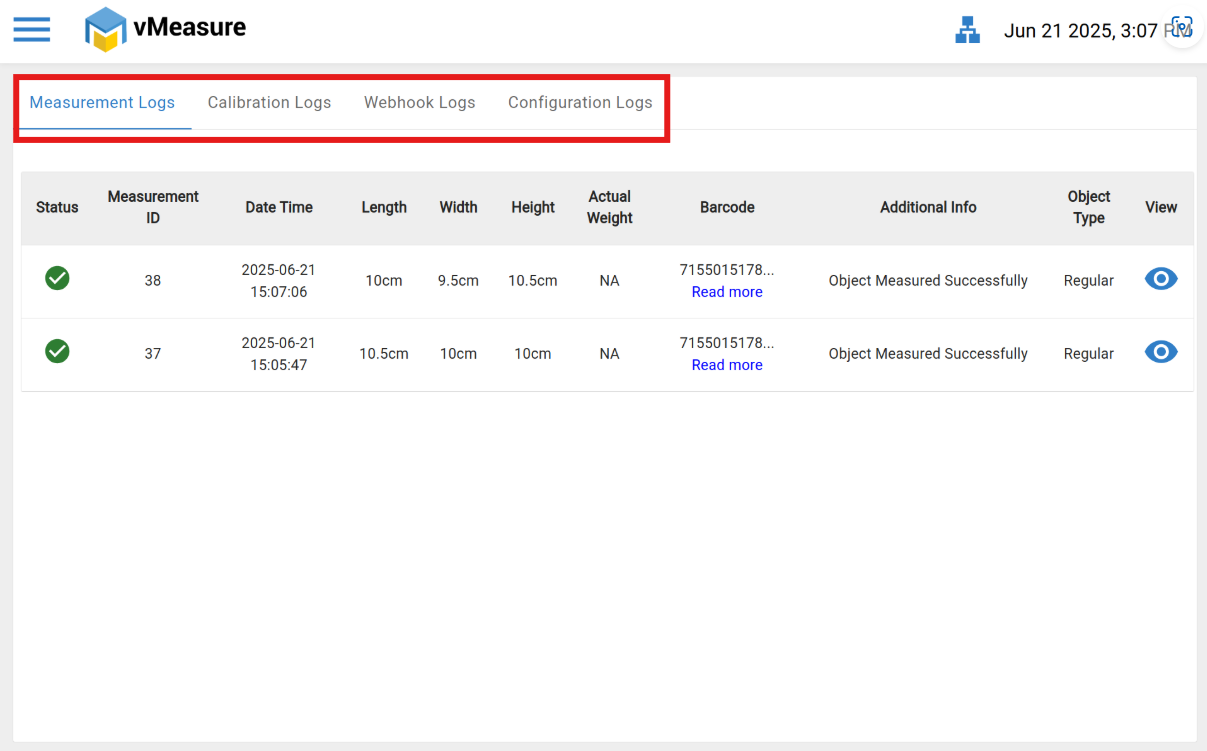
If you need any support, please drop a email at vmeasure@visailabs.com.
Was this article helpful?
That’s Great!
Thank you for your feedback
Sorry! We couldn't be helpful
Thank you for your feedback
Feedback sent
We appreciate your effort and will try to fix the article