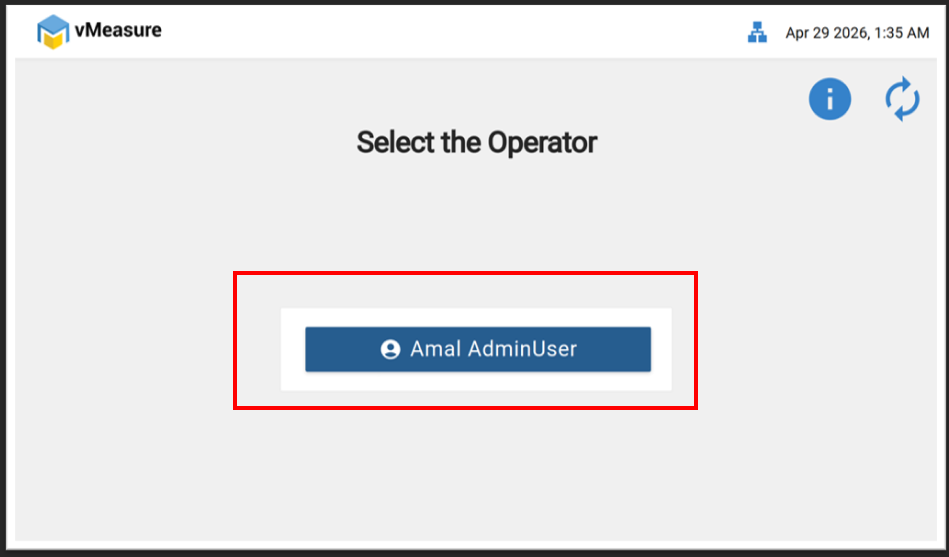
Step 1: Log in to the vMeasure device.
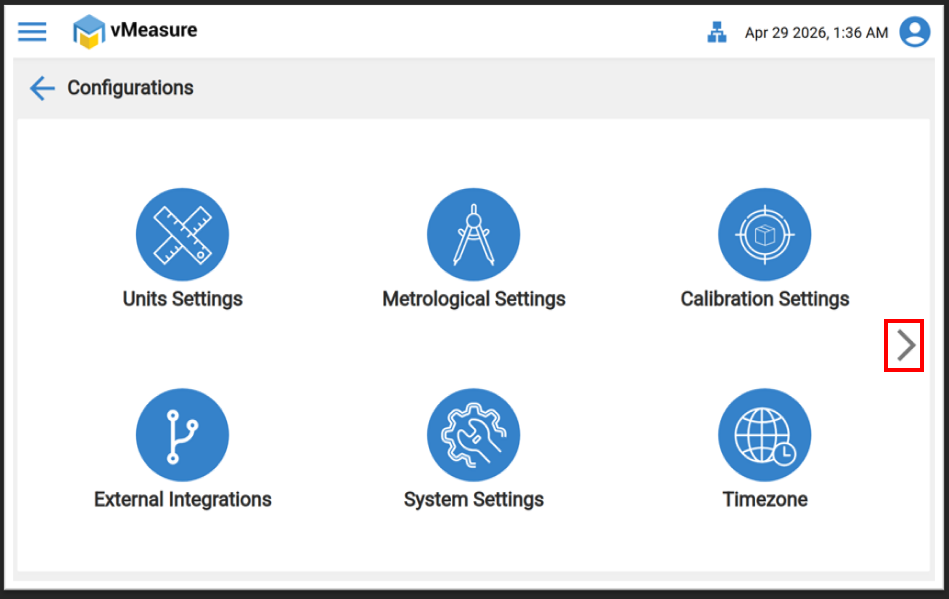
Step 2: Click on “Configuration” and navigate to the next page.
Image-1 :
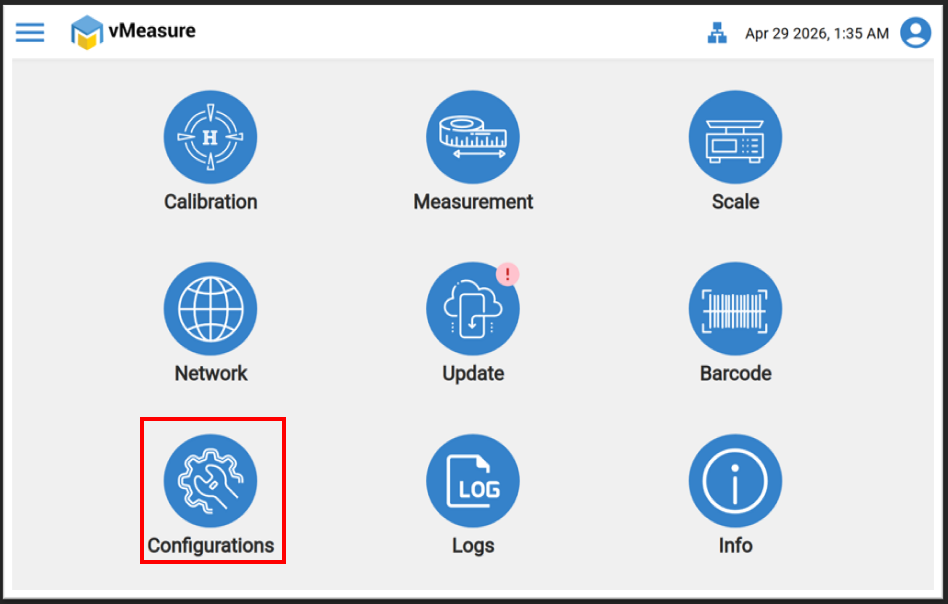
Image-2 :
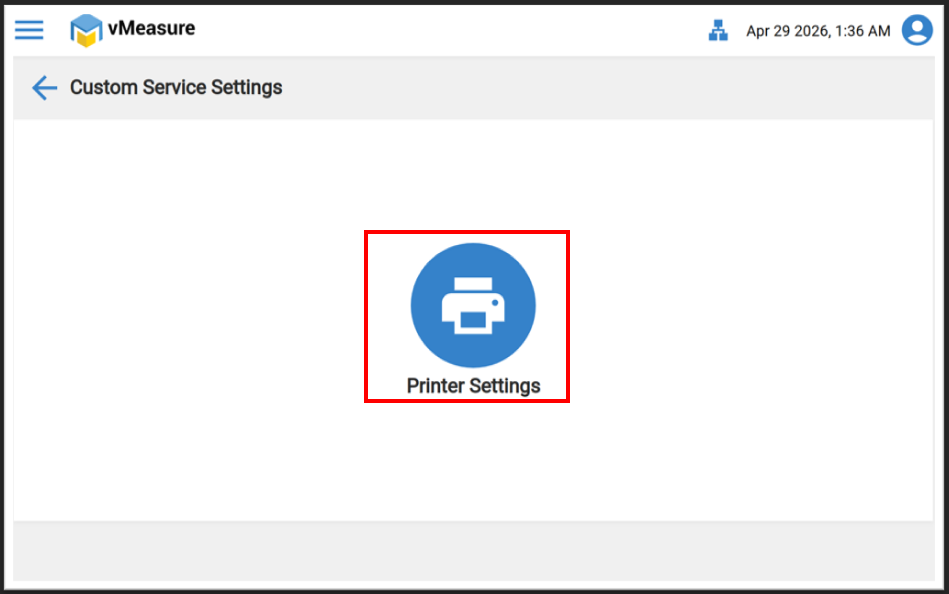
Step 3: Select “Custom Configuration.” and click on "Printer Setting".
Image-1 :
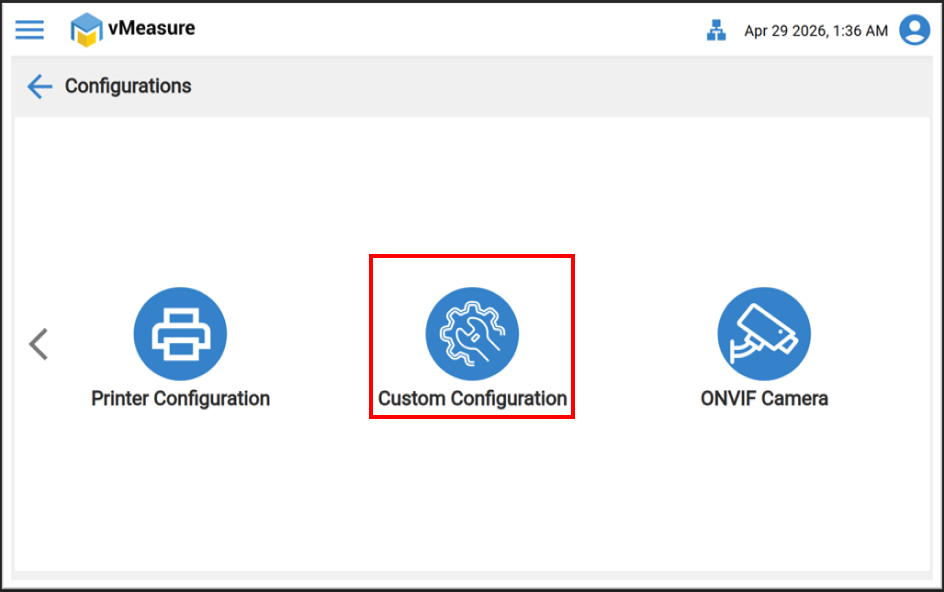
Image-2 :
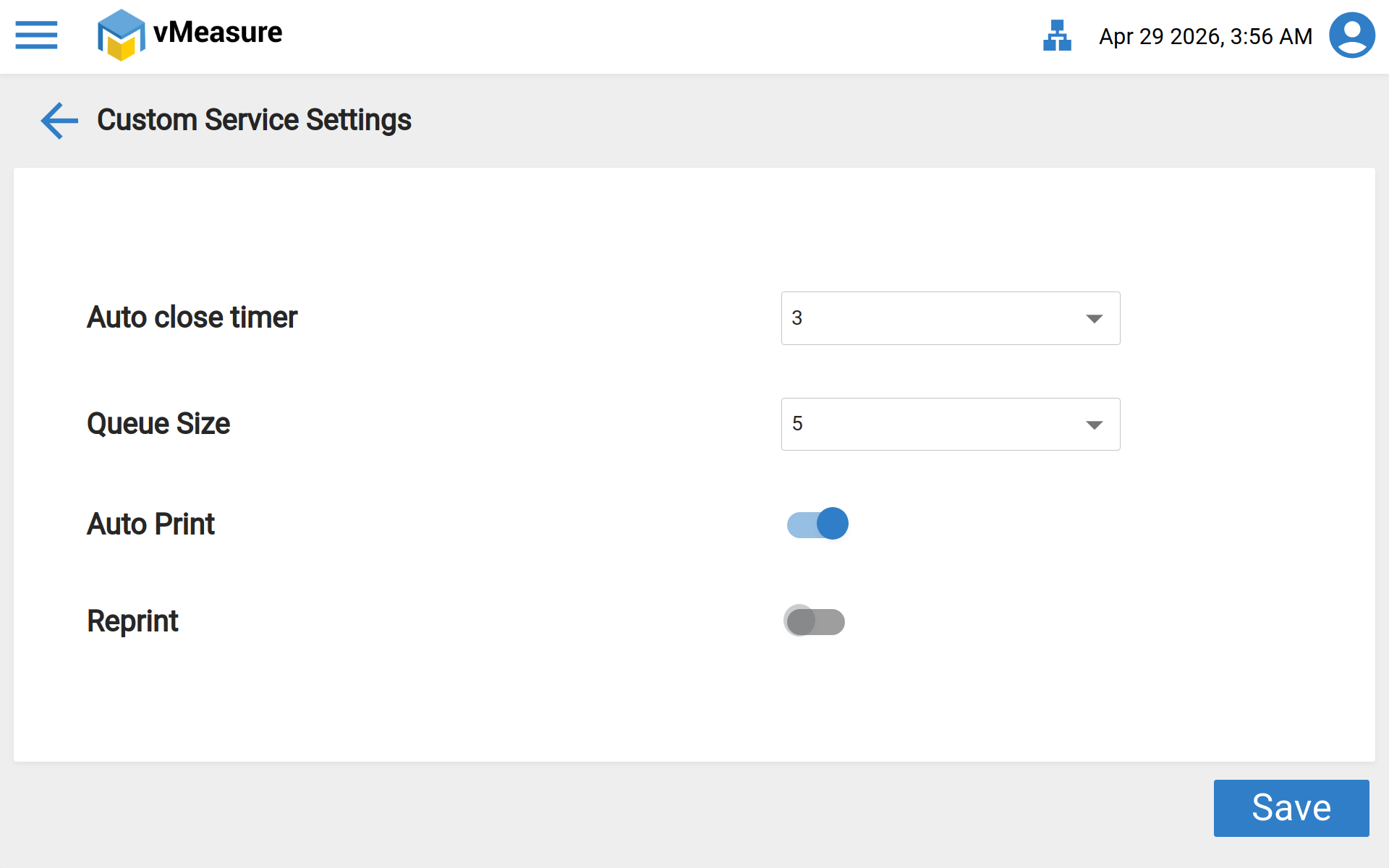
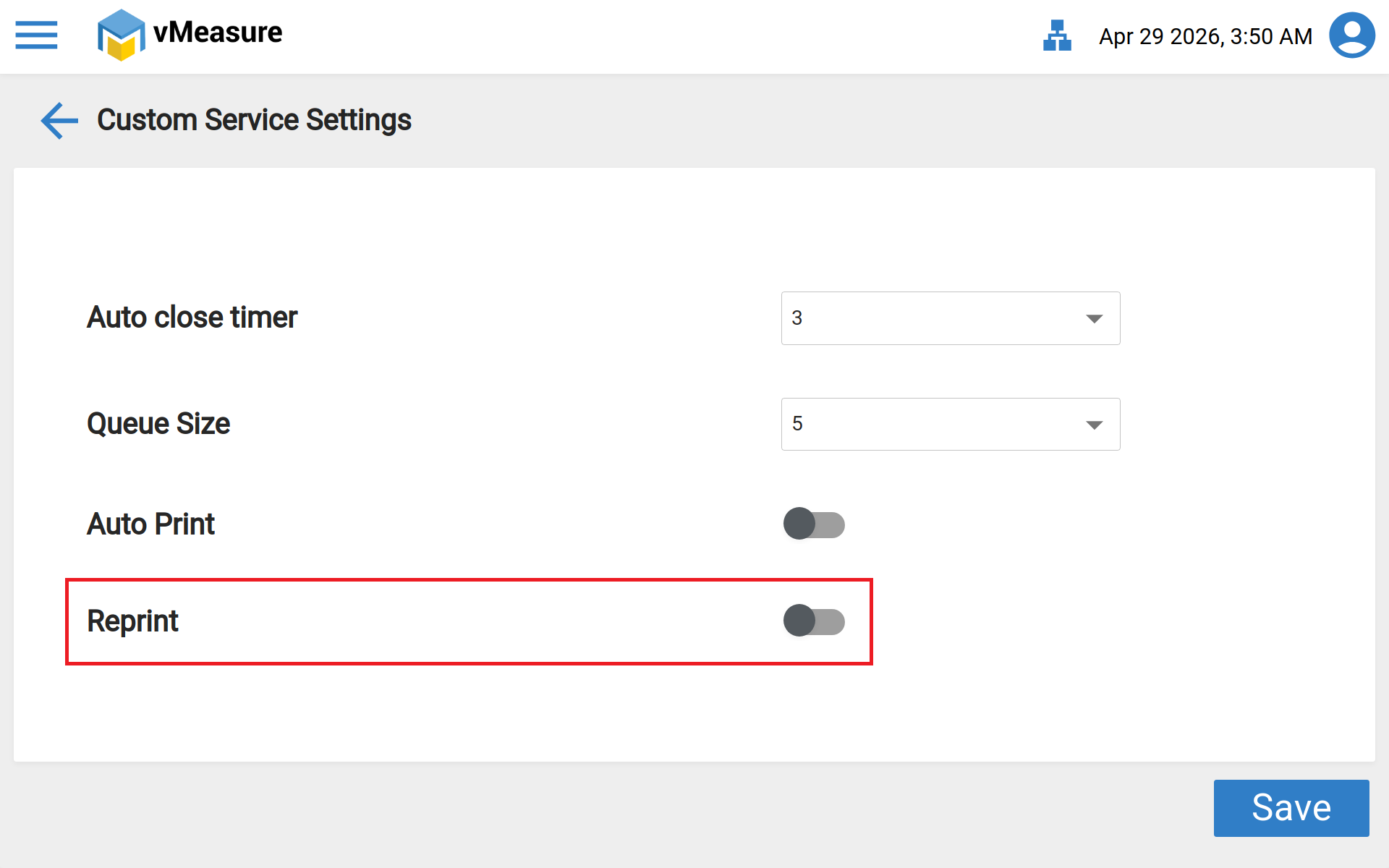
Step 4 : In the menu you will find an option as Reprint. But for enabling Reprint, first you need to turn off Auto Print. Turn off the toggle for Auto Print and turn on the toggle for Reprint.
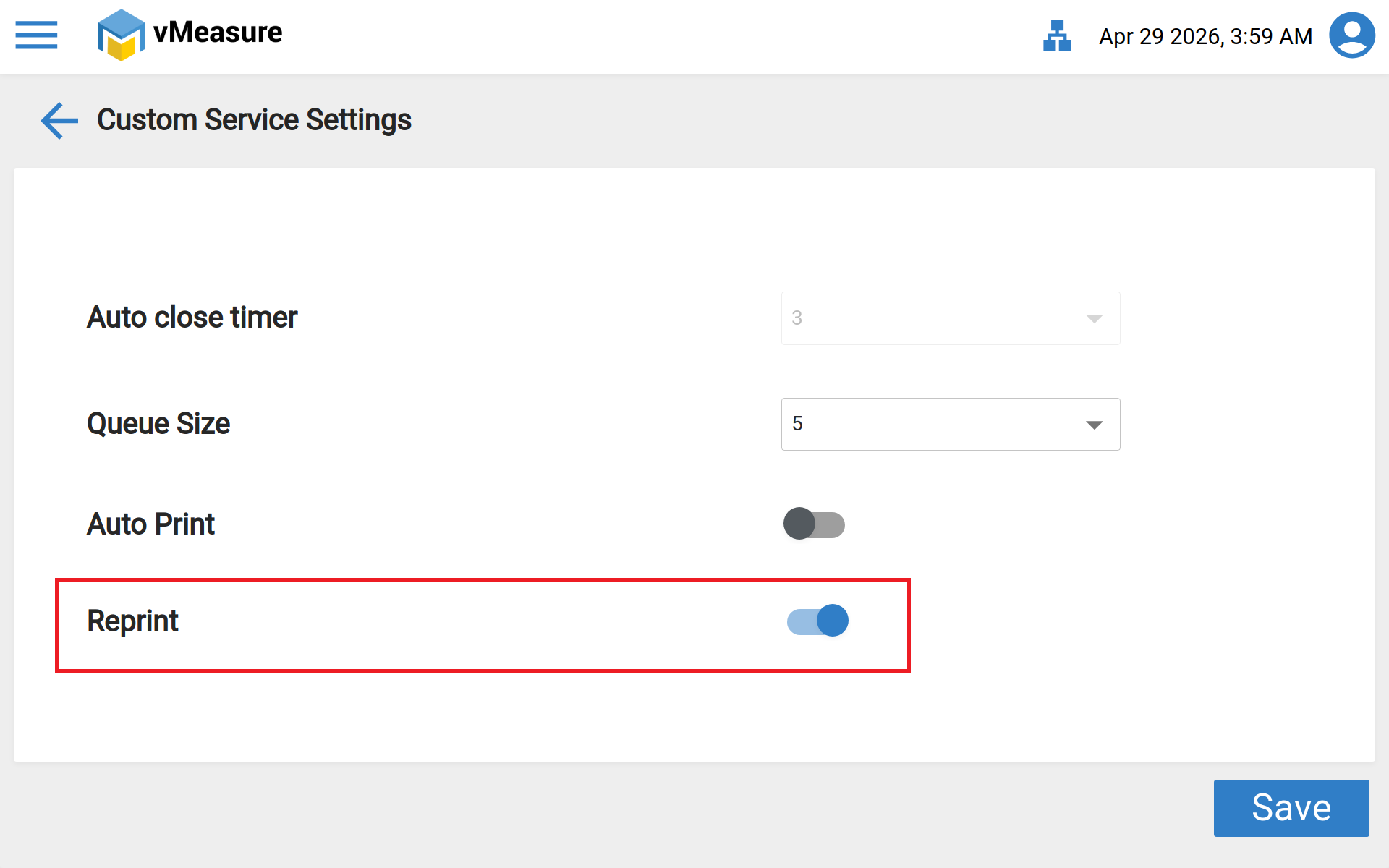
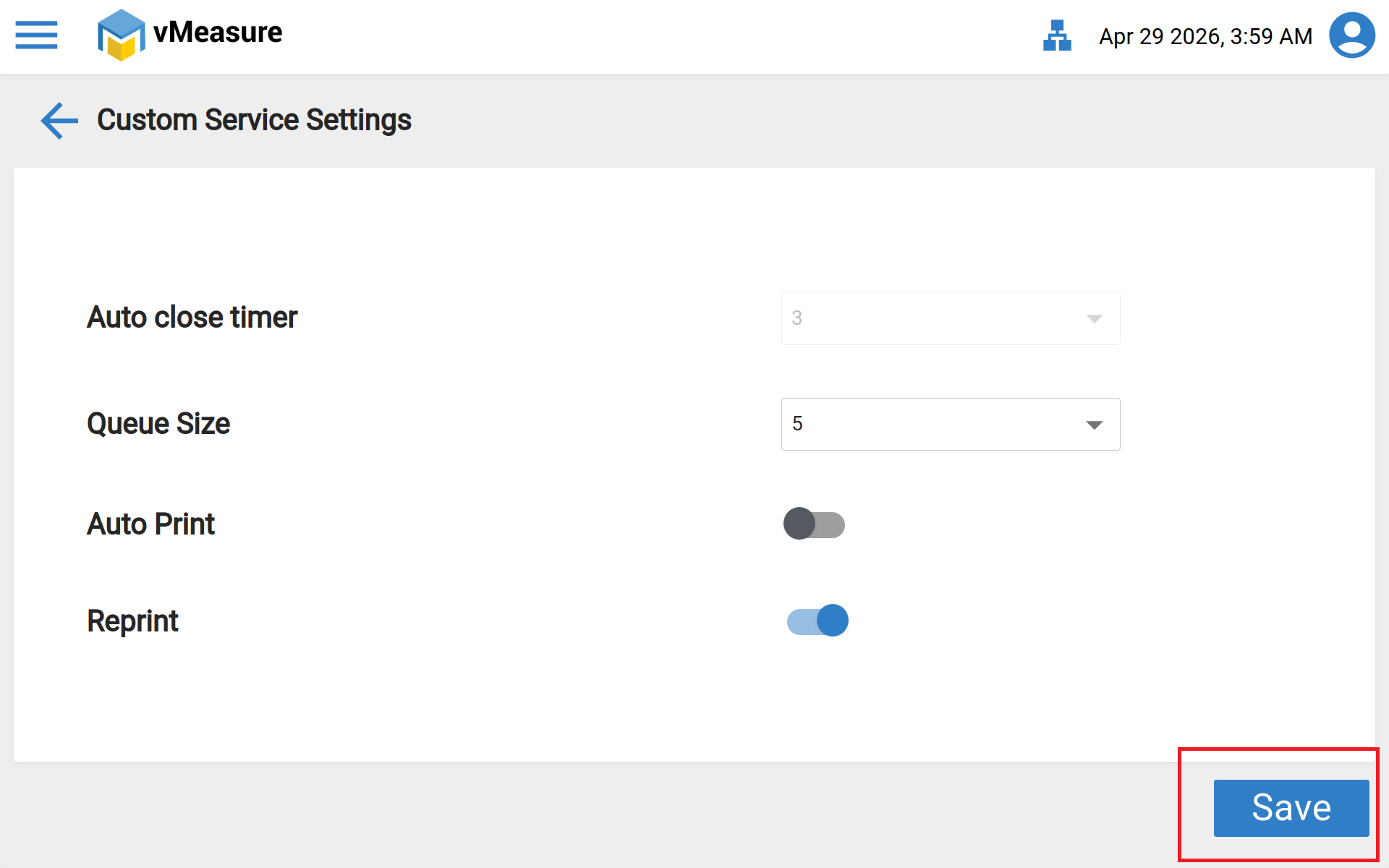
After saving the settings, you will receive a message as Data saved successfully.
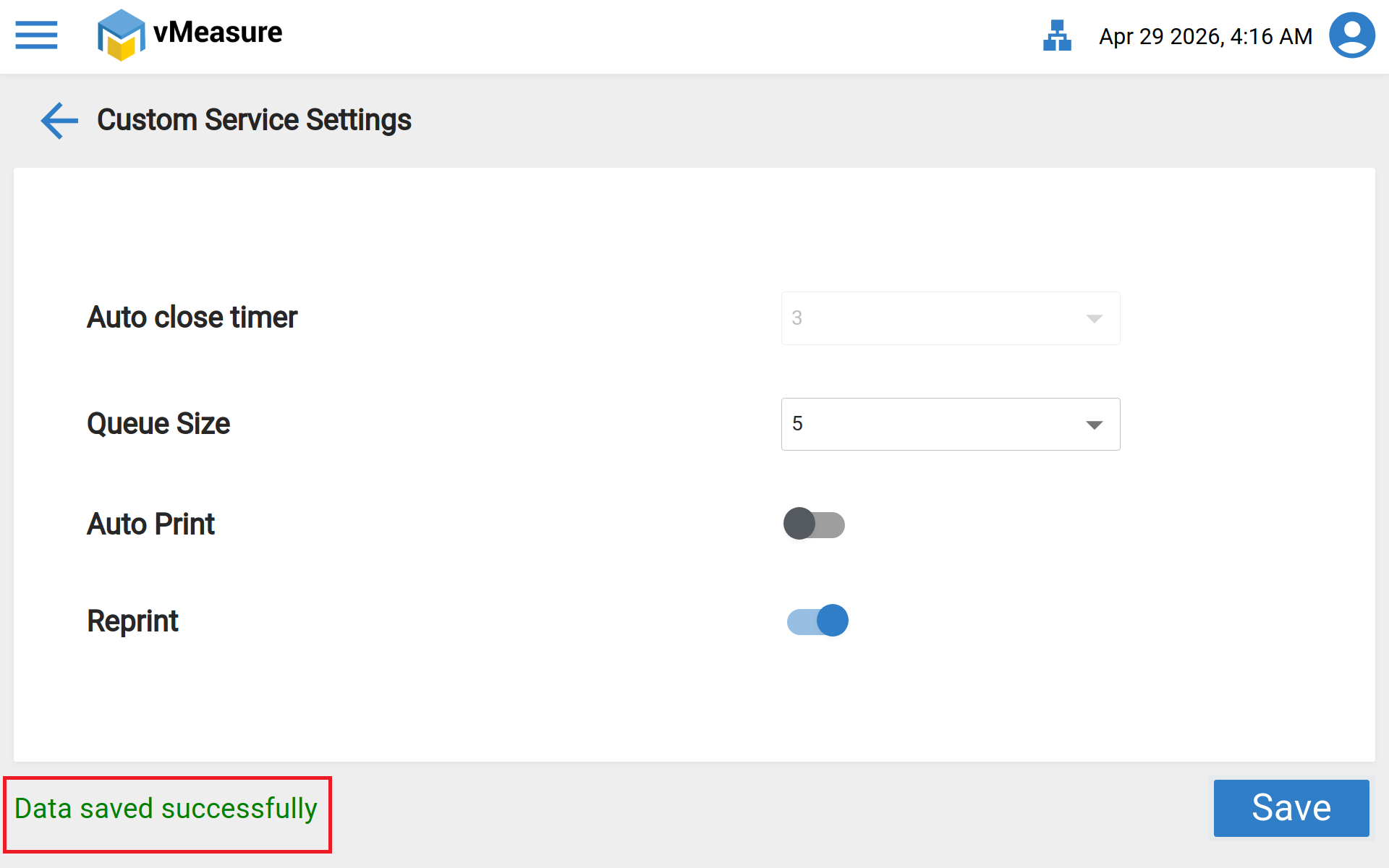
Now you have successfully enabled the reprint on the device.
Was this article helpful?
That’s Great!
Thank you for your feedback
Sorry! We couldn't be helpful
Thank you for your feedback
Feedback sent
We appreciate your effort and will try to fix the article