Calibration of the vMeasure device is essential for several reasons:
1. Calibration ensures that the vMeasure device provides accurate and reliable measurements.
2. Regular calibration helps maintain consistent performance, ensuring that measurements are comparable over time or across different devices.
Calibration Modes & its height:
- Small Parcel Mode - 1.1 Meter / 43 Inch
- All Parcel Mode - 1.5 Meter / 59 Inch
- White Parcel Mode - 2.2 Meter / 86 Inch
Environment:
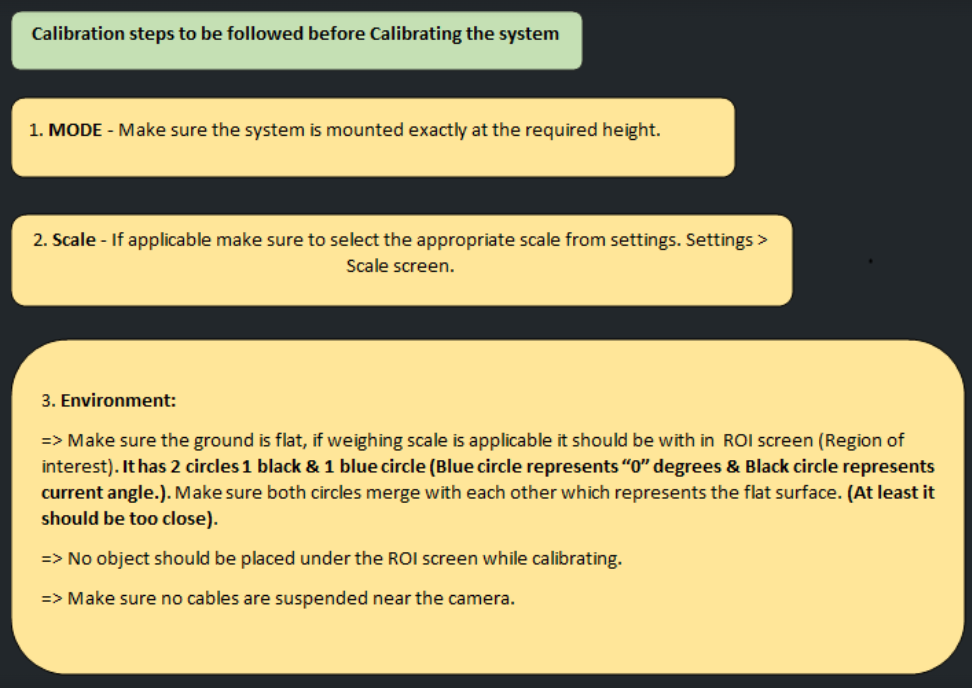
Mode - Ensure that vMeasure device ARM pole is mounted exactly at the required height for successful calibration.
Make sure the ground is flat, if a weighing scale is applicable it should be within work area (yellow rectangle box).
It has 2 circles 1 black & 1 blue circle (Blue circle represents “0” degrees & Black circle represents current angle.), Make sure both circles merge with each other which represents the flat surface. (At least it should be too close).
Make sure appropriate weighing scale is selected (if applicable).
No object should be placed under the ROI (Region of Interest) screen while calibrating.
Make sure no cables are suspended near the camera.
Also, make sure there is “no object on the weighing scale”. Once done you are ready to calibrate the system.
Was this article helpful?
That’s Great!
Thank you for your feedback
Sorry! We couldn't be helpful
Thank you for your feedback
Feedback sent
We appreciate your effort and will try to fix the article