vMeasure Device Calibration Steps for the ball roller top weighing scale.
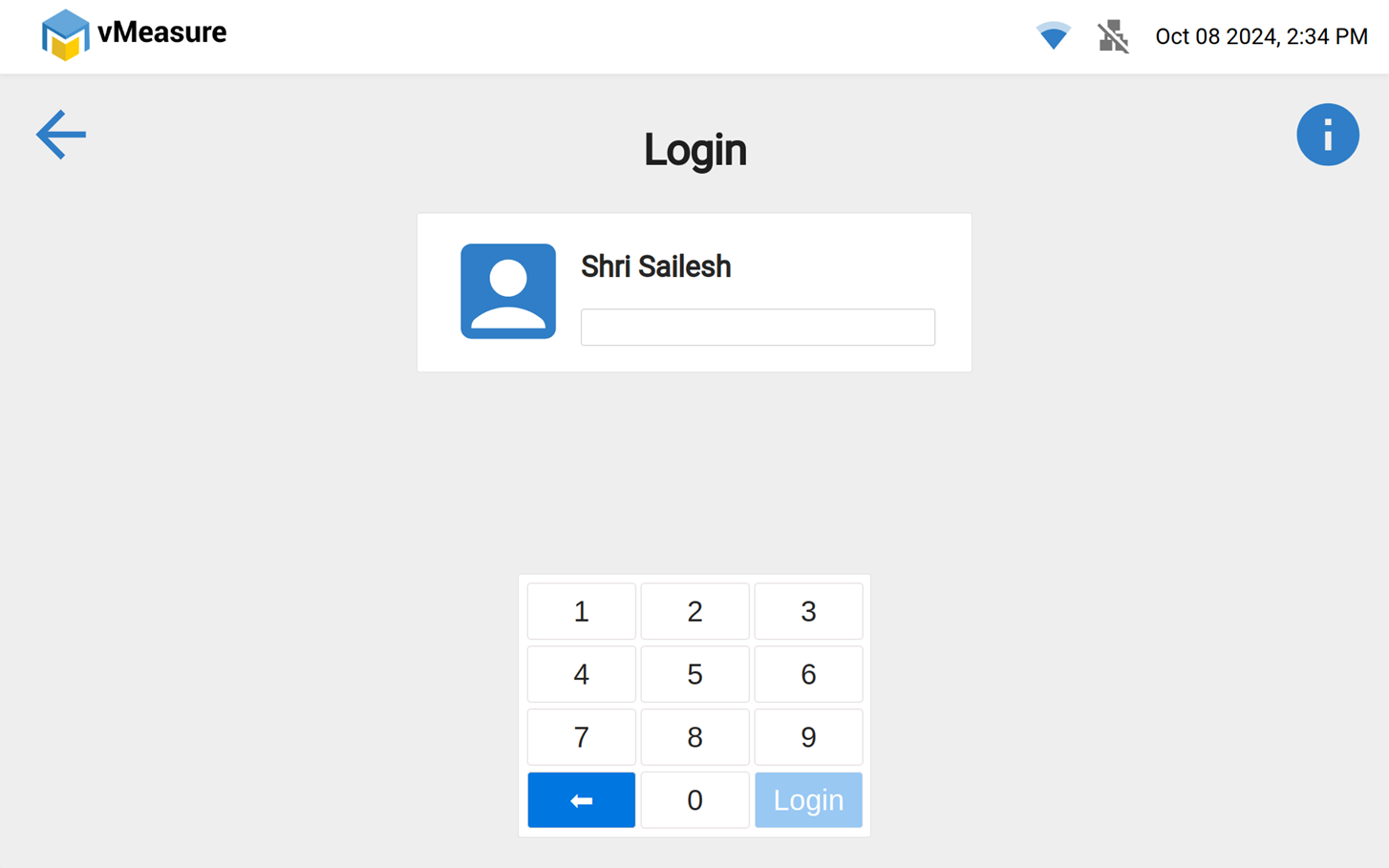
Step 1: Log in to vMeasure Device
- Enter your credentials and log in to the system.
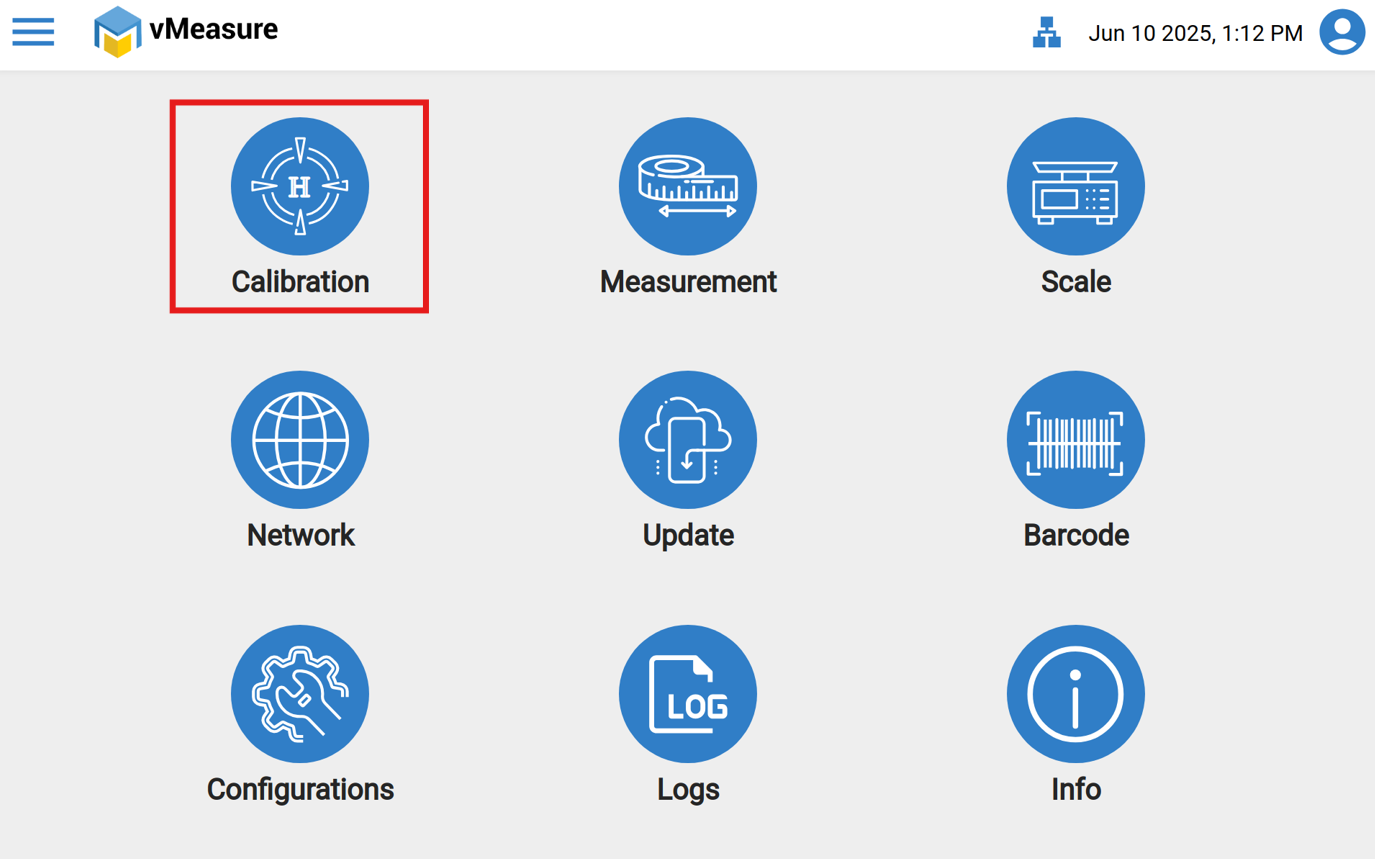
Step 2: Click the "Calibration" option.
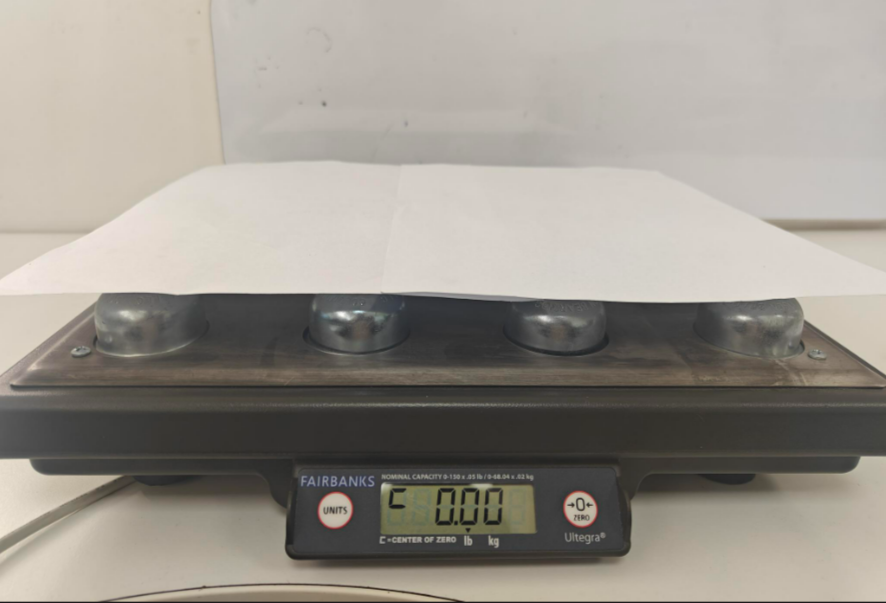
Step 3: Place the calibration sheet or an A4 sheet on the device before starting the calibration to prevent failure. And make sure the weight is "Zero"
Additional Image:
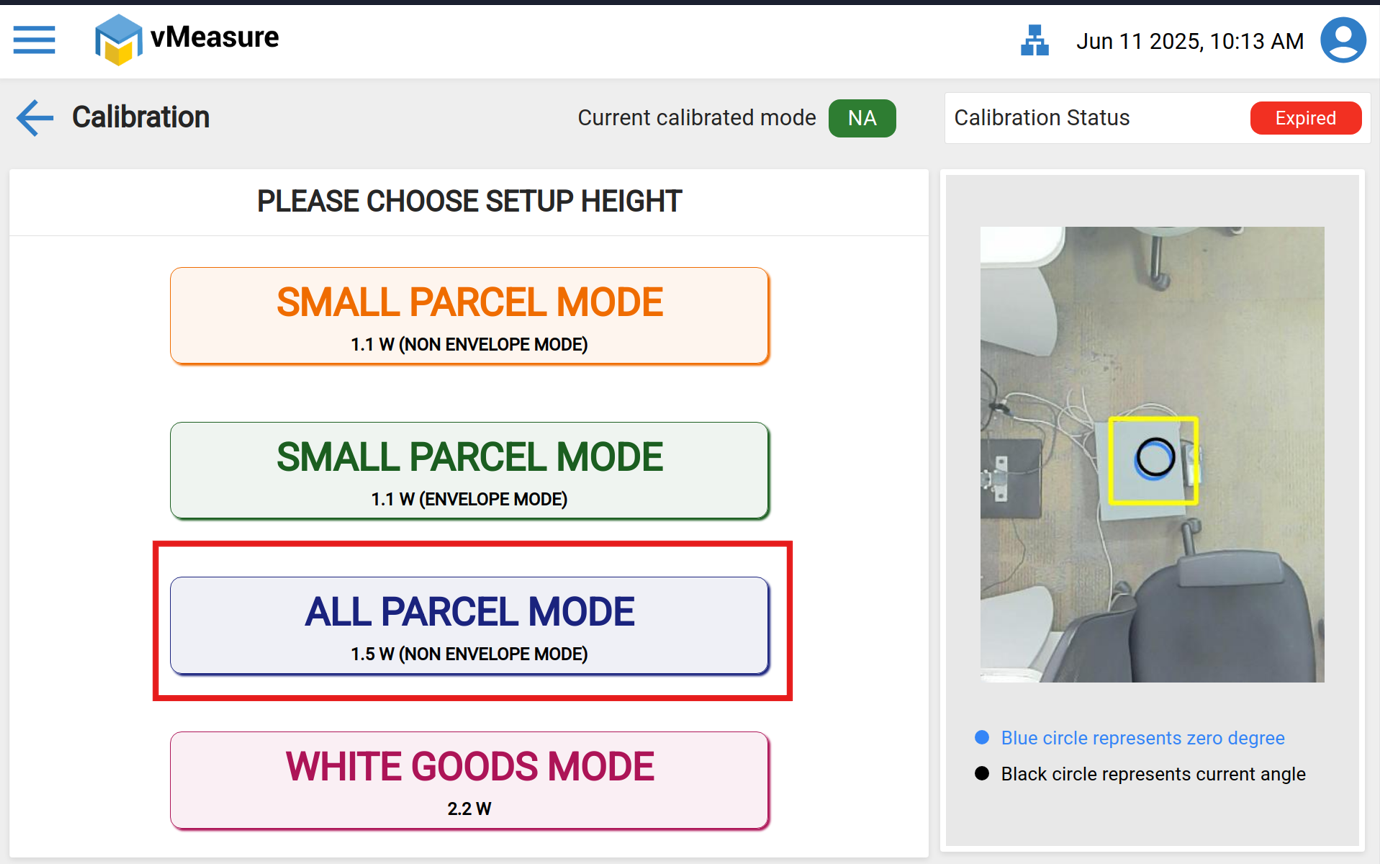
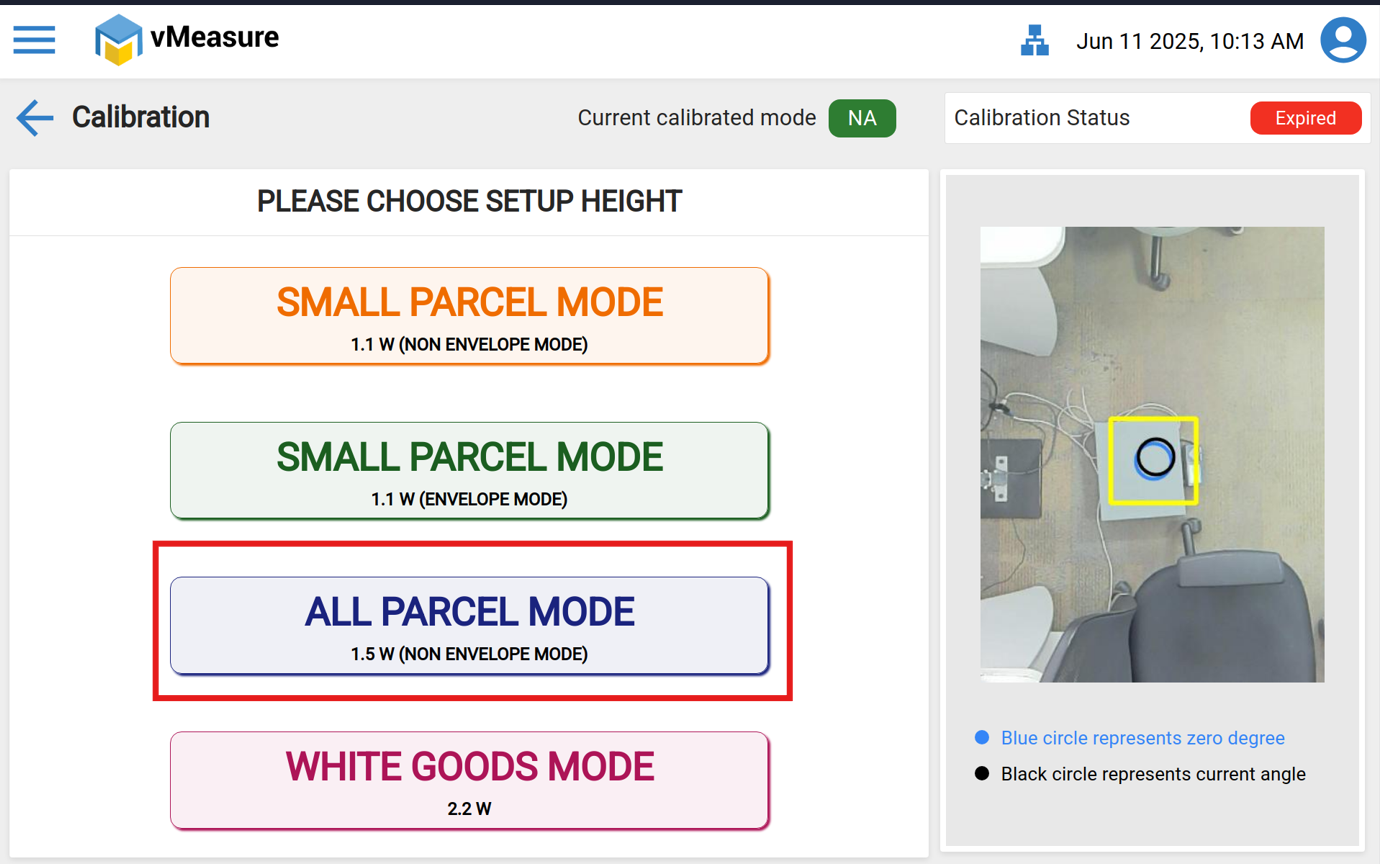
Step 4: Choose the appropriate calibration mode based on your requirements.
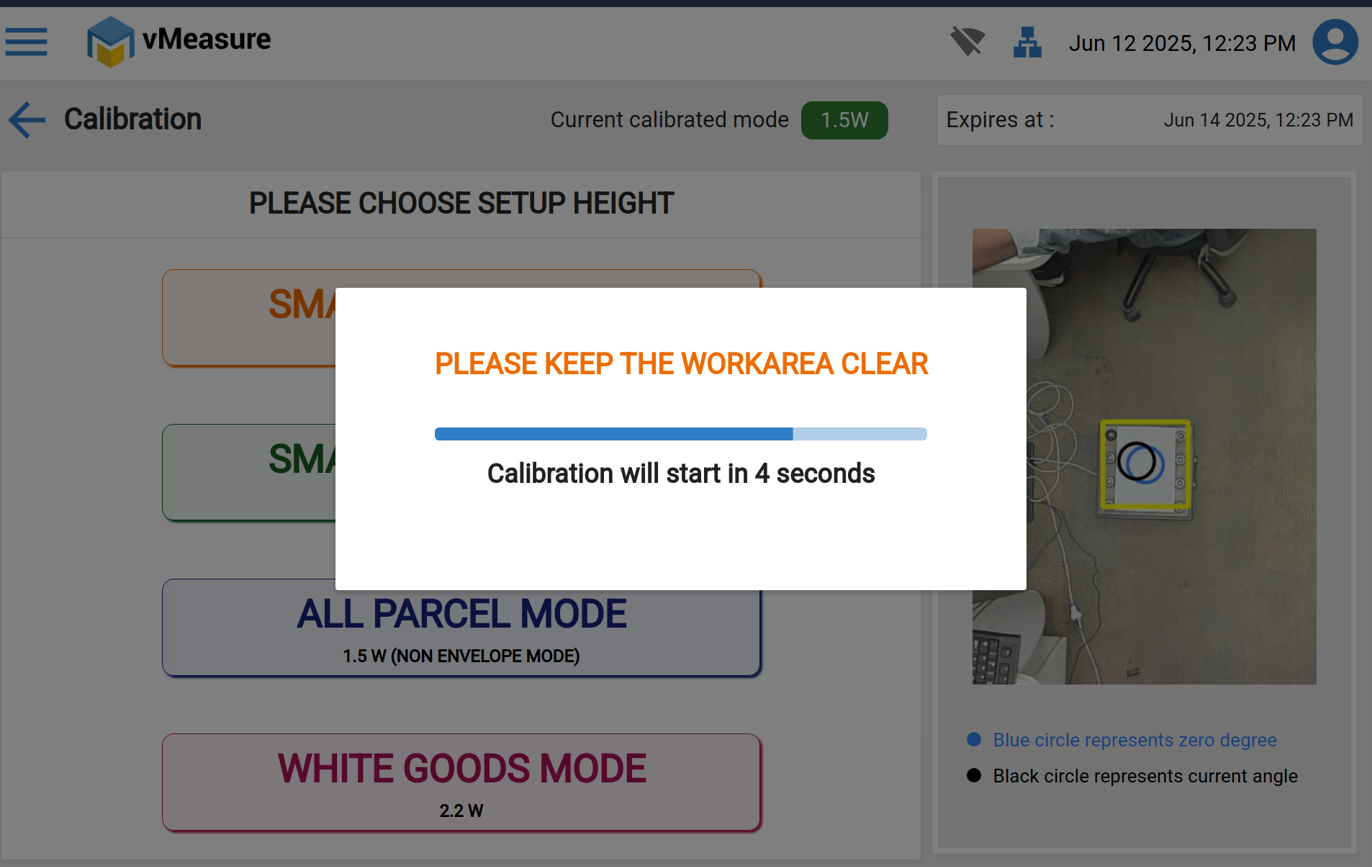
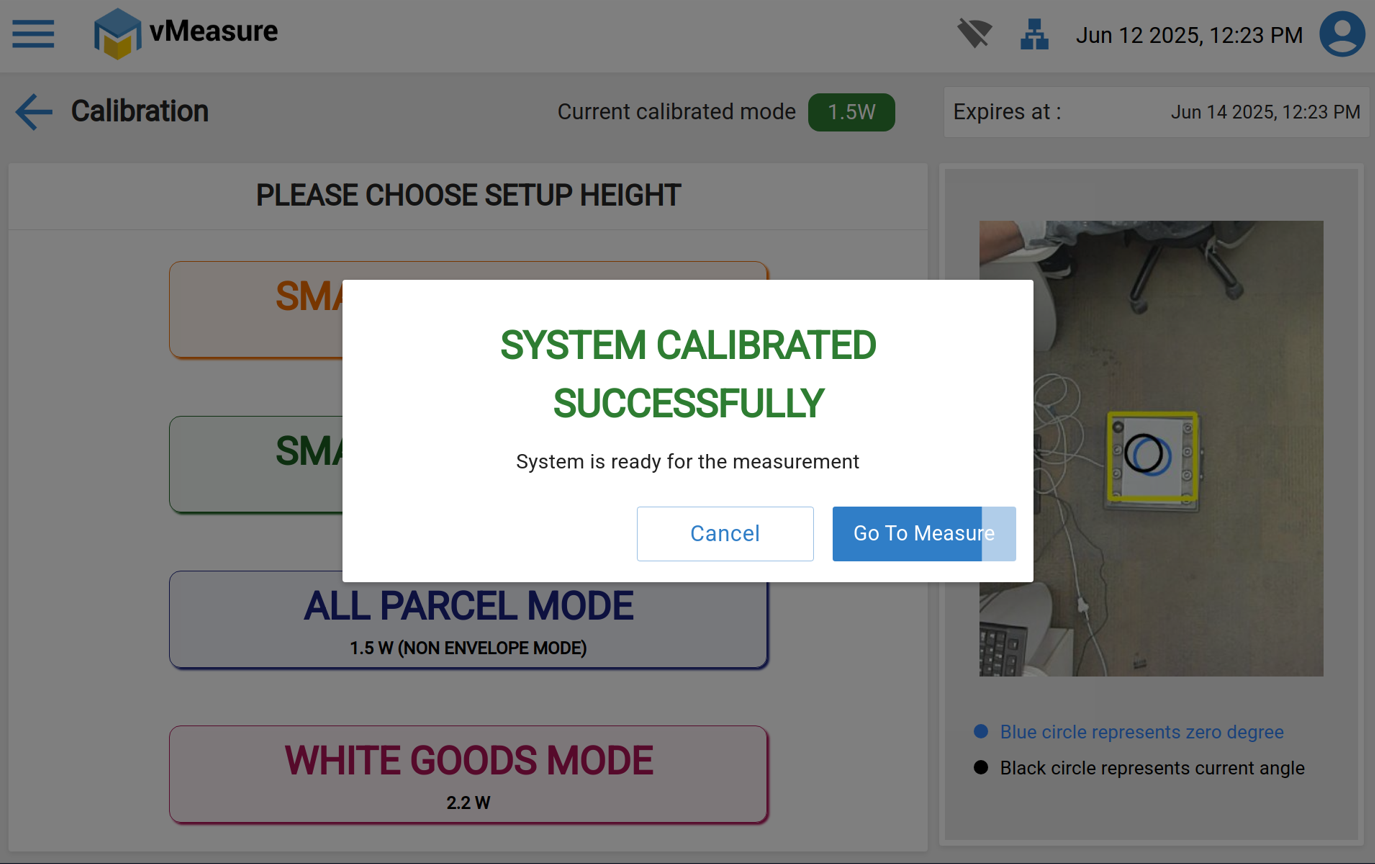
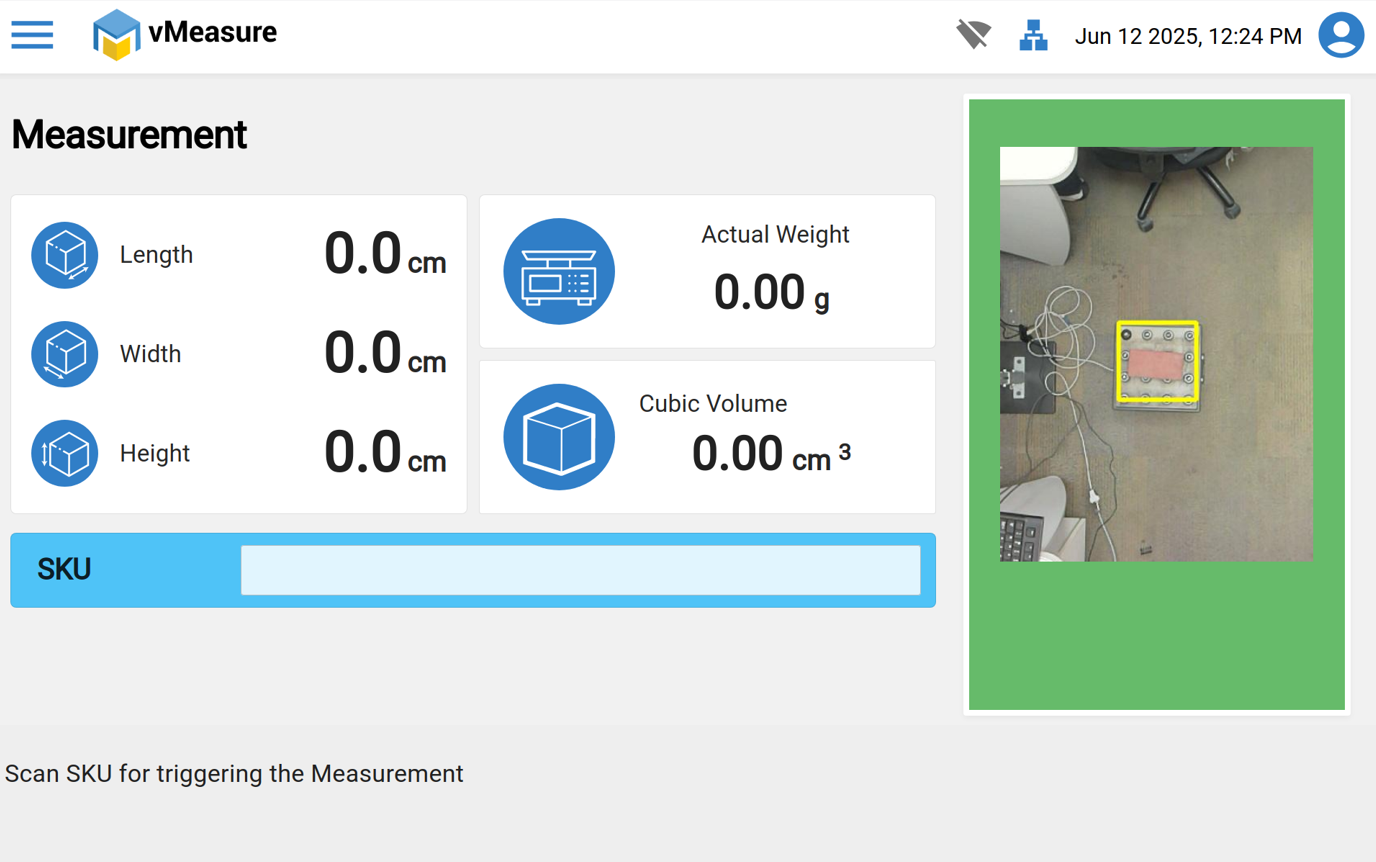
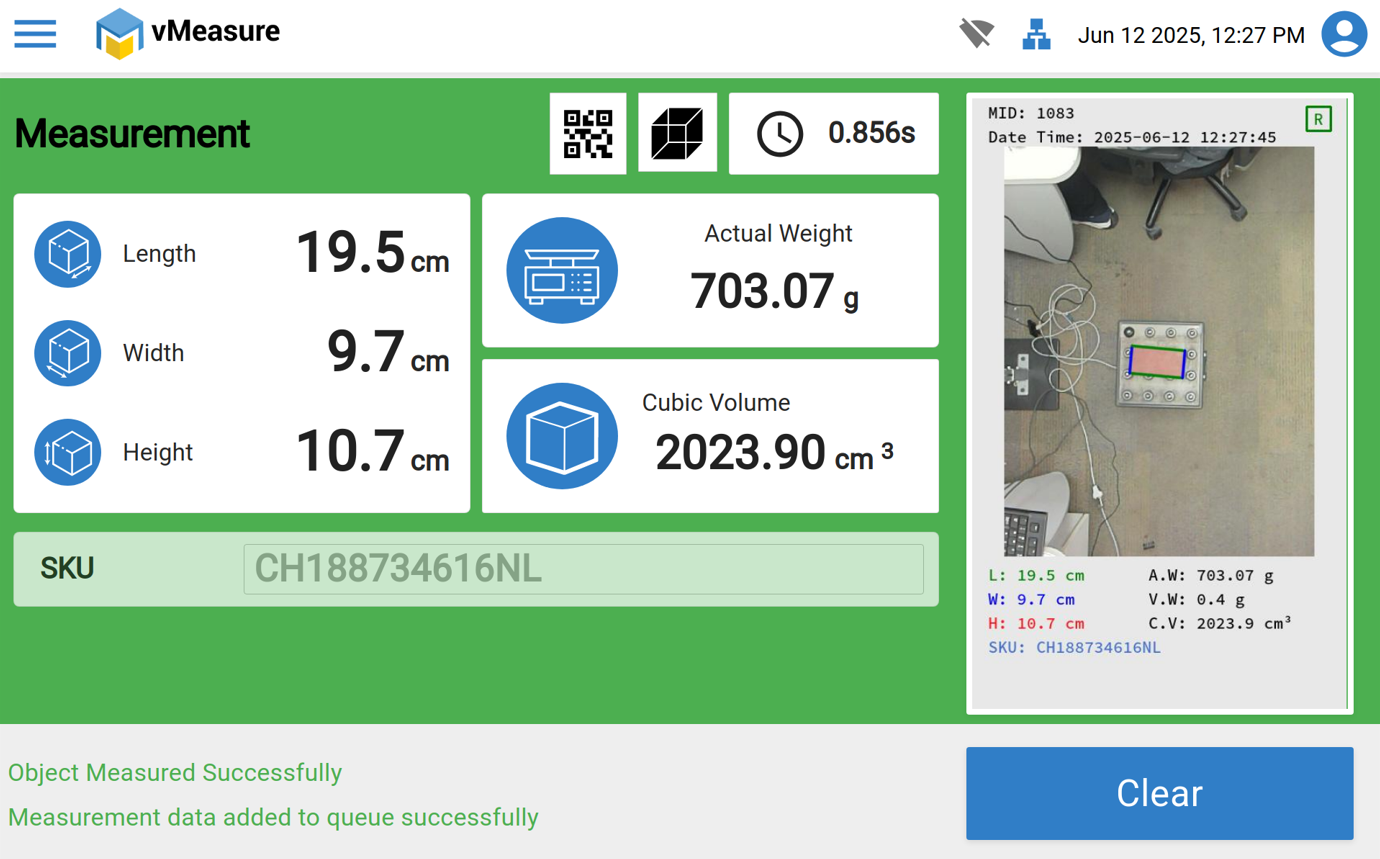
Step 5: Once the calibration is successful, remove the sheets and proceed with the measurement.
If you need any support, please drop a mail to vmeasure@visailabs.com or Click here to Submit a Ticket.
Was this article helpful?
That’s Great!
Thank you for your feedback
Sorry! We couldn't be helpful
Thank you for your feedback
Feedback sent
We appreciate your effort and will try to fix the article